

Wedding Budget Spreadsheet and Planner: Guest List and RSVP Tracker, Payment Schedule, Vendor Quote Comparison, Checklist
Made with AI: the spreadsheet layout, formulas, and instructions were created with AI tools under my direction, then reviewed before release.
Plan your wedding budget, payments, guests, vendors and to-dos in one calm, organized spreadsheet.
This is a digital download. No physical item will be shipped. You get one ZIP file right after purchase with the planner, a filled sample copy, and a short "How to open" note.
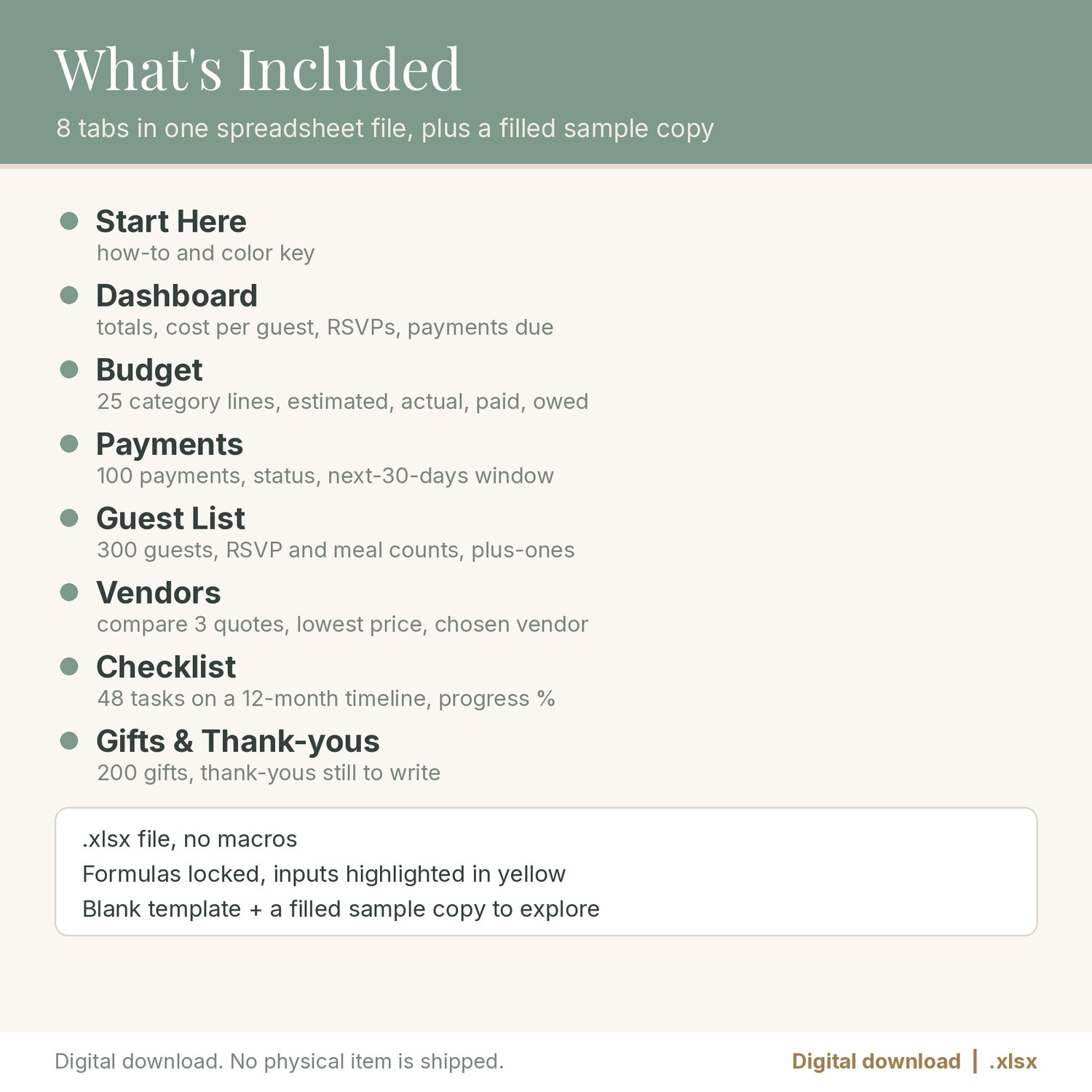
WHAT'S INCLUDED (8 tabs in one .xlsx file)
- Start Here: how to use each tab and a color key (yellow = you type, soft gray = automatic).
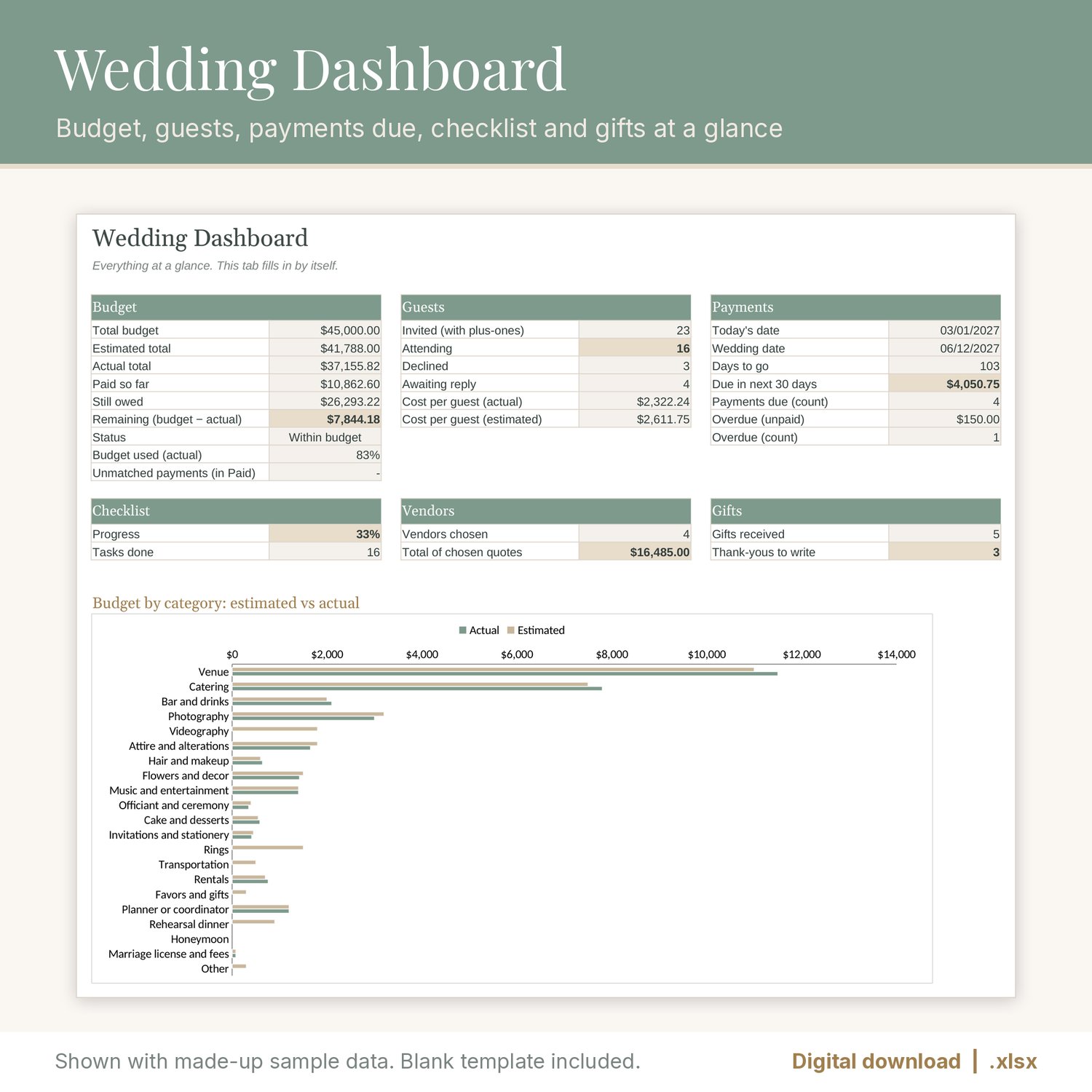
- Dashboard: total budget, estimated, actual, paid, owed and remaining, budget used, cost per guest, RSVP counts, payments due in the next 30 days, overdue payments, days to go, checklist progress, vendors chosen and thank-yous still to write, plus an estimated vs actual chart.
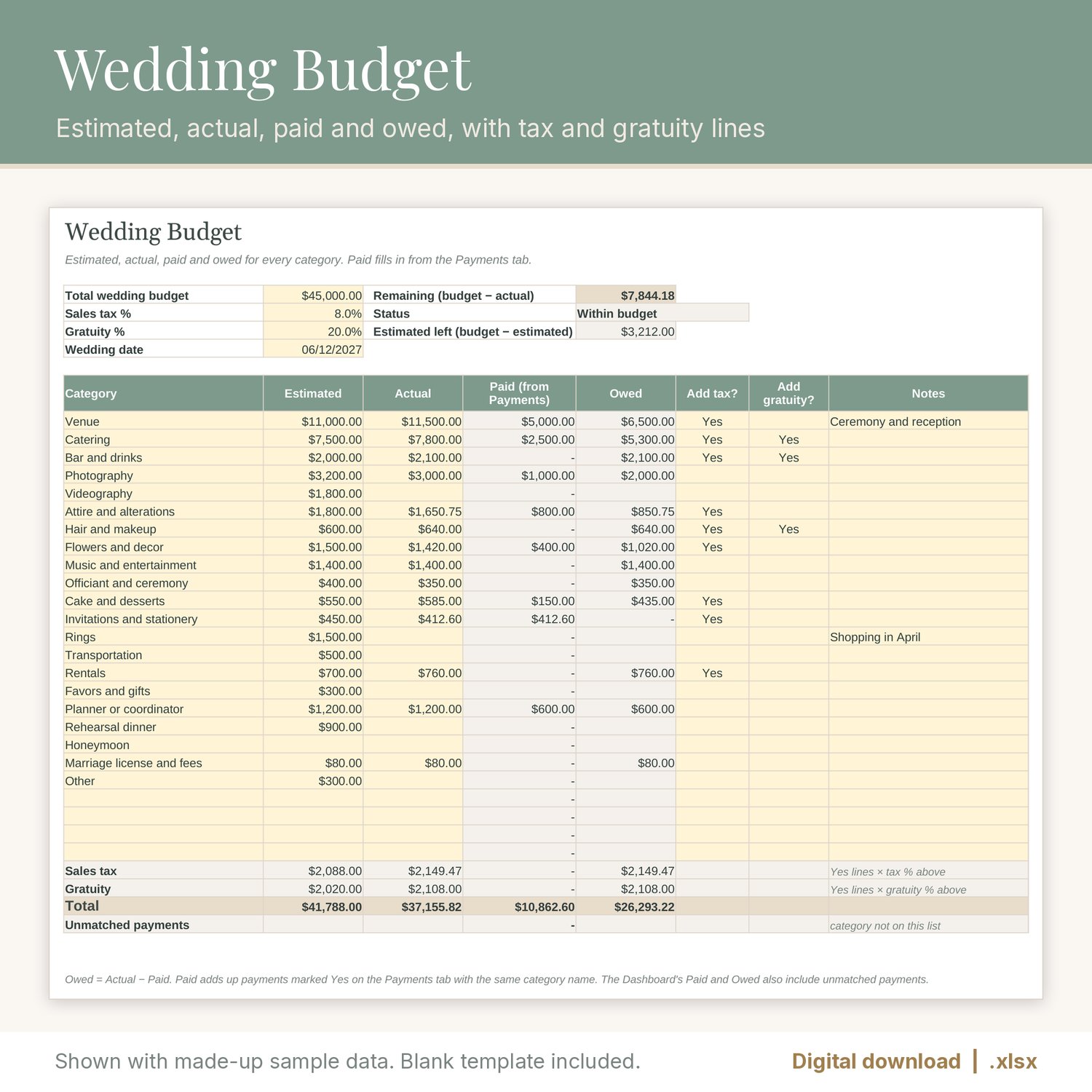
- Budget: 25 category lines (rename or add your own) with Estimated, Actual, Paid and Owed. Paid fills in from the Payments tab. Sales tax and gratuity lines add up for the lines you mark. Remaining shows red when you go over budget.
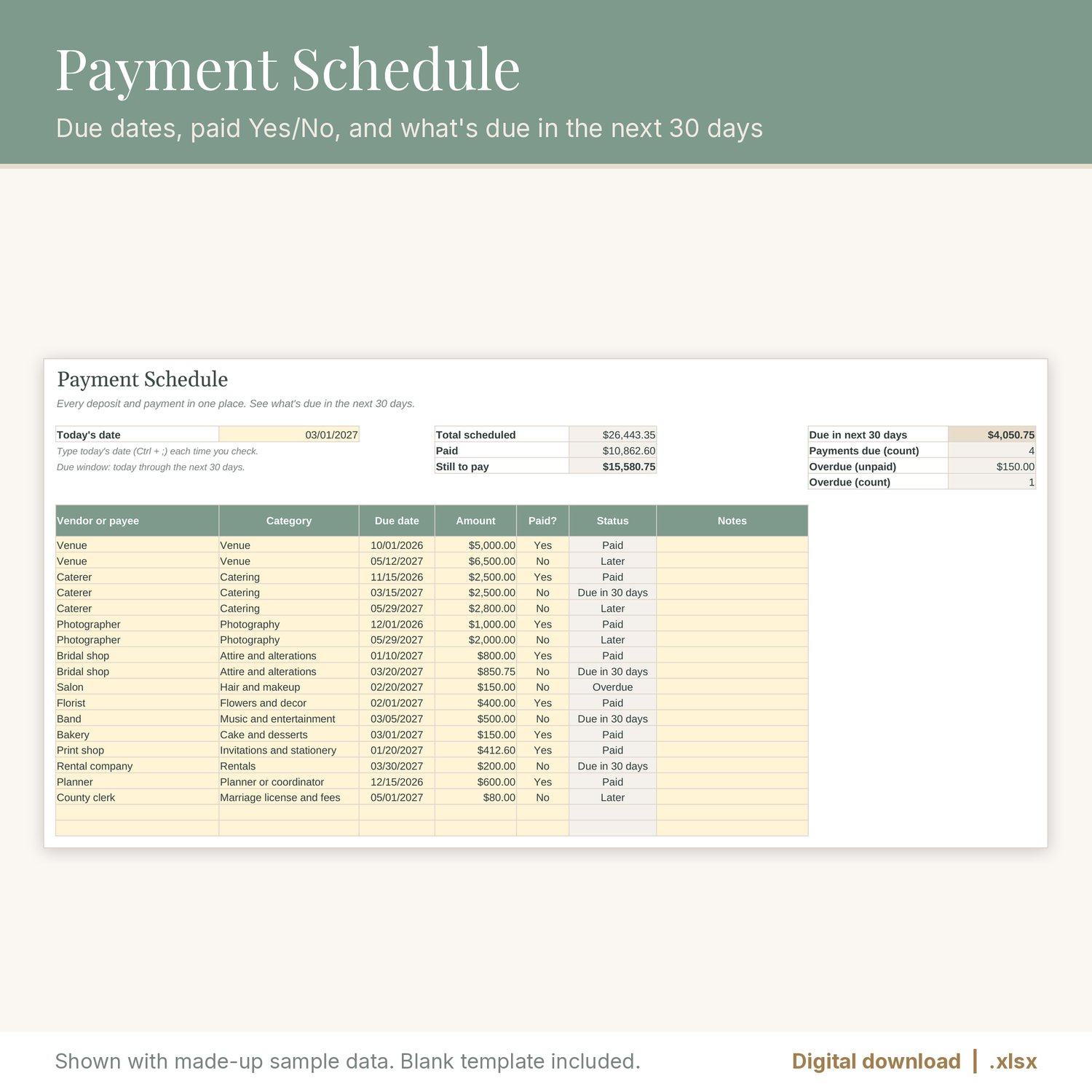
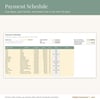
- Payments: up to 100 deposits and payments with vendor, category, due date, amount and Paid? Yes/No. Type today's date and see the total due in the next 30 days, what's overdue, and a status on every line.
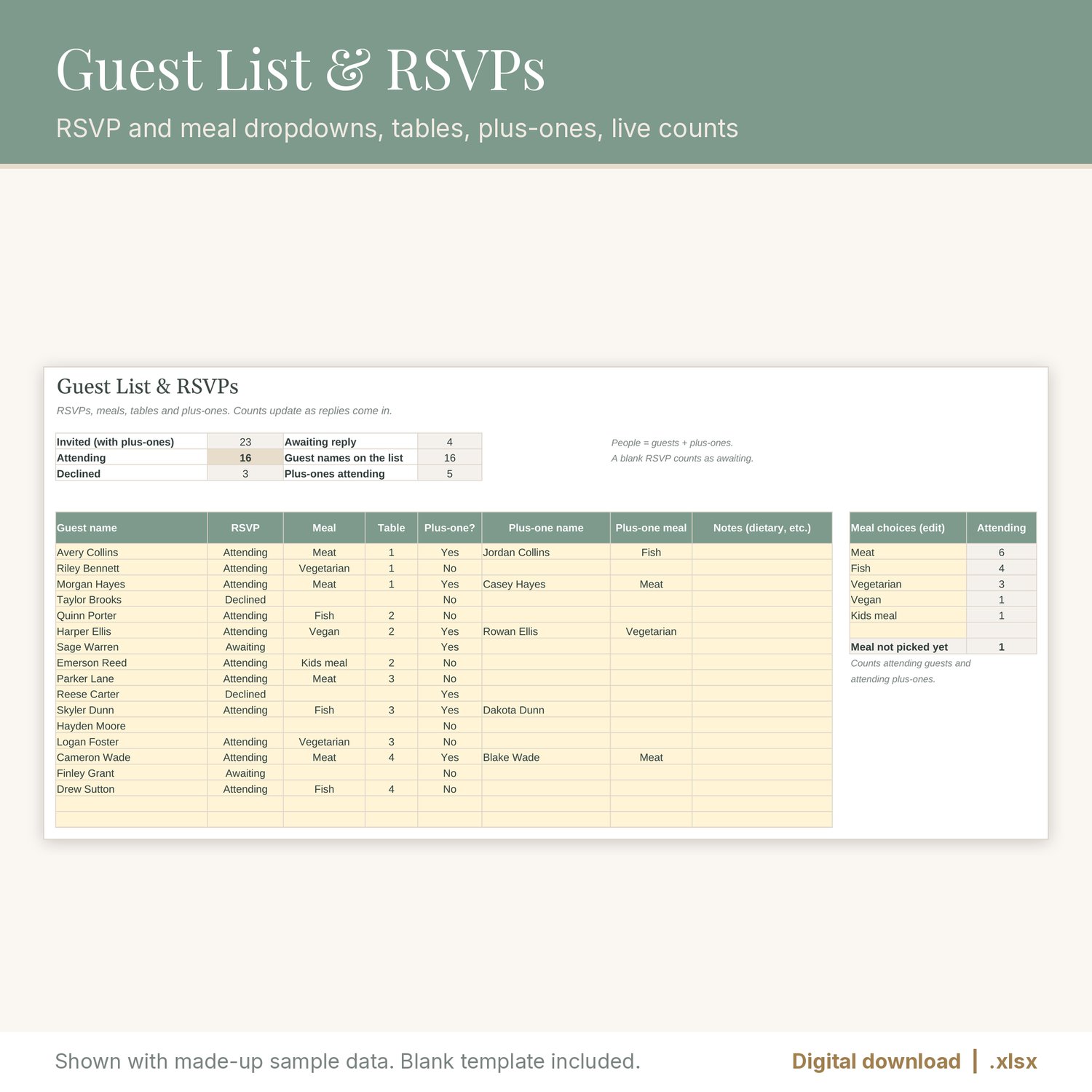
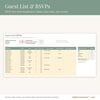
- Guest List: up to 300 guests with RSVP and meal dropdowns, table number and plus-ones. Attending, declined and awaiting counts, plus meal counts (you can edit the meal choices).
- Vendors: compare 3 quotes for each vendor type. The lowest quote is found for you (ties are marked), then pick the vendor you chose from a dropdown to see the chosen price and the total of your chosen quotes.
- Checklist: 48 common wedding tasks on a 12-month timeline with Done dropdowns and a progress percentage. Edit or add tasks.
- Gifts & Thank-yous: log up to 200 gifts, when they arrived and whether the thank-you note is sent, with a count of notes still to write.
You also get a filled sample copy with made-up names and numbers, so you can see how everything works before you type your own.
FILE FORMAT
- One ZIP containing the .xlsx planner, the .xlsx sample copy, and a "How to open" text note.
- Made for Excel and Google Sheets (.xlsx, no macros). Formulas tested by recalculation in LibreOffice.
- To open it in Google Sheets, upload the file to Google Drive and choose Open with > Google Sheets, or use File > Import in a blank sheet. The chart may look slightly different from one app to another.
- Formula cells are locked so they don't get overwritten by accident. Tabs are protected with no password, so you can unprotect them if you want to customize. Sheet protection may not carry over when you import into Google Sheets; the formula cells stay shaded either way.
- The "next 30 days" window counts from the date you type in the Today's date box on the Payments tab, so update that date whenever you check in.
PLEASE NOTE
- This is a digital download. No physical item will be shipped.
- This planner is an organizing tool. Check every total against your vendor contracts.
- For personal use. Please don't resell or share the file.
The listing images are real screenshots (renders) of the spreadsheet with made-up sample data. No AI-generated images are used.