
Real Property Inspection Module — Inspection Sheets & Completeness Checks
**The inspection is how you know. These are the sheets that prove it.**
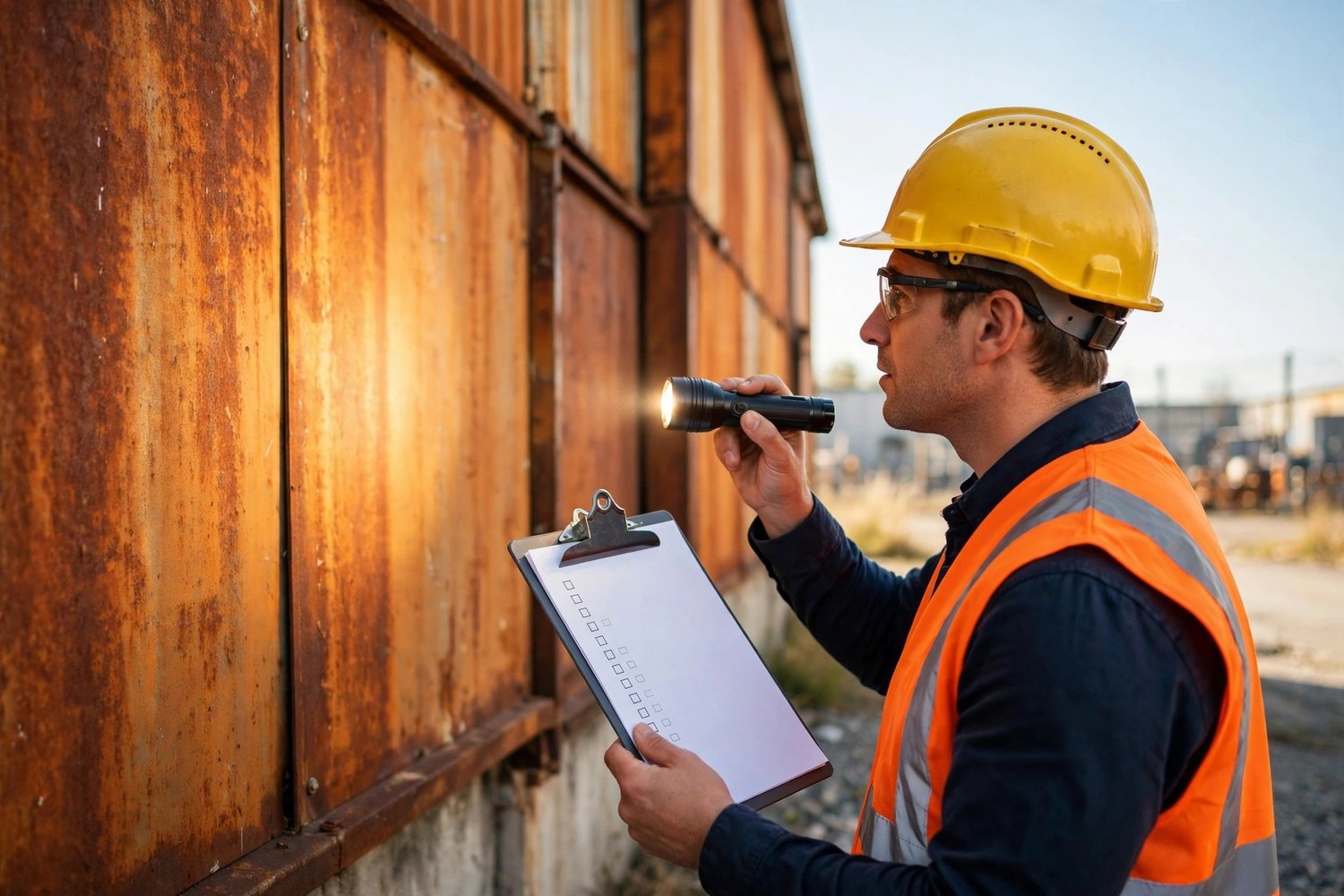
Walk a site with your asset list; come back and feed what you saw into the Inspection Module. It assembles the paperwork: an **inspection summary** for the visit, plus a **Real Property Inspection Sheet for every asset** — record data beside what you observed, with an eight-item completeness checklist marked automatically from your own data: facility number · RPUID · CATCODE recorded and agreeing with the catalog · quantity and unit of measure · year built · condition · utilization · photo documentation.
Data you didn't enter prints as **NOT RECORDED** and stands as a named open item — on the summary and on that asset's sheet. Nothing is invented, nothing is silently passed over. Fix the record, re-run, and the box checks itself.
- Works **with or without** the 1354/337 Builder — it's a standalone tool that runs on your own entered data. (What the inspection finds becomes the 1354s and 337s; the Builder is how you file them.)
- Prints clean: summary first, then one sheet per asset, ready for a signature. **The module never signs** — a human inspects, a human signs.
- JSON or CSV in — templates and a worked example included.
**What's in the box:** `build-inspection.py` · the FY24 CATCODE catalog (2,930 codes) · JSON + CSV input templates and a worked example · a sample inspection packet (summary + two asset sheets) · the module README.
**Requirements:** Python 3 and one free library (`pip install reportlab`).