


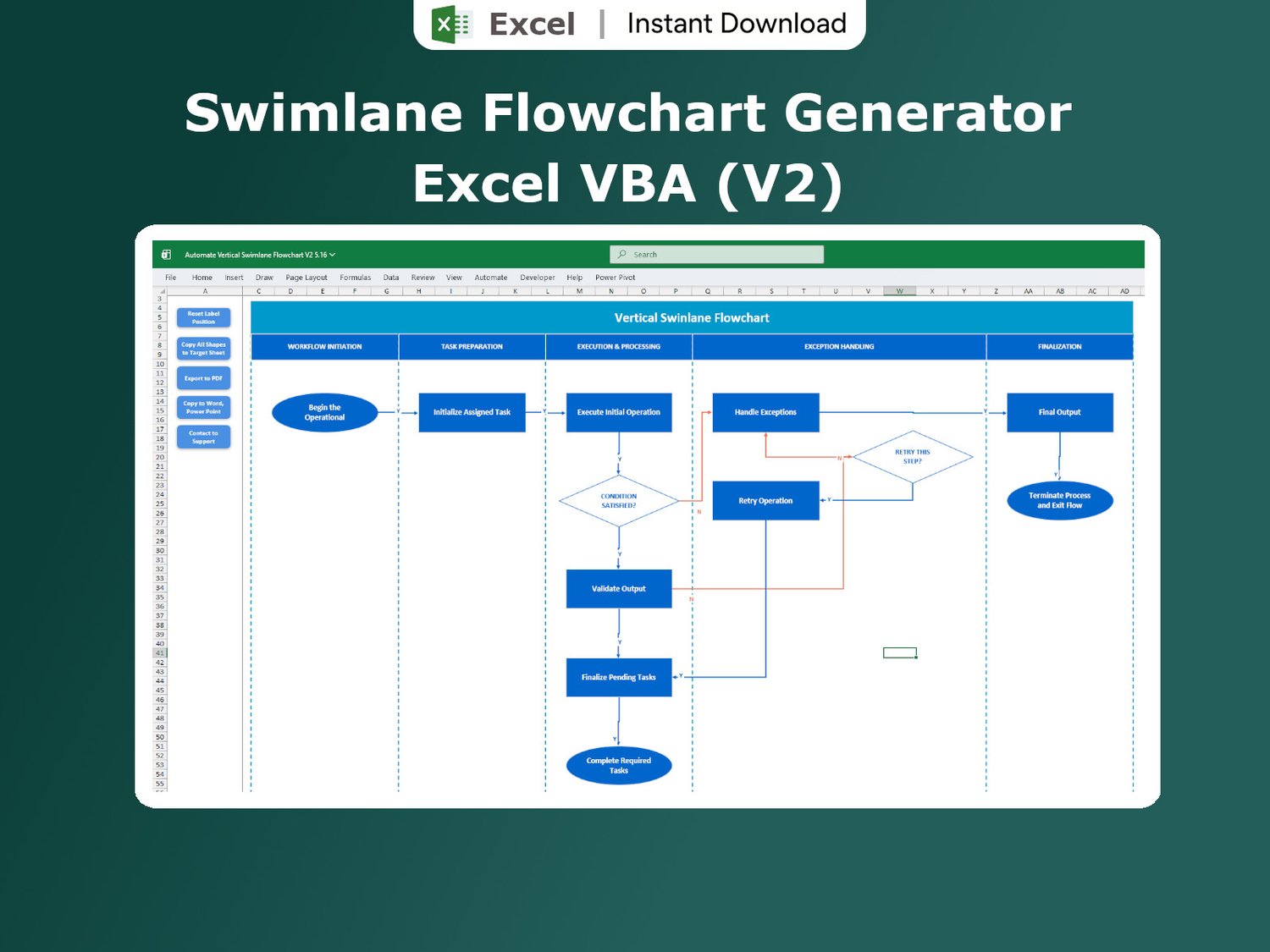

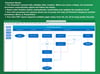
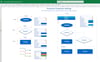
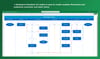
Swimlane Flowchart Generator in Excel
On Sale
$7.99
$7.99
✨ PRODUCT OVERVIEW
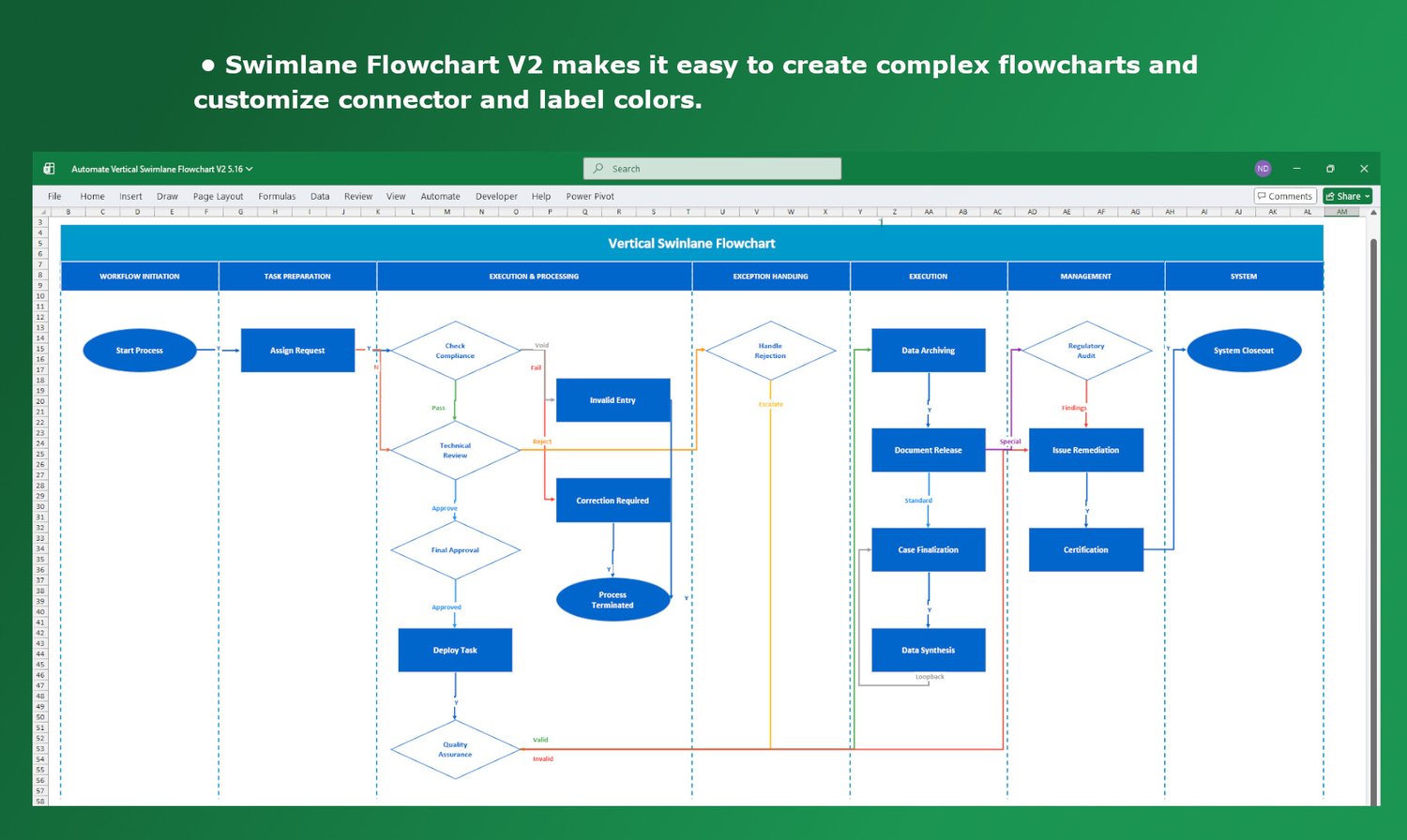
• Automatically generate Swimlane Flowcharts directly in Excel
• Built with powerful VBA automation – no manual drawing needed
• Perfect for visualizing workflows, processes, and responsibilities
⚙️ KEY FEATURES
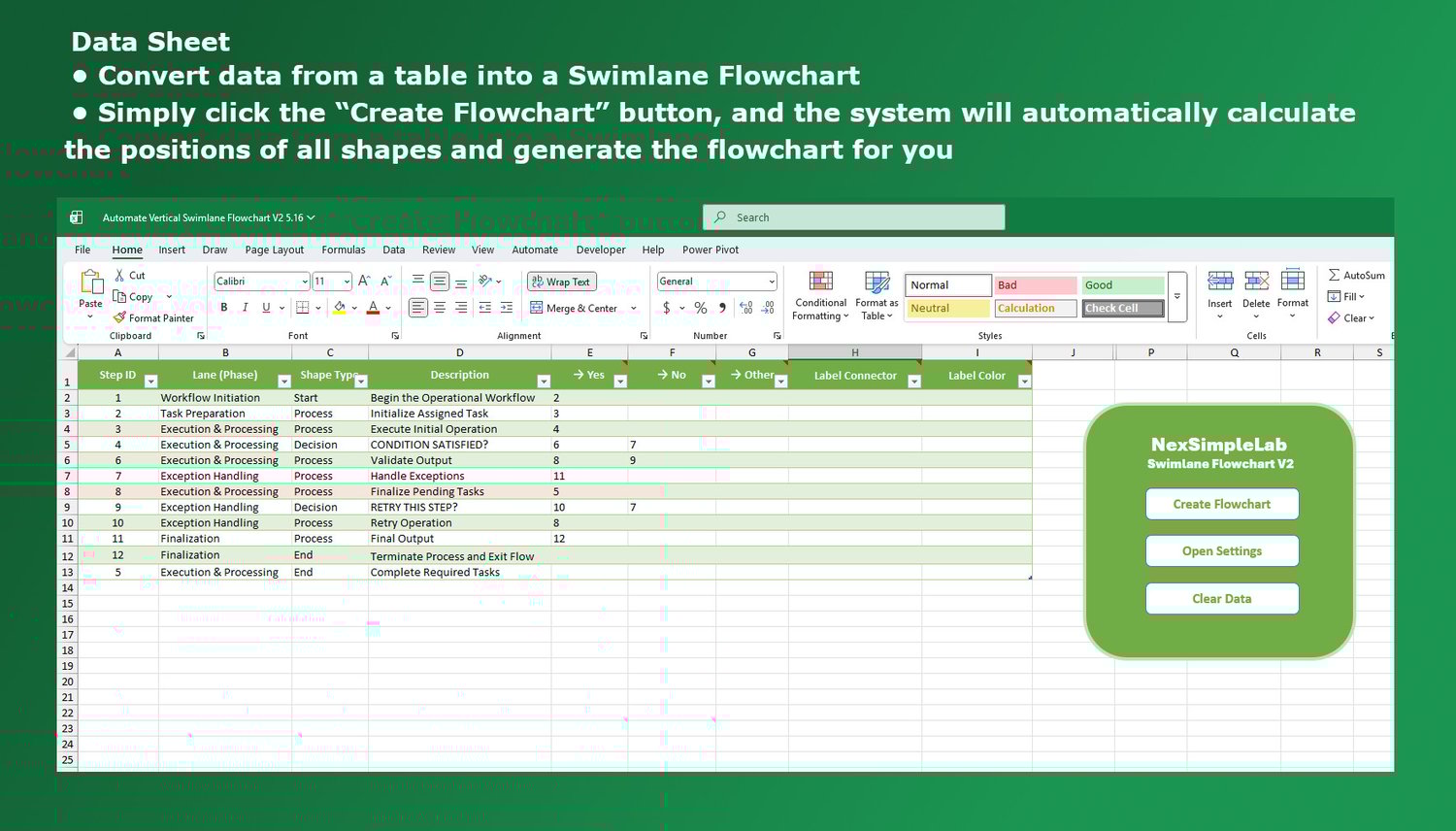
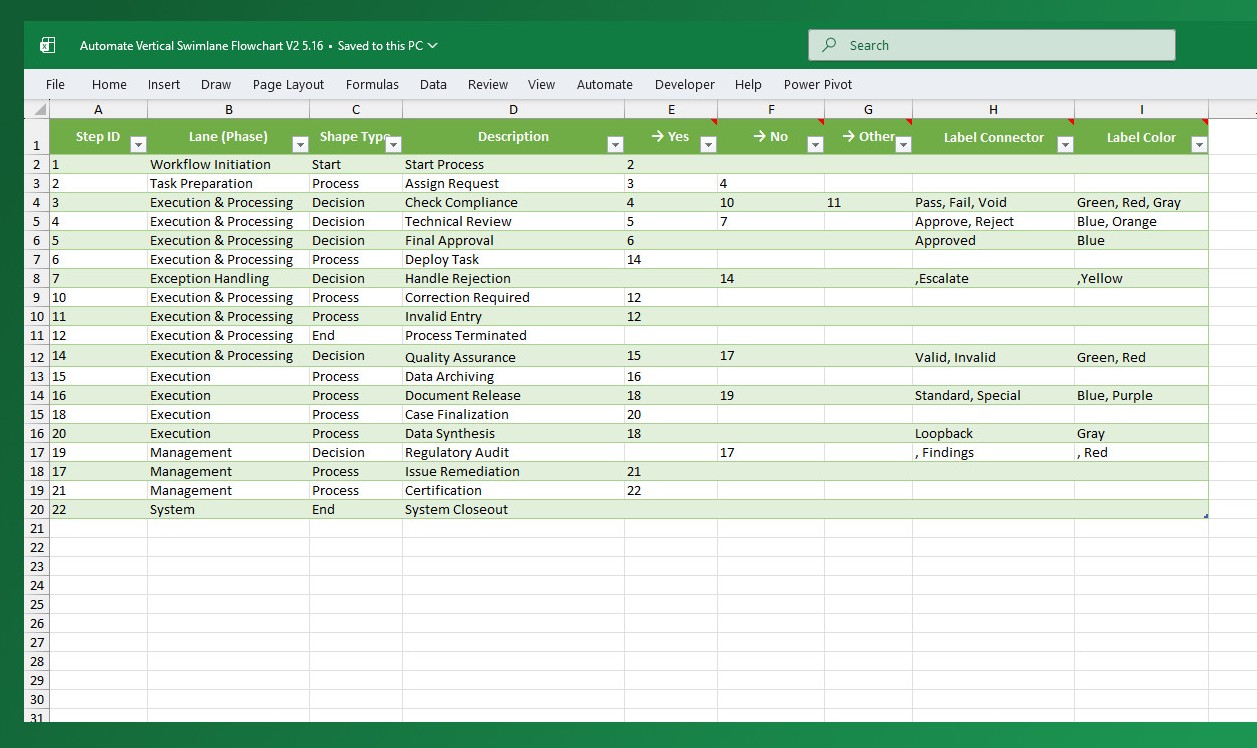
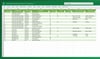
• Create flowcharts from a simple structured data table
• Automatically connects steps with Yes/No paths
• Visualize cross-functional workflows (HR, Finance, IT, etc.)
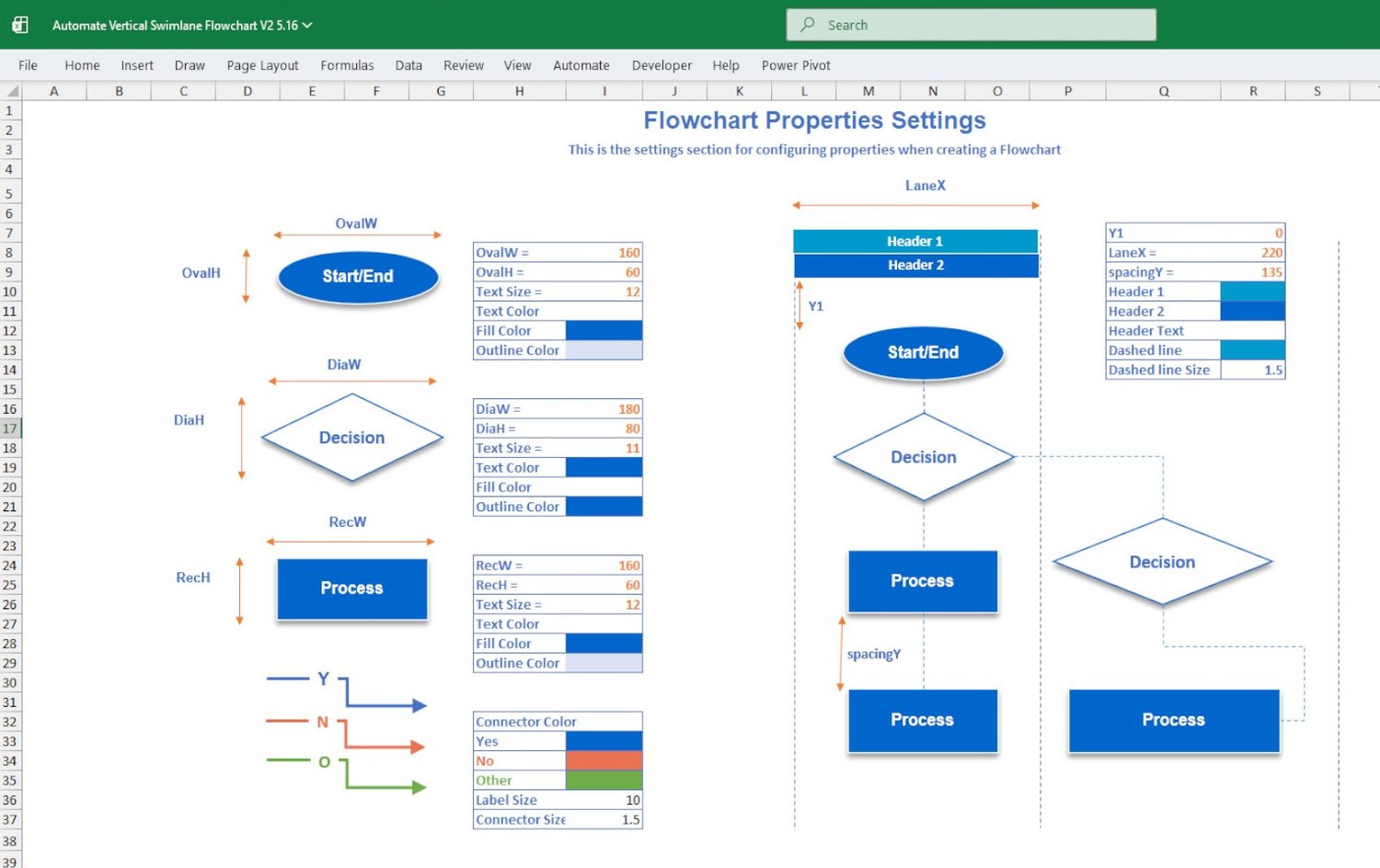
• Fully customizable layout, colors, and formatting
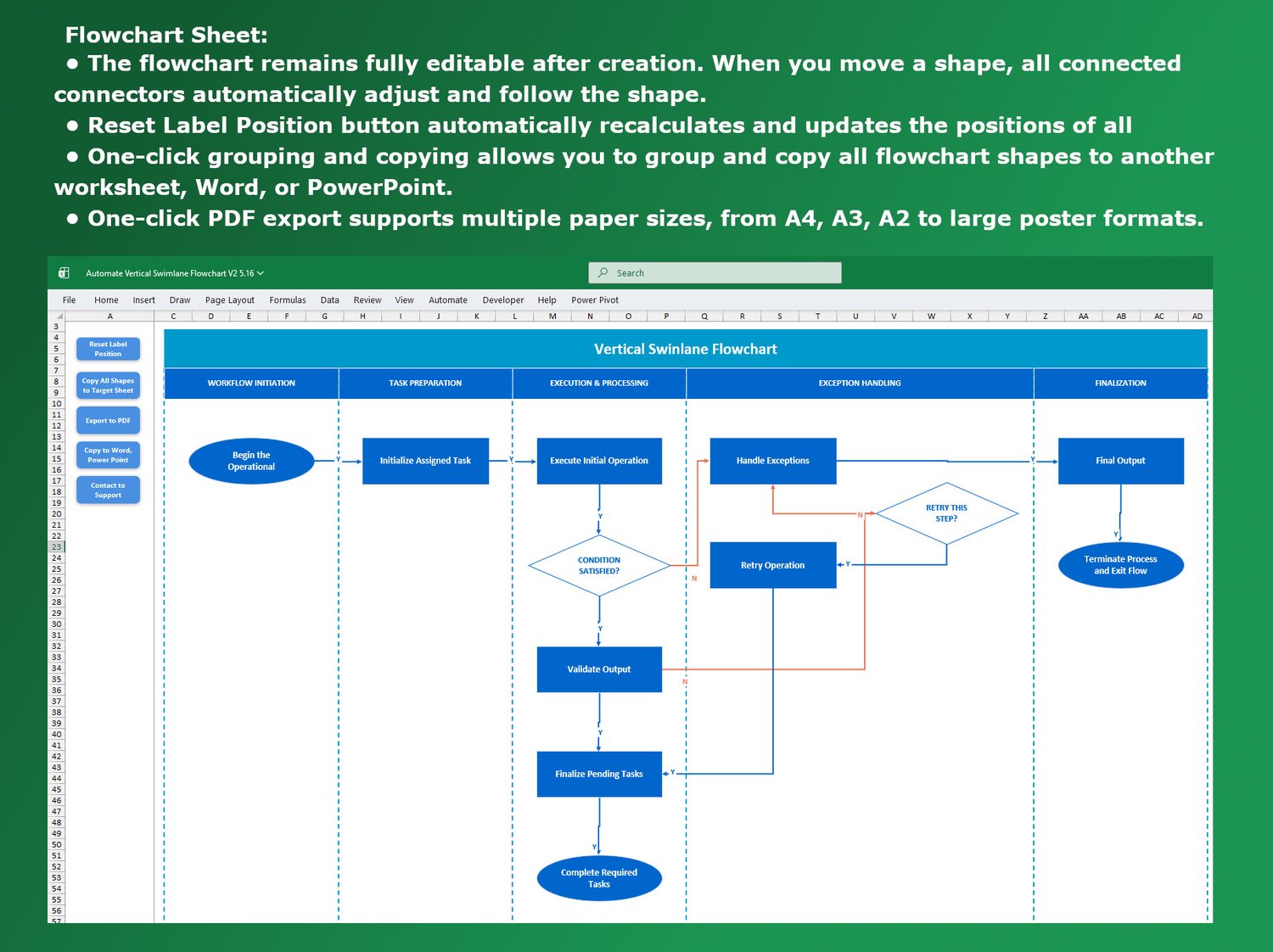
• Move shapes freely – connectors update automatically
• Export flowchart to PDF for easy sharing
• Copy diagrams into Word or PowerPoint
📊 HOW IT WORKS
• Enter your workflow steps into the input table
• Define roles (swimlanes), descriptions, and conditions
• Click “Create Flowchart”
• Instantly generate a clean, professional diagram
📦 WHAT YOU WILL RECEIVE
• 1 Excel file with integrated Macro (VBA)
• Pre-built Swimlane Flowchart Generator
• Example workflows included
⚠️ IMPORTANT NOTES
• Works only on Microsoft Excel Desktop (Offline version)
• Not supported on Excel Online / Office 365 Web
• Macros must be enabled to use the tool
💡 Perfect for business analysts, project managers, and anyone who wants to simplify complex workflows and save hours of manual work!

NexSimpleLab
Hey everyone! Welcome to NexSimpleLab— a place all about React, JS, Tailwind, D3.js, Power BI, VBA, Excel, Google Apps Script, and Google Sheets.
Here, our goal is simple: turn complex things into simple, practical solutions you can actually use. Whether you're automating tasks, analyzing data, or just exploring new tools, you'll find tutorials and examples that make learning easier and more fun.
NexSimpleLab is also a community — a space where you can share your passion for coding, learn from others, and tackle tough problems together.
So, if you love discovering smarter ways to work with code, you’re in the right place.