
SP Farm Inventory Kit — SharePoint 2019 to SPSE Migration
SP Farm Inventory Kit
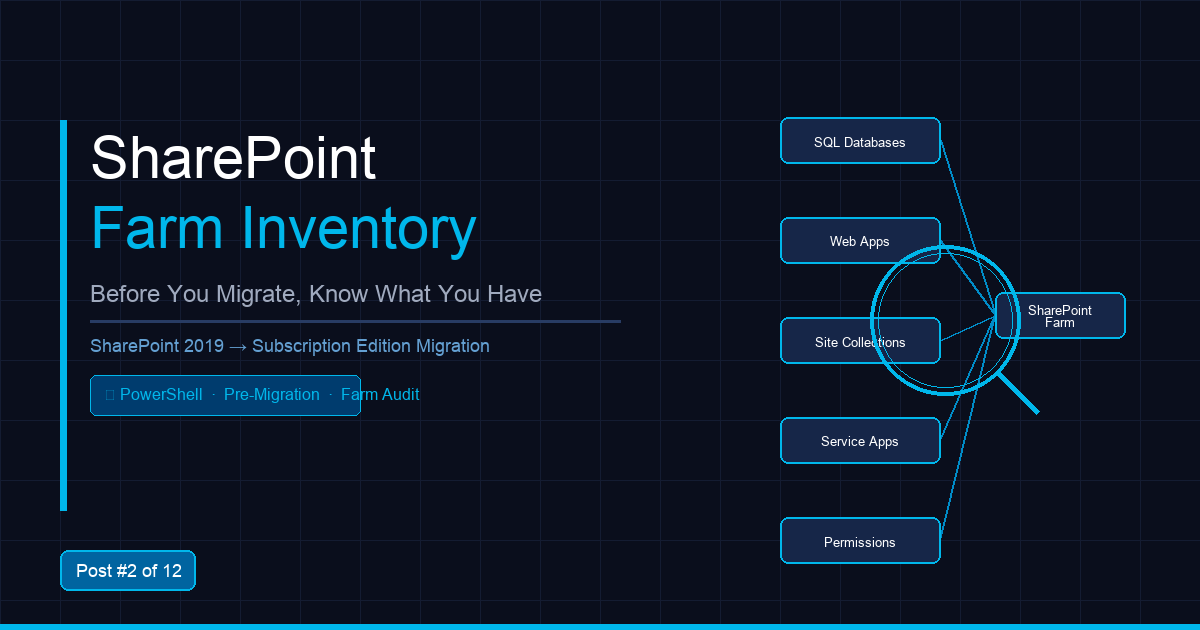
Before you migrate, you need to know exactly what you have. This kit gives you three production-ready PowerShell scripts that automate your complete SharePoint 2019 farm inventory in hours, not days.
What's Included
Get-SPInventoryReport.ps1
Full farm inventory — site collections, web applications, content databases, service applications, farm solutions, and features. Exports to CSV and HTML. The definitive pre-migration baseline document.
1.DB_List.ps1
Lists all SharePoint content databases with size, site count, status, and compatibility level. Essential input for your SQL migration plan.
2.DB_Health.ps1
Runs health checks on all content databases — orphaned objects, missing dependencies, upgrade-blocking issues. Catches problems before they become migration blockers.
Who This Is For
- SharePoint administrators planning a SP2019 → Subscription Edition migration
- IT consultants doing pre-migration assessments for clients
- DBA/admin teams who need accurate database inventory for the SQL team
Requirements
- SharePoint 2019 or SharePoint Subscription Edition
- PowerShell 5.1+
- SharePoint Farm Administrator permissions
- Run from a SharePoint server in the farm
What You Get
- 3 PowerShell scripts (.ps1)
- README with prerequisites, parameters, and example output
- Sample output files showing what to expect
- Single-farm license
Time Saved
Replaces 6–8 hours of manual inventory documentation. At $150/hr consultant rate, that's $900–$1,200 in saved time.