

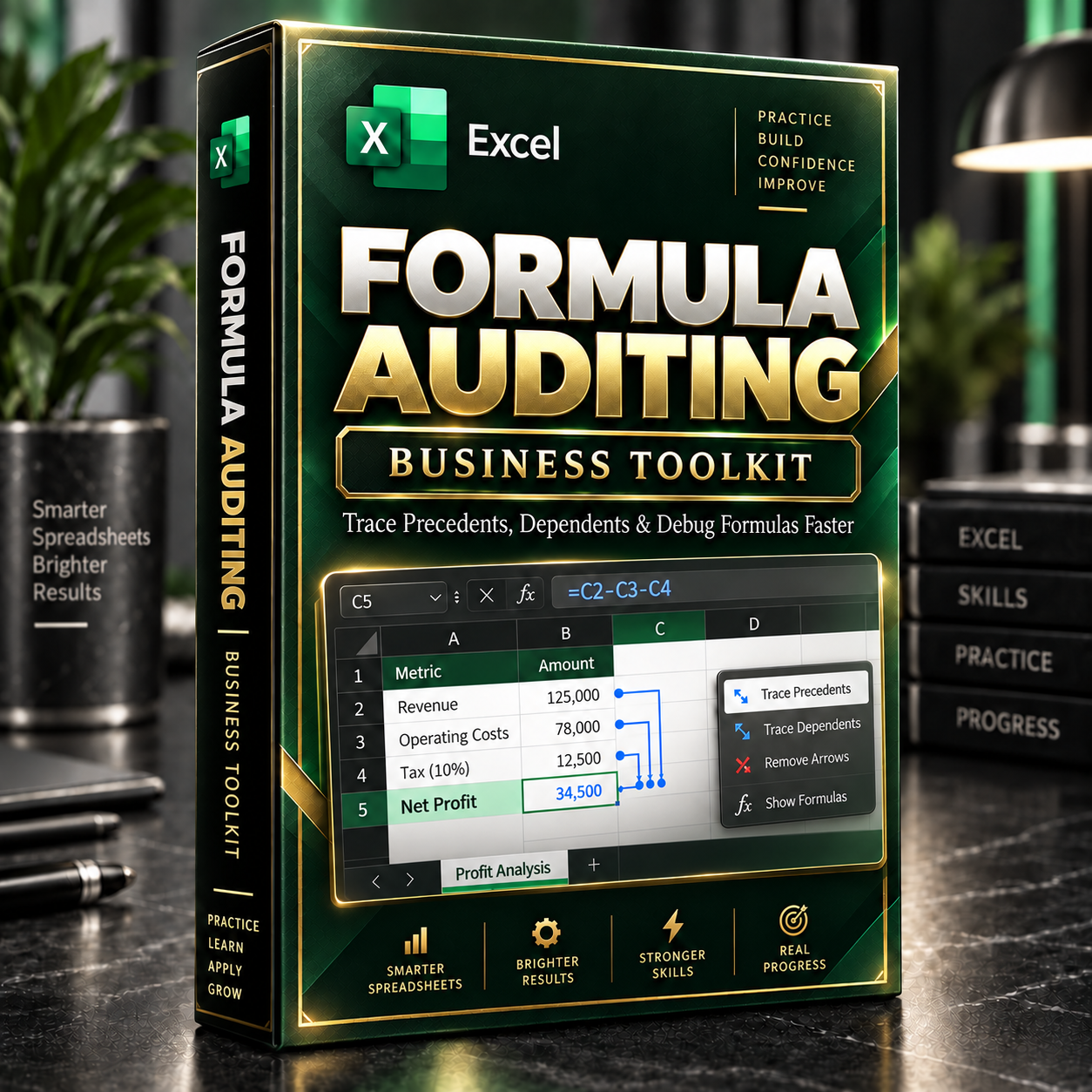
Excel Formula Audit & Dependency Review Toolkit
On Sale
$11.99
$11.99
A reusable Excel toolkit for reviewing linked formulas, tracing dependencies, checking calculation logic, and validating a business model before it is shared with a manager, client, or team.
This is more than a practice workbook. It is structured as a small professional model with separate Inputs, Calculations, Management Report, and Audit Review sections so you can understand how numbers flow through the workbook and systematically check the model.
What’s included
Start Here / README
- Recommended formula audit workflow
- What you can safely edit
- What should not be deleted or renamed
- How to review a model before sharing
- Practical guidance for Trace Precedents and Trace Dependents
Inputs
- Units Sold
- Price per Unit
- Variable Cost per Unit
- Payroll
- Marketing
- Rent
- Other Operating Expenses
- Tax Rate
- Clearly highlighted user-input cells
Calculations
- Revenue
- Variable Costs
- Contribution Margin
- Contribution Margin %
- Operating Expenses
- Operating Profit
- Operating Margin %
- Tax
- Net Profit
- Net Margin %
The calculation chain is intentionally structured across multiple levels so you can use Excel’s Formula Auditing tools to follow dependencies throughout the model.
Management Report
- Revenue KPI
- Operating Profit KPI
- Net Profit KPI
- Net Margin KPI
- Profitability summary
- Margin summary
- Connected charts
Audit Review
- Missing input checks
- Negative input checks
- Tax-rate validation
- Revenue reconciliation
- Contribution Margin reconciliation
- Operating Profit reconciliation
- Net Profit reconciliation
- Margin reasonableness check
- Automatic PASS / REVIEW status
- Total Issues summary
What you can do with this toolkit
Use it to:
- Trace where a result comes from
- See what an assumption affects
- Review multi-step calculation chains
- Find suspicious formula relationships faster
- Validate important business calculations
- Check a model before sending it to someone else
- Practice a more structured Excel audit workflow
Formula Auditing tools covered
- Trace Precedents
- Trace Dependents
- Multiple dependency levels
- Remove Arrows
- Show Formulas
- Formula reconciliation checks
Ideal for
- Business analysts
- Finance professionals
- FP&A
- Junior analysts
- Managers reviewing Excel models
- Office professionals
- Excel users working with linked formulas
- Anyone who wants a more reliable model-review process
How to use it
- Enter your assumptions on the Inputs sheet.
- Review the linked calculations.
- Use Trace Precedents and Trace Dependents where needed.
- Open Audit Review and resolve any REVIEW items.
- Confirm Audit Status = PASS.
- Use the Management Report once the model has passed the checks.
File format
.xlsx
Recommended Excel version
Excel 2021 or Microsoft 365