
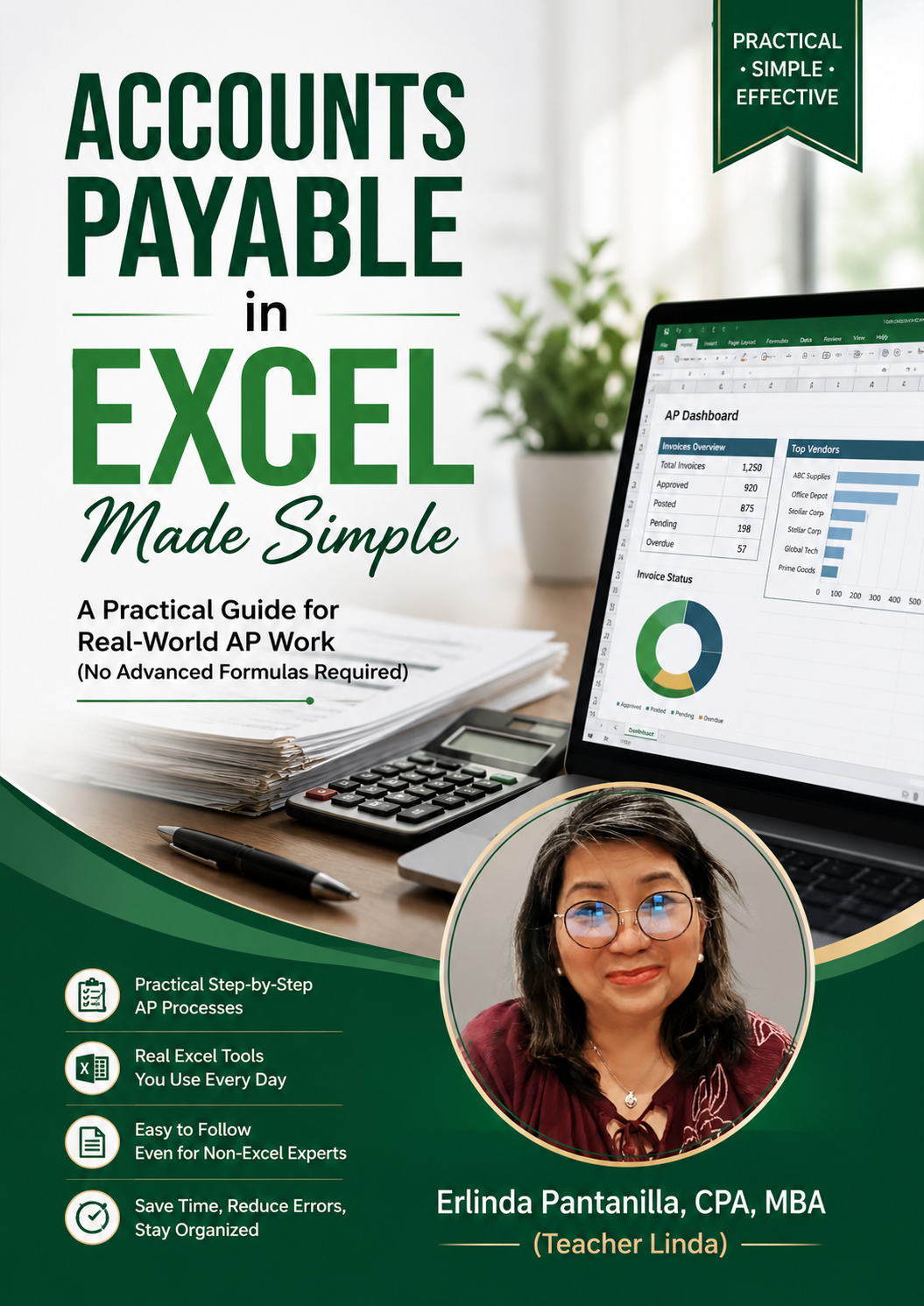
Accounts Payable in Excel Made Simple
Product Title
📊 Accounts Payable in Excel Made Simple
Practical Excel Skills for Real-World Accounts Payable
Digital PDF | Instant Download
Overview
Many Excel books teach formulas, but real Accounts Payable work requires much more than knowing functions.
Accounts Payable in Excel Made Simple was created to help Accounts Payable professionals use Excel as a practical tool for solving everyday workplace challenges. Instead of focusing on advanced formulas that are rarely used, this guide emphasizes practical Excel skills that improve accuracy, organization, efficiency, and productivity.
Based on real-world Accounts Payable experience, this guide shares practical techniques that can be applied immediately in your daily work. Whether you're new to Accounts Payable or looking for better ways to manage your workload, you'll gain skills that help you work smarter and with greater confidence.
Why I Created This Guide
As a Certified Public Accountant (CPA), I have spent many years working in accounting and finance. Throughout my career, I discovered that success in Accounts Payable depends not only on accounting knowledge but also on having practical systems that improve accuracy, organization, and efficiency.
Today, I continue to use Excel every day as an Accounts Payable Specialist in Las Vegas, Nevada. The techniques and workflows shared in this guide are based on real tasks, real challenges, and real workplace experience—not classroom exercises.
I created Accounts Payable in Excel Made Simple to help Accounts Payable professionals develop practical Excel skills that they can immediately apply in their daily work. My goal is to help you work more efficiently, reduce errors, and build greater confidence in your role.
Who Is This Guide For?
This guide is ideal for:
✔ Accounts Payable professionals who want to improve their Excel skills for everyday work.
✔ Accounting staff looking for practical ways to organize data and increase productivity.
✔ Bookkeepers who use Excel to support Accounts Payable tasks.
✔ Students and career starters preparing for an Accounts Payable role.
✔ Professionals transitioning into accounting or finance positions.
✔ Anyone who wants to use Excel more effectively in real-world Accounts Payable work.
What You'll Find Inside
This guide focuses on practical Excel skills that support real-world Accounts Payable work.
Inside this guide, you'll find:
📘 Practical Excel techniques for everyday Accounts Payable tasks.
📘 Methods for organizing and managing invoice data efficiently.
📘 Time-saving approaches that improve productivity and reduce manual work.
📘 Practical examples based on real workplace situations.
📘 Simple Excel skills that help improve accuracy and minimize errors.
📘 Tips for building a more organized and efficient Accounts Payable workflow.
Benefits
By using Accounts Payable in Excel Made Simple, you can:
✅ Improve your efficiency by using practical Excel skills in your daily Accounts Payable work.
✅ Organize invoice data more effectively and reduce time spent on repetitive tasks.
✅ Minimize errors by applying practical techniques used in real workplace situations.
✅ Build confidence in handling Accounts Payable responsibilities with greater accuracy.
✅ Develop practical Excel skills that support long-term career growth in accounting and finance.
✅ Learn from real-world experience that you can immediately apply in your own workplace.
Frequently Asked Questions
Is this guide suitable for beginners?
Yes. The guide is written in a practical and easy-to-understand manner, making it useful for both beginners and experienced Accounts Payable professionals.
Do I need advanced Excel knowledge?
No. This guide focuses on practical Excel skills used in real Accounts Payable work rather than advanced formulas or complex features.
Is this guide based on real workplace experience?
Yes. The techniques and examples shared in this guide are based on real-world Accounts Payable experience and practical Excel applications.
Can I apply these skills to my current job?
Yes. The practical techniques presented in this guide are designed to help improve efficiency, organization, and accuracy in everyday Accounts Payable tasks.
Is this guide useful even if my company uses an ERP system?
Yes. Even with ERP systems, Excel remains an essential tool for organizing data, reconciling information, analyzing reports, and supporting daily Accounts Payable work.
About the Author
Erlinda “Teacher Linda” Pantanilla is a Certified Public Accountant (CPA), educator, school administrator, and Accounts Payable Specialist based in Las Vegas, Nevada.
With decades of experience in accounting, taxation, education, and business operations, she believes that practical workplace skills are just as important as technical knowledge. She continues to use Excel every day in real-world Accounts Payable operations, developing efficient workflows and practical solutions that improve accuracy and productivity.
Through Accounts Payable in Excel Made Simple, she shares practical Excel skills drawn from real workplace experience to help accounting professionals work more efficiently and confidently.
Practical skills are built through consistent learning and everyday experience.
Whether you're starting your career in Accounts Payable or looking for better ways to manage your daily workload, Accounts Payable in Excel Made Simple offers practical Excel skills that you can apply immediately in the workplace.
Work smarter, continue learning, and build the confidence to succeed—one practical skill at a time.
Ready to put this into practice? Get the AP Vendor Reconciliation Template, an Excel tool that matches your vendor statements to your books automatically: https://payhip.com/b/5mc47