
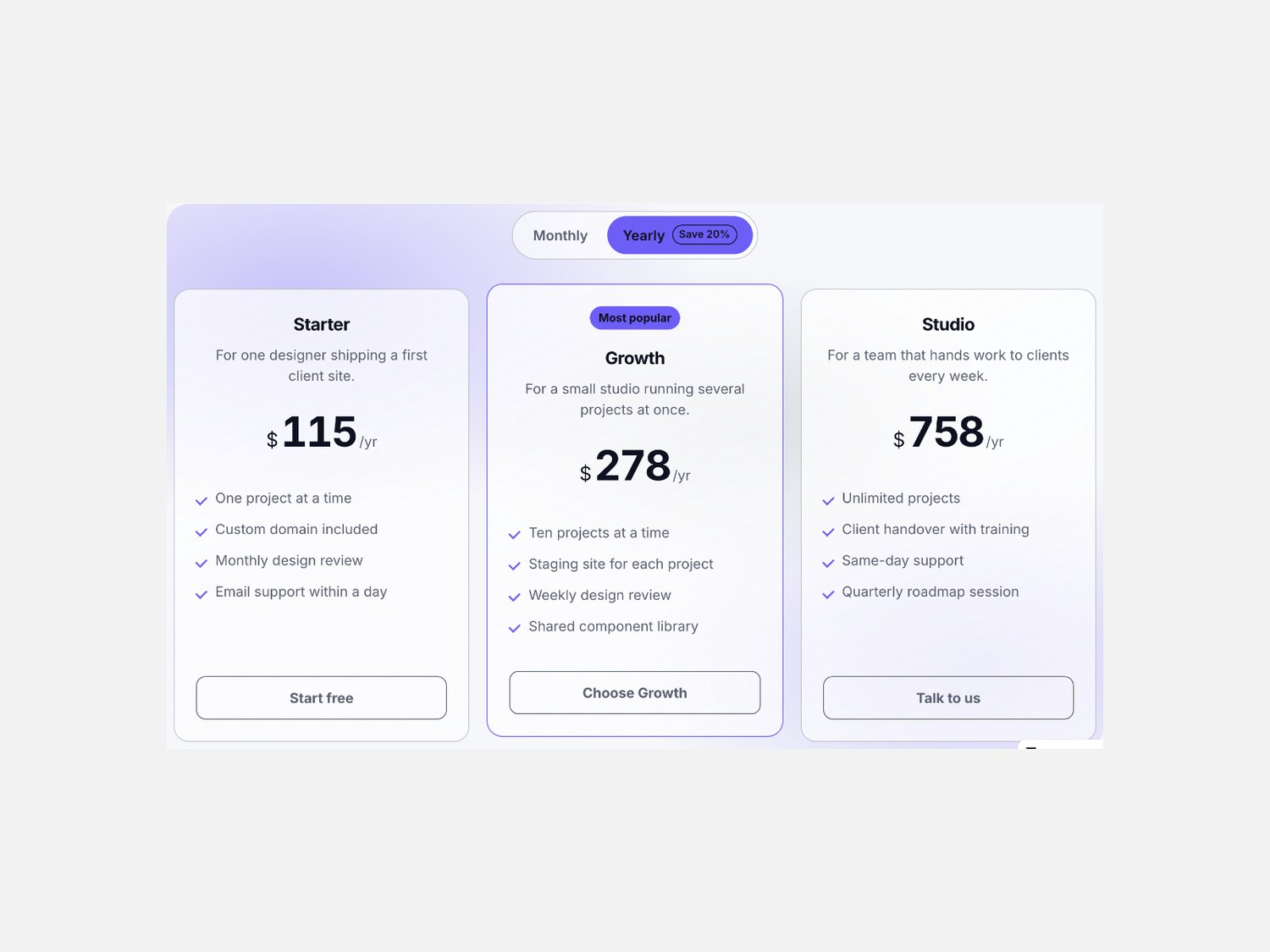
Glass Pricing Tabs — monthly and yearly plan cards for Framer
A pricing section for Framer with a billing switch on top and frosted plan cards below. Press a term and every figure counts up to its new number in pure CSS, with a save badge on the term that earns it.
What it is
The pricing block a SaaS, a studio or a membership site puts in front of a visitor: two or three billing terms, two to four plans, and a button on each card that goes where you send it.
What you get
One Framer code component (Glass Pricing Tabs), delivered as a Component URL.
Per-plan controls: name, a line of description, a price for each billing term, features one per line, a button label with its own link, and a featured flag.
Per-tab controls: the term label, the suffix printed after the figure, and a save badge.
The section set in plain numbers: columns, card gap, radius, glass blur, text size, max width and count-up length.
Free updates.
How it behaves
The count is CSS. A registered custom property carries the figure, so prices roll to their new number with the browser doing the work.
One state. The active term is the whole state, so the server, the canvas and the page all draw the same section.
Glass in three layers. A blurred backdrop, a highlight sheen and a hairline edge, with the blur strength in pixels.
Announced properly. A labelled tab list with arrow keys, a panel that names its term, and a spoken price line for every plan.
Self-contained. Everything happens inside the component's own frame: your colours, your copy, your links.
Requirements
Any Framer project. No plugins, no external libraries.