


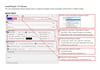
AutoMosaic (R18 edition) — Batch Mosaic tool
On Sale
$20.00
$20.00
AutoMosaic (R18) automatically detects specific areas in images and lets you apply processing continuously across multiple files.
Among similar software in this price range, we believe it offers top-class detection accuracy.
It works offline by default (no network required), so your privacy is protected.
Latest version: v3.70 (2026/10/14) https://note.com/nekzuk/n/nf935bed59a27
Key Features
Auto-detection presets (mosaic supported)
AutoMosaic can detect and apply mosaic to the following preset targets:
- Female genital area
- Male genital area
- Anus
Output options
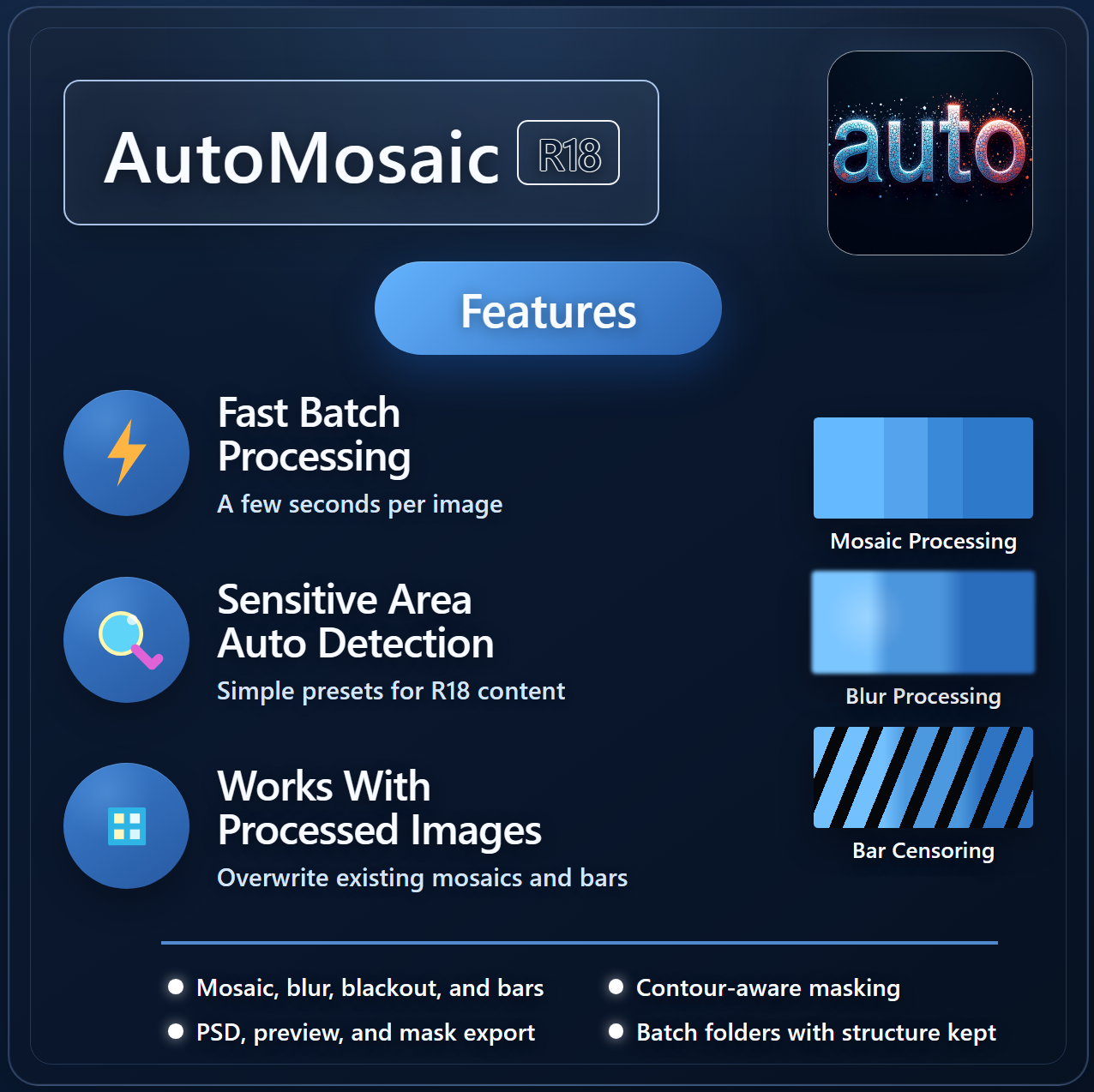
The following processing outputs are available:
- Mosaic (can auto-set to sizes compliant with FANZA / DLSite / Booth)
- Blur
- Solid fill (Black / White)
- Censor bar (temporary/experimental implementation)
Supported Languages
- Japanese / English / Chinese (Simplified / Traditional) / Korean
Supported Image Formats
- JPG / PNG / BMP / GIF / WEBP
Expandable with Additional Models
As a feature of this software, you can add more functionality by placing Adetailer models into the Models folder.
How to Use (Basic Steps)
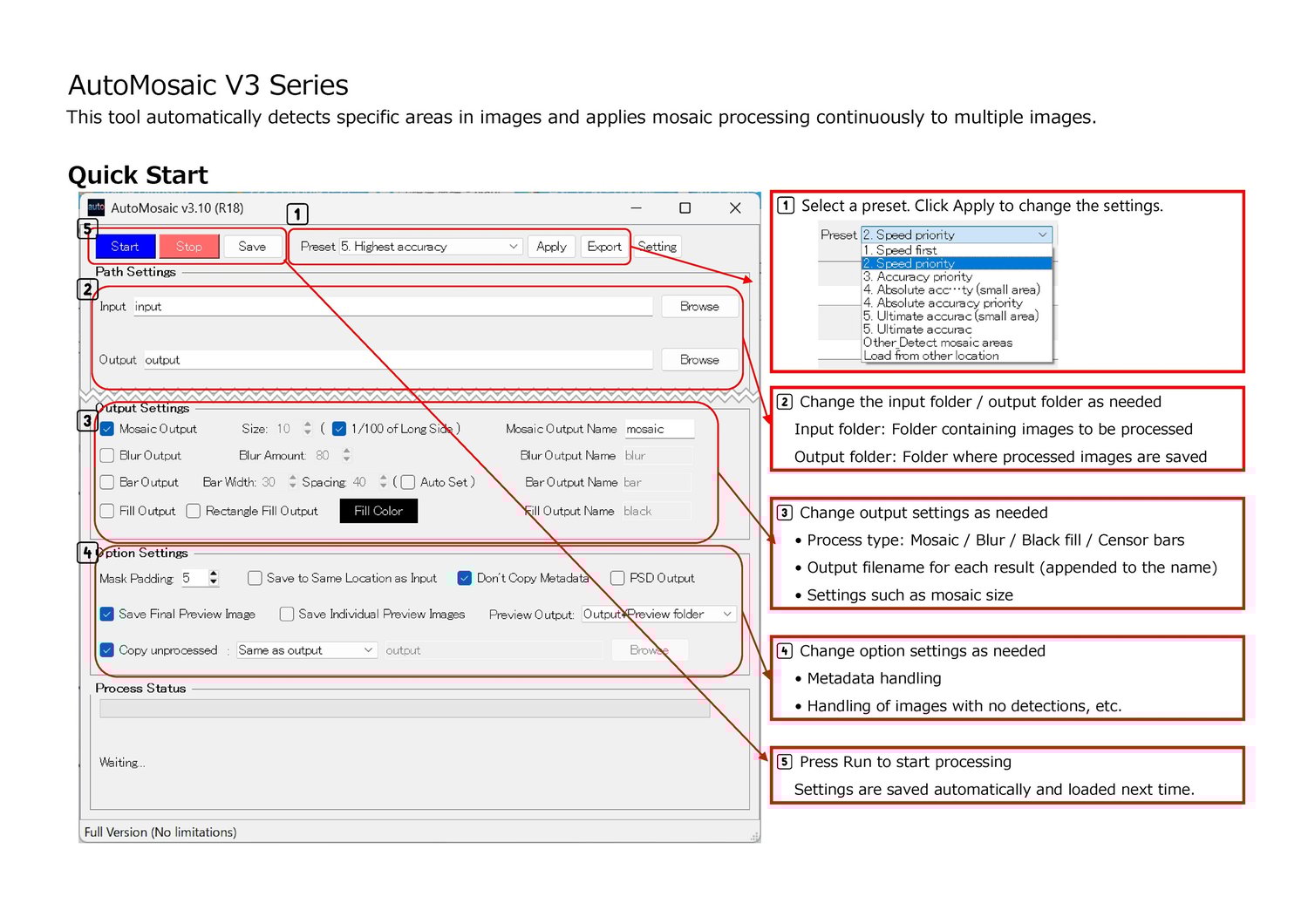
- Select a preset
- Choose an input folder
- Adjust settings such as mosaic size
- Click Run Processing
Trial Version
- Watermarks are added to images processed in the trial version
- Maximum number of images: Up to 20 in a row
- Download
Notes
- Processing may take time depending on your PC specs and image sizes.
- Commercial use (individuals): Allowed with purchase of this product.
- Commercial use (companies/organizations): Please contact us separately (https://nekzuk.com/terms.html).
System Requirements
- Windows 10 / 11 (64-bit)
- Memory: 8GB+ recommended
- A PC with an NVIDIA graphics card
- The tool can run without a dedicated GPU, but processing will be slower compared to systems with an NVIDIA GPU.
- (VRAM: 4GB+ recommended)
Update History
- v1.00 (2025/01/20) – https://note.com/nekzuk/n/n66bf7e4656f7
- v1.10 (2025/02/07) – https://note.com/nekzuk/n/n32c7d649abe6
- v1.15 (2025/03/09) – https://note.com/nekzuk/n/n9a417a9d0032
- v2.00 (2025/04/08) – https://note.com/nekzuk/n/n605f52a285b9
- v2.10 (2025/05/02) – https://note.com/nekzuk/n/n5c237699cf50
- v2.20 (2025/06/01) – https://note.com/nekzuk/n/nc360e3fd83c2
- v2.30 (2025/07/01) – https://note.com/nekzuk/n/n523b28e4cbbd
- v2.40 (2025/08/05) – https://note.com/nekzuk/n/n655184639901
- v3.00 (2025/09/30) – https://note.com/nekzuk/n/n65782fd20fef
- v3.10 (2026/01/01) – https://note.com/nekzuk/n/ne47a6b685ff4
- v3.21 (2026/02/26) – https://note.com/nekzuk/n/n16b015b26afc
- v3.30 (2026/04/14) – https://note.com/nekzuk/n/n730497e72304
- v3.40 (2026/05/31) – https://note.com/nekzuk/n/ndd4e4e44cdb9
- v3.50 (2026/07/11) – https://note.com/nekzuk/n/n7997df7b4560
- v3.60 (2026/08/12) – https://note.com/nekzuk/n/n187d0cc4a0ec
- v3.70 (2026/10/14) – https://note.com/nekzuk/n/nf935bed59a27
Support: nekzuk.software@gmail.com
Refunds: Digital downloads are non-refundable (please contact support if you have issues).