











Hiroo - Recruitment Partner Tracker
HIROO · RECRUITMENT MANAGEMENT, WITHOUT THE COMPLEXITY OR RECURRING COST
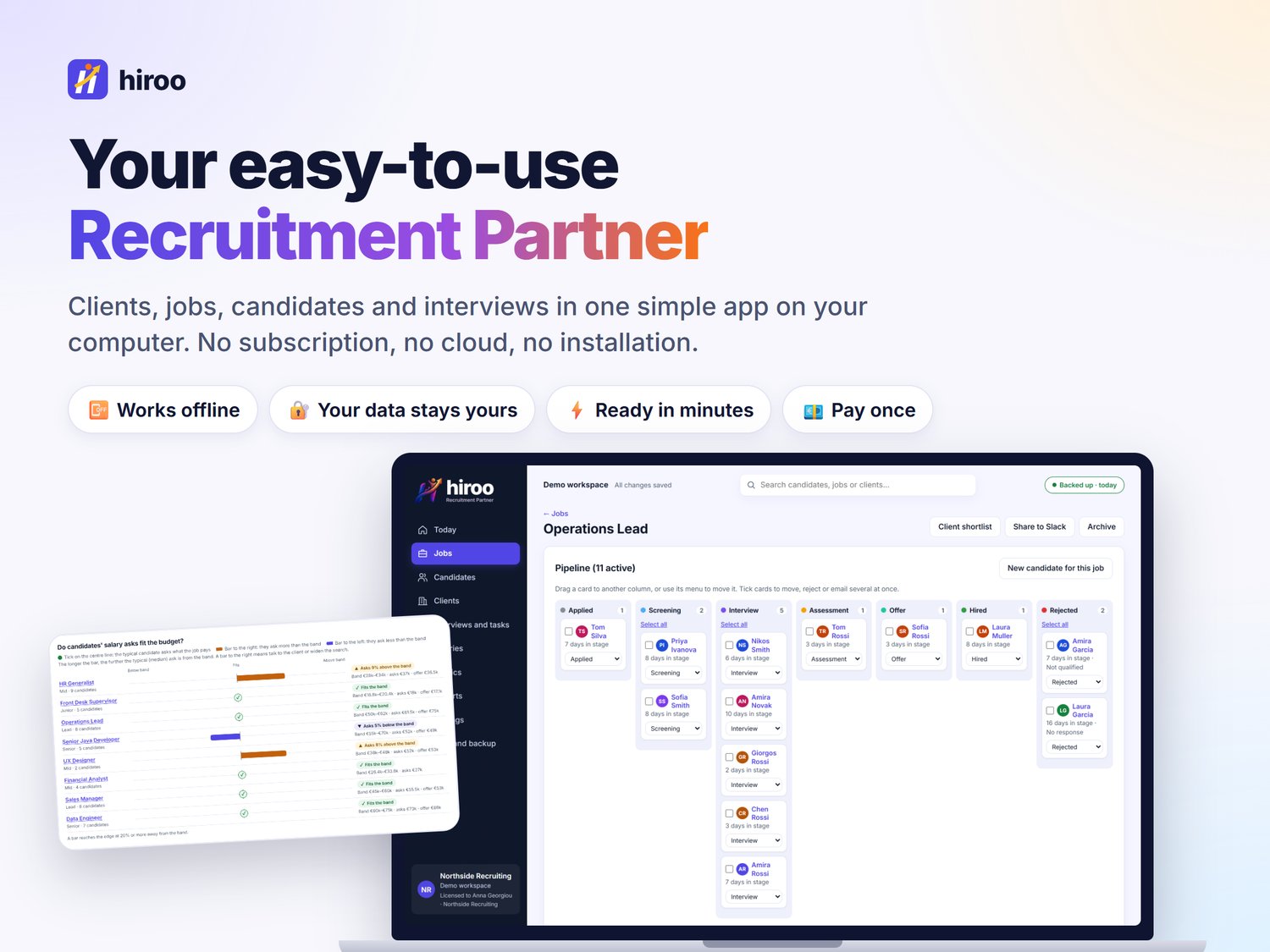
Hiroo is a standalone recruitment management application designed for independent recruiters and small recruitment businesses. Manage candidates, clients, jobs, interviews, tasks and placements in one customisable workspace, with your data stored locally and no monthly subscription.
It is a real application, not a spreadsheet: move a candidate and every count, list and chart updates on its own.
▬▬▬▬▬▬▬▬▬▬▬▬▬▬▬▬
🌟 WHY RECRUITERS CHOOSE HIROO
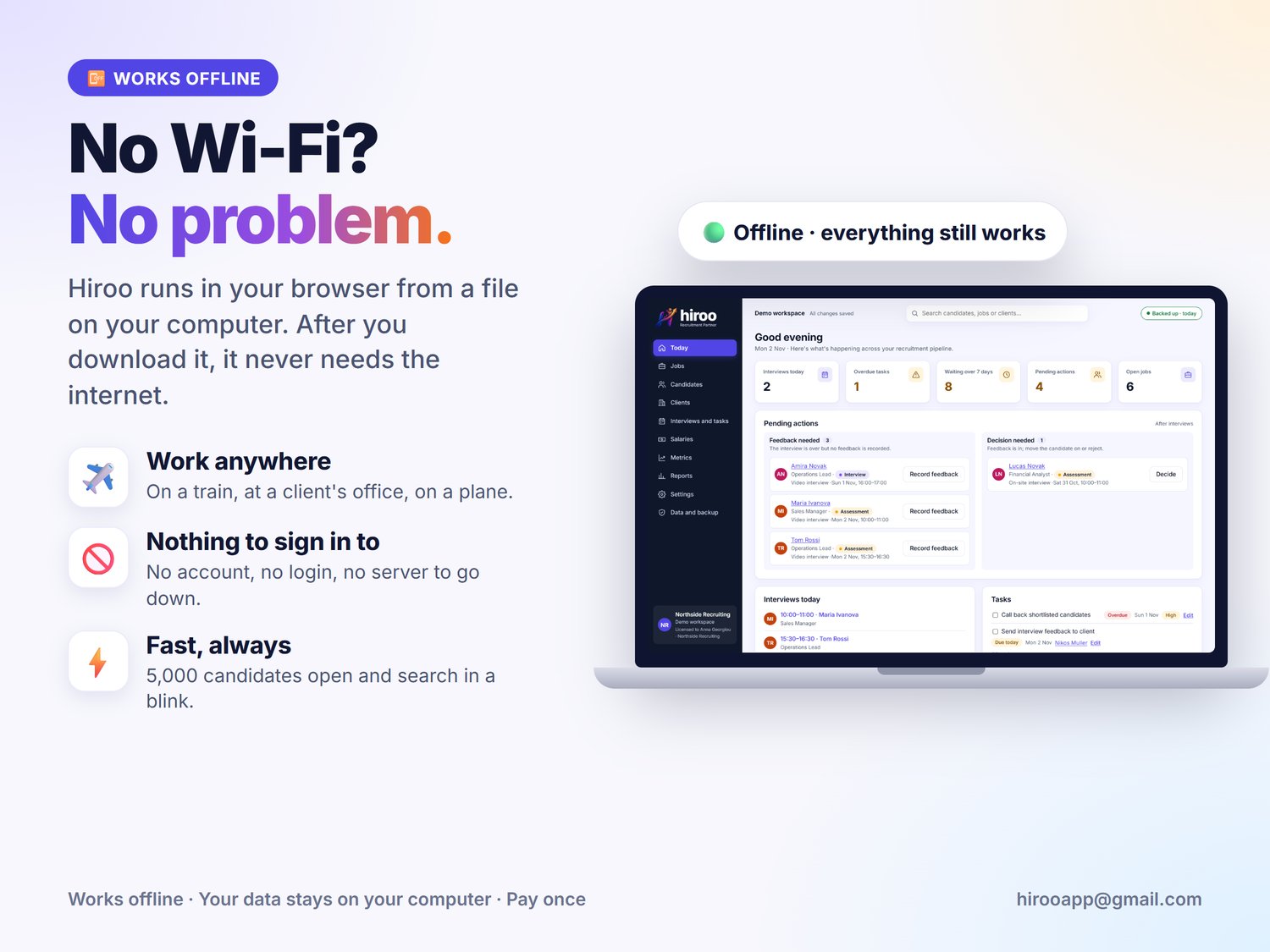
📴 Works offline. Once downloaded, Hiroo needs no internet. Use it on a train, at a client's office or anywhere without Wi-Fi.
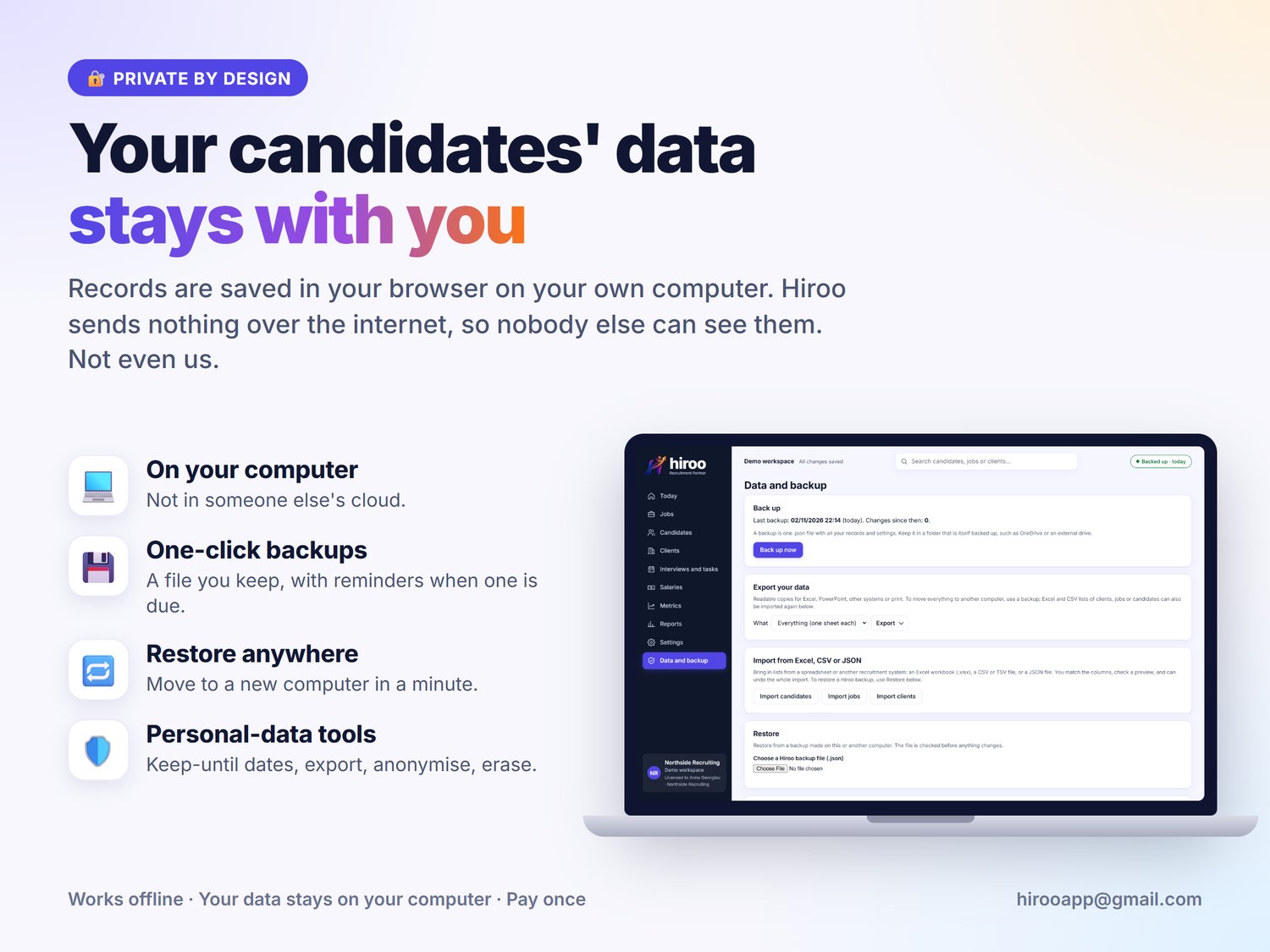
🔐 Your data stays with you. Records are saved in your browser on your own computer. Hiroo sends nothing anywhere, and nobody else (not even us) can see it.
⚡ Ready in minutes. Download, double-click and start. Explore with realistic demo data first, then start fresh with one click.
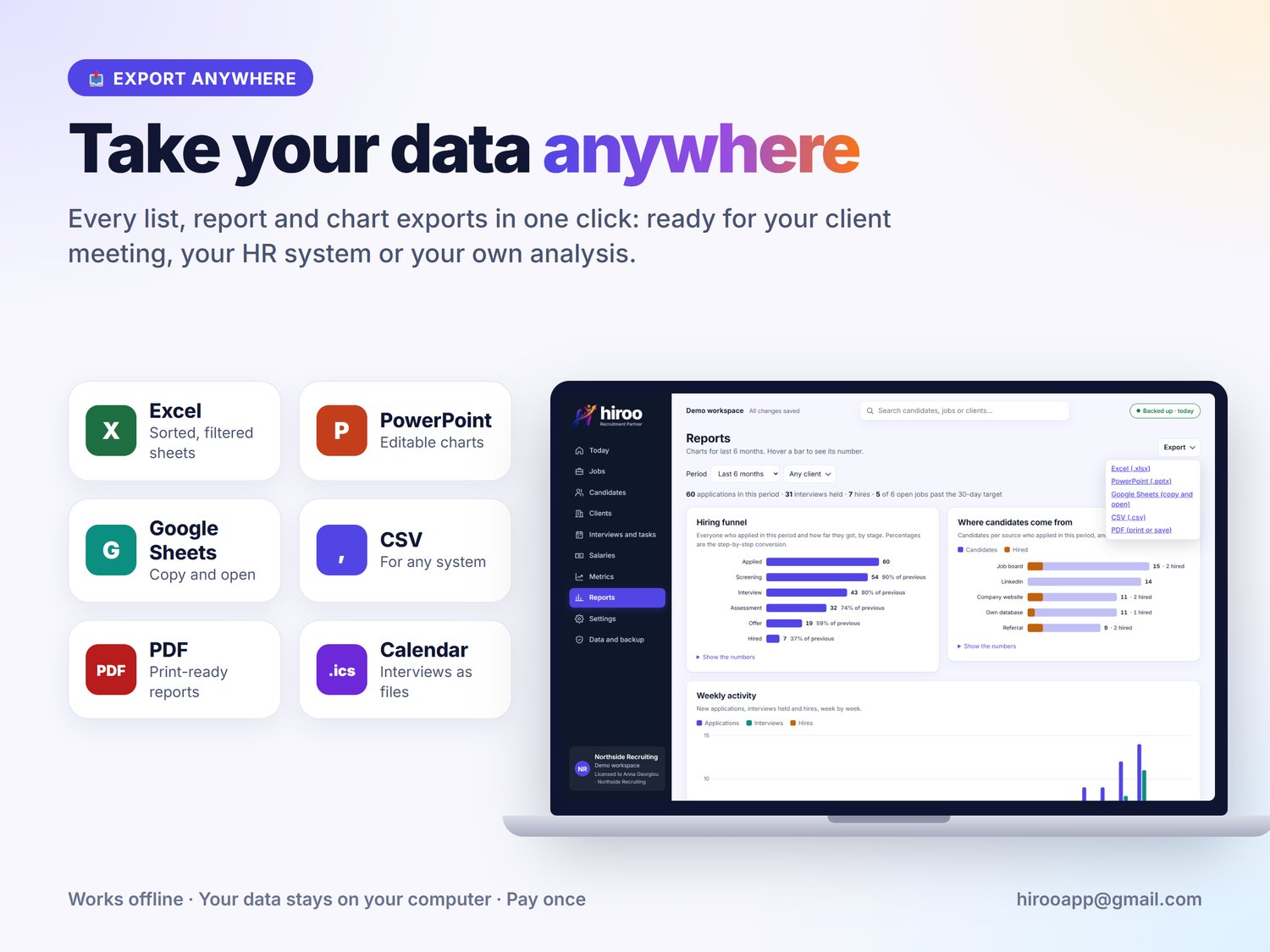
📤 Export anywhere. Excel, PowerPoint, CSV, PDF and Google Sheets from every list and report.
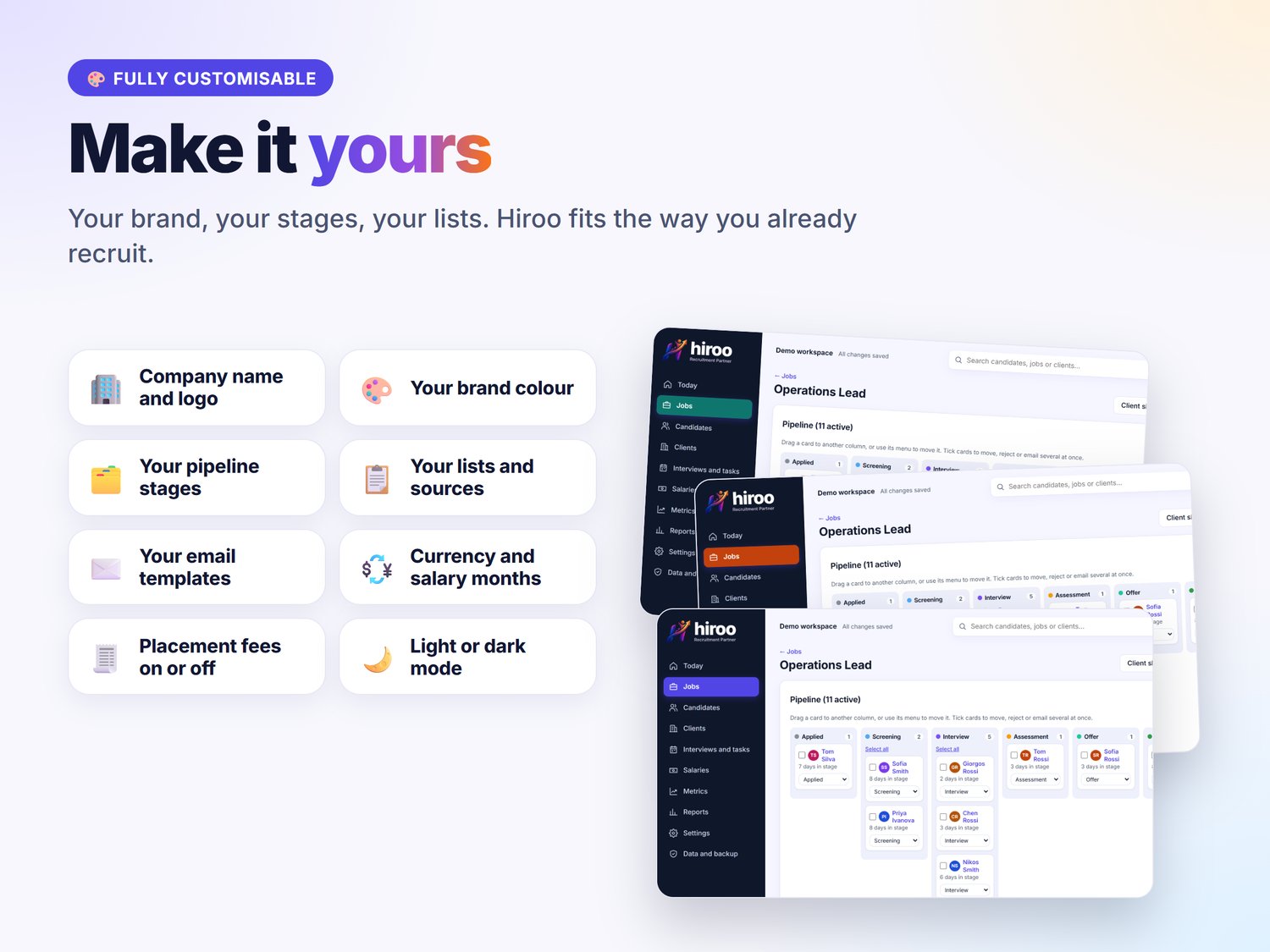
🎨 Make it yours. Your company name, logo and brand colour; your own pipeline stages, lists, email templates and currency.
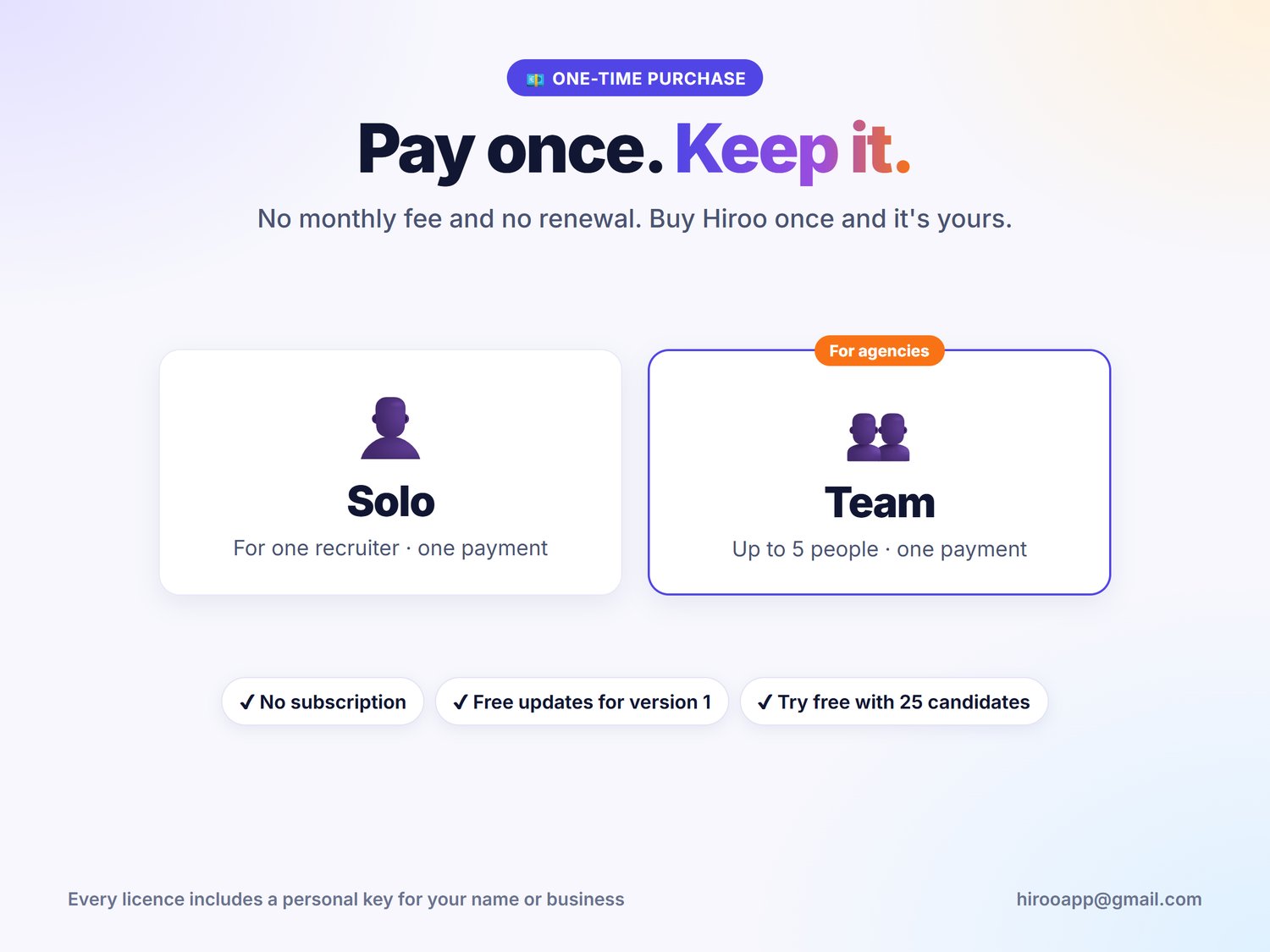
💶 Pay once. No monthly fee and no renewal. Free updates for version 1.
▬▬▬▬▬▬▬▬▬▬▬▬▬▬▬▬
✨ EVERYTHING HIROO DOES
🏠 TODAY SCREEN
✔ Today's interviews and the next 7 days
✔ Tasks due or overdue, ticked off in one click
✔ Who needs feedback after an interview, and who needs a decision
✔ Candidates waiting too long in a stage, with a limit you choose
✔ Backup status, so you always know your data is safe
🗂️ PIPELINE BOARD
✔ One board per job, every stage side by side
✔ Drag and drop, or use the keyboard-friendly "Move to" menu
✔ Days in stage on every card
✔ A reason asked on every rejection, for honest reporting
✔ Bulk actions: tick several candidates to move or reject them with one reason, or email them all in one Bcc draft, with one-click undo
✔ Rename, recolour, reorder and add your own stages
✔ Busy stages stay tidy: the latest cards first, with Show all for the rest
💼 JOBS AND CLIENTS
✔ Clients with contacts and notes; archive old ones without losing history
✔ Jobs with status, priority, department, seniority, working model, target hires and salary band
✔ Days open on every job, and hires counted for you
👤 CANDIDATES
✔ Contact details, source, tags, notes, expected salary and employment type
✔ A link to each CV, wherever you keep it (SharePoint, Google Drive, your job board)
✔ One person in several jobs at once, each at its own stage
✔ Search everything from the top bar; combine filters with several choices each
✔ Tag, add to a job or email many at once
✔ Find and merge duplicate candidates, with undo
✔ Full history of every move and change
✔ A status for each person: Active, On hold or Closed; the list opens on Active people
✔ The recruitment pipeline at the top: choose a stage to list who is in it
✔ Your filters stay put when you switch tabs
📅 INTERVIEWS AND TASKS
✔ Schedule, reschedule and cancel interviews; times stay right across time zones
✔ Feedback with a 1–5 score, recommendation and next stage
✔ Add to Google Calendar, Outlook or any calendar (.ics)
✔ Google Meet, Microsoft Teams or Zoom links in one click
✔ Tasks with due dates and priorities
✔ Dates and times always in English and in the format you choose, with a built-in calendar
✉️ EMAIL TEMPLATES
✔ Templates that fill in the name, job, company and next interview
✔ Open as a draft in Gmail, Outlook (including work accounts), Yahoo Mail or your email app, or copy the text
✔ Add and edit as many templates as you need
📄 CLIENT SHORTLISTS
✔ A branded shortlist per job, saved as PDF
✔ Contact details and internal notes left out unless you tick them
📊 REPORTS AND METRICS
✔ Hiring funnel, weekly activity, sources, days open against your target, pipeline by job
✔ Time to hire per job and per client
✔ Interview-to-offer conversion per hiring manager
✔ Why candidates drop out, time between steps, results by month and by source
✔ Charts that fill your screen, with the numbers one click away
💰 SALARIES
✔ Expected salaries against each job's band, in plain words: "Fits the band" or "Asks 8% above the band"
✔ Medians for expectations and offers
✔ Monthly or yearly amounts, with your number of salaries per year
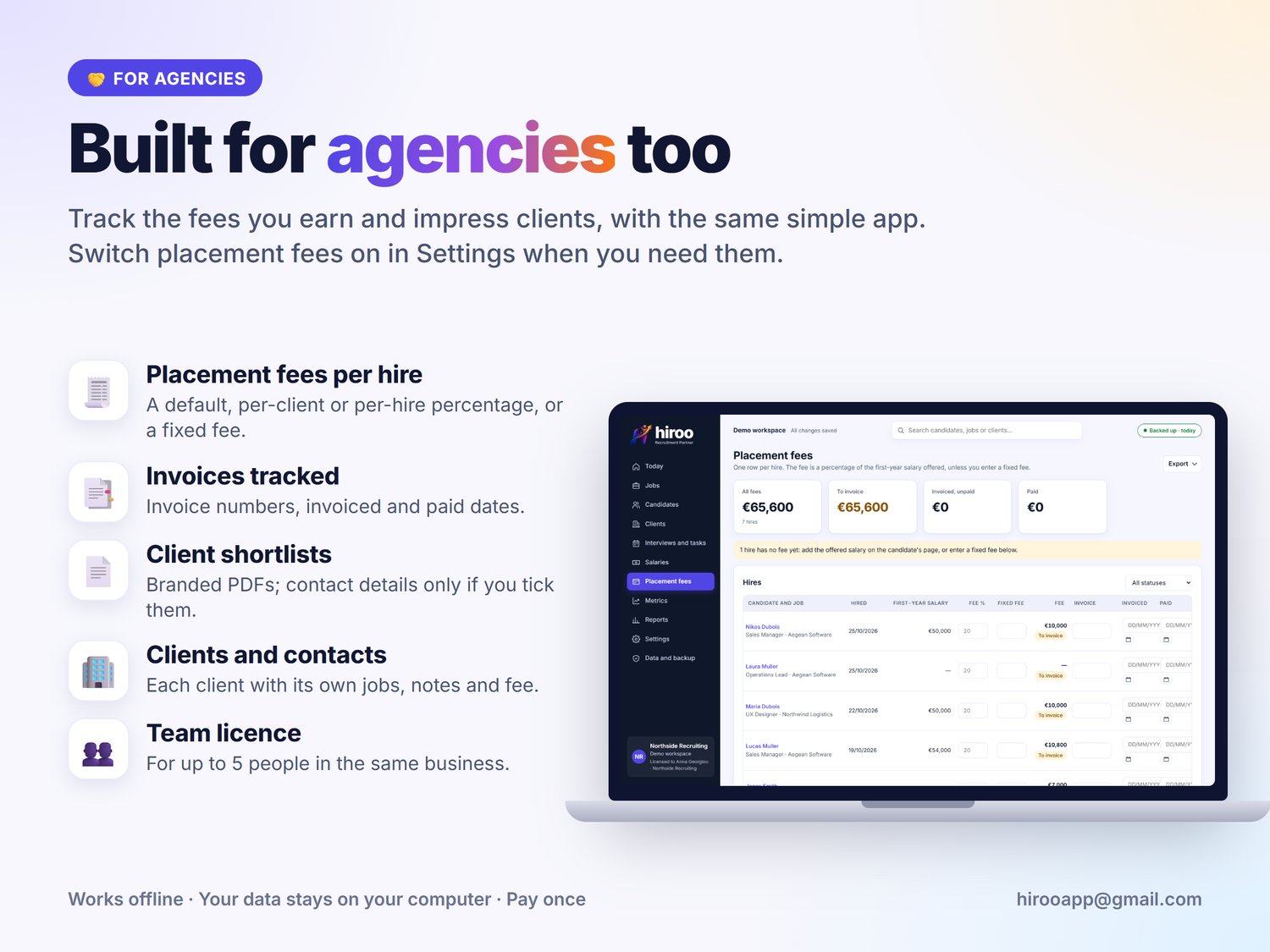
🧾 PLACEMENT FEES (OPTIONAL, FOR AGENCIES)
✔ Fees per hire from a default, per-client or per-hire percentage, or a fixed fee
✔ Invoice numbers and invoiced and paid dates
🔌 WORKS WITH THE TOOLS YOU USE
✔ Gmail and Outlook drafts · Google Meet, Teams and Zoom links · Google and Outlook calendars · Slack channel updates · Excel, PowerPoint and Google Sheets
✔ Hiroo opens these services for you, already filled in. It never connects to them itself.
📥 IMPORT, EXPORT AND BACKUP
✔ Import candidates, jobs and clients from Excel, CSV or JSON files of other systems, straight into their stage, with ready templates, a preview and undo
✔ Excel, PowerPoint (with editable charts), CSV, PDF and Google Sheets exports
✔ One-click backup file, restore with merge or replace, and backup reminders
✔ Smart column matching: differently named columns are recognised by their name or content, and skipped columns are listed
✔ Interview dates, interviewers and type come in with an import
🛡️ PERSONAL-DATA TOOLS
✔ "Keep until" dates and a review list
✔ Download everything you hold about one person
✔ Anonymise or permanently erase a candidate
▬▬▬▬▬▬▬▬▬▬▬▬▬▬▬▬
⚖️ HIROO OR A SPREADSHEET?
❌ One wrong click breaks a formula
✅ A real app: move a card and every count updates
❌ Separate sheets for jobs, candidates and interviews
✅ One connected system, from first contact to hire
❌ Copying names into emails and calendar invites
✅ Templates and calendar entries filled in for you
❌ Hours building charts for the client meeting
✅ Reports and PowerPoint slides in one click
❌ A monthly ATS subscription that never ends
✅ Pay once, keep it
▬▬▬▬▬▬▬▬▬▬▬▬▬▬▬▬
🎯 PERFECT FOR
→ Independent recruiters and small recruitment agencies
→ HR teams at companies hiring for themselves: switch to in-house and clients and fees disappear
→ Anyone who has outgrown spreadsheets but doesn't want a monthly ATS fee
→ Recruiters who need candidate data to stay on their own computer
▬▬▬▬▬▬▬▬▬▬▬▬▬▬▬▬
▶️ HOW IT WORKS
1️⃣ Buy and download Hiroo
2️⃣ Unzip it and move hiroo.html to a permanent folder, such as Documents
3️⃣ Double-click it: it opens in Chrome, Edge or Firefox
4️⃣ Explore the demo data, or start fresh
5️⃣ Paste your license key from our email (sent within 12 hours) in Settings → License
▬▬▬▬▬▬▬▬▬▬▬▬▬▬▬▬
📦 WHAT YOU GET
🧩 hiroo.html: the whole app in one file, with fictional demo data to explore
📘 User guide (PDF)
📄 Licence terms and a "start here" README
🔑 Your personal licence key by email within 12 hours
🔄 Free updates for version 1
Licences: Solo €29 for one recruiter · Team €109 for up to 5 people in the same business. Team: each person uses Hiroo in their own browser. There is no shared online workspace; the team passes work between them with backup files.
▬▬▬▬▬▬▬▬▬▬▬▬▬▬▬▬
❓ FAQ
Can I try it first? Yes. Without a licence key Hiroo works fully for up to 25 of your own candidates, and the demo records don't count.
When do I get my licence key? By email within 12 hours of your purchase. You can start straight away: without the key Hiroo works fully for up to 25 of your own candidates, and nothing is lost when you add it.
Does it need internet or an account? No. Hiroo works offline and has no login. Email, calendar, meeting and Slack buttons open those services in your browser only when you click them.
Where is my data saved? In your browser on your computer. Make backups with one click; Hiroo reminds you when one is due.
Does it send emails itself? No. It opens a ready draft in your email service, and you press Send.
Can I use it on two computers? Yes, with your licence. Move your data with a backup and restore.
Can I bring my data from a spreadsheet or another system? Yes. Import candidates, jobs and clients from an Excel workbook, a CSV file or a JSON file. Hiroo suggests the column matches, shows a preview, and the whole import can be undone. It recognises differently named columns, brings in interview dates, and lists any columns it skips.
We hire for our own company, not for clients. Does it fit? Yes. Choose In-house in Settings: clients and placement fees are hidden, and shortlists go to the hiring manager.
Does it store CVs? No files are stored. Add a link to each CV where you already keep it, and open it from the candidate's page.
Which computers and browsers? Current Chrome, Edge or Firefox on a laptop or desktop. Safari and phones are not supported.
Can several people share one workspace? Each person works in their own browser. Share work with backup files; the Team licence covers up to 5 people.
How do I get updates? You get the new file by email. Replace the old file and your data stays.
Does it make my hiring legally compliant? No software can do that on its own. Hiroo's personal-data tools help you follow your own rules.
“Licence terms: included in the download (Hiroo licence terms.txt"