
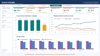
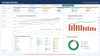
IT & Security KPI Dashboard for Power BI — Build Kit
Build kit for an IT and security KPI dashboard in Power BI Desktop: sample data, 41 DAX measures, and a guide. v0.1 includes no .pbix or .pbit file.
Build a clear IT and security KPI report in Power BI Desktop with a data model, measures, and page layout that are already worked out (plan on roughly 60–90 minutes for the first build).
This is a BUILD KIT for Power BI Desktop (free, Windows). It gives you a star-schema data model with 12 months of realistic sample data, 41 commented DAX measures, a report theme, Power Query scripts, and a step-by-step guide with pixel positions for five report pages. Version 0.1 does not include a .pbix or .pbit file: you build the report by following the guide, then save your own template. The guide lists the exact numbers your finished report should show, so you know your build is right.
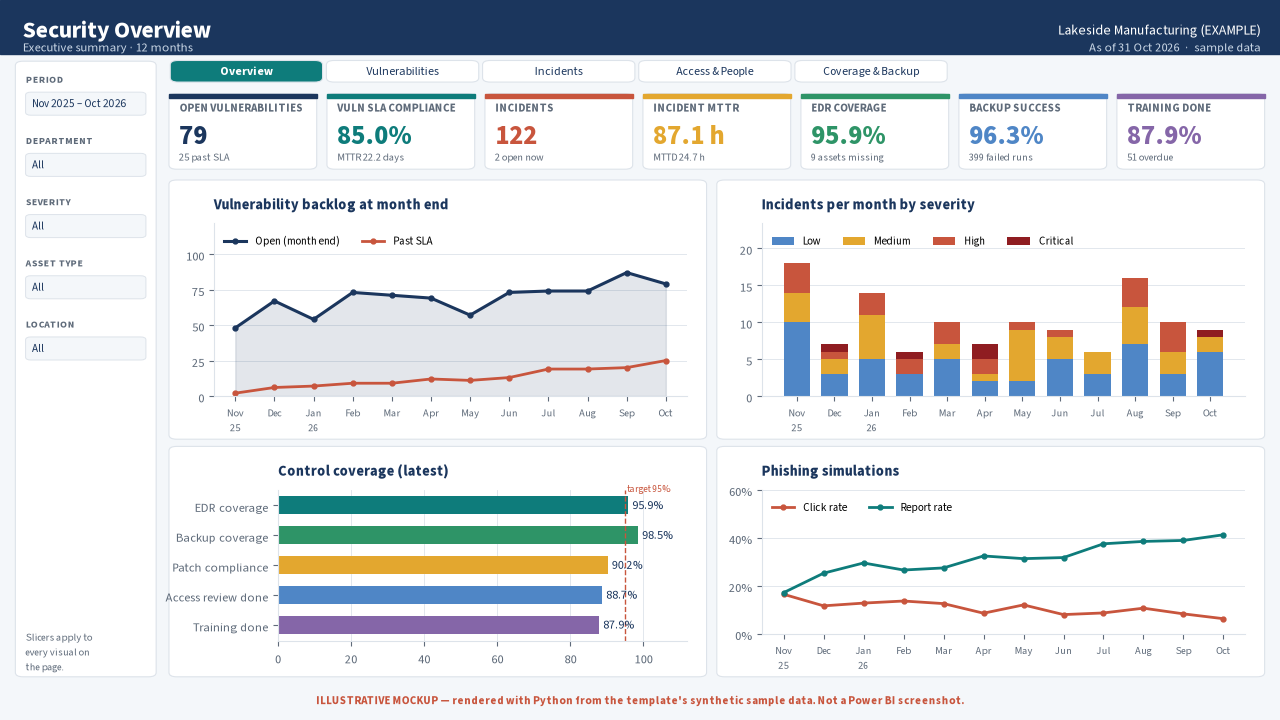
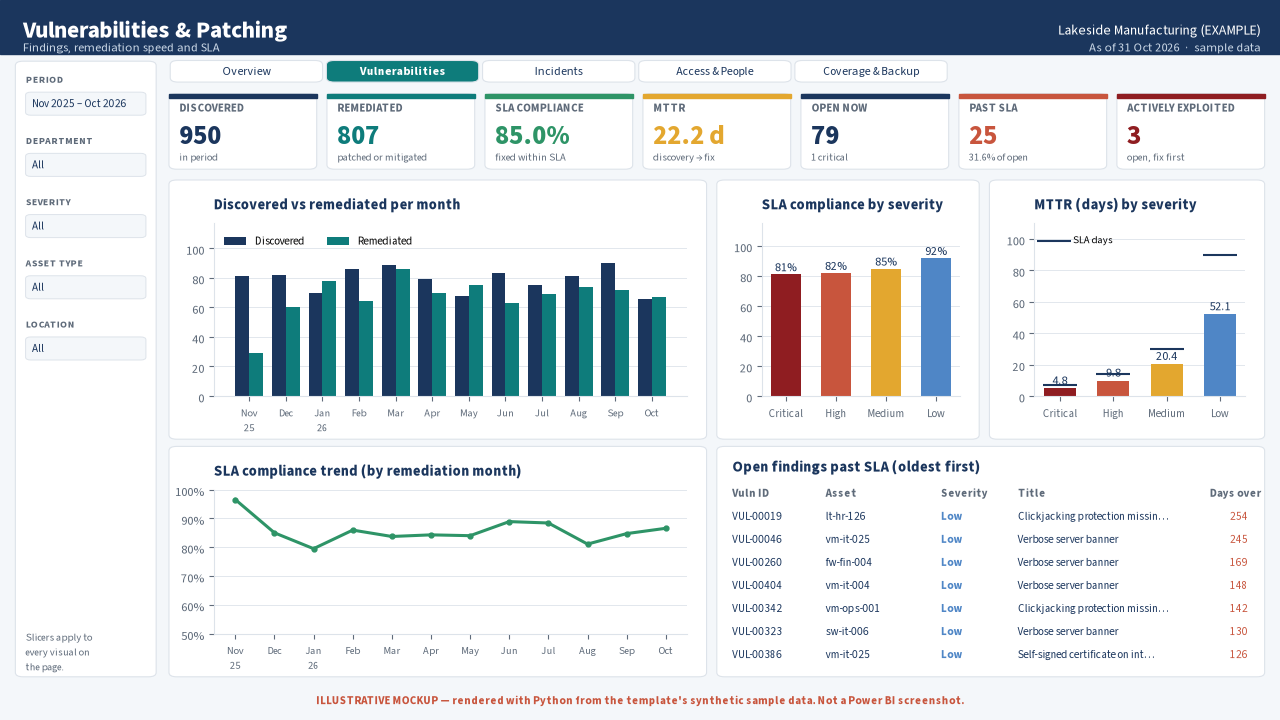
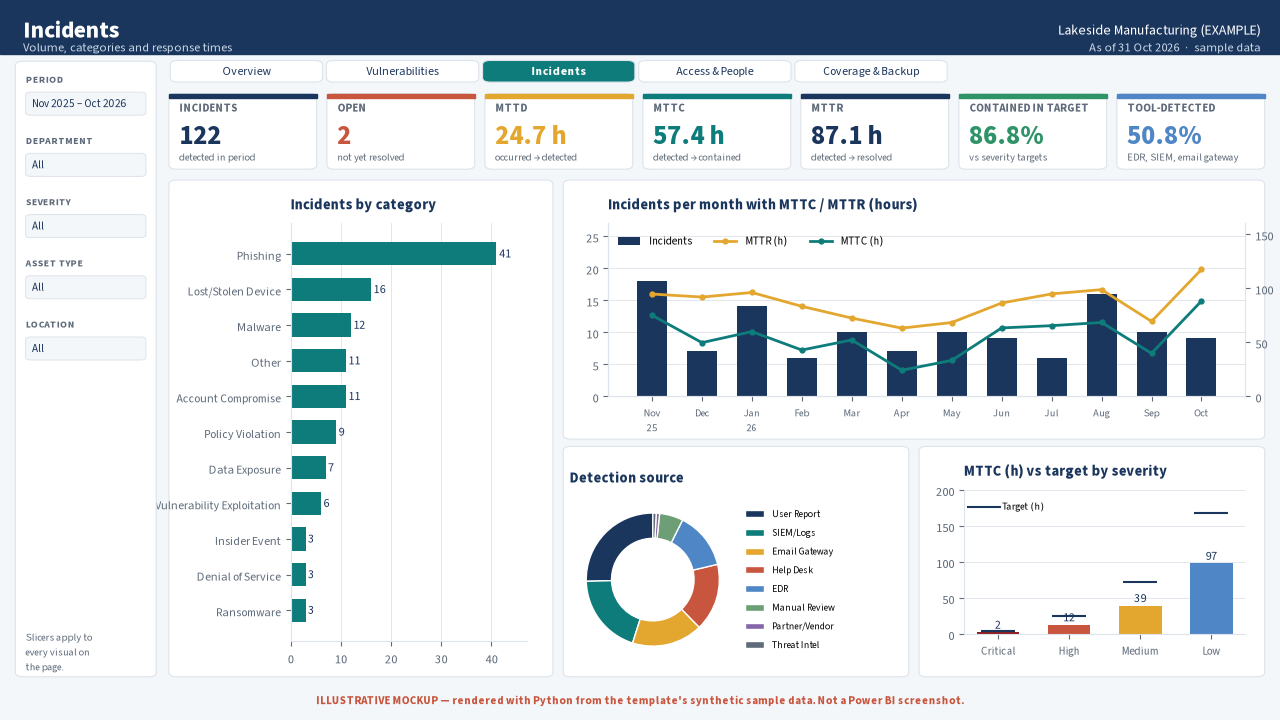
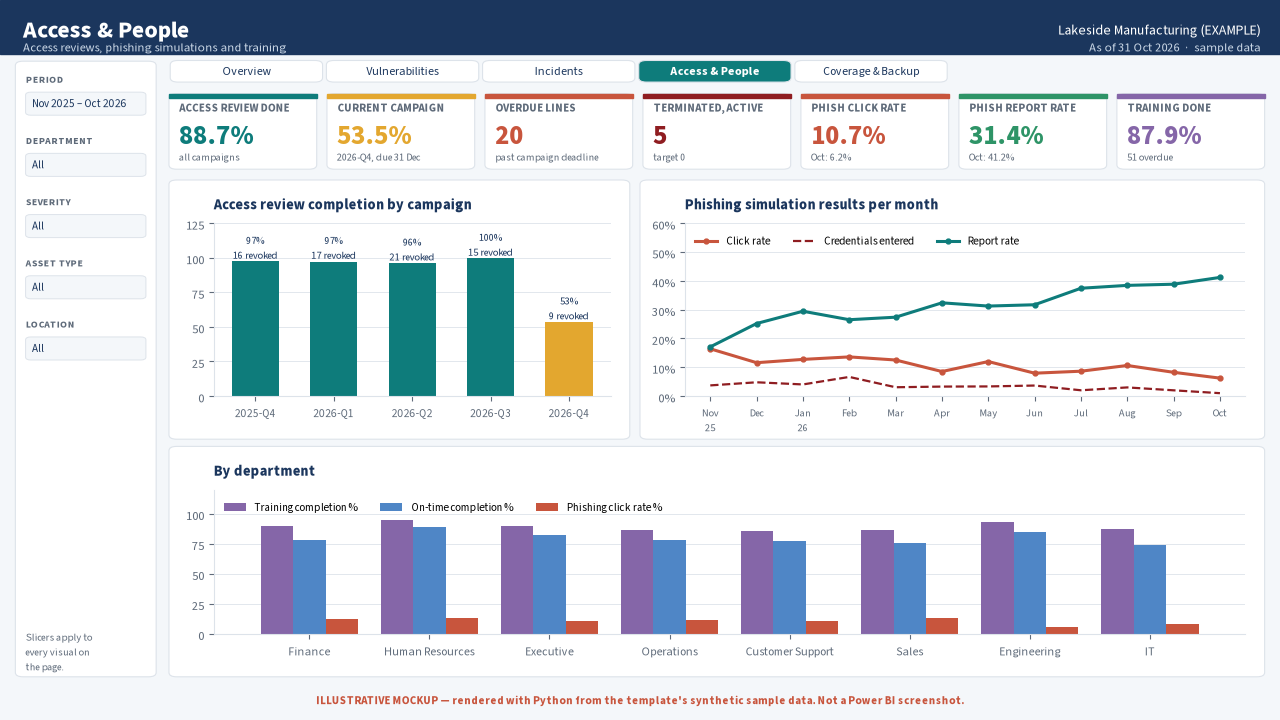
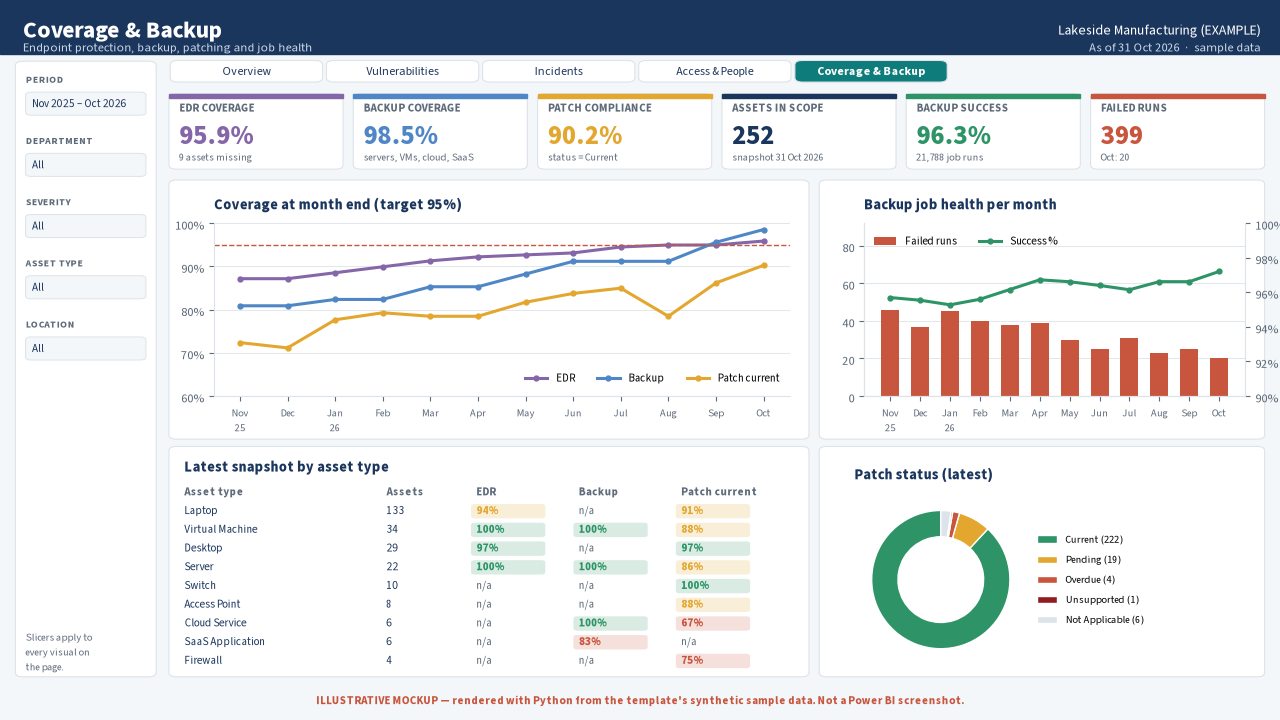
The page images are illustrative mockups rendered from the sample data, not Power BI screenshots.
What you get
• Sample data source: an Excel workbook with 12 Excel Tables (dates, severities, departments, assets, vulnerabilities, incidents, access reviews, asset coverage snapshots, phishing simulations, training, backup jobs), plus the same tables as CSV files. All data is fictional.
• 41 DAX measures with comments, format strings and display folders: vulnerability SLA compliance %, MTTR, open backlog at month end, past-SLA and actively exploited findings; incident MTTD / MTTC / MTTR, containment within target, month-over-month change; access-review completion and overdue items, terminated users still active; EDR, backup and patch coverage %; phishing click and report rates; training completion and overdue; backup success %.
• A DAX query view file that adds all measures in one paste.
• A report theme (original navy/teal palette) and Power Query scripts for three sources: the Excel workbook, a folder of CSV files, or the IT & Cybersecurity Operations Toolkit workbooks.
• Build guide (PDF): import, relationships, date table, measures, theme, five pages (Overview, Vulnerabilities, Incidents, Access & People, Coverage & Backup) with visual types, fields and positions, synced slicers, refresh, saving your own .pbit, expected values for six filter scenarios, and troubleshooting.
• Data dictionary (PDF) with every column and its matching toolkit field.
Who it is for
IT managers, security analysts, MSPs and consultants who already use Power BI Desktop (or want to) and need a monthly security KPI report without designing the model from scratch.
Who it is not for
Anyone who wants a finished, click-and-go .pbix today (that is planned for v1.0), or a product that connects automatically to a specific security tool.
Works with the IT & Cybersecurity Operations Toolkit
Field names and drop-down values match the toolkit's asset, vulnerability, incident and access-review registers, and the included Power Query scripts read those sheets directly.
How it was checked
The sample data, DAX and Power Query were checked on a system without Power BI: automated linting, and every measure recomputed independently from the sample data (Python and SQL, 98 automated checks passed). The theme validates against Microsoft's published report-theme JSON schema. The DAX and Power Query were not run inside Power BI Desktop for this version; the expected-values table in the guide lets you confirm your build.
License
Single-buyer commercial-use license (one purchase = one person or organization). Build and use the dashboard inside your organization. Consultants and MSPs may build dashboards for their own clients and hand each client its finished report with its own data. You may not resell, share, or publish the kit files or a blank template made from them. No warranty; liability limited to the price paid. Full text in the LICENSE file.
Important limits
Supports security reporting; does not guarantee compliance with any framework, law or regulation. Not legal, compliance or audit advice. SLA and containment targets are editable defaults, not recommendations. Not affiliated with or endorsed by Microsoft. Power BI and Excel are trademarks of Microsoft Corporation.
Refunds
If the zip or the sample workbook will not open, or a measure does not reproduce the expected values in the guide with the sample data, contact me within 14 days and I will fix it or refund you.