


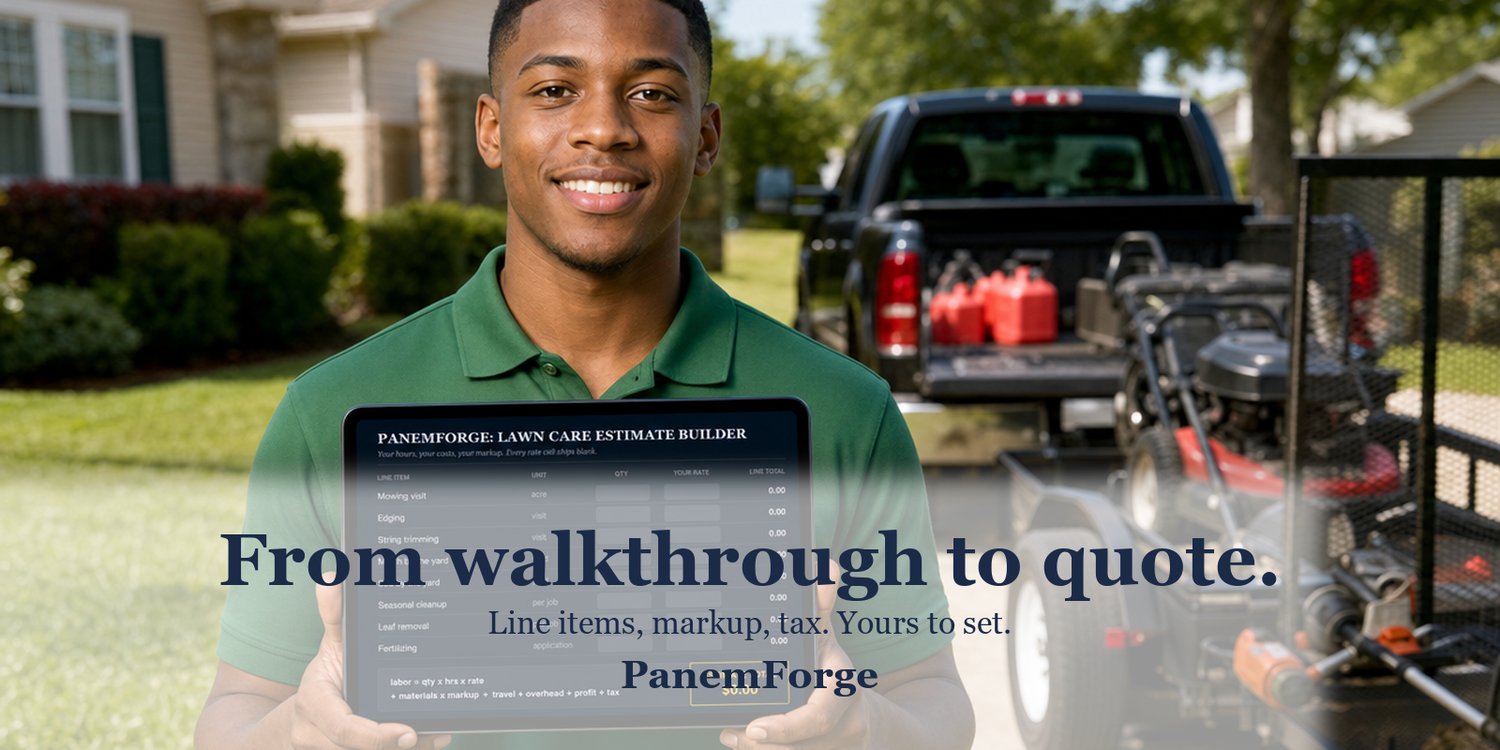




Lawn Care Bid Calculator: Price Yard Work From Your Own Rates (Excel, Google Sheets)
Eyeballed square footage is the most common pricing leak in lawn care. This workbook prices each visit using measured work: your rate, your helper, your materials, and your markup. One file, no subscription.
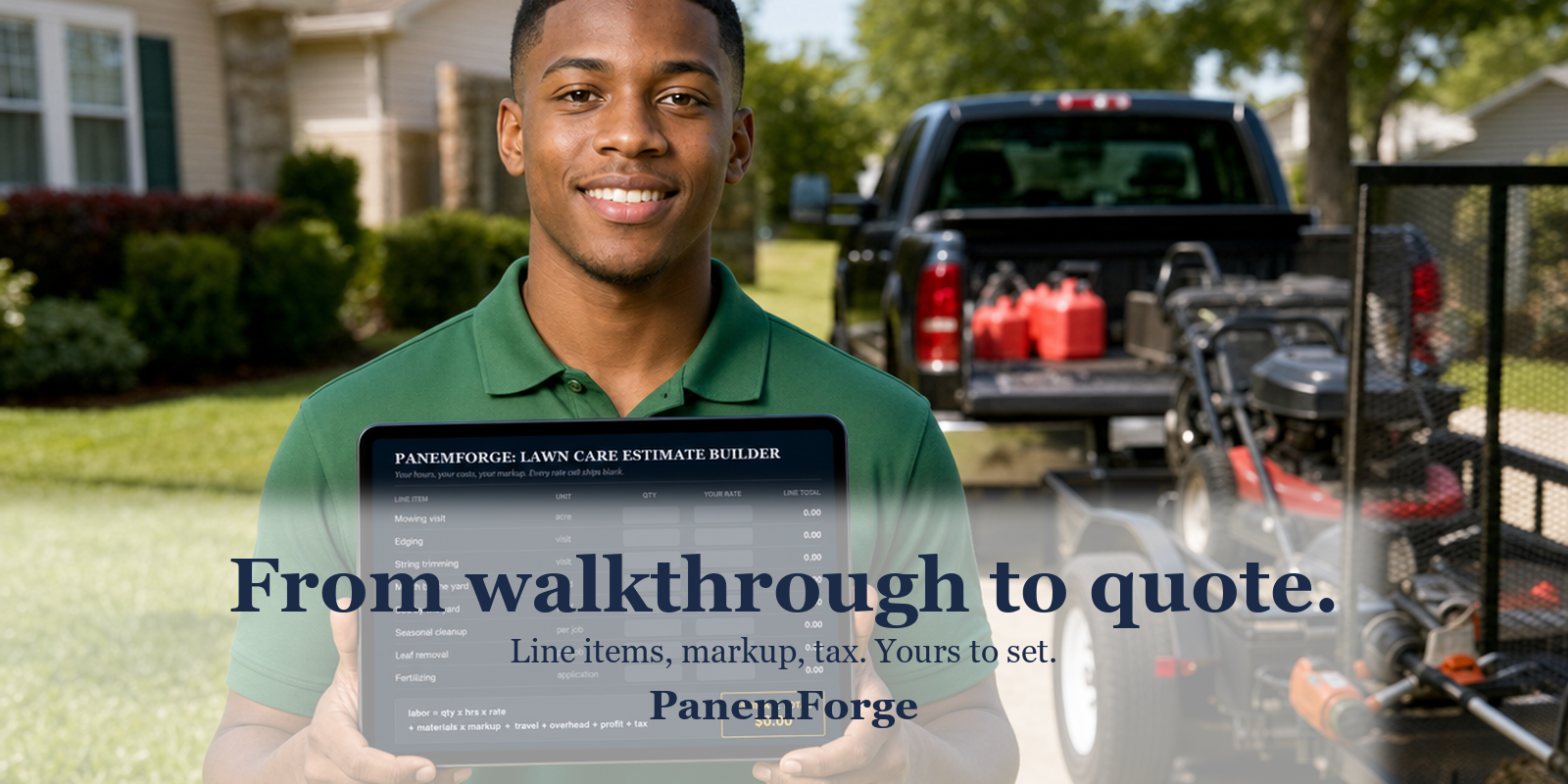 The workbook has seven sheets: Start Here, My Rates, Trade Setup, Estimate Builder, Quote, Job Log, and AI Help Prompts. Here is how they work together.
My Rates holds your numbers: hourly labor, helper or second tech, materials markup, trip charge, overhead, target profit markup, and sales tax. Markup is the amount added to a cost. Overhead means your business expenses. Every rate cell comes blank on purpose. The file does not tell you what to charge. Blank rates count as zero, so fill them in first.
Trade Setup starts with 12 lawn care line items. Mowing visits, edging, and trimming each have their own row. Mulch and sod are priced by the yard. Seasonal cleanups, leaf removal, fertilizing, hedge trimming, aeration, and haul-away are also included. You can rename, add, or delete every row. The quantity ranges are for sizing context only. They are not prices.
Estimate Builder is where you create the bid. Mark the lines you want to include, enter the quantities, and enter the material costs you carry. Each line adds your labor hours multiplied by your rate, plus your material cost with your markup. The trip charge, overhead, profit markup, and sales tax are added below that. The estimate total appears at the bottom. Change a rate once in My Rates, and the related line totals update with it.
Quote turns the estimate into a clean client page. The client details and total fill in automatically. You set the terms. The page says the quote stands for 30 days unless you agree otherwise. Print it or paste it into an email.
Job Log keeps your history: date, client, job, quoted price, and actual hours, row by row. Your own numbers can show you which rates are too low. That is the point of logging.
AI Help Prompts is a sheet of copy-and-paste prompts you can give to any AI chat to draft emails, letters, and pricing language. Use one to draft a one-page pricing sheet for residential lawn work or a spring cleanup quote. There are eight prompts in all: four built for lawn care work and four for any trade. The all-trade prompts include the estimate email, the scope gap check, the follow-up nudge, and the bid or no-bid call. The AI drafts; you decide. The prompts are plain text. There are no external links inside the file, and the workbook works fine if you never open that sheet.
What this file does not do: It does not suggest market rates or industry averages, connect to your bank, or give tax or accounting advice. Ask your CPA about sales tax and markup.
No macros. No bank connections needed. No subscriptions, accounts, or logins. It works in Excel, LibreOffice, and Google Sheets. One file, $10, yours forever.
SALES POLICY: All sales are final. Digital files can't be returned. If a file won't open or is damaged, reply to your purchase email, and we'll send a fixed or replacement file, free.

Q: Does it come with going rates or average prices for lawn care work?
A: No, and that is on purpose. Every rate cell comes blank. You enter your labor rate, helper rate, material costs, markup, and overhead. The file does the math using your numbers. It never suggests what you should charge.
Q: What exactly do I get?
A: One workbook with seven sheets: Start Here, My Rates, Trade Setup with 12 lawn care line items, Estimate Builder, a printable Quote page, Job Log, and AI Help Prompts. You download it once and own it.
Q: Do I need Excel, or a subscription?
A: No subscription, and Excel is not required. The file is a plain workbook with no macros, so it opens in Excel, LibreOffice, and Google Sheets. There is no account and nothing to log in to.
Q: Can I change the line items?
A: Yes. Trade Setup is yours. Rename any row, delete work you do not do, or add the specialty jobs you price every week. Mowing, cleanup, and aeration have separate rows, so recurring work stays visible.
Q: What is the AI Help Prompts sheet?
A: It is a sheet of copy-and-paste prompts you can give to any AI chat to draft emails, letters, and pricing language, such as a pricing sheet or cleanup quote. The AI drafts; you decide. The prompts are plain text with no links, and the workbook works fine if you skip that sheet.
Q: What if the file does not work for me?
A: Digital files cannot be returned, so all sales are final. If a file will not open or is damaged, reply to your purchase email. We will send a fixed or replacement file for free. No forms.
Watch the walkthrough on YouTube at youtube.com/@PanemForge. Find more ideas and guides on Pinterest at pinterest.com/panemforge.