

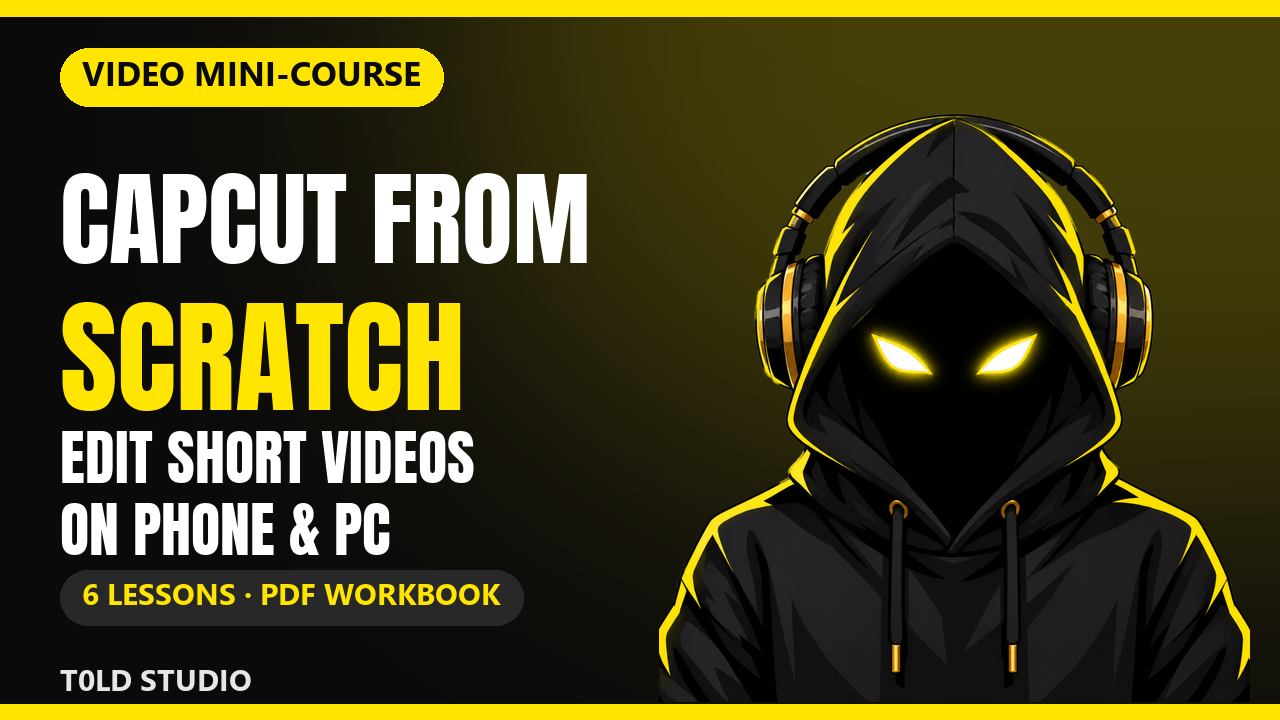
CapCut from Scratch: Edit Short Videos on Phone & PC
Want to edit short videos but not sure where to start in CapCut? In this short video mini-course you learn the whole process, from your first project to the final export, on phone and computer, with one practical task per lesson.
What you will learn:
- Meeting CapCut: phone, computer and browser versions, free vs. Pro features and your first project
- Cuts and rhythm: split, trim, removing pauses, order, speed and cutaway shots
- Text and captions: readability, safe areas, automatic captions with review and a consistent style
- Audio: voice, music, sound effects, mixing and care with rights and licenses
- Effects, transitions, filters and layers: how to use them with moderation
- Exporting, publishing within platform rules, organizing files and building an editing routine
What's included: 6 video lessons (about 21 minutes in total, MP4 1080p) and a PDF workbook with lesson summaries, exercises, a checklist and a glossary.
Lessons:
- Meet CapCut: phone, computer and your first project
- Cuts and rhythm: build a short, direct video
- Text and captions: make the video clear even without sound
- Audio: voice, music and sound effects without headaches
- Effects, transitions and layers: use them with moderation
- Export, publish and build an editing routine
Please note: Educational content only. It does not promise views, followers, monetization or income. CapCut is a third-party tool and this course is independent, with no connection to the company. Menus, features, plans and prices change with updates, so check the current app version and the official terms. Some features are free and some are Pro (paid); you do not need to subscribe to follow the lessons. Music, images and fonts have their own licenses.
AI-assisted narration: Part of this material, including the lesson narration, was produced with AI assistance and reviewed by people. 30-day refund, no questions asked.