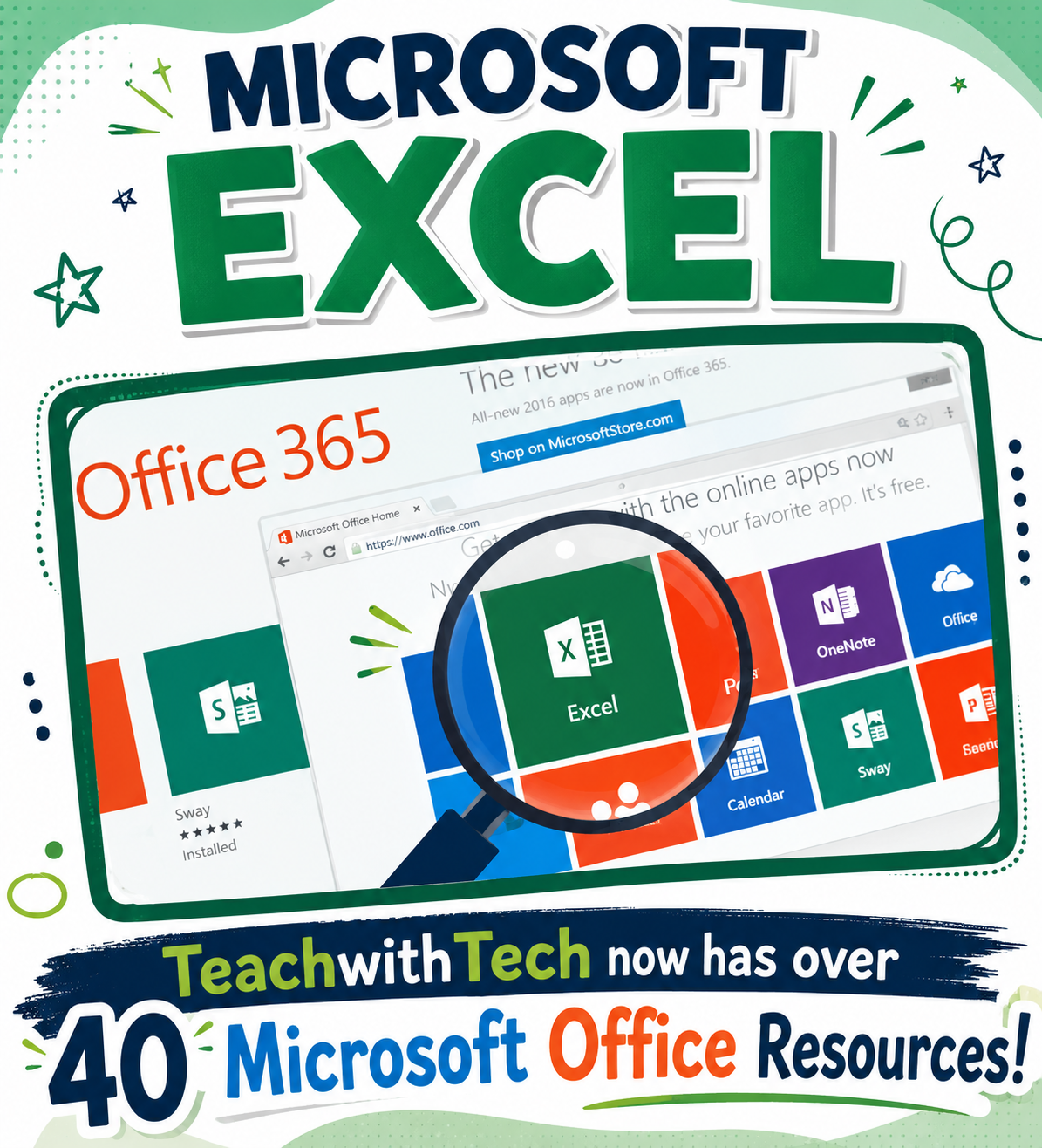




Microsoft Excel Lesson Activities | Excel 365, 2016, 2013 & 2010 Tutorials and Practice
Professor Cell’s Amazing Excel Adventure!
“Greetings, young data wizards! I’m Professor Cell, and I’m here to teach you how to turn numbers into awesome charts, tables, and graphs using Microsoft Excel.
Whether you’re using Excel 2010, 2013, 2016, or Office 365, you’ll learn how to organize data, calculate totals, and create colorful charts that bring information to life!” 💡🎯
🧮 What You’ll Discover Inside:
✅ How to create tables that add numbers automatically
✅ How to design bar, line, and pie charts to show data in cool ways
✅ Tips for making your spreadsheets look neat and professional
✅ Fun activities to help you practice your Excel magic
💡 Excel Topics You’ll Explore:
📂 Menus – File, Home, Insert, Formulas, and more
📏 Rows, Columns & Cells – The building blocks of every spreadsheet
📈 Charts & Components – Types of charts, axis titles, legends, and data labels
🎨 Chart Tools – Adding elements, changing colors, and switching data for the perfect design
🎯 Hands-On Activities Include:
⚡ Creating Bar, Line, and Pie Charts
⚡ Bike Sales Data Challenge
⚡ AutoSum Super Speed Activity
⚡ Football Spreadsheet Game
⚡ Fun Holiday Projects: Halloween & Thanksgiving spreadsheets
🖥️ Why You’ll Love It:
✨ Step-by-step instructions for all versions of Excel (2010–Office 365)
✨ Marking schemes and student exemplars to check your work
✨ Perfect for beginners and future spreadsheet pros alike!
📊 Professor Cell’s Wizard Tip:
The more you play with data, the more fun Excel becomes—numbers can tell amazing stories if you know how to chart their adventures!
🎉 Ready to Become a Spreadsheet Superstar?
Join Professor Cell and start turning plain numbers into magical, meaningful visuals today!