
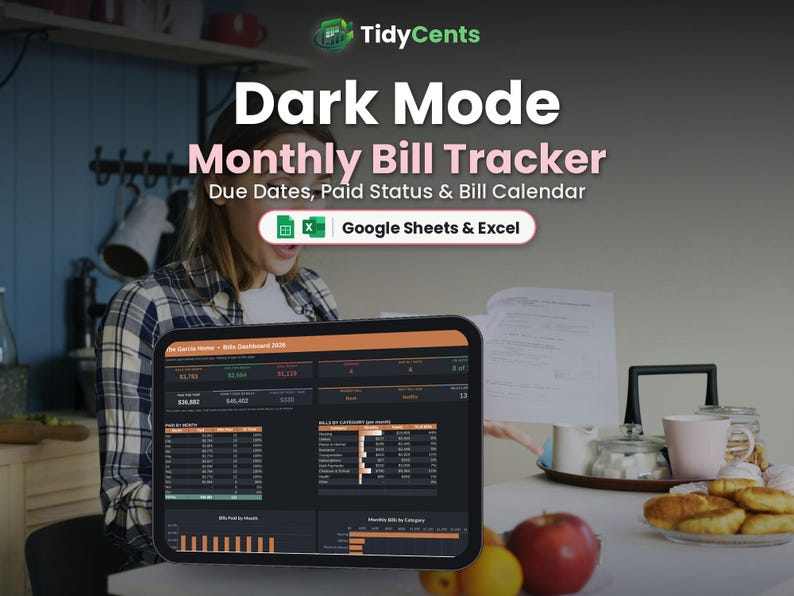
Dark Mode Monthly Bill Tracker Spreadsheet | Bill Payment Checklist and Due Date Tracker | Google Sheets & Excel Template
DARK MODE EDITION — the same template with an easy-on-the-eyes dark design, perfect for night owls and screens.
Never miss a due date again with this Monthly Bill Tracker spreadsheet: every bill, when it is due, and a check mark when it is paid.
WHAT'S INSIDE
- Start Here: type your details and settings once, with simple step-by-step instructions
- Dashboard: this month's total, paid, left to pay, bills by category and subscriptions per year
- Bills: each bill once with category, amount, due day, autopay and a paid column for all 12 months
- Help & FAQ: answers to the most common questions
FEATURES
✔ 12-month paid grid: type x (or the real amount) when you pay
✔ Bills due in the next 7 days turn orange; overdue turn red
✔ Next due date and status for every bill
✔ This month's total, paid and remaining
✔ Bills by category
✔ Yearly cost of your subscriptions
✔ Autopay column
HOW IT WORKS
1. List every bill once with its amount and due day.
2. Each month, type x when you pay it.
3. Check the Dashboard for what is left to pay.
YOU WILL RECEIVE
✔ 1 spreadsheet template (.xlsx)
✔ 1 DEMO file with sample data, so you can see how it works
✔ 1 PDF guide: how to open it in Google Sheets (free) or Excel
PLEASE NOTE
- This is a digital product. Nothing physical will be shipped.
- Works in Google Sheets (free Google account) and Microsoft Excel 2016 or newer / Microsoft 365.
- Not compatible with Apple Numbers.
- Due to the digital nature of this item, no returns, but please message us for any help.
- For personal or own-business use only (no resale or sharing of the file).
Light version also available in our shop.