
Warehouse Inventory Management: A Practical Guide to Better Stock Visibility
A warehouse can look organized and still be difficult to manage if stock records do not match physical locations. Products may be received but not recorded, moved without updating the location, or stored somewhere only one employee remembers. During busy periods, workers may pick the nearest item rather than follow a consistent process. These gaps create delays and uncertainty about what is actually available.
Warehouse inventory management combines physical organization with accurate records. It helps teams know what is stored, where it is located, how much is available, and which movements have taken place. The aim is not simply to keep shelves tidy; it is to make receiving, storage, picking, transfers, and stock checks repeatable.
Create a location structure people can follow
Use a location naming system that reflects the actual layout. Depending on the warehouse, that may include site, zone, aisle, rack, shelf, and bin. Keep labels readable and use the same codes in inventory records. Define how temporary storage is recorded and when items must move to their permanent location.
Place frequently picked items where they can be accessed safely and efficiently, while considering weight, dimensions, handling requirements, and product compatibility. Do not base slotting decisions on speed alone. Fragile, hazardous, temperature-sensitive, or high-value goods may need special handling. Test the location system with a new employee: can they find an item using only its label and record?
Standardize receiving and put-away
Receiving is the first opportunity to protect inventory accuracy. Compare delivered quantities with the expected shipment, inspect visible damage, and record shortages or substitutions. Keep goods requiring inspection separate from stock ready for sale or use. If paperwork does not match the delivery, record the discrepancy and assign follow-up instead of assuming it will be corrected later.
Put-away should follow a defined rule. Record the location as the item is stored, not hours later when the worker tries to remember. If products can be stored in several locations, define how primary and overflow locations are maintained. For mixed pallets, record quantities and identifiers clearly so partial movements do not become difficult to explain.
Improve picking, packing, and transfers
Picking errors can result from similar product names, unclear bin labels, outdated quantities, or hurried work. Use item codes and location information to verify the correct product. Where practical, scan the item or location before confirming the movement. Keep replenishment tasks visible so pick locations do not unexpectedly run empty while reserve stock remains elsewhere.
Transfers need records at both ends. Identify the source, destination, item, quantity, and relevant status. Without that trail, the sending location may show stock that has already left while the receiving location has not recorded it. At packing, compare picked items with the order before dispatch. Review repeated errors to find whether labels, storage layout, or product data need improvement.
Use stock counts and operational measures
Cycle counts help warehouse teams find errors before they affect an order. Set a schedule based on item value, movement, and operational importance. Count high-risk items more frequently and investigate mismatches promptly. A count should be more than a number correction: the team should understand whether the issue came from receiving, picking, damage, a transfer, or an incorrect location.
Useful measures include inventory accuracy, picking accuracy, time to put away received goods, stockout frequency, and unresolved discrepancies. Use consistent definitions and review trends rather than a single week. Assign an owner and deadline to each corrective action, then check whether the underlying problem has changed.
Use technology to support the process
Inventory software can give staff and managers a shared view of stock by item and location. Depending on the product and plan, features may include movement records, low-stock alerts, reporting, barcode support, and multi-location visibility. Map the warehouse workflow before choosing a platform and verify the actual feature set rather than assuming every tool supports every function.
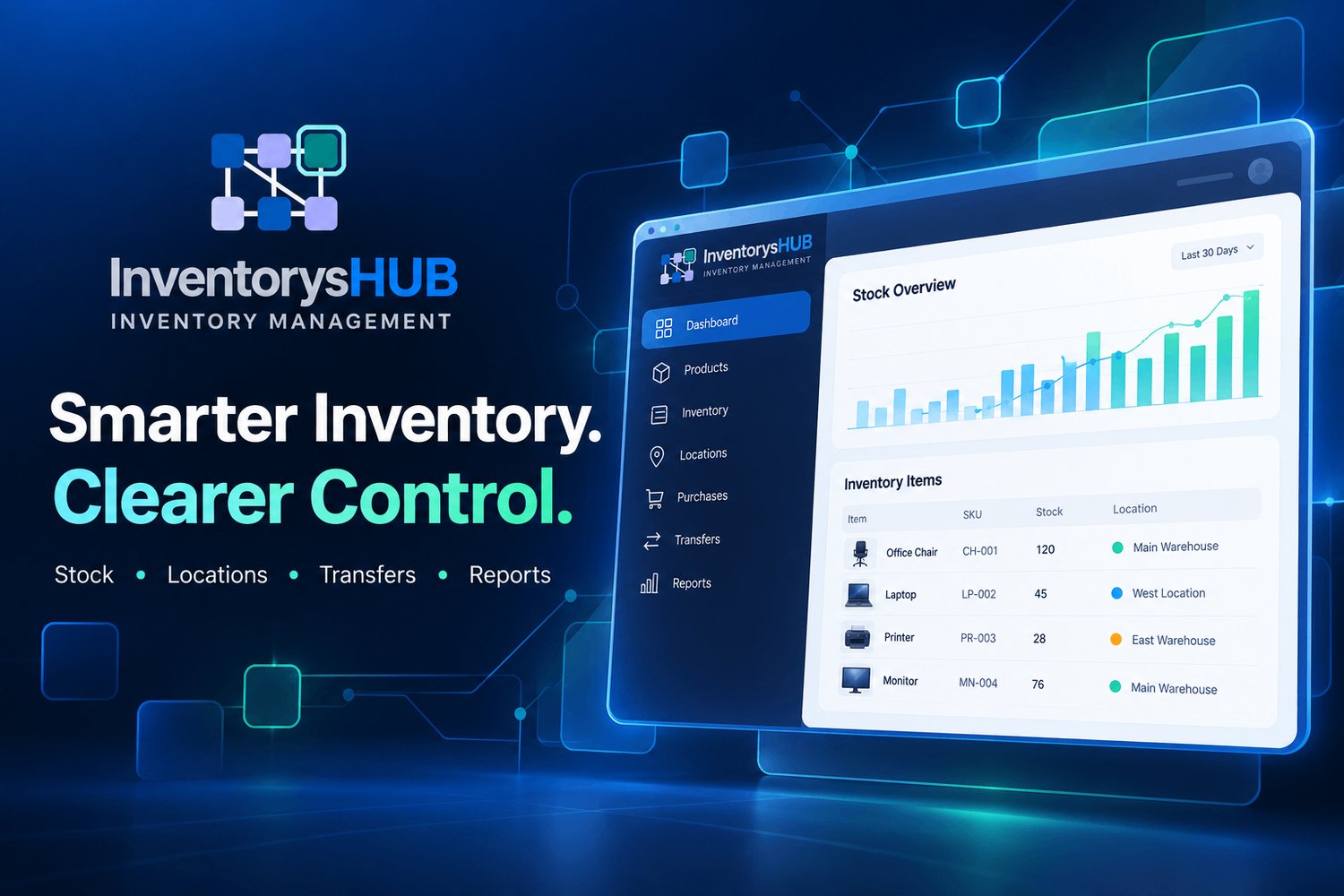
InventorysHub provides inventory-focused tools for stock visibility, locations, transfers, purchasing workflows, and reporting. Review the InventorysHub profile on GoodFirms and create a free account to explore the available workflow. Confirm current features and plan limits before making a decision. Technology is most useful when it supports a process people already understand.
Common implementation mistakes
A common mistake is launching a new tool before cleaning the item master. Duplicate SKUs create inconsistent totals and make transfers unreliable. Another mistake is treating transfers as informal messages instead of recorded stock movements. A third is using the same minimum stock level everywhere without considering local demand or lead time.
Before launch, verify opening quantities by location, standardize units, and resolve major discrepancies. Pilot the process with a small group of items and one transfer route. Confirm that staff can record dispatch, receipt, partial receipt, and adjustment scenarios correctly. Document the process and collect feedback before expanding it.
Frequently asked questions
What is warehouse inventory management? It is the process of recording, locating, moving, counting, and controlling goods stored in a warehouse.
How can a warehouse reduce picking errors? Use consistent item identifiers, clear location labels, order verification, and scanning where practical.
Why should transfers be recorded? A transfer changes stock availability at the source and destination. Recording both sides helps prevent double-counting or lost visibility.
Which metric should be tracked first? Inventory accuracy is a useful starting point, but the most relevant measure depends on the main operational problem.
Conclusion
Good warehouse inventory management connects physical layout with accurate records. Clear locations, controlled receiving, recorded transfers, reliable picking, and risk-based counts make daily work easier to repeat and improve. Explore the InventorysHub free signup page and its GoodFirms profile for more information.
Operational example: imagine a warehouse that stores the same product in reserve shelving and in a forward-picking location. If the system records only the total quantity, a picker may travel to an empty bin while stock is still available elsewhere. Location-level records and a replenishment routine help the team move stock before picking is interrupted. The exact layout will vary, but the principle is consistent: the record should help staff find the physical item, not just show a total.
A useful improvement is to review the most common reasons for failed picks each week. Separate errors caused by wrong locations, unavailable stock, damaged items, and incorrect item identification. Each cause needs a different fix, so a single general instruction to “be more careful” will rarely solve the pattern.