




Program Controls Dashboard
Program Controls Dashboard
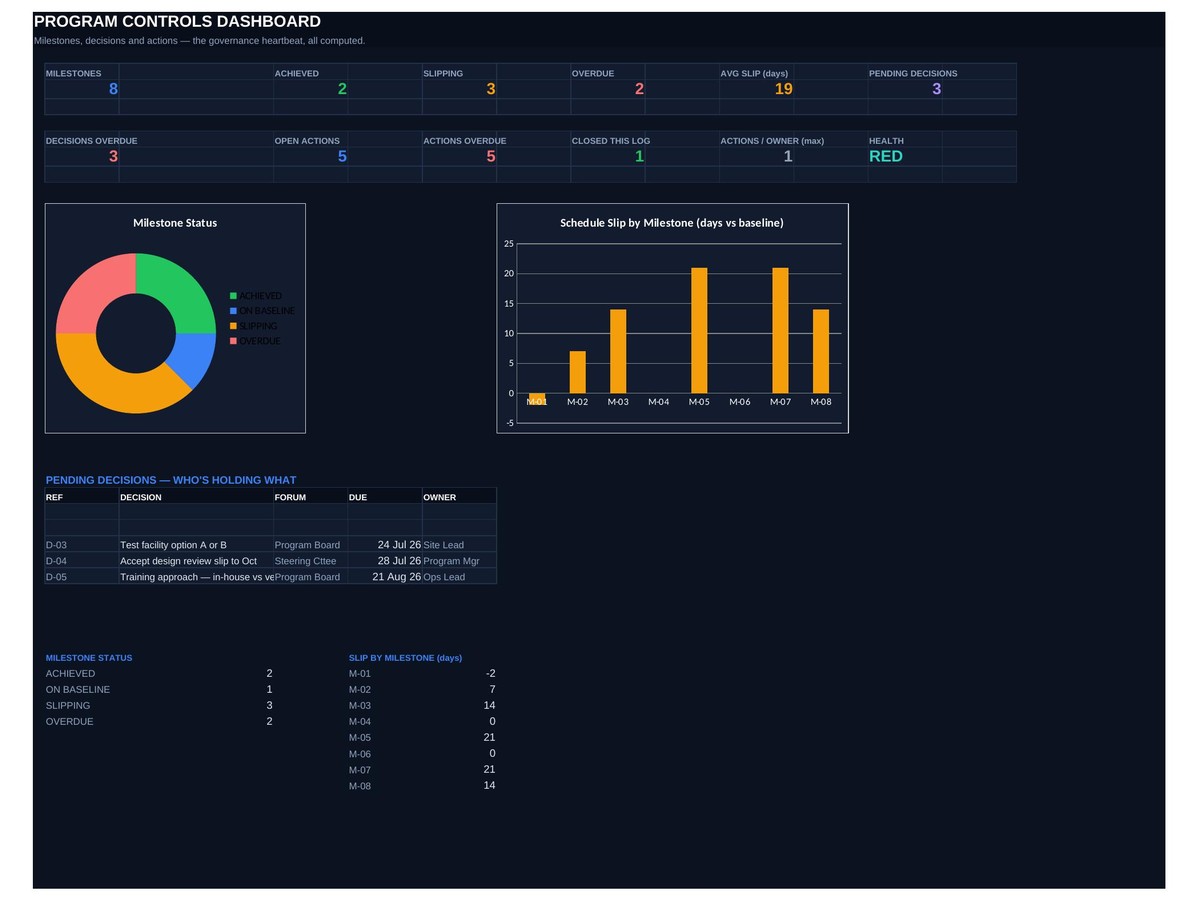
Milestones against baseline, decisions on record, actions with owners — the three things that keep a program honest.
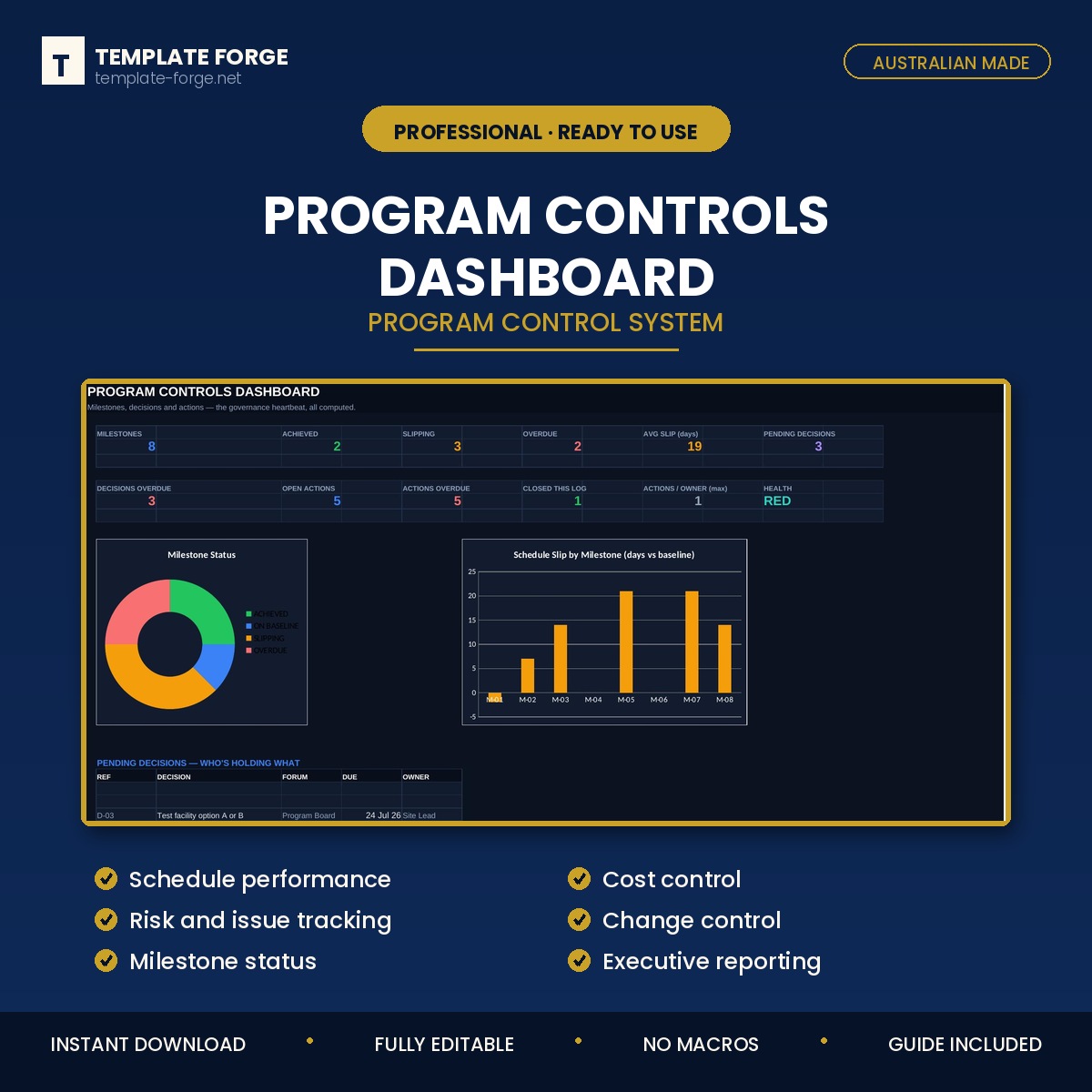
Programs drift a few days at a time. This workbook compares every milestone to its baseline and shows the slip in days, so drift is visible while there is still time to act. Alongside it sits the decision log and the action register, because most slippage traces back to a decision that was never made.
What's inside
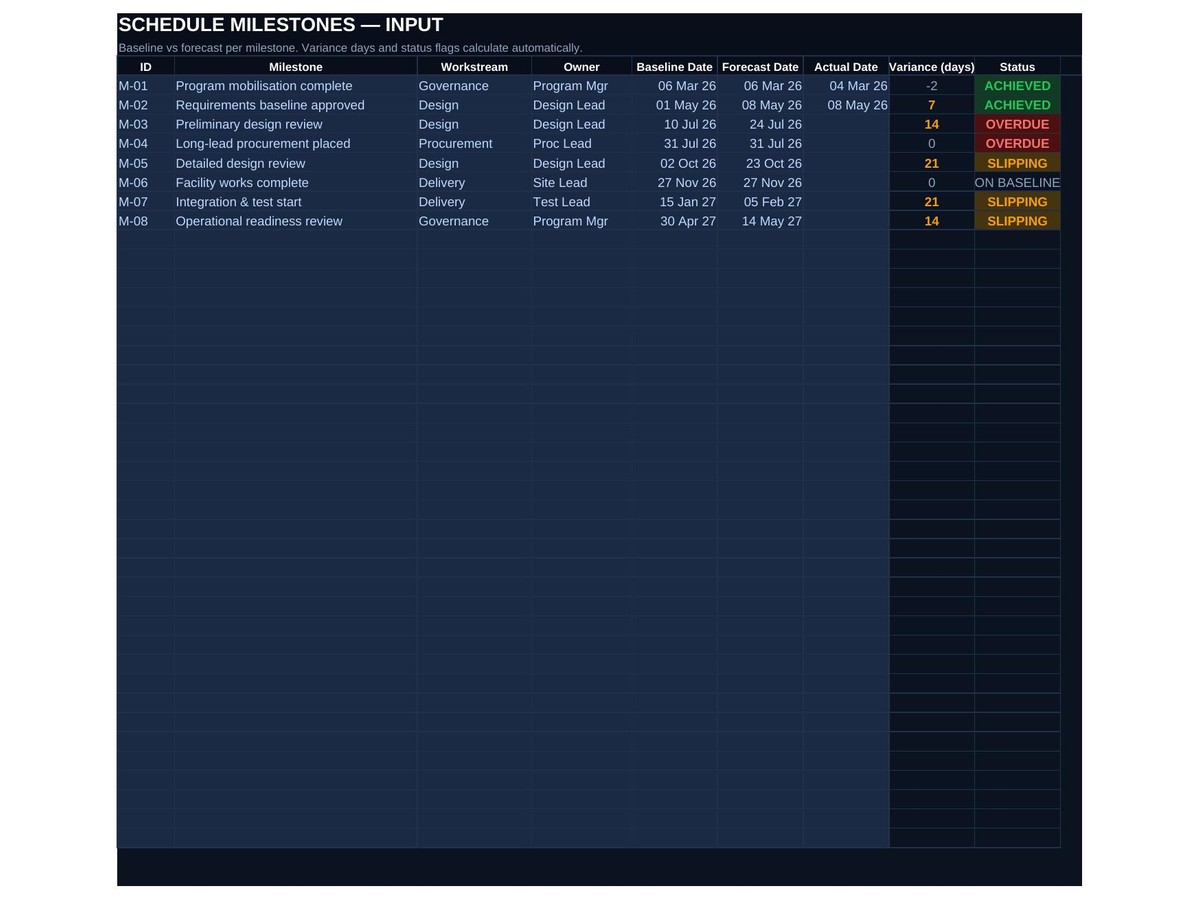
- Milestone tracking — baseline against forecast, with slip days calculated automatically
- Decision log — what was decided, by whom, when, and what it affected
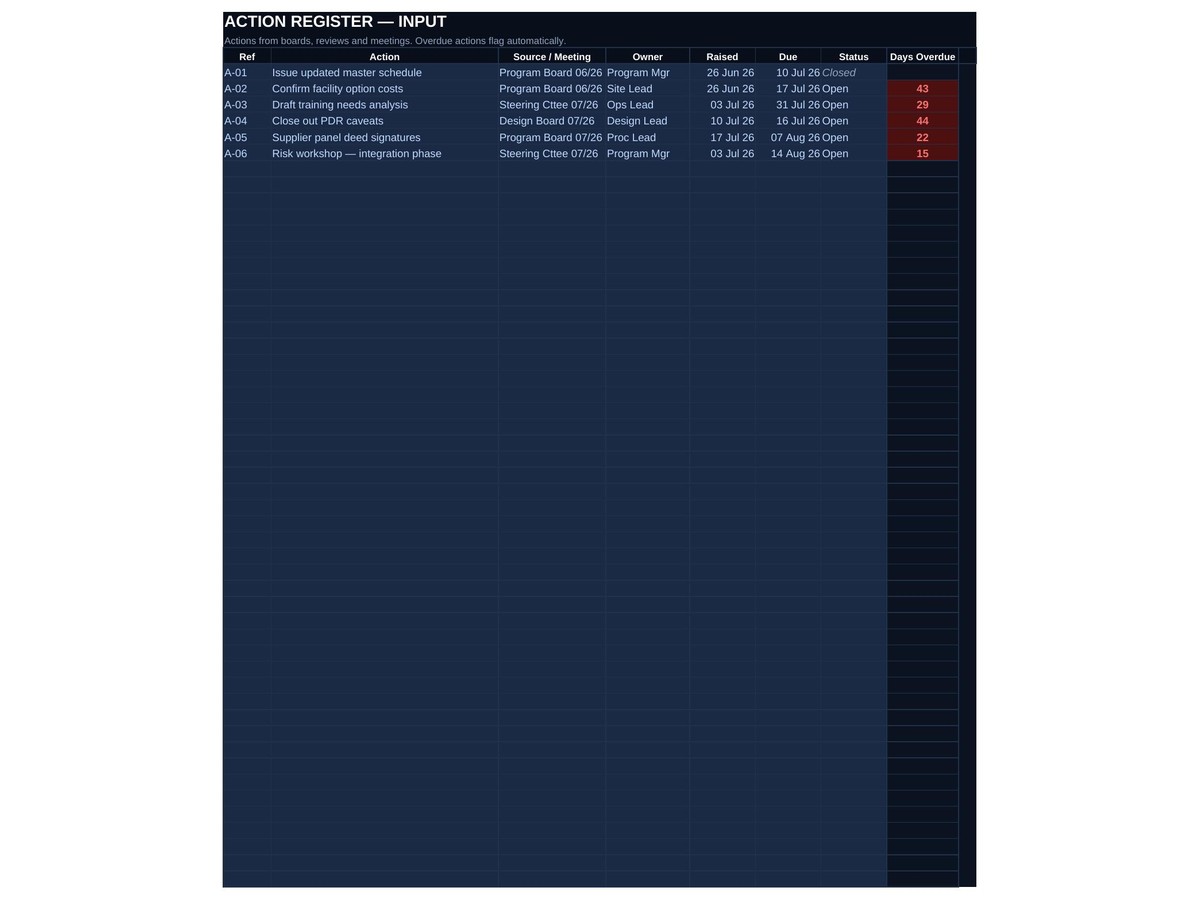
- Action register — actions with owners and due dates, overdue ones flagged
- Schedule performance — how the program is tracking overall
- Change control — scope and date changes recorded rather than absorbed
- Dashboard — the program's control position on one screen
How it works
Set your baseline once, then update forecast dates as they move. Slip days, flags and the dashboard calculate themselves. No macros, no add-ins, no subscription — a normal Excel file that opens on any version of Excel and keeps working forever.
Built in Australia from more than twenty years of program delivery experience. Instant download, yours to keep, use it across as many programs as you like.