
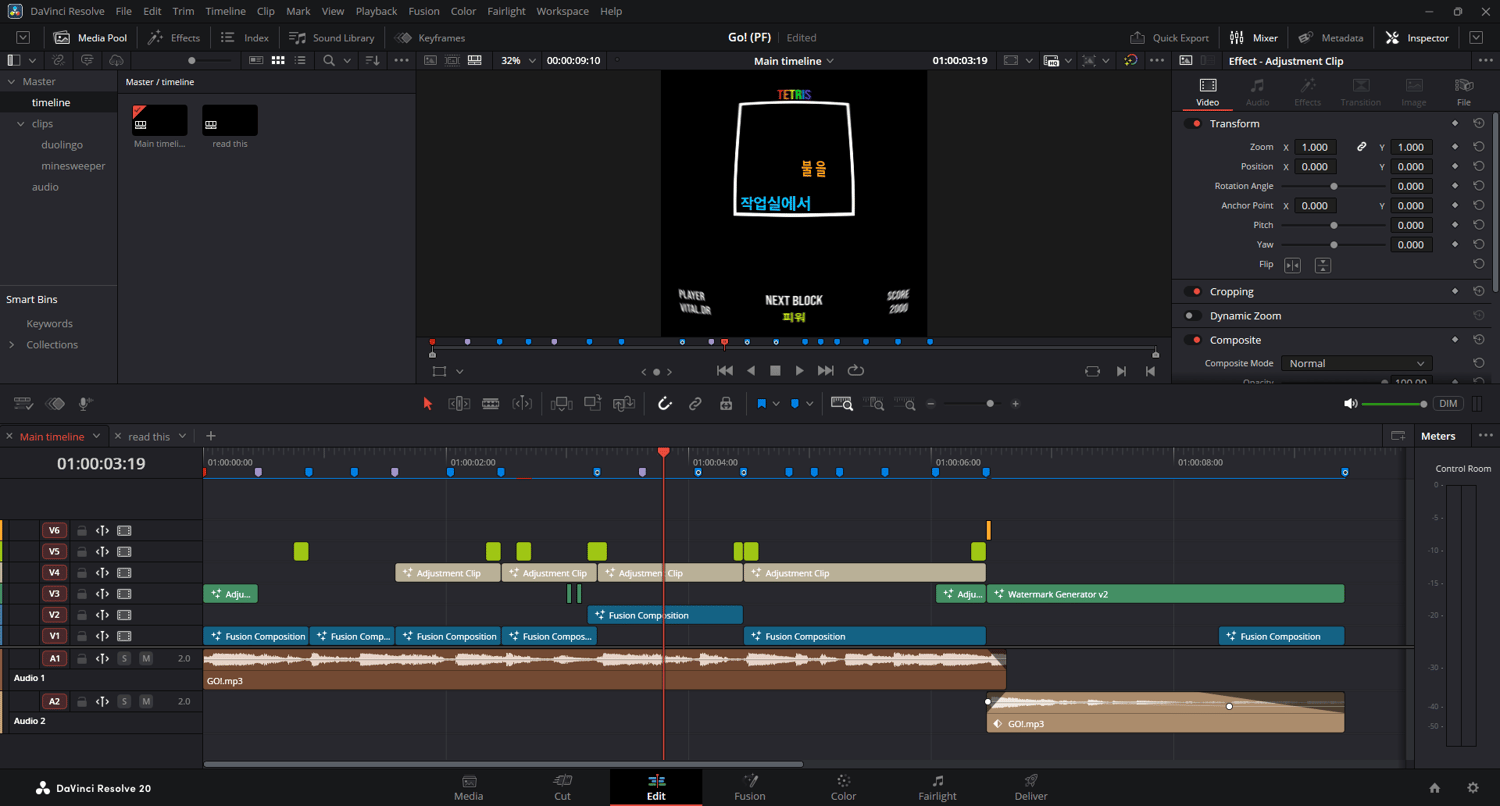

Go! PF
On Sale
$2.49
$2.49
"Go!" — Project Files by vital.dr
Extract the .dra folder from the zip using WinRAR, 7-Zip, or your preferred extraction tool.
Open DaVinci Resolve, go to Project Manager (house icon, bottom right).
Click Import (bottom-left) and select the .dra file.
Once the project opens, relink the media files so everything appears correctly in the timeline.
All media files are included (except fonts) — experiment, learn, and have fun!