
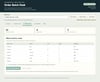
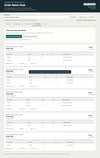
Order Batch Desk — Apparel CSV Totals & Job Tickets | Offline Windows Tool
Turn a batch of apparel orders into one garment blank list and printable job tickets, without counting the same sizes and colors by hand.
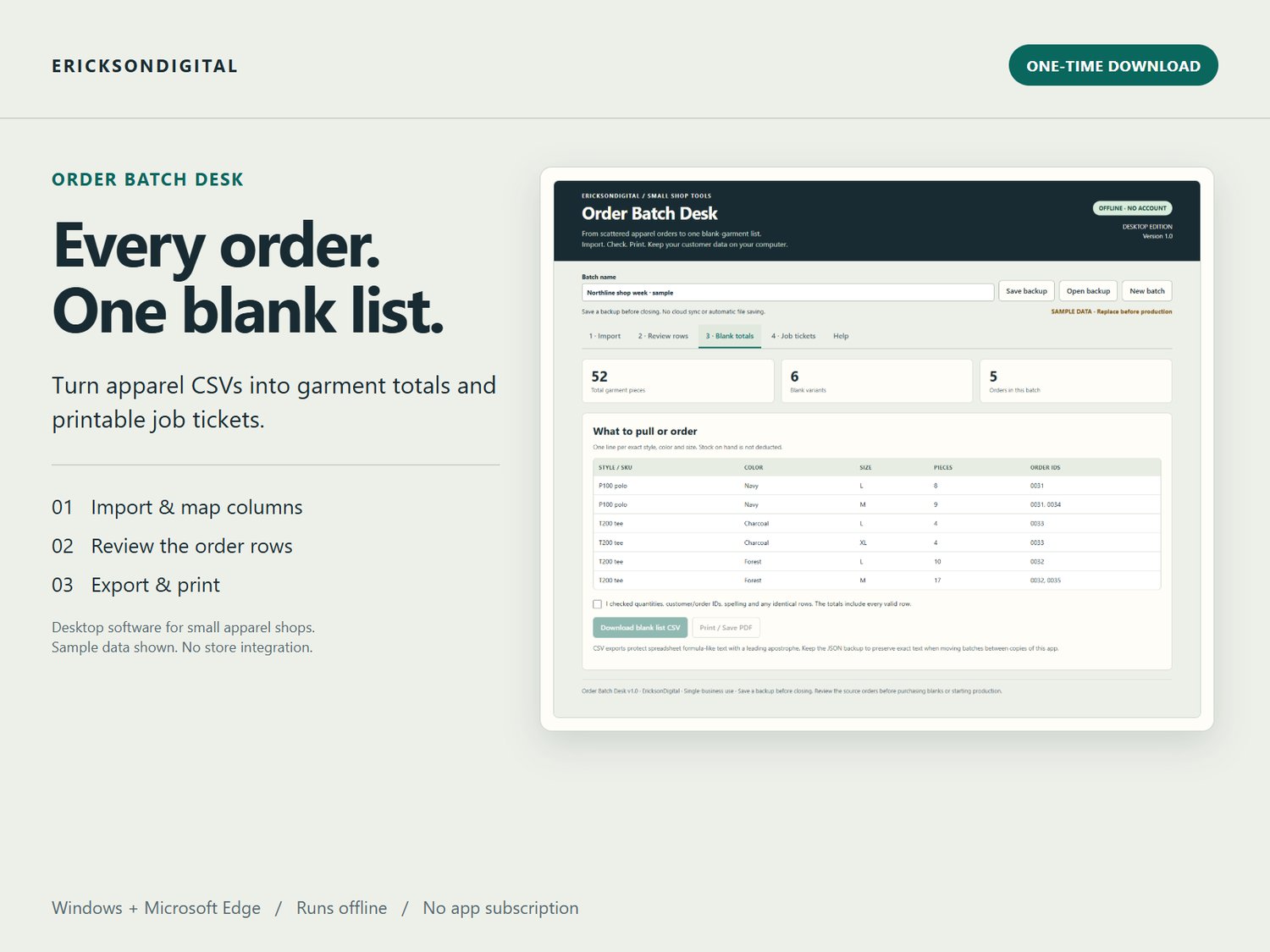
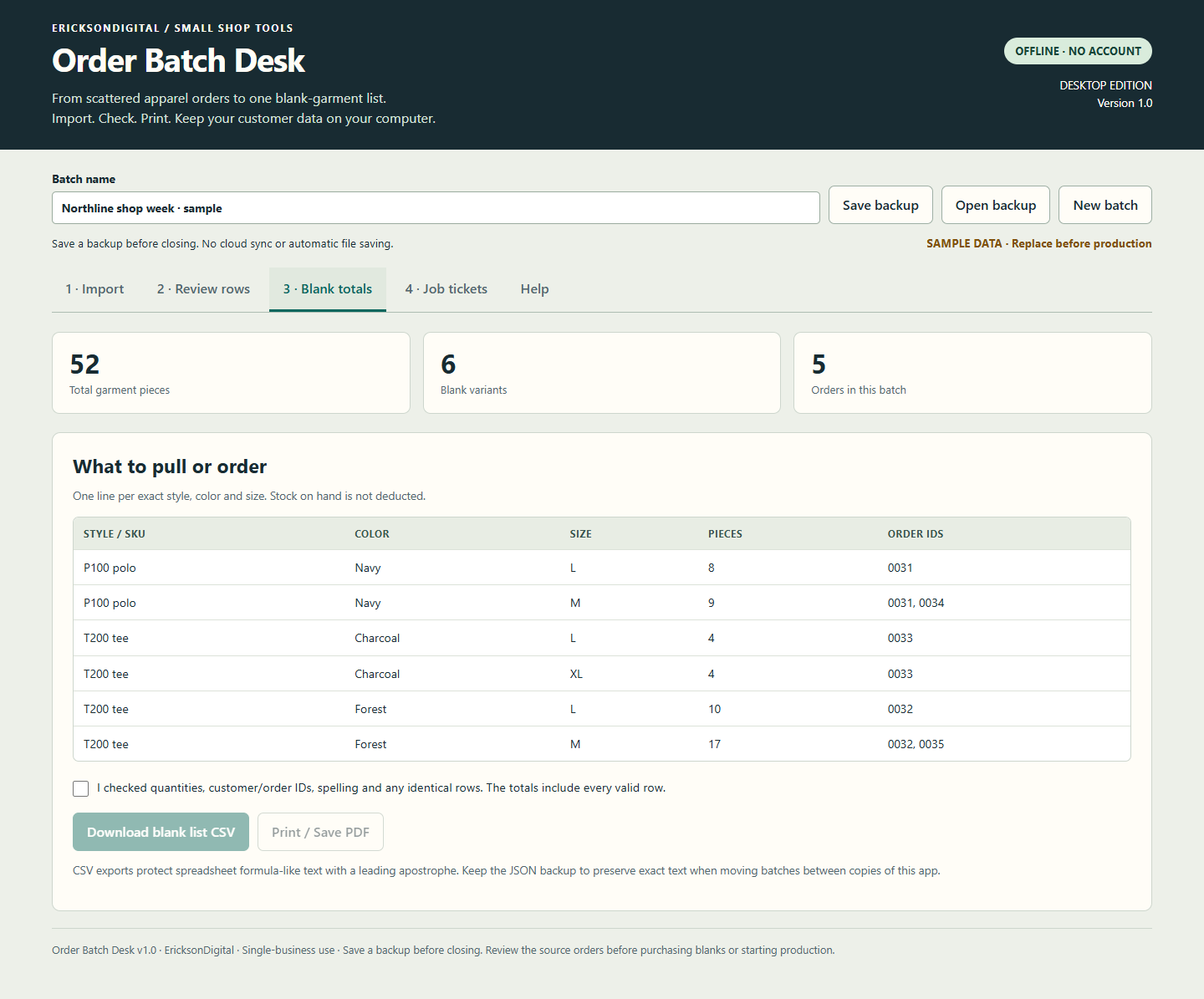
Order Batch Desk is a downloadable desktop browser application for embroidery, team-shirt and custom-apparel shops. Import your prepared CSV, map its columns, review the rows, and get totals grouped by exact style, color and size.
Fictional example: Three prepared CSV orders contain Gildan 5000 shirts: 2 Navy/Medium, 1 Navy/Medium and 4 Black/Large. The blank-list CSV totals 3 Navy/Medium and 4 Black/Large shirts. The ticket CSV keeps three separate order rows. Check every total against your source orders before buying blanks or printing tickets.
WHAT IT DOES
• Combines matching garment variants across orders into a blank list.
• Keeps order references beside the quantities so you can trace each total.
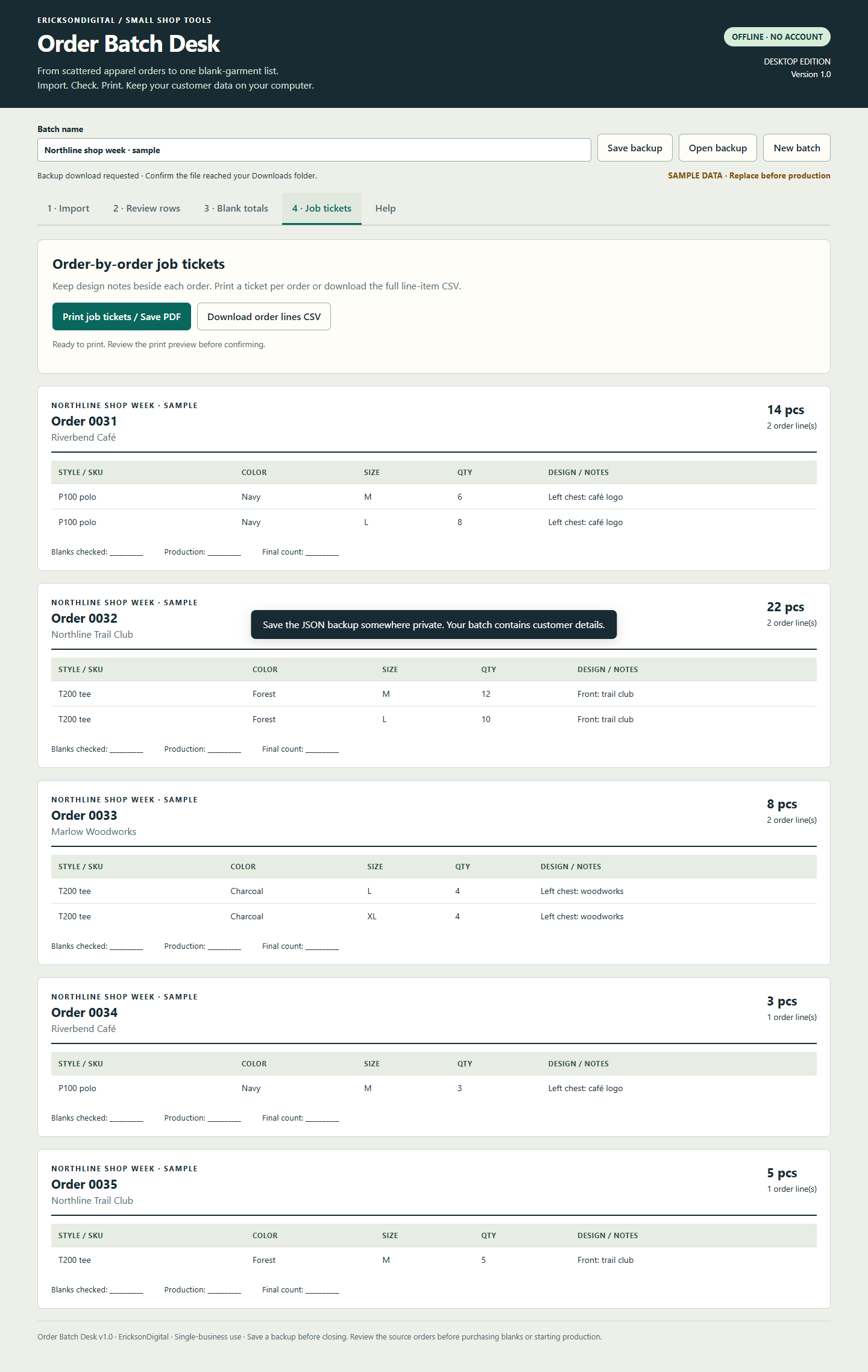
• Creates printable job tickets with garment details and design notes.
• Exports blank totals and order lines to CSV.
• Saves and reopens private JSON batch backups.
• Flags invalid quantities, missing fields, conflicting customer names and identical rows for review.
BUY ONCE. RUN LOCALLY.
Use version 1.0 on your Windows computer with Microsoft Edge. No account, activation, hosting or AI subscription is needed. Your order data stays in the application and files you choose to save; the app makes no network requests.
A CLEAR WORKFLOW
Import → review → check totals → print or export.
A sample batch, CSV template and start guide are included.
PLEASE CHECK THE FIT BEFORE BUYING
This is an offline preparation tool. It does not connect to your store, track live inventory, collect payments, purchase shipping, email customers or edit XLSX workbooks. Your UTF-8 CSV must have separate columns for order ID, style / SKU, color, size and quantity. Customer and design notes are optional.
Up to 5,000 rows and 500 orders per batch; CSV files up to 2 MB and serialized batch text up to 3 MB. Text matches are case-sensitive after trimming outside whitespace. Identical rows stay counted and are flagged for you to review.
Save a backup before closing: changes are not automatically saved to the HTML file. Windows/Microsoft Edge is the tested platform for v1; mobile, macOS and other browsers are not verified.
INCLUDED DOWNLOAD
Order-Batch-Desk.html, CSV template, example batch, start guide and single-business use license. Digital download only; no physical item.
One business and its staff may use this version on its devices. You own your entered data and generated reports. Resale or redistribution of the app is not included. Future features and lifetime updates are not promised.
GETTING STARTED AND HELP
Download and extract the ZIP, then open Order-Batch-Desk.html with Microsoft Edge on Windows. Start with the included sample and Help tab. Save a JSON backup before closing after edits. For help, use your receipt’s seller contact link and include the product name/version and exact error. Do not send passwords, bank details or confidential customer files.
If the download does not work as described, contact EricksonDigital through your receipt within 14 days so we can help or refund the purchase. This does not limit any rights you have under applicable law or the platform’s policies.
Also included in the Small Shop Operations Bundle with Small Shop Quote Builder for US$34. Buy this individual tool or the bundle; the bundle contains the same app.