

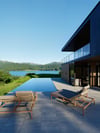


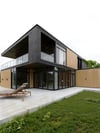
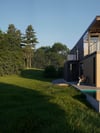
D5 pro 2.11 - 2h TUTORIAL: ''Isolated Peace''
What You Will Learn in This D5 Pro Video Tutorial
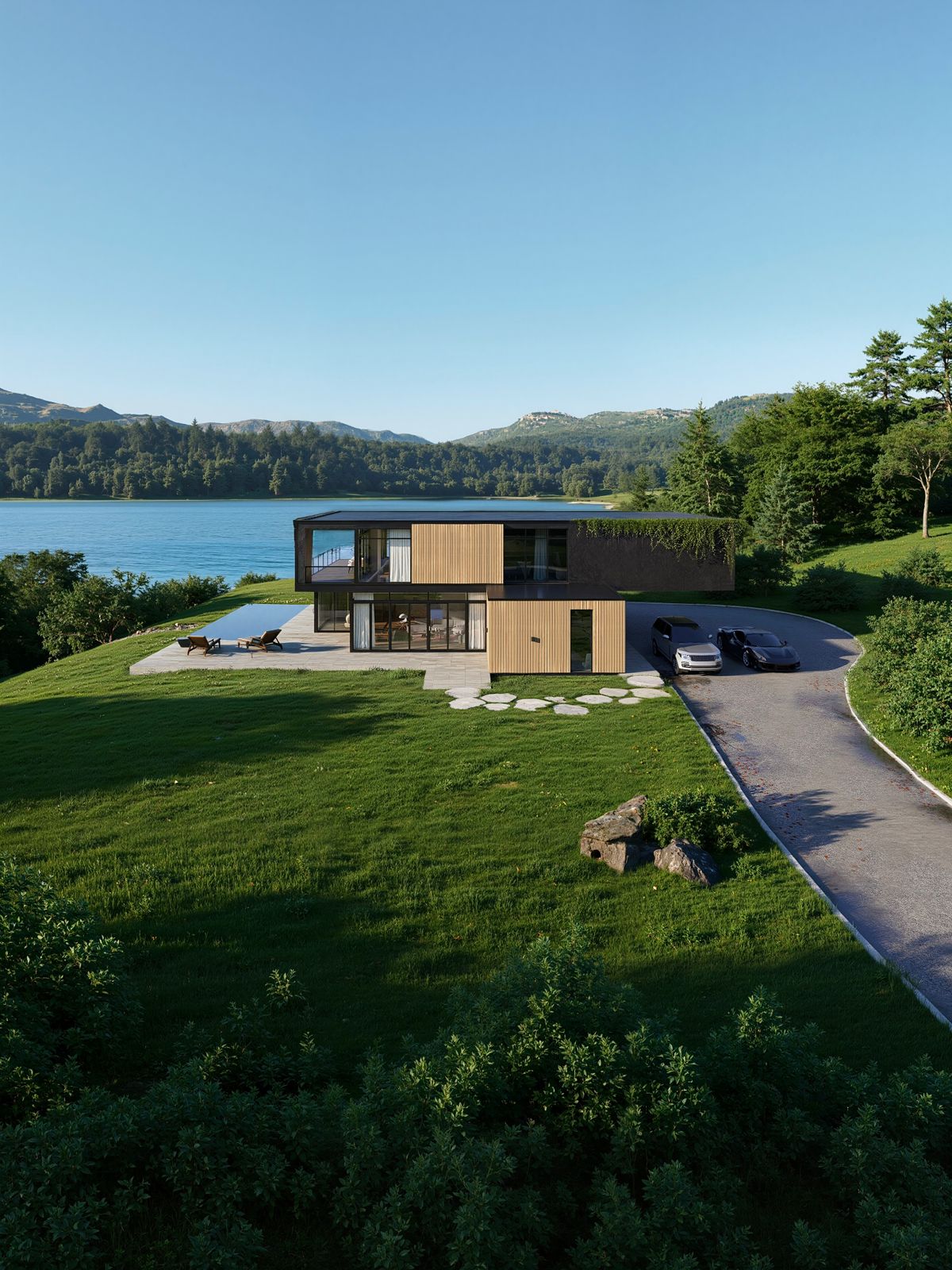
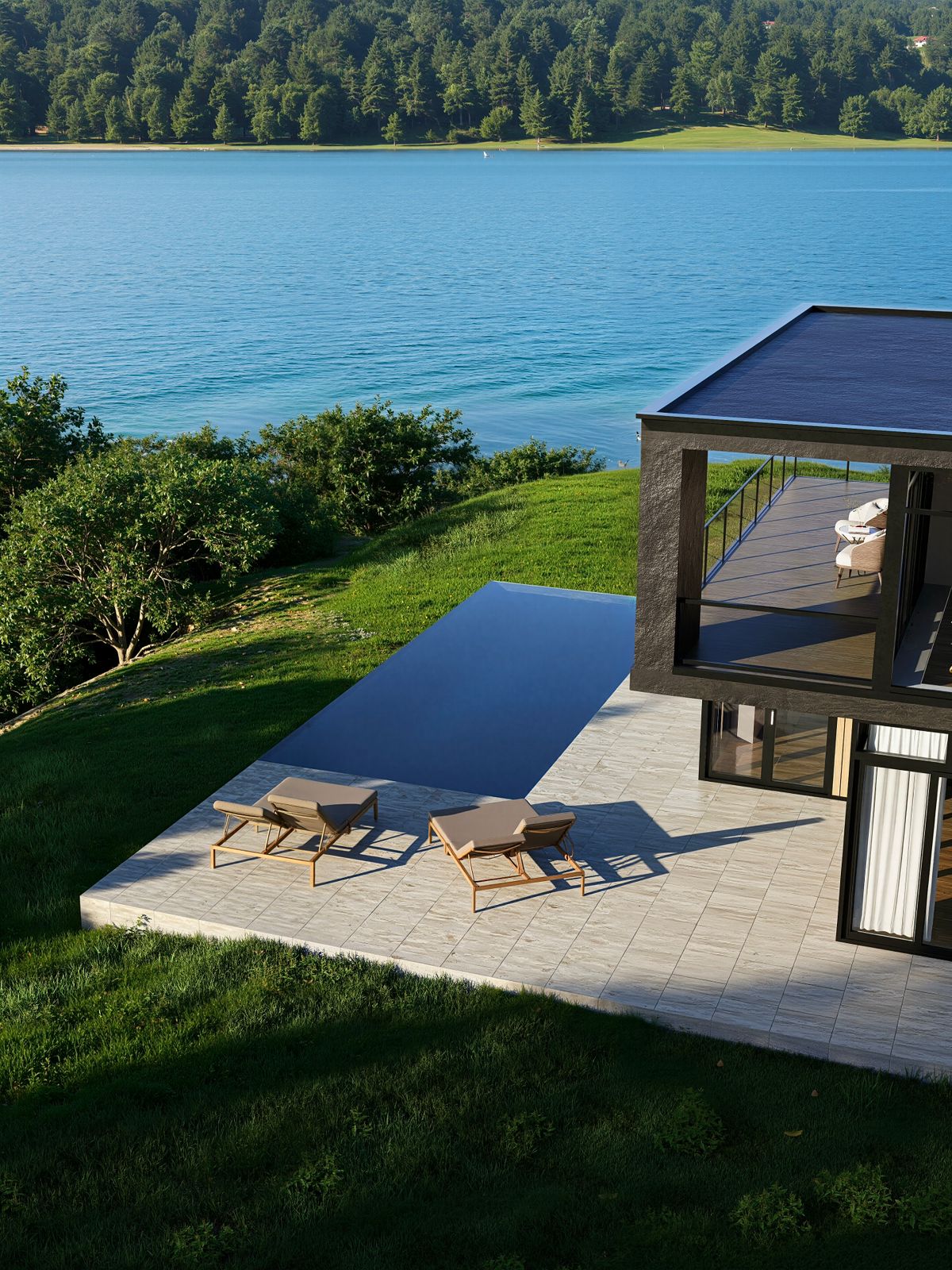
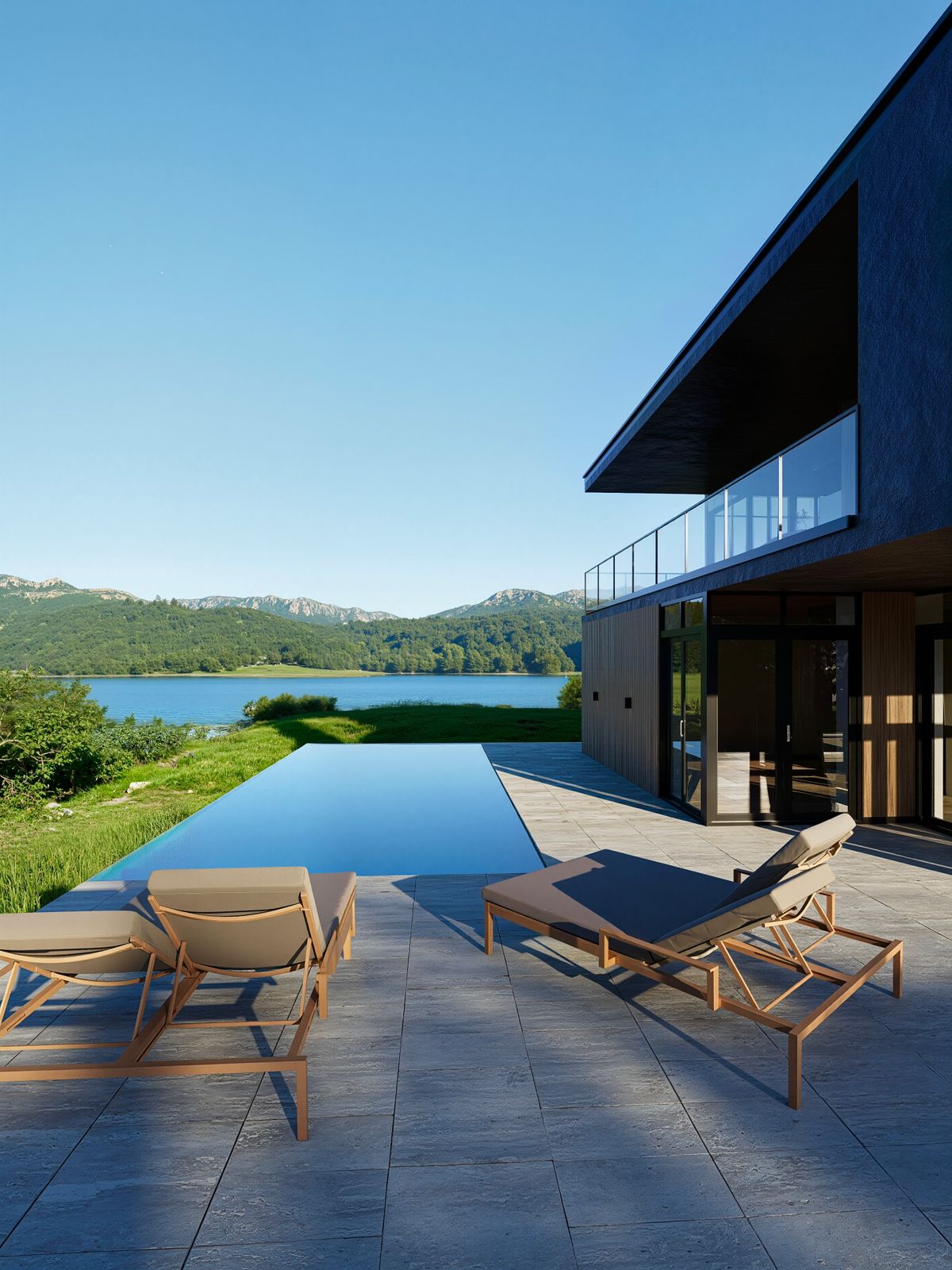
In this tutorial, you will learn a complete, professional workflow in D5 Pro, focusing on realism, lighting, materials, and post-processing techniques. The video guides you step by step from a blank scene to a polished final render.
1. Full Workflow: From 0 to Post-Process
We start from scratch and cover the entire process, including scene setup, camera composition, lighting, materials, vegetation, and final post-processing. This section helps you understand how all elements work together to create a realistic final result.
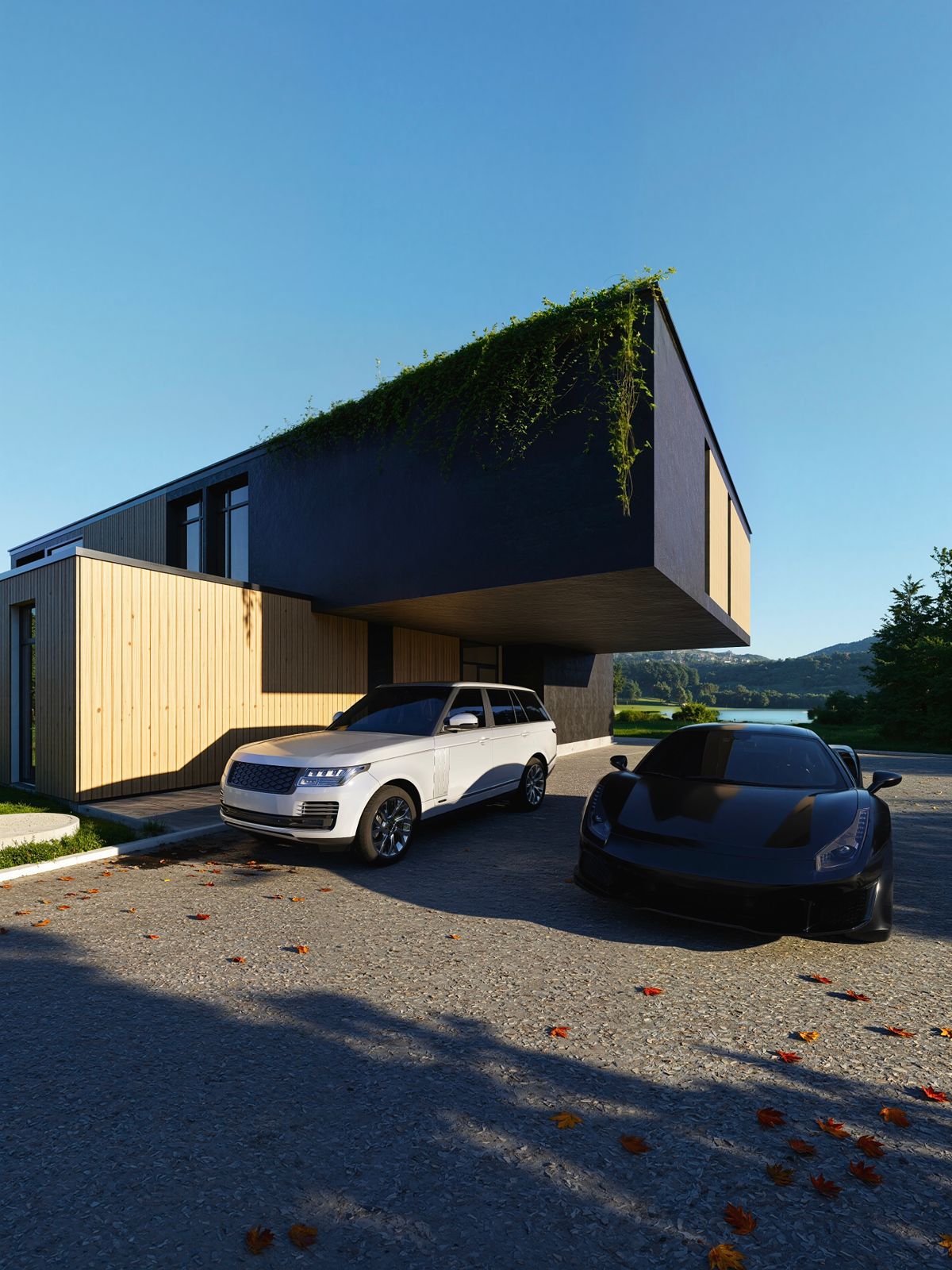
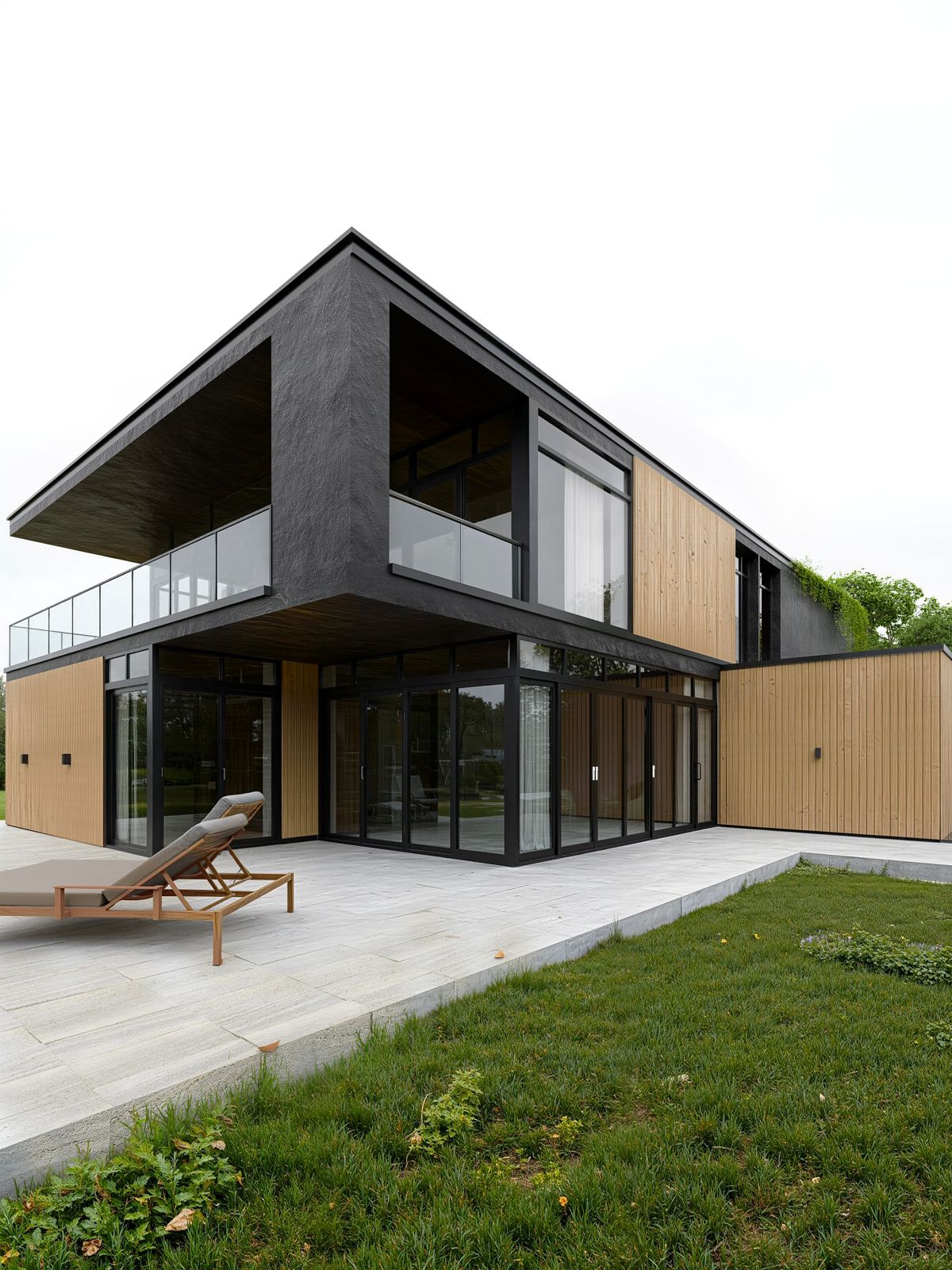
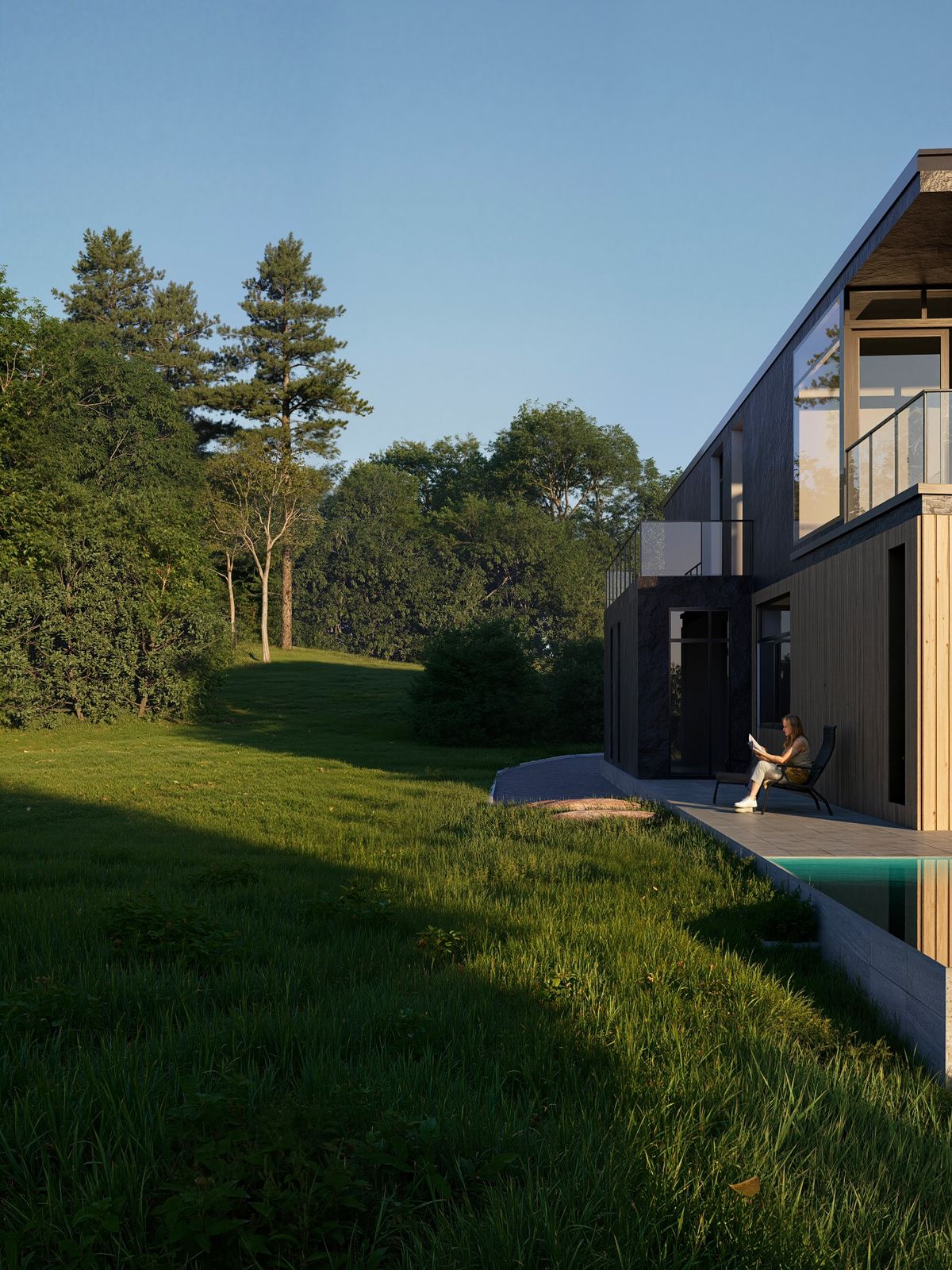
2. Realistic Lighting: Midday Sun, Cloudy, and Sunset
You will learn how to set up real-world lighting conditions, including:
- Midday sunlight with strong shadows
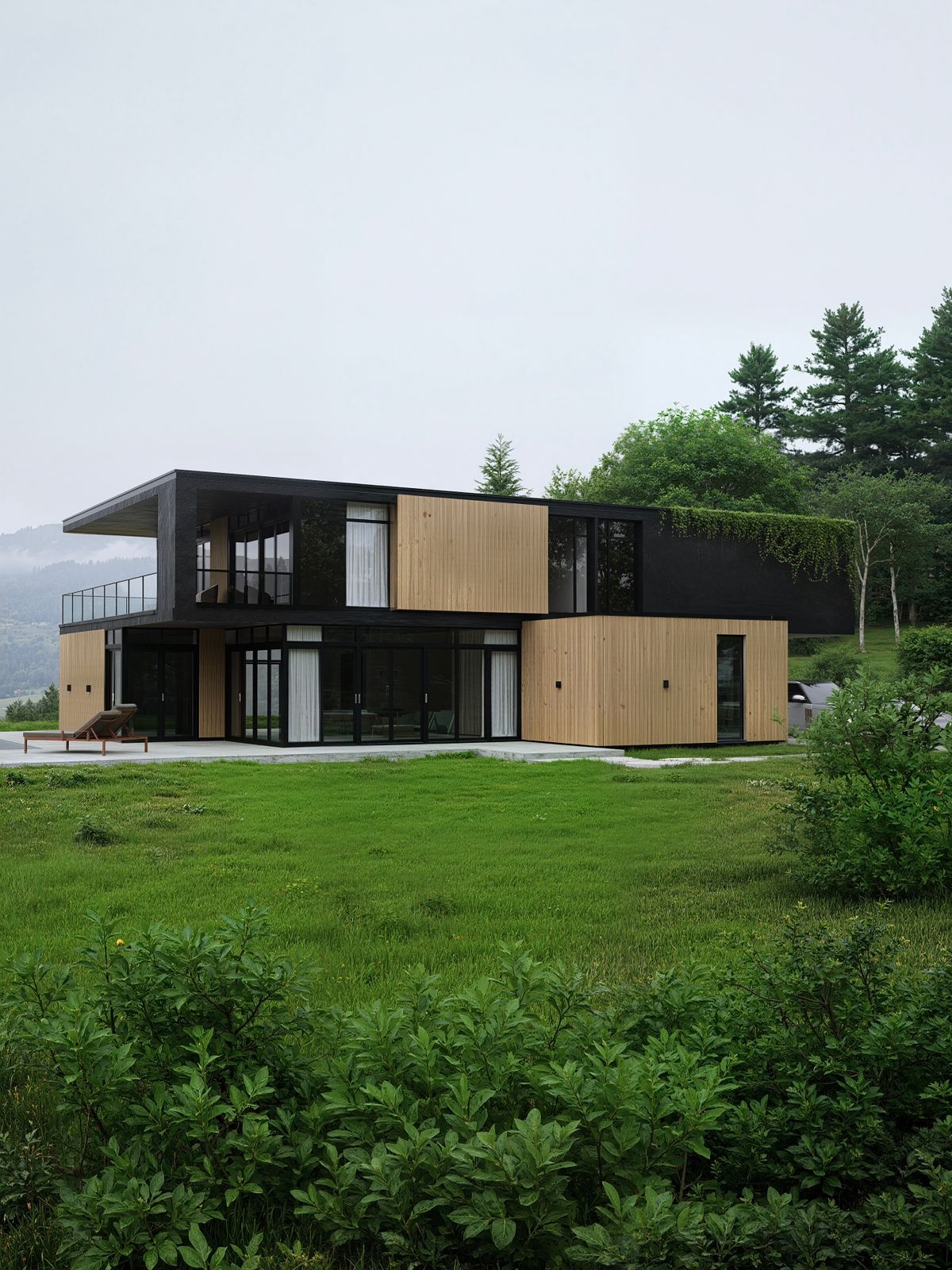
- Cloudy lighting for soft, diffused illumination
- Sunset lighting with warm tones and dramatic atmosphere
Each lighting setup is adjusted to match real-life behavior and mood.
3. Realistic Render Settings and Material Usage
This section focuses on achieving realism through proper render settings and physically based materials. You’ll learn how to fine-tune reflections, roughness, textures, and global illumination for high-quality results.
4. Realistic Vegetation Setup and Optimization
We cover how to use and adjust realistic plants and vegetation, including scale, variation, color correction, and placement, to avoid repetition and achieve a natural look.
5. Attention to Small Details
6. AI Post-Process for Water and Background Depth
In the final stage, we use AI-based post-processing to improve:
- Water surfaces for better realism
- Backgrounds for added depth and atmosphere
This helps create a more cinematic and immersive final image.
By the end of this tutorial, you will have a strong understanding of how to create high-quality, realistic renders in D5 Pro, using professional workflows and techniques.
USED GPU: RTX4070 8GB LAPTOP GPU
Good luck!