
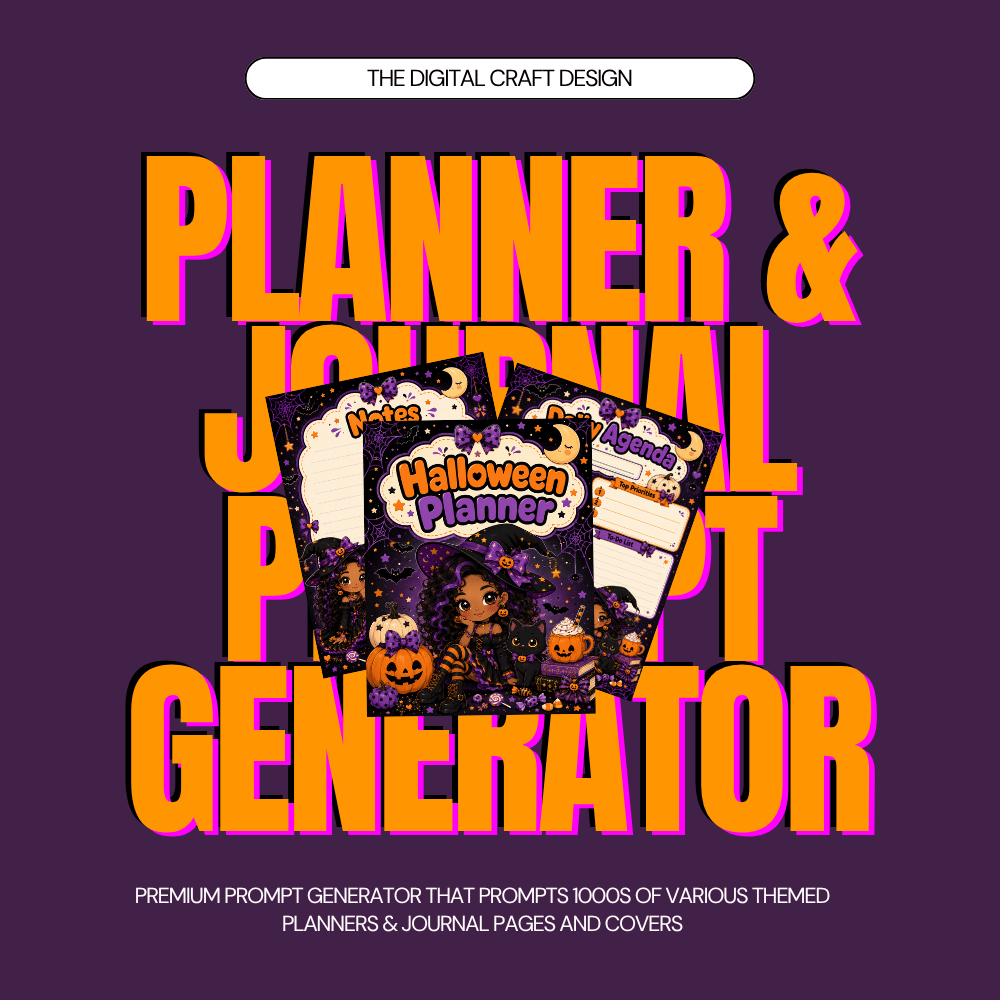
MASTER WORKFLOW PROMPT=JOURNAL AND PLANNER GENERATOR
AI Prompt Workflows for JOURNAL AND PLANNER Generator| PDF Digital Downloads
Turn your ideas into powerful AI tools, custom generators, and creative digital products — without starting from scratch!
Welcome to The Digital Craft Queen's AI Prompt Workflow Collection!
These downloadable PDF guides provide structured prompts and instructions designed to help you build your own AI-powered generators, creative tools, and reusable skills.
Whether you're a digital creator, small business owner, mompreneur, or beginner exploring vibe coding, these workflows help you bring your ideas to life using AI.
WHAT'S INCLUDED?
Depending on the workflow purchased, your PDF may include:
- Ready-to-use AI prompt workflows
- Generator-building instructions and features
- Customization options and creative settings
- Instructions for creating HTML-based prompt generators
- Guidance for building tools on vibe coding platforms
- Reusable AI skill instructions
- Tips for testing and customizing your finished generator
HOW TO USE YOUR PROMPT WORKFLOW
OPTION 1: CREATE AN HTML PROMPT GENERATOR WITH CHATGPT
- Download and open your PDF.
- Copy the complete prompt workflow.
- Open ChatGPT and paste the workflow.
- Add this instruction:
- "Using the prompt workflow provided, create a fully functional, responsive HTML, CSS, and JavaScript prompt generator. Include all features, dropdowns, checkboxes, customization fields, and prompt-generation functions described in the workflow. Make the design beginner-friendly, mobile-responsive, and easy to use. Provide the complete working code in a single HTML file."
- Review the generated code, test the buttons and features, and request any necessary changes.
- Save the completed HTML file to use in a browser or compatible website.
OPTION 2: BUILD YOUR GENERATOR USING BASE44 OR ANOTHER VIBE CODING PLATFORM
- Open Base44 or your preferred AI app-building platform.
- Create a new project.
- Copy the prompt workflow from your PDF.
- Paste it into the platform's AI builder.
- Add this instruction:
- "Build a fully functional AI prompt generator based on the attached workflow. Create a polished, responsive interface with all specified features, interactive options, custom input fields, and working prompt-generation functionality. Include Copy Prompt and Reset buttons. Make the generator easy for beginners to use."
- Review the generated application.
- Test every feature and refine the design as needed.
- Publish your finished generator using the platform's available publishing options.
OPTION 3: CREATE A REUSABLE AI SKILL
For workflows designed as reusable skills, follow the included instructions to configure the skill in a compatible AI platform.
Test the skill with sample requests and adjust the instructions to match your creative needs.
PERFECT FOR
- Digital product creators
- AI enthusiasts and beginners
- Canva designers
- Etsy and Payhip sellers
- Creative entrepreneurs
- Prompt generator builders
- Vibe coding enthusiasts
- Small business owners
IMPORTANT INFORMATION
This listing is for a DIGITAL PDF PROMPT WORKFLOW, not a completed software application or hosted generator.
- No physical product will be shipped.
- Some platforms may require paid subscriptions or credits.
- AI-generated code may require troubleshooting and adjustments.
- Results and available features depend on the platform used.
- Basic familiarity with copying, pasting, and testing AI-generated content is recommended.
Create smarter. Customize your tools. Build at your own pace.
The Digital Craft Queen — Helping everyday creators turn ideas into digital tools and products.