







⚡ 24 Dashes for Avatars
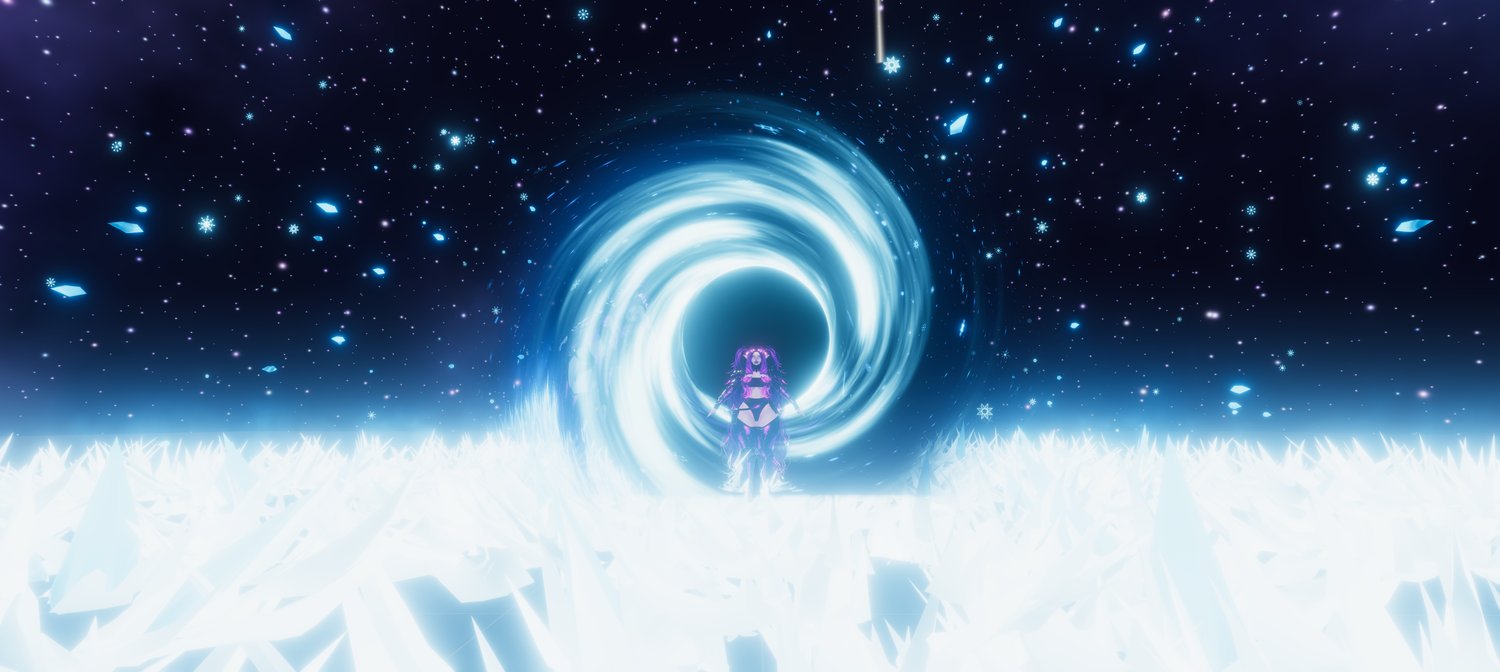
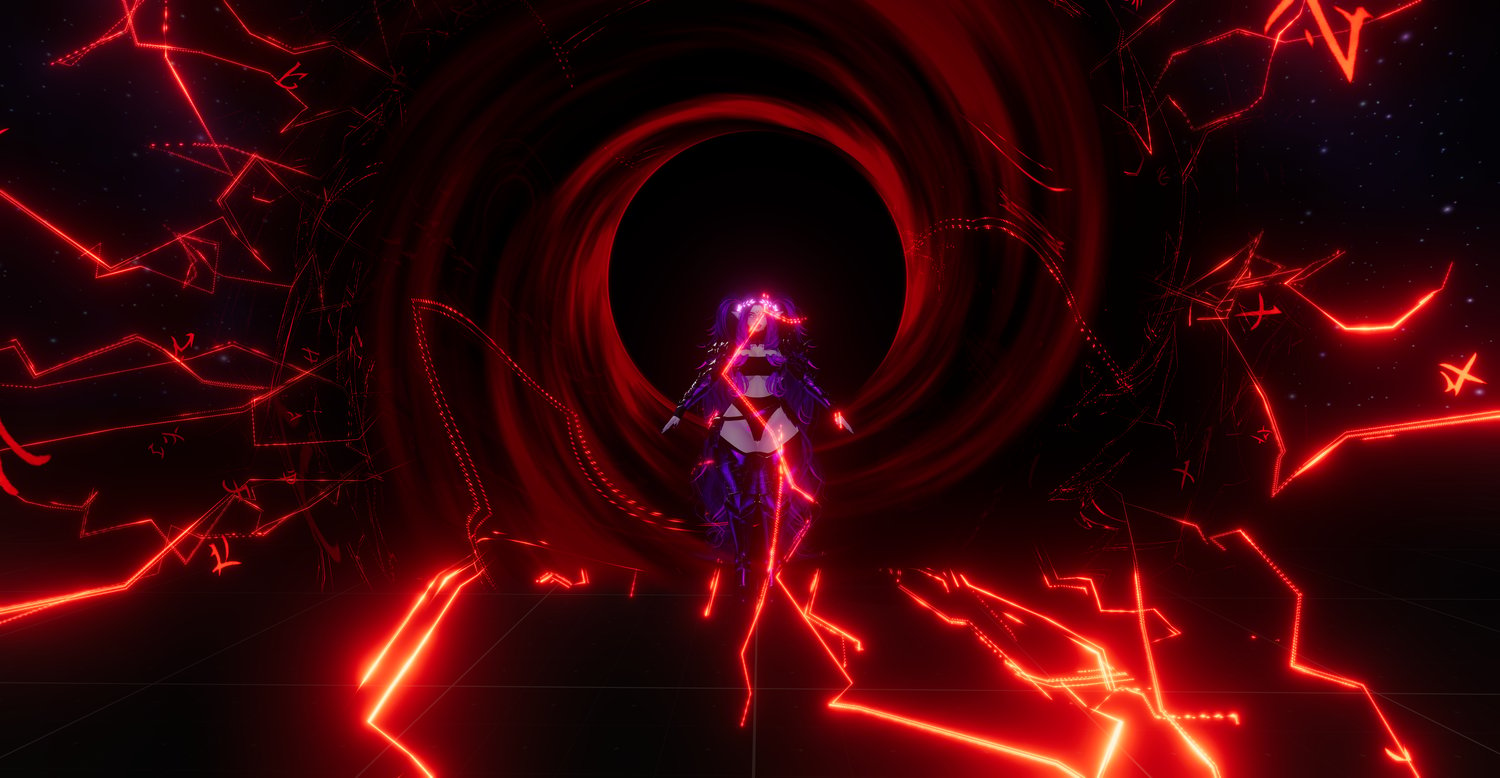
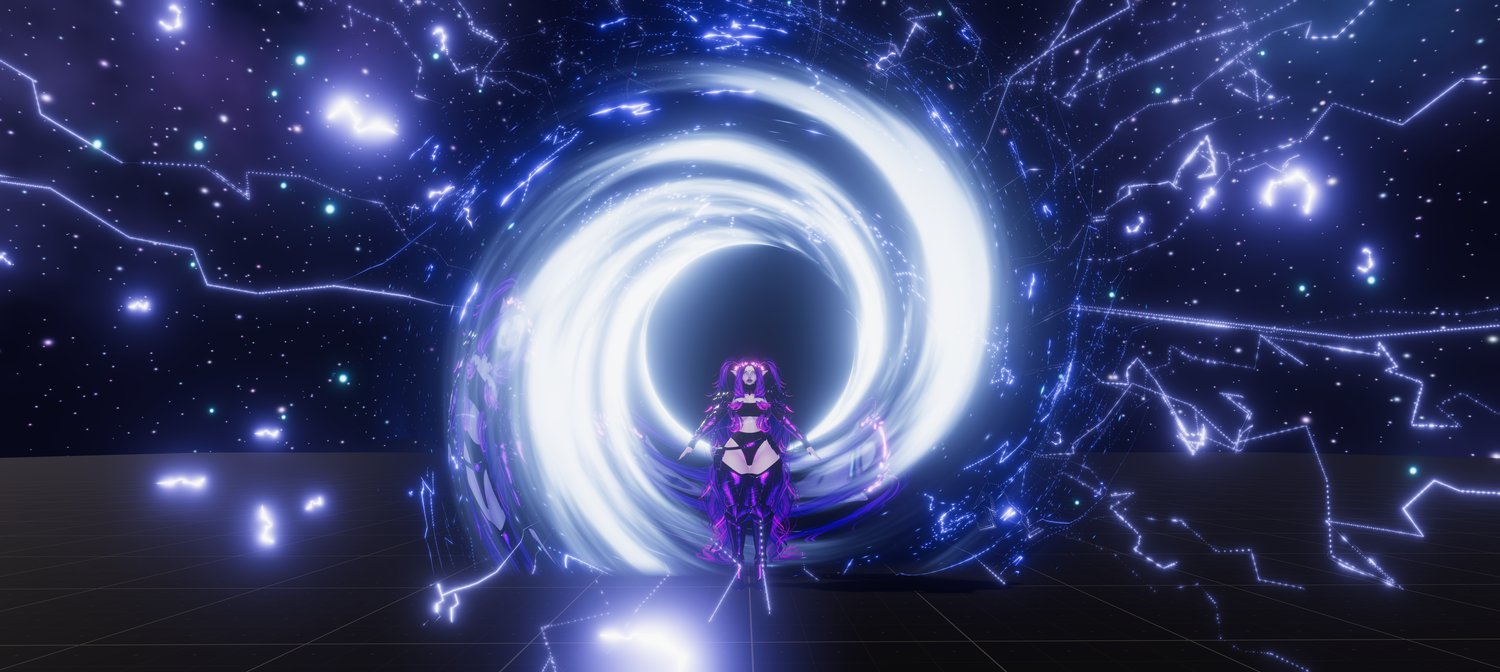
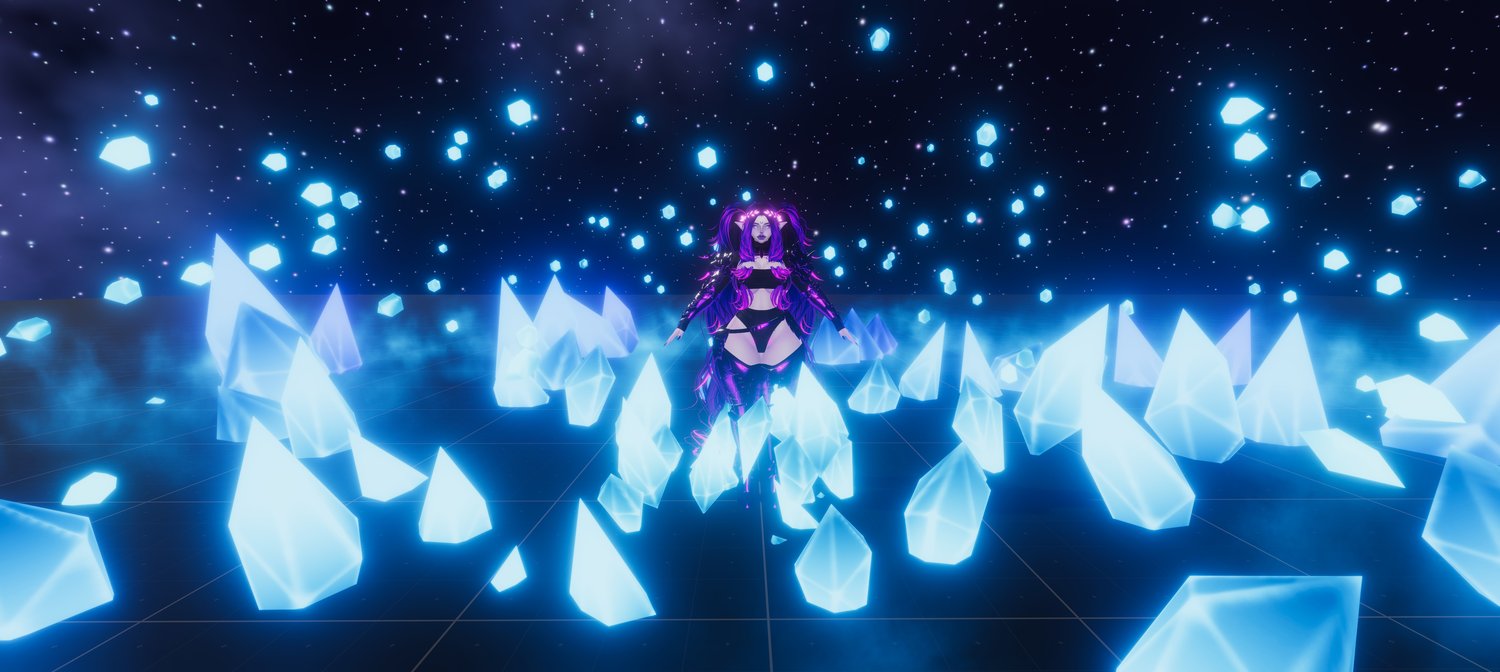
The CyberLuna Dash is a modular dash system for VRChat avatars that lets you launch yourself forward with a large collection of magical, elemental and stylized effects.
Choose from 16 different Dash Effects and 8 additional Streak Addons, freely mix them together, customize their appearance, adjust your dash speed and audio, or turn the visuals off entirely and use the system as a clean movement dash.
Every dash style also comes with its own unique sound effect, designed specifically around its visual theme.
Installation is handled through VRCFury — simply drag the prefab onto your avatar and the complete menu system is installed automatically.
✨ At a Glance
⚡ 16 Dash Effects — Elemental, magical, futuristic and nature-themed effects.
🌠 8 Streak Addons — Additional effects that appear along the path of your dash.
🔀 Mix & Match Everything — Dash effects and addons are independently selectable and can be combined to create your own custom dash.
🎨 Full Visual Customization — Adjust Hue, Emission and Size directly through the VRChat radial menu.
🔊 16 Unique Dash Sounds — Every main dash effect has its own matching audio clip.
💨 Adjustable Dash Speed — Change the strength/speed of your dash directly from your menu.
⌚ Interactive Wrist Control — Enable or disable dashing by physically interacting with a lightning bracelet on your avatar.
🛡️ Master System Control — Completely lock the system when you don't want accidental dashes.
🎵 Adjustable Volume — Control the overall volume of your dash sounds.
🌈 AudioLink Support — Included materials can be configured to react to AudioLink.
🛠️ Creator Friendly — The prefab is designed to be easy to inspect and modify, making it straightforward to create your own custom dash effects.
📦 Easy VRCFury Installation — Drag one prefab onto your avatar. That's it.
🌟 16 Dash Effects
The system contains 16 independently selectable dash effects, divided into two radial menus.
You can use a single effect, combine multiple effects together, mix them with Streak Addons, or disable all visual effects and simply use the dash movement itself.
🌊 Primal Dashes
- 🔥 Fire
- 💧 Water
- ❄️ Ice
- 🏔️ Glacier
- 💎 Crystal
- 🌀 Void
- ✨ Dark Light
- 🪽 Dark Magic
🔮 Arcane Dashes
- ⚡ Lightning
- 🌟 Holy
- 🔷 Cyber
- 🌬️ Wind
- 🌸 Petal
- 🌺 Flower
- 🍂 Autumn
- 🎆 Firework
🌠 8 Streak Addons
The Addon system is separate from the main Dash Effects.
These are additional streak/trail effects that remain along the path you have just dashed, allowing you to further customize the look of any dash.
They can be freely mixed with the 16 main effects.
- ⚡ Lightning Streaks
- ✨ Lightning Attraction
- 🌊 Lines
- 💫 Sparks
- 🔮 Runes
- 🦋 Butterflies
- 🌫️ Fog
- 🔥 Fire
🖐️ Interactive Wrist Control
You don't have to open your radial menu every time you want to enable or disable dashing.
Enable Wrist Control and a bracelet made from animated lightning appears around your avatar's left wrist.
Then simply interact with it using your right hand:
✊ Touch the bracelet + Right Hand Fist
Enables dashing.
🖐️ Touch the bracelet + Right Hand Open
Disables dashing.
Both interactions include their own audio feedback, so you can immediately hear whether the dash system was activated or deactivated.
This makes it especially convenient to temporarily disable dashing while talking, interacting with objects or moving around normally, then reactivate it without navigating through your menus.
🎨 Make the Dash Yours
The dash system is designed to be customized.
🌈 Hue-shift the Dash Effects
🌈 Hue-shift the Addons separately
✨ Adjust Dash emission
✨ Adjust Addon emission separately
↔️ Change Dash Effect size
↔️ Change Addon size separately
💨 Change dash speed
🔊 Change audio volume
🔀 Combine different Dash Effects
🌠 Combine them with different Streak Addons
🚫 Use no visual effect at all
For example, you could combine a Void Dash with Runes, a Lightning Dash with Sparks and Lightning Streaks, or mix several main effects together to create something completely new.
And because the actual Unity setup is included rather than being locked away, creators can go even further and build their own dash effects using the prefab as a base.
An included video guide will demonstrate how the system is structured and how you can edit it.
📦 Installation
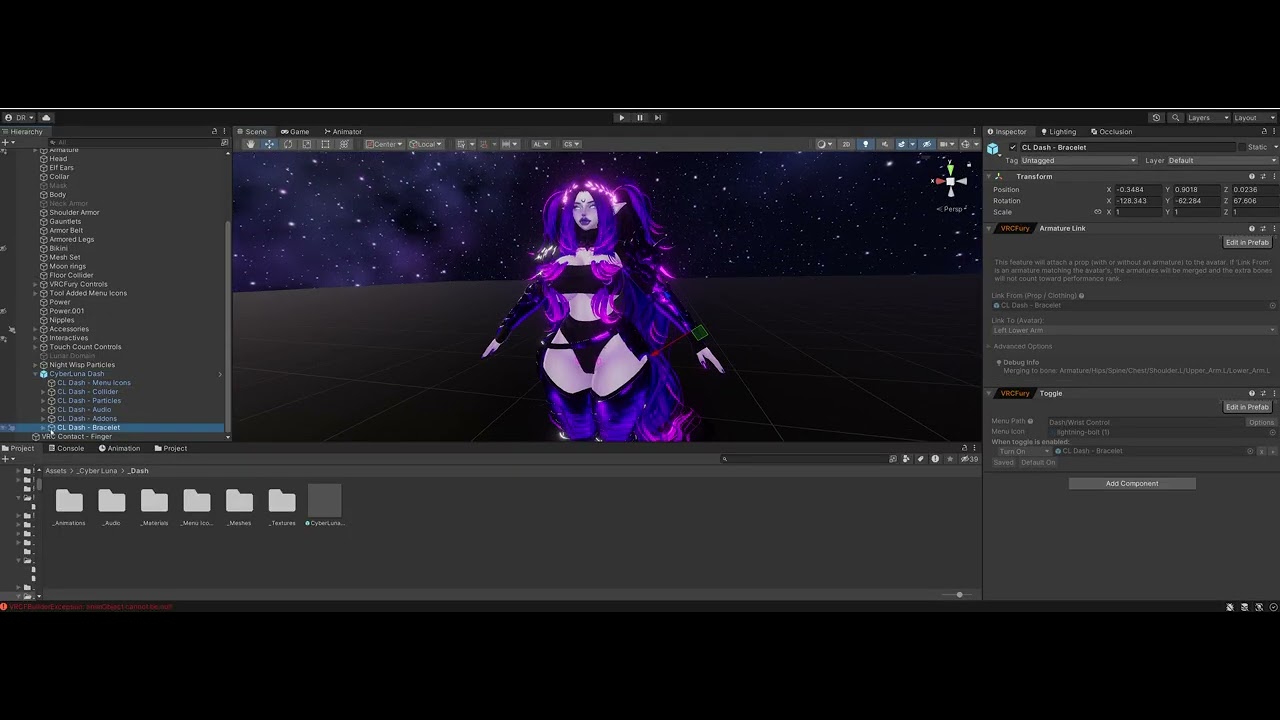
1. Import the CyberLuna Dash package into your Unity project.
2. Make sure the required dependencies are installed.
3. Navigate to: Assets > _Cyber Luna > _Dash
4. Drag the CyberLuna Dash prefab onto your avatar.
5. Move the wrist control bracelet into place.
6. Upload your avatar.
VRCFury automatically installs the parameters, animations and radial menus for you. Watch the install video above ^^
📚 Requirements
- 🔧 VRCFury
- 🎵 AudioLink
- 🌈 Depth Light - https://payhip.com/b/FGWBN
📦 License
Personal use only.
You can install and modify the system on any of your own avatars, but you cannot share the package or its contents with others in any way or form.