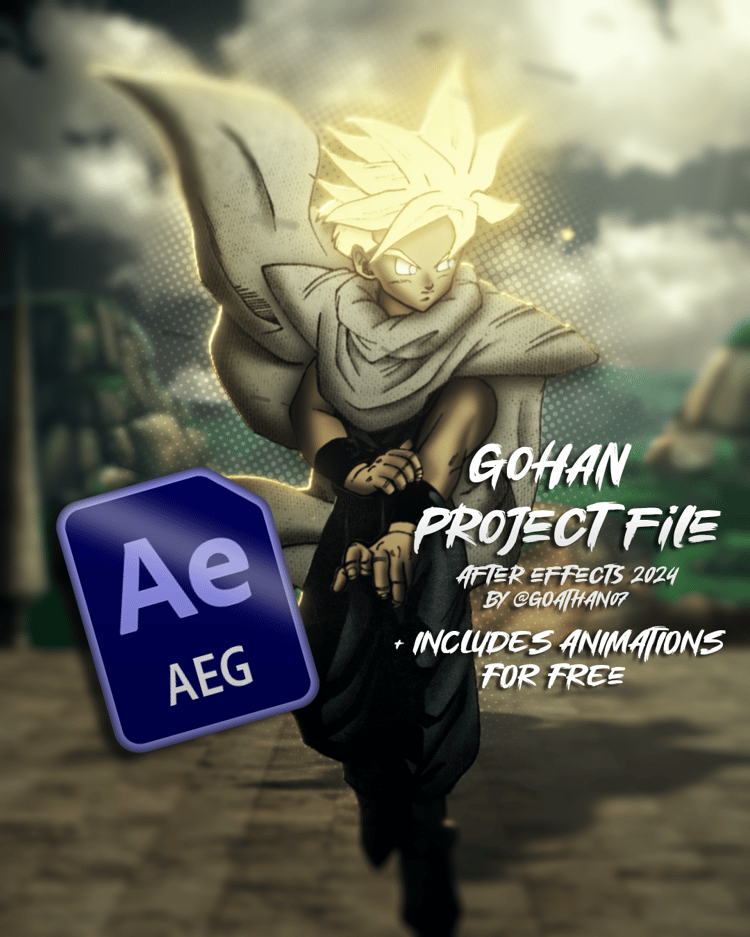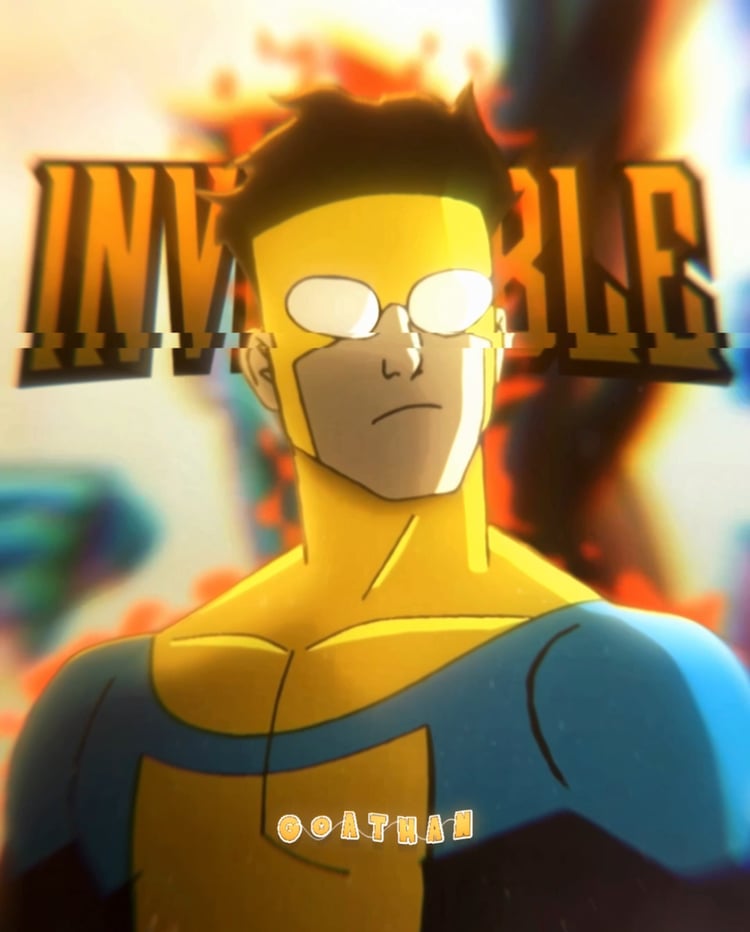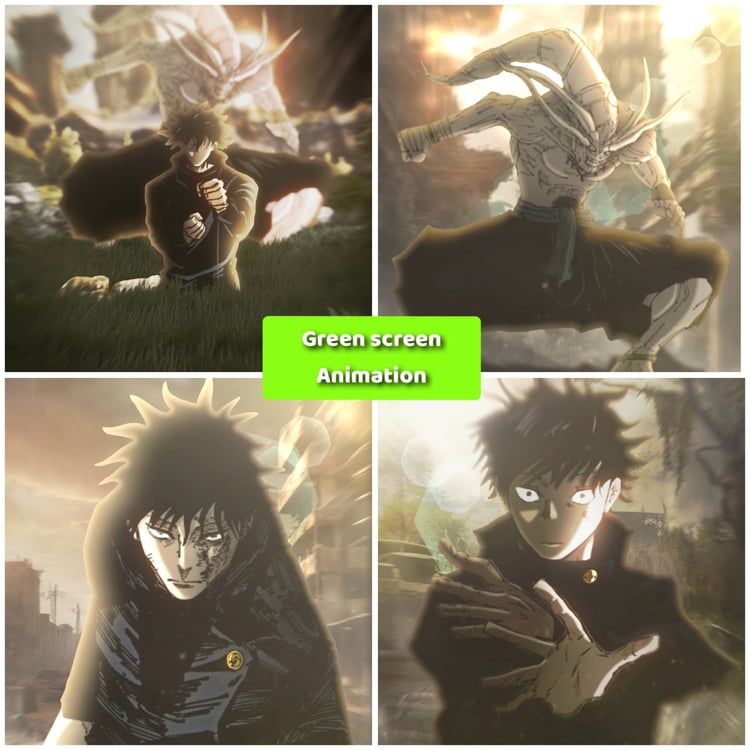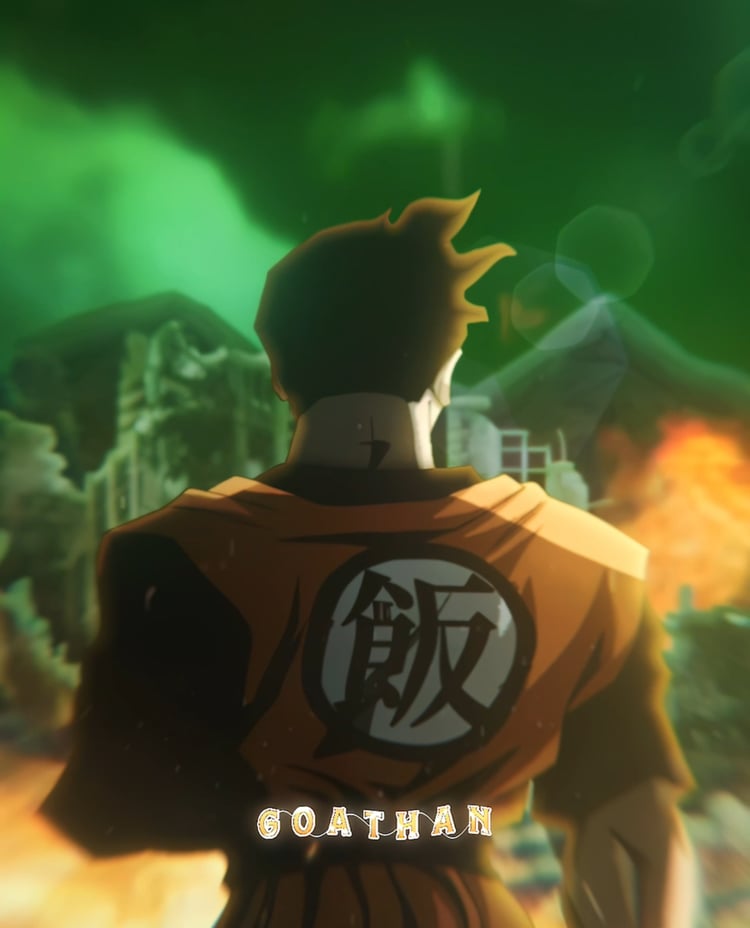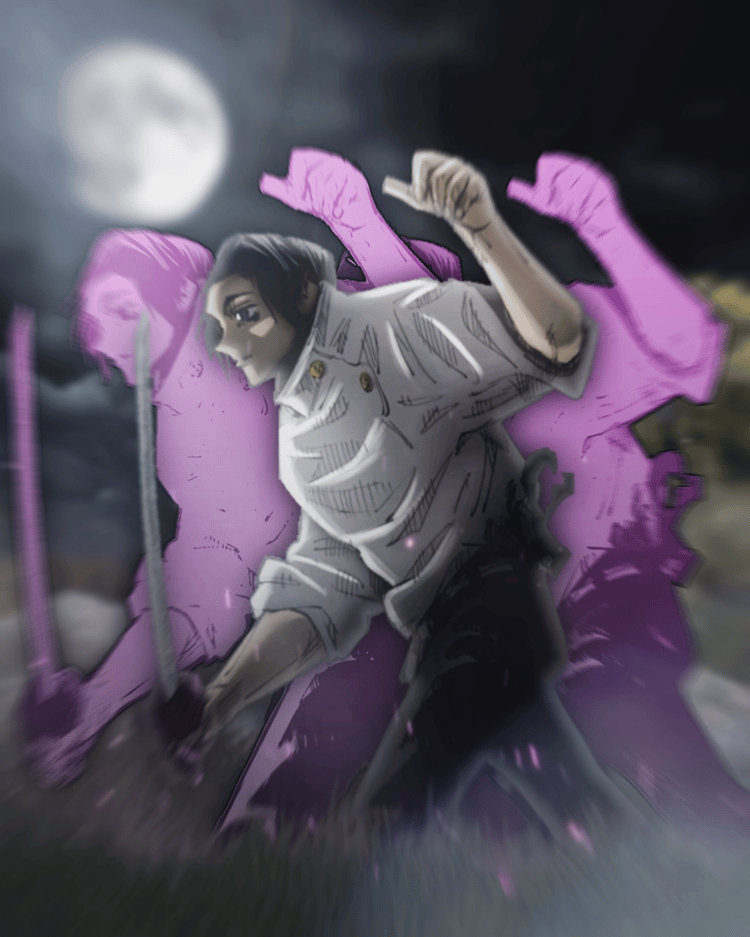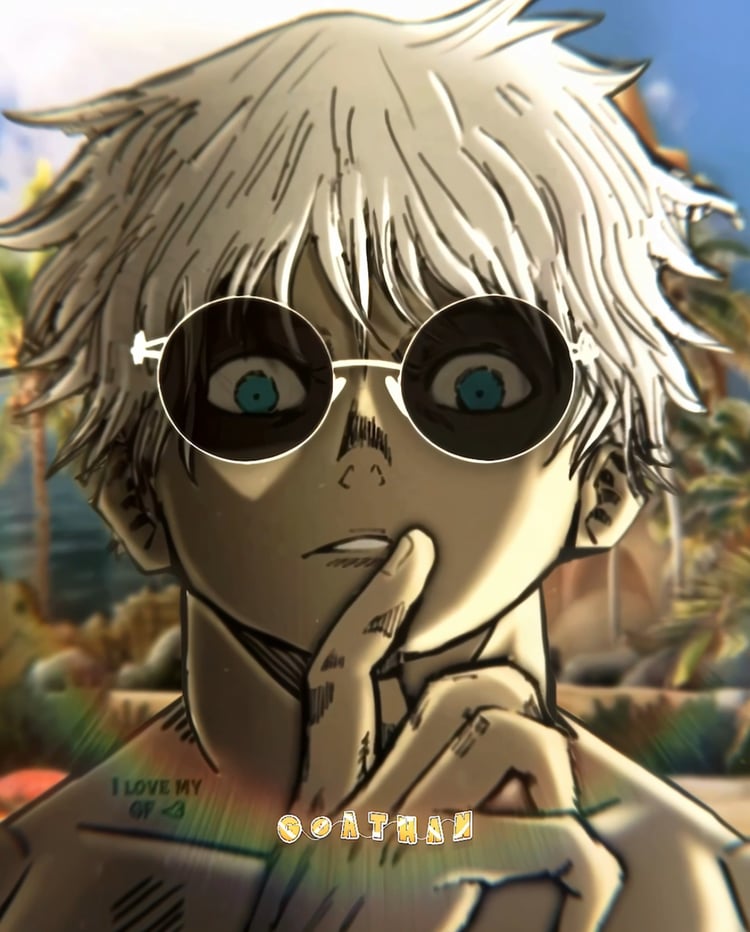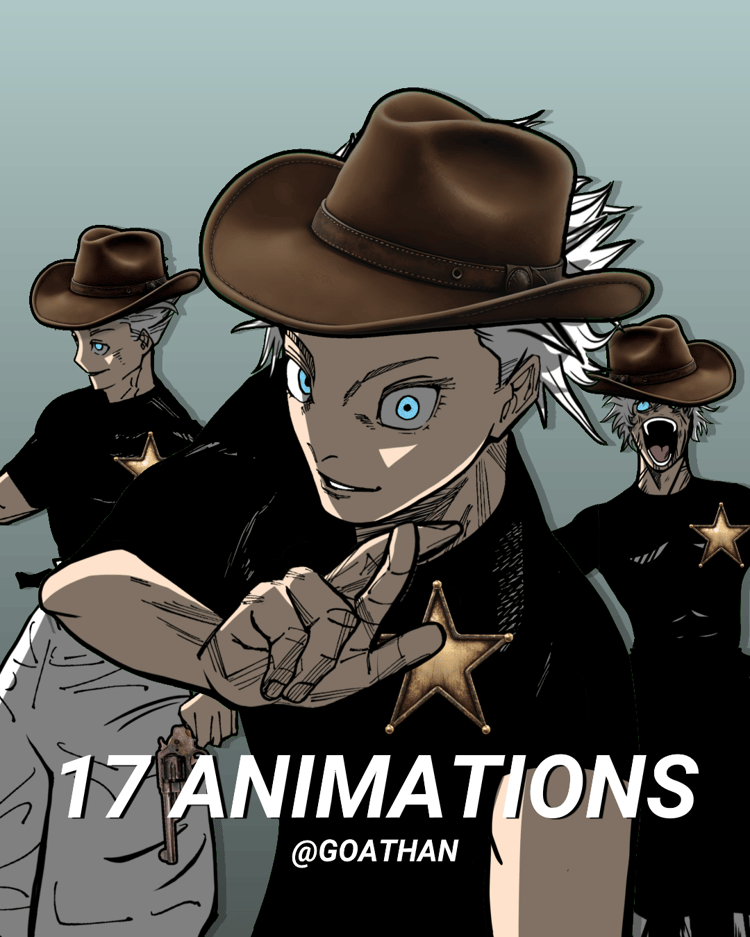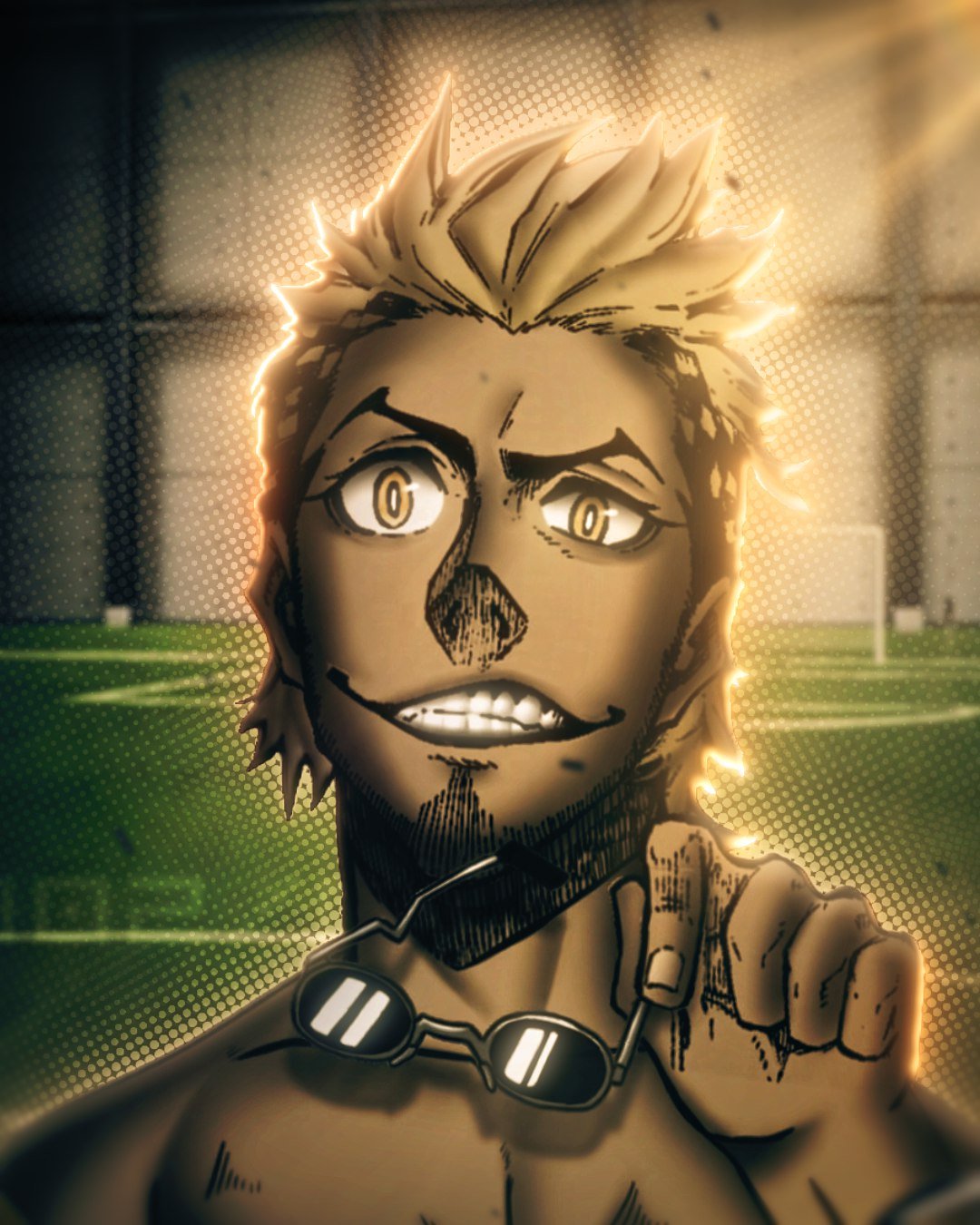
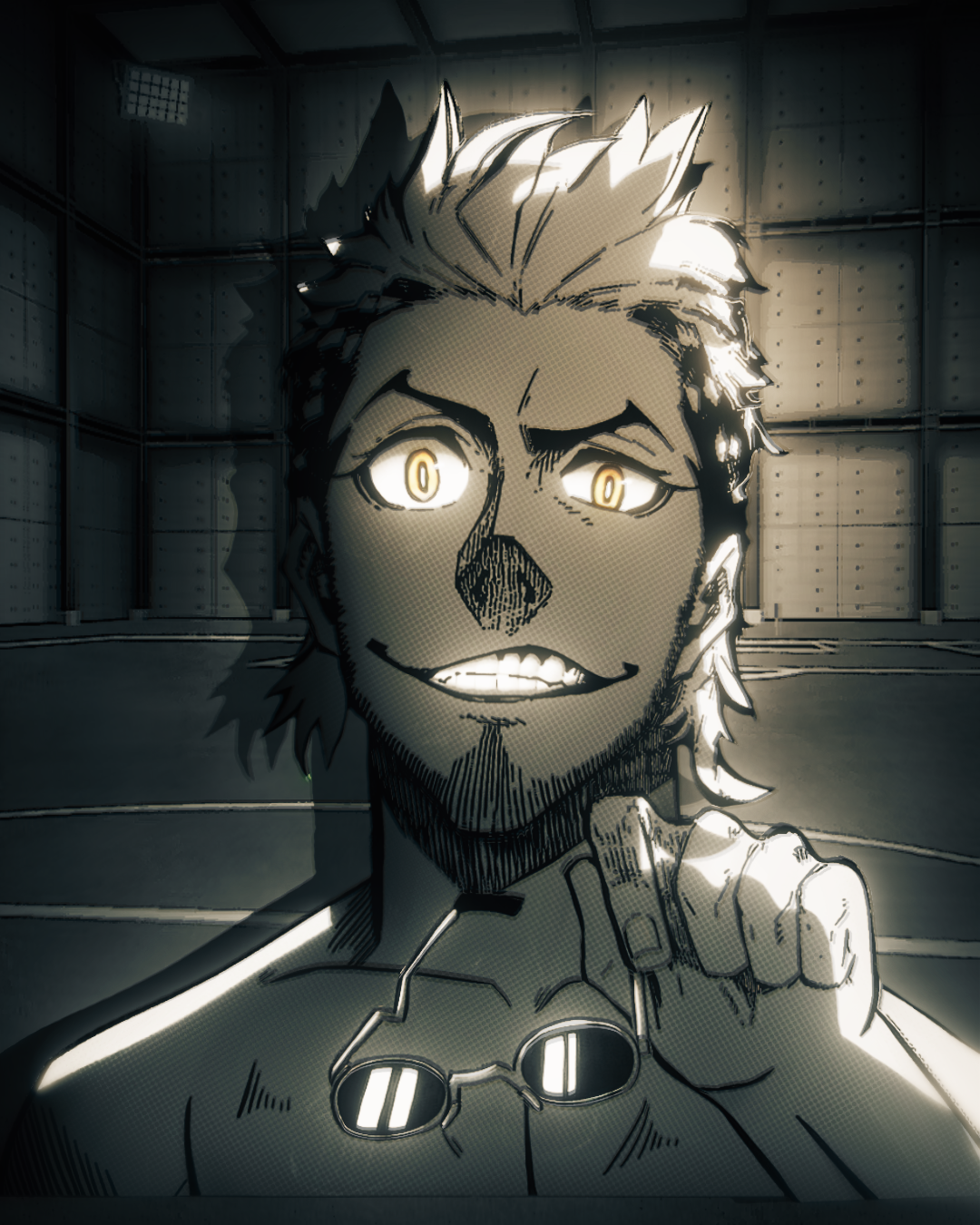


7 Detailed Lavinho Manga animations + Black and white convertion preset
On Sale
€50.00
€50.00
7 Colored Lavinho manga animations for edits + preset for converting to black and white style
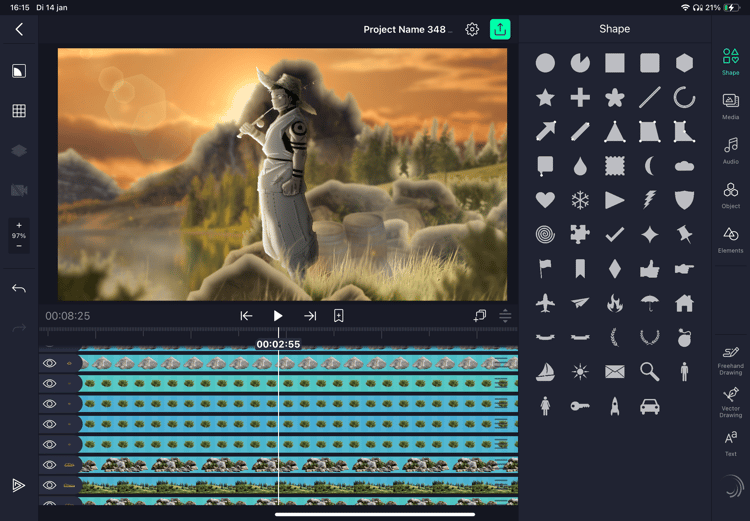
INSTRUCTIONS: I recommend upscaling the animations with topaz for the best results. Apply the preset to the character layer and right click on it. Select layer styles and add a inner shadow. Make the size 0, opacity 100, color white and blending mode overlay. Now you can adjust the angle and distance to your liking. When you’re done precompose the character layer and you’re done.