








Glory Independent Rectangle
Glory Independent Rectangle
Why I Made It
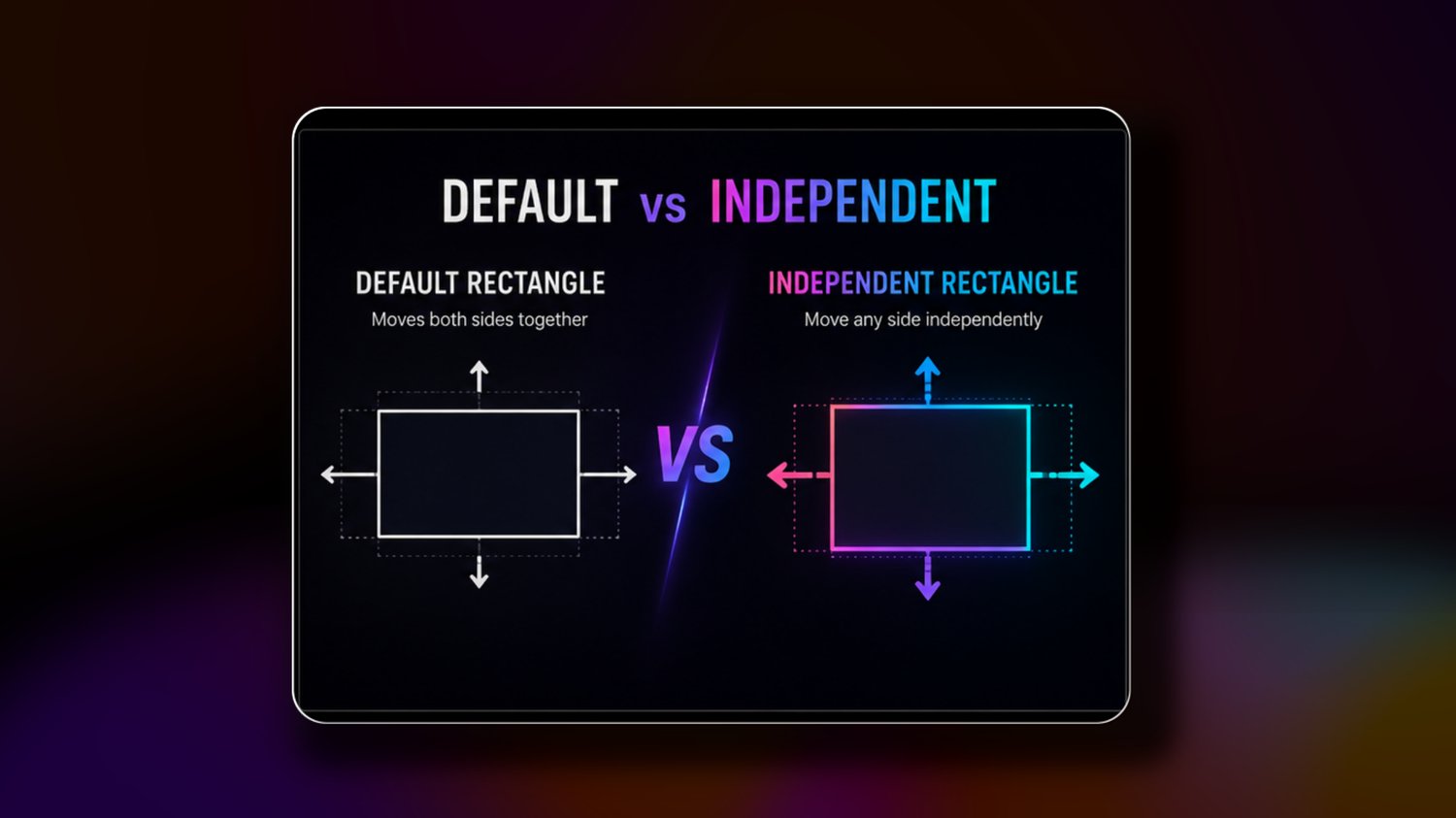
Sometimes you don't want a rectangle to grow equally in every direction. You may only want the right side to extend, the top edge to move, or a single side to animate. The default Rectangle doesn't make that easy.
The Glory Independent Rectangle solves that by giving each side its own control, allowing you to shape and animate your rectangle exactly the way you want.
Pay What You Want
This tool is available for free.
If it saves you time or helps your work, feel free to contribute whatever amount you think it's worth.
If you can't or don't want to contribute, that's completely fine—just download it and enjoy using it.
A more flexible rectangle mask for DaVinci Resolve 21 and above.
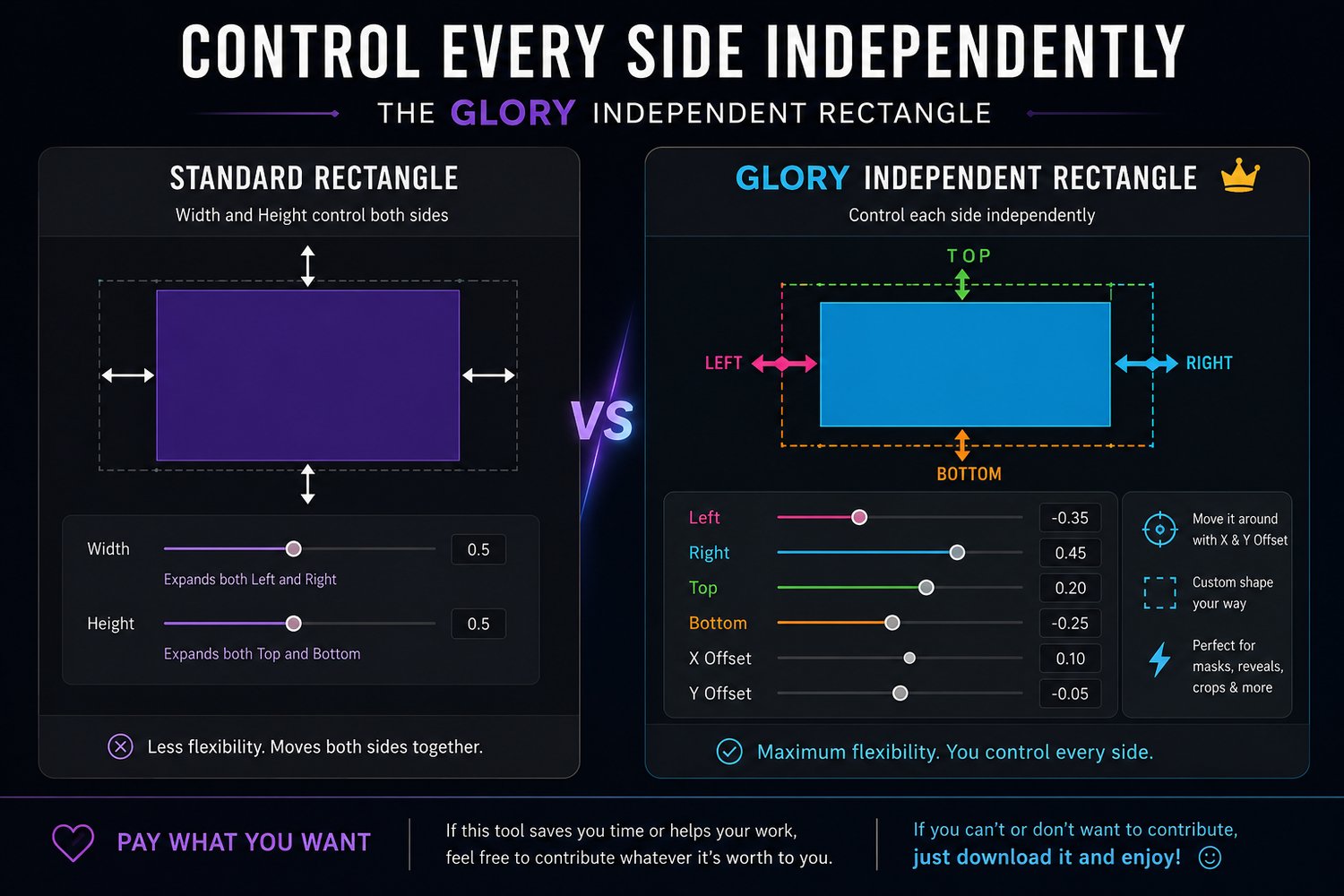
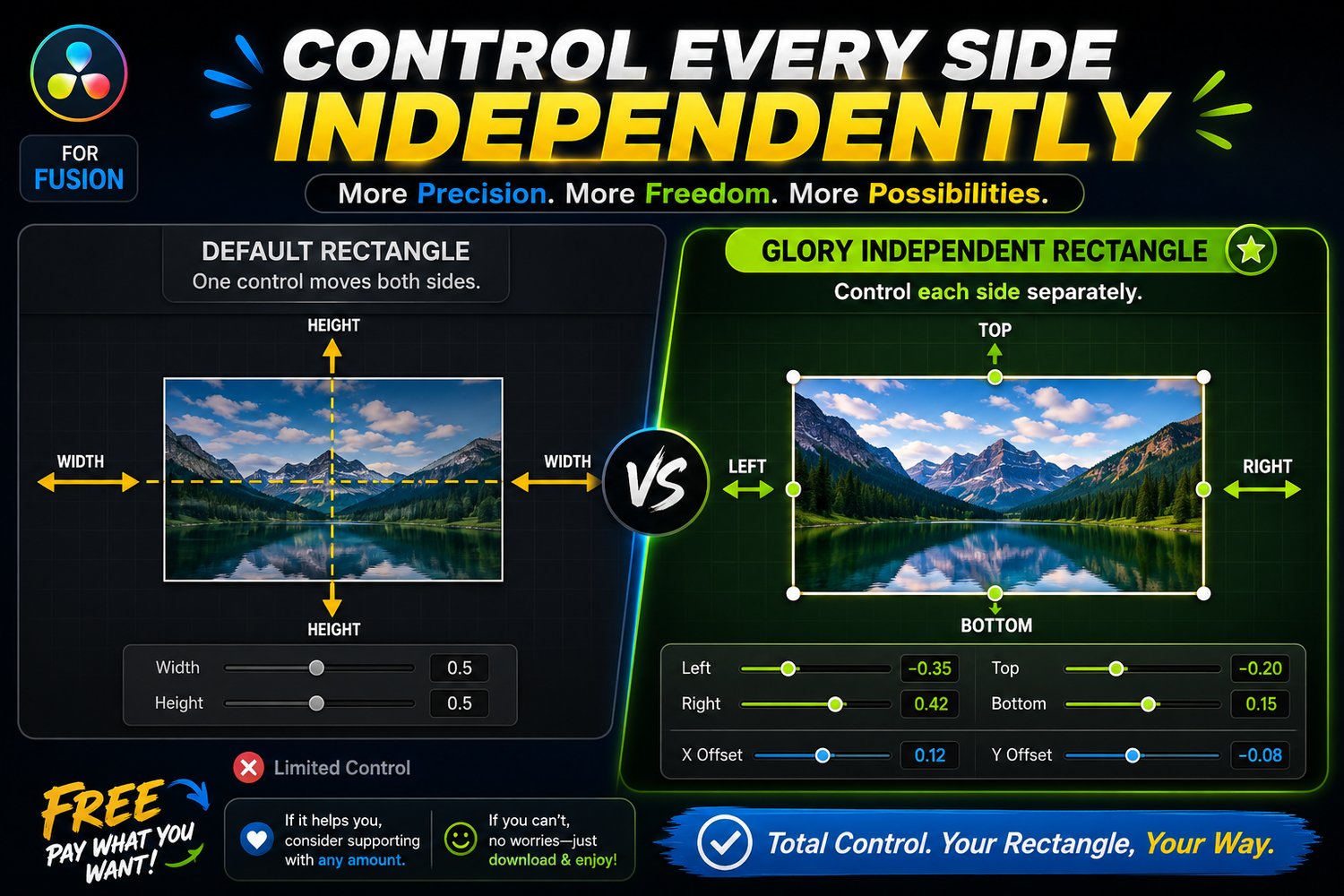
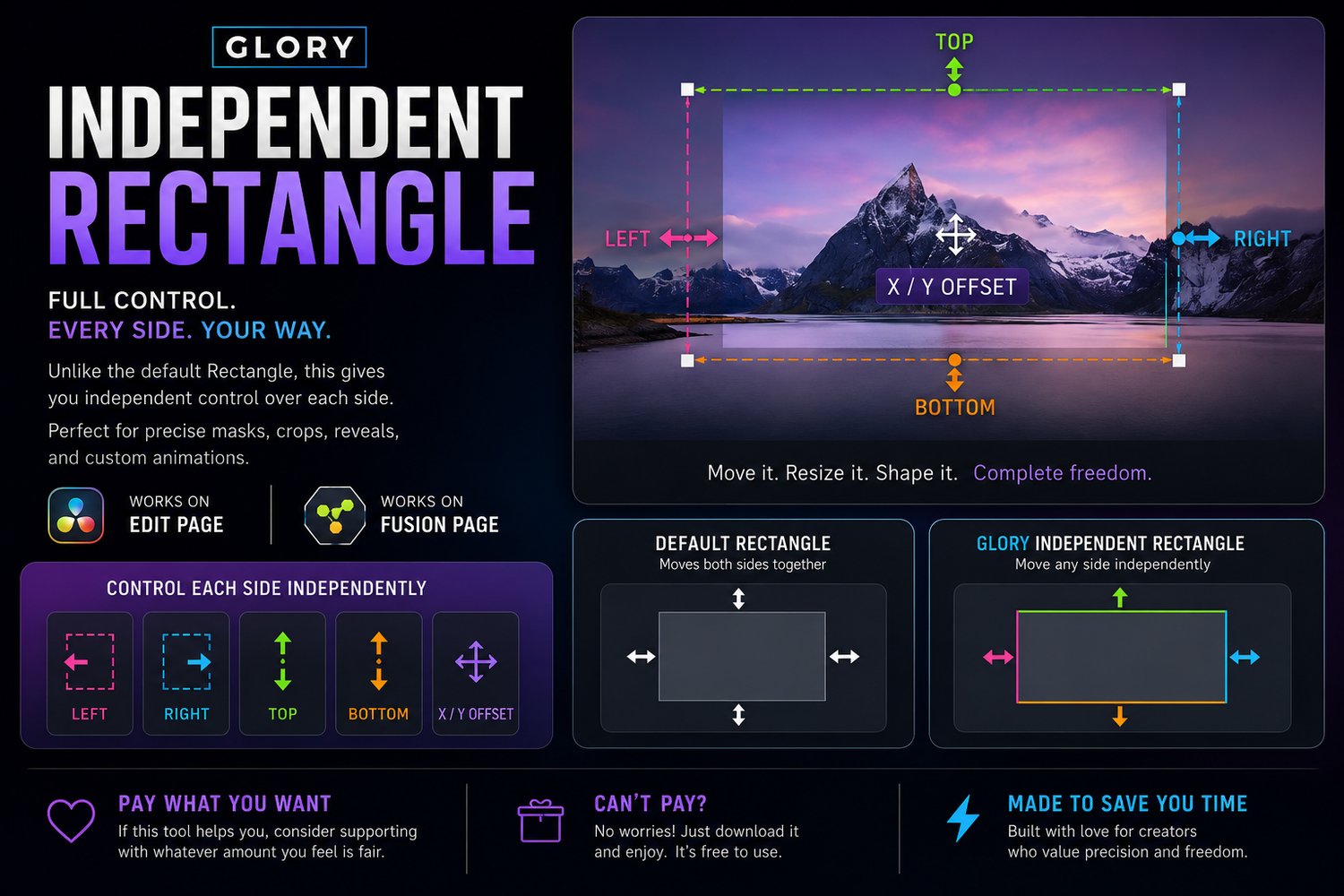
Unlike the default Rectangle node, where Width expands both left and right and Height expands both up and down at the same time, the Glory Independent Rectangle gives you independent control over every side.
Features
- Control the Left, Right, Top, and Bottom edges separately.
- Expand or contract only the side you need.
- Fine-tune mask boundaries with greater precision.
- Includes X and Y Offset controls for quick positioning.
- Retains the familiar functionality of the standard Rectangle node.
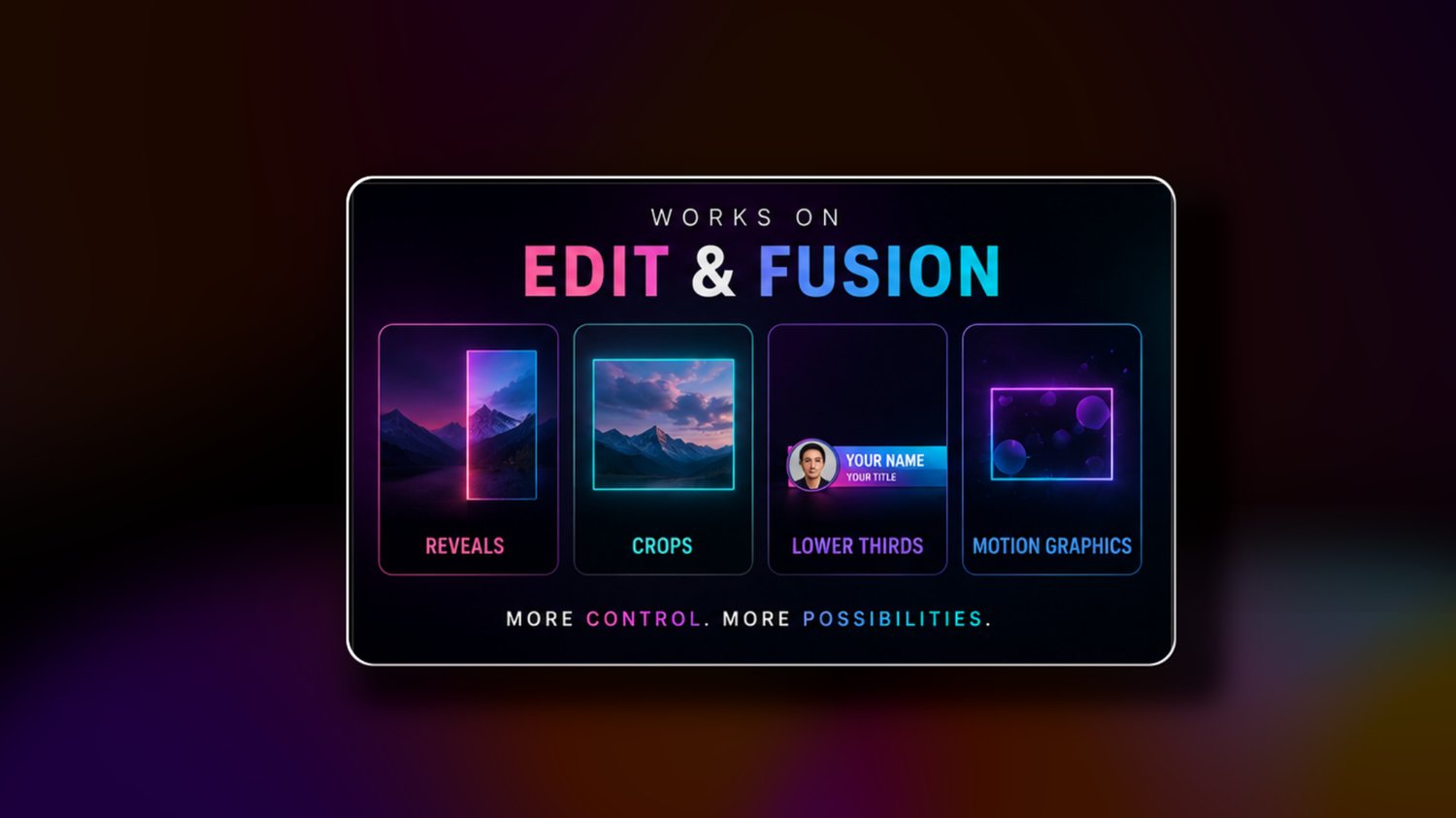
- Ideal for motion graphics, reveals, crops, custom masks, lower thirds, UI animations, and precise edge adjustments.
Compatibility:
- DaVinci Resolve 21 and above
- Works on Windows, Mac, and Linux
- Compatible with both Free and Studio versions of DaVinci Resolve
Included:
- Donate, if you can
- Free future updates
Built to save time, elevate visuals, and help creators produce premium-looking content faster—for the glory of God.