
Australian Budget Planner Spreadsheet | Excel and Google Sheets
A budget spreadsheet set up for Australian pay and bills. Enter your salary to see an estimate of tax, Medicare levy, HECS-HELP and take-home pay, then plan monthly spending, savings goals and debts. Works in Excel 2016+/365 and Google Sheets. General information only, not financial or tax advice.
A budget planner built around Australian money
Many free budget templates assume US or UK pay. This workbook starts from how Australians earn and spend: salary with income tax, Medicare levy and HECS-HELP, employer super, and local bills such as council rates, rego, CTP, private health and buy-now-pay-later repayments.
What is inside (8 sheets)
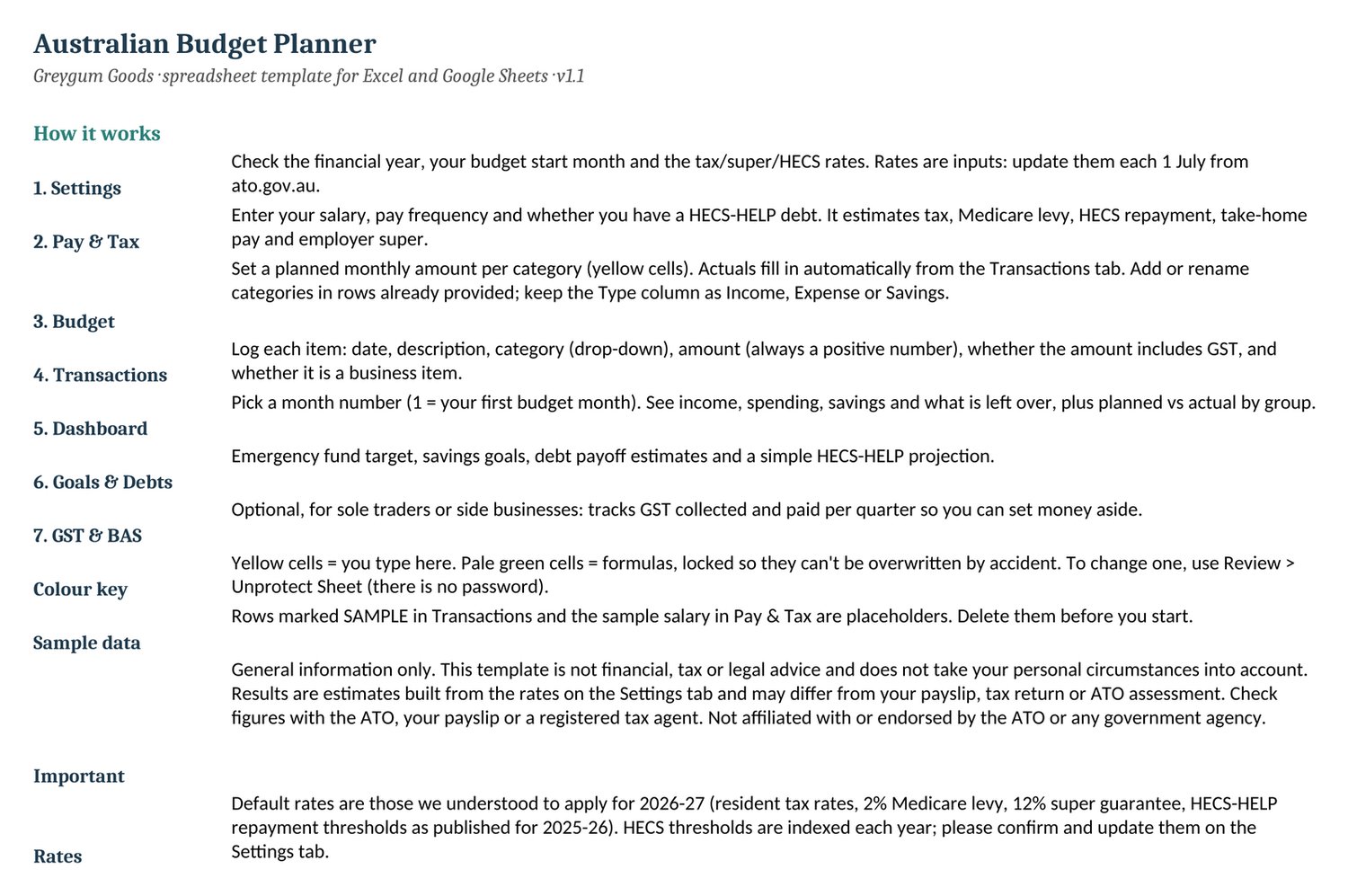
- Start Here: step-by-step instructions.
- Settings: your start month and the tax, super and HECS-HELP rates, all as editable cells.
- Pay & Tax: enter salary and pay frequency for an estimate of income tax, Medicare levy, HECS-HELP repayment, take-home pay and employer super.
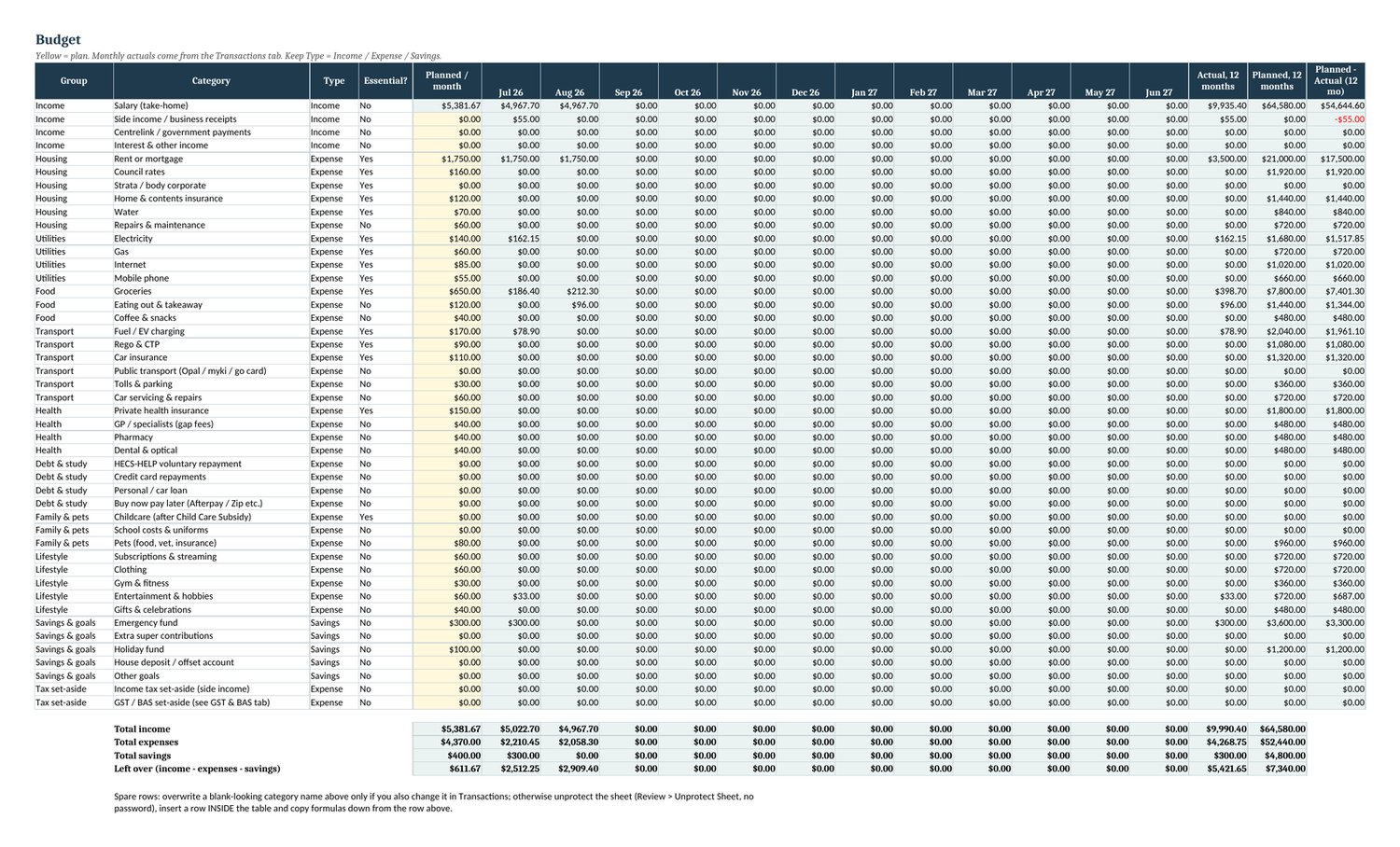
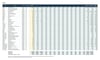
- Budget: 46 Australian categories, planned amounts per month and 12 months of actuals.
- Transactions: log spending using drop-down categories; the Budget updates from your entries.
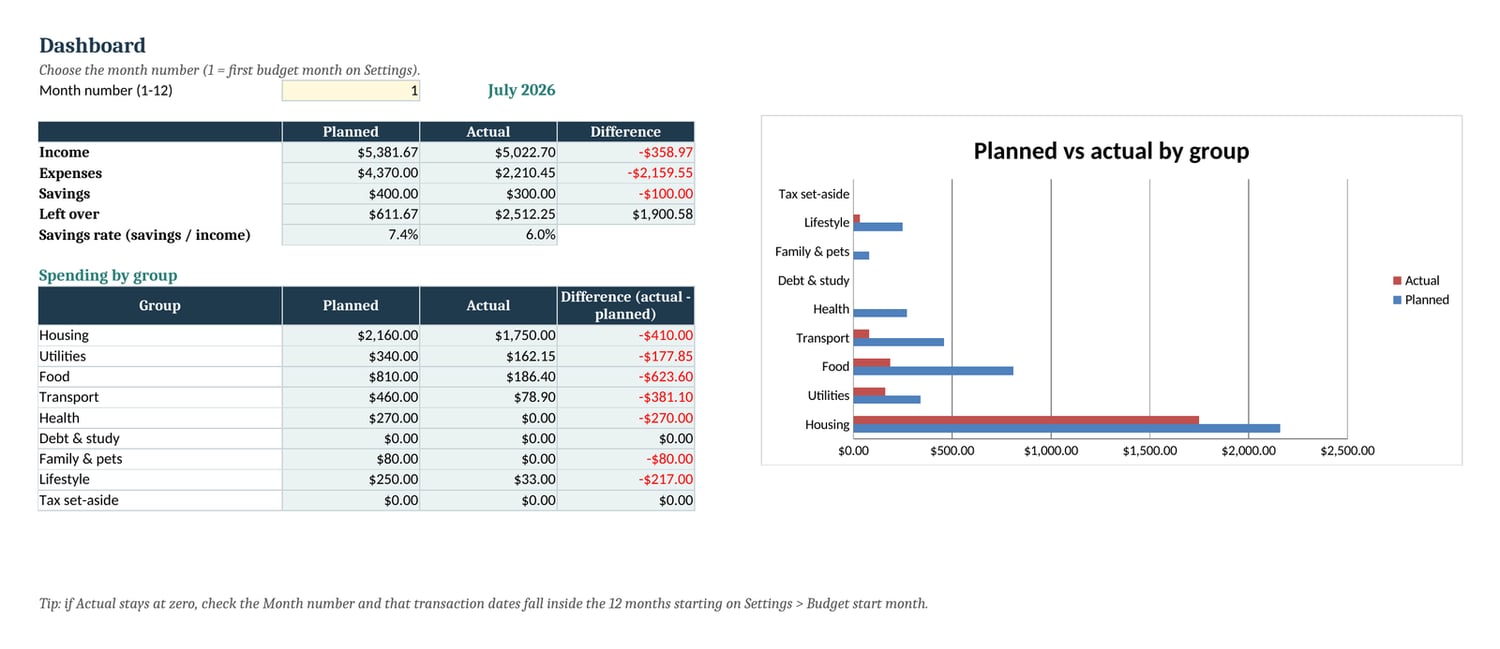
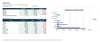
- Dashboard: pick a month to see income, spending, savings and what is left, with a planned-vs-actual chart.
- Goals & Debts: emergency fund target, savings goals, debt payoff estimates and a simple HECS-HELP projection.
- GST & BAS (optional): track GST on sales and purchases by quarter if you have a side business.
How it works
- Download the .xlsx file after purchase.
- Open it in Excel, or upload it to Google Drive and open with Google Sheets.
- Clear the SAMPLE entries (yellow cells), enter your salary and planned amounts, and start logging.
Good to know
- Digital product. Nothing is posted.
- Desktop or laptop recommended; phone apps can open the file but data entry is harder.
- Figures are estimates from the rates on the Settings sheet and may differ from your payslip, tax return or ATO assessment. Not modelled: salary sacrifice, deductions, Medicare levy reductions or surcharge, part-year residency and offsets.
- Sheets are protected without a password so formulas are not overwritten by accident (Review > Unprotect Sheet).
- Personal use only. Please do not resell or share the file.
Disclaimer and refunds
See the disclaimer below.
Features
- Estimates tax, Medicare levy, HECS-HELP and take-home pay from your salary
- 46 Australian budget categories with monthly planned vs actual
- Drop-down transaction log that feeds the Budget and Dashboard
- Savings goals, emergency fund and debt payoff estimates
- Optional GST and BAS quarter tracker; rates are editable each financial year
What's included
- 1 x Excel workbook (.xlsx), Greygum-AU-Budget-Planner-v1.1.xlsx, 8 sheets, with SAMPLE data you clear before use
- Start Here instructions inside the file
- Instant download; for personal use
FAQ
- Does it work in Google Sheets? Yes, upload the .xlsx to Google Drive and open it with Google Sheets. It uses standard functions available in Excel 2016 and later.
- Will it work out my exact tax? No. It gives an estimate from the rates on the Settings sheet. Your payslip and ATO assessment are the source of truth.
- Will the rates be updated each year? The rates are editable cells, so you can update them from the ATO website when they change.
- Do I need Excel? No. Google Sheets (free) can open the file. Excel 2016 or later, or Microsoft 365, also works.
- Can I use it on my phone? You can open it, but it is built for a desktop or laptop.
Works in Excel 2016 and later (including Microsoft 365) and Google Sheets. Excel file (.xlsx), no macros.
This planner provides general information and estimates only. It is not financial, tax or legal advice and does not take your personal circumstances into account. Check your figures with the ATO or a registered tax agent. Results depend on what you enter and on the rates on the Settings sheet, and we do not promise any particular saving or outcome. Not affiliated with the ATO or any government agency.
Refunds and support: this is a digital download, but Australian Consumer Law consumer guarantees still apply. If the file will not open, or does not work as described, contact us at hello@greygumgoods.com.au and we will fix it, replace it or refund you as the law requires. Nothing here limits your rights under the Australian Consumer Law.