
Debt Payoff Tracker Spreadsheet – Debt Snowball & Avalanche Calculator, Google Sheets & Excel
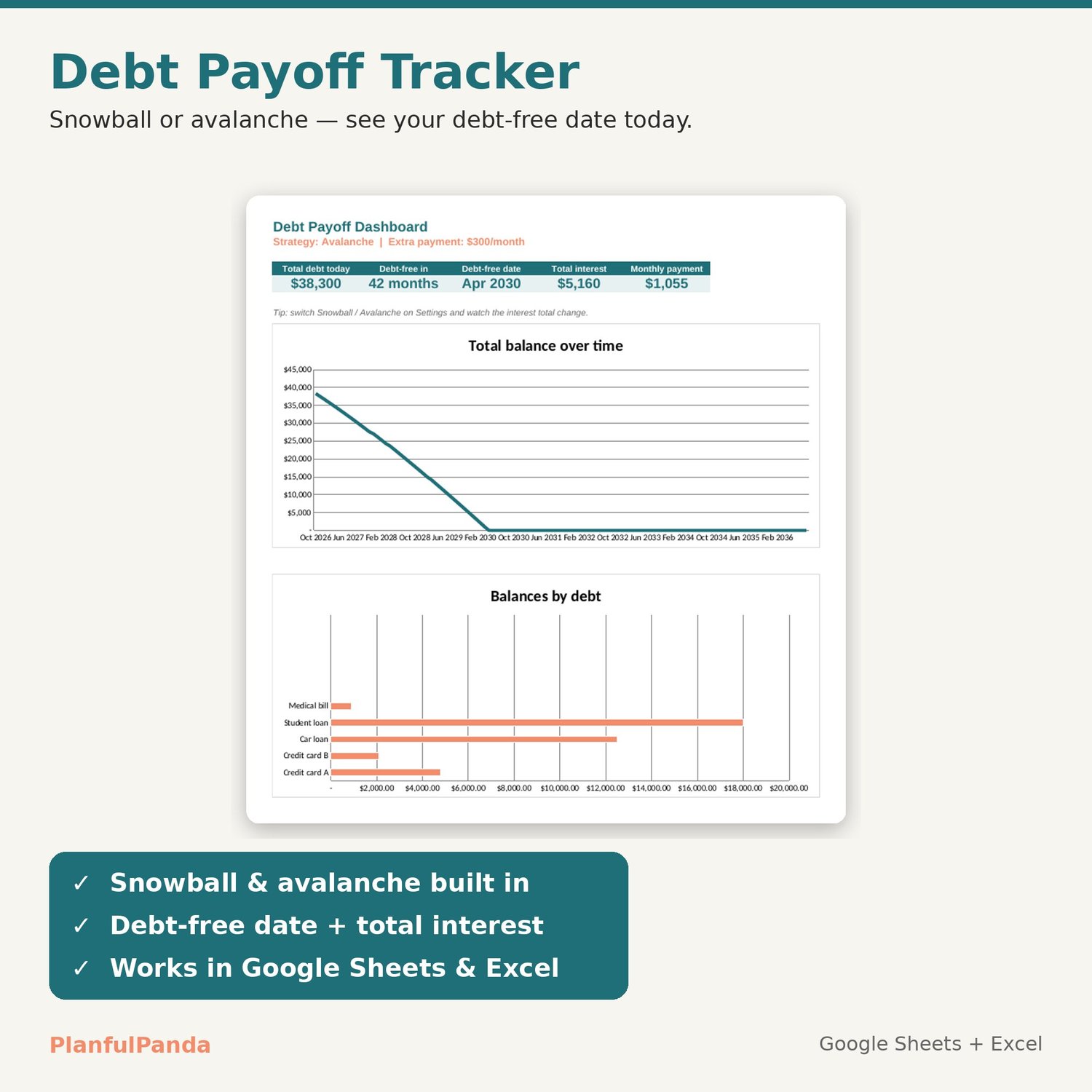
See your debt-free date today. This debt payoff tracker runs both the Snowball and Avalanche methods in Google Sheets or Excel, shows exactly how much interest each strategy costs, and maps every payment month by month — no formulas to touch.
WHAT IT DOES
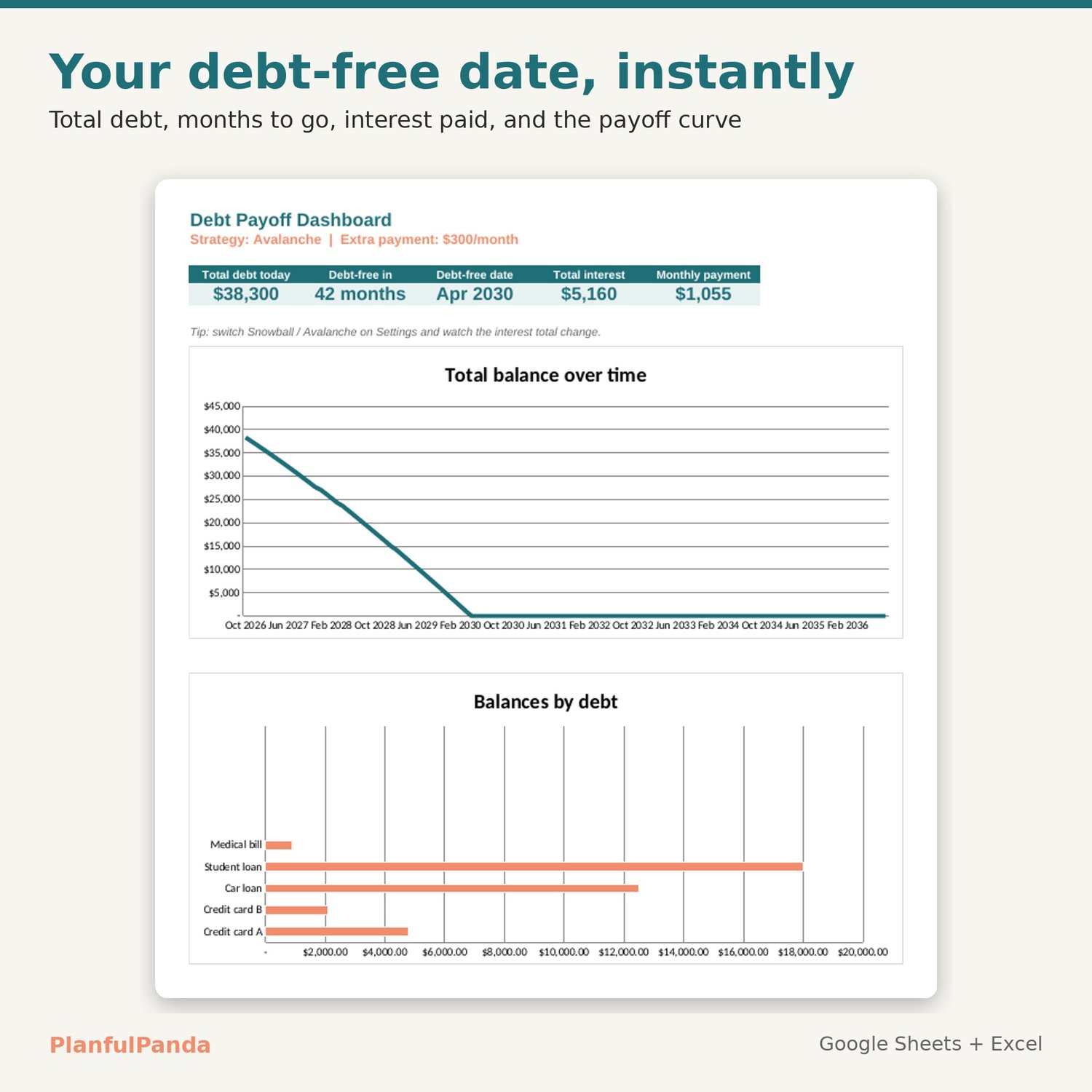
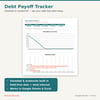
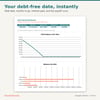
• Dashboard: total debt, months to debt-free, debt-free date, total interest, monthly payment, plus a payoff chart and a balances-by-debt chart.
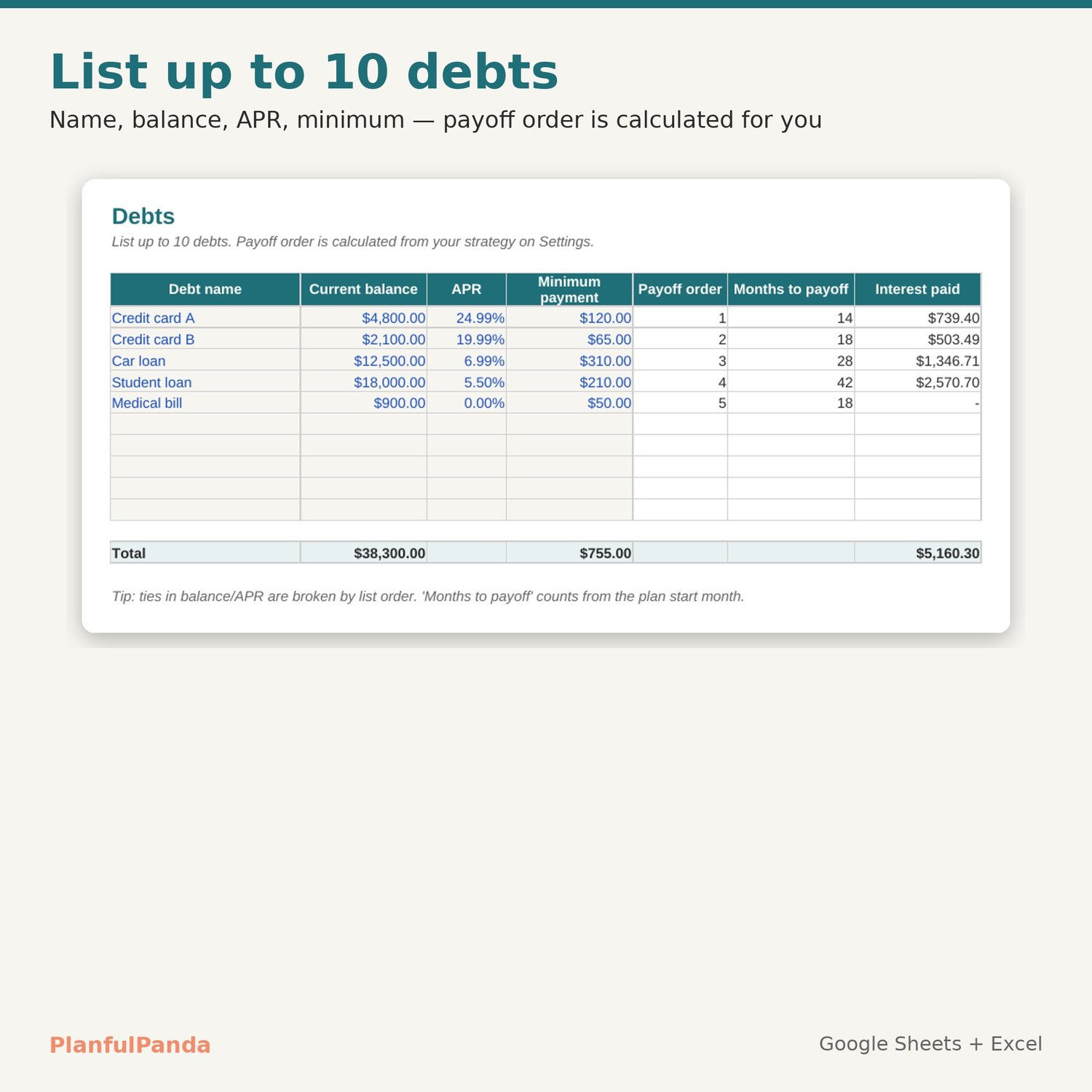
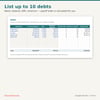
• Debts: list up to 10 debts (name, balance, APR, minimum). Payoff order, months to payoff and interest paid are calculated for each one.
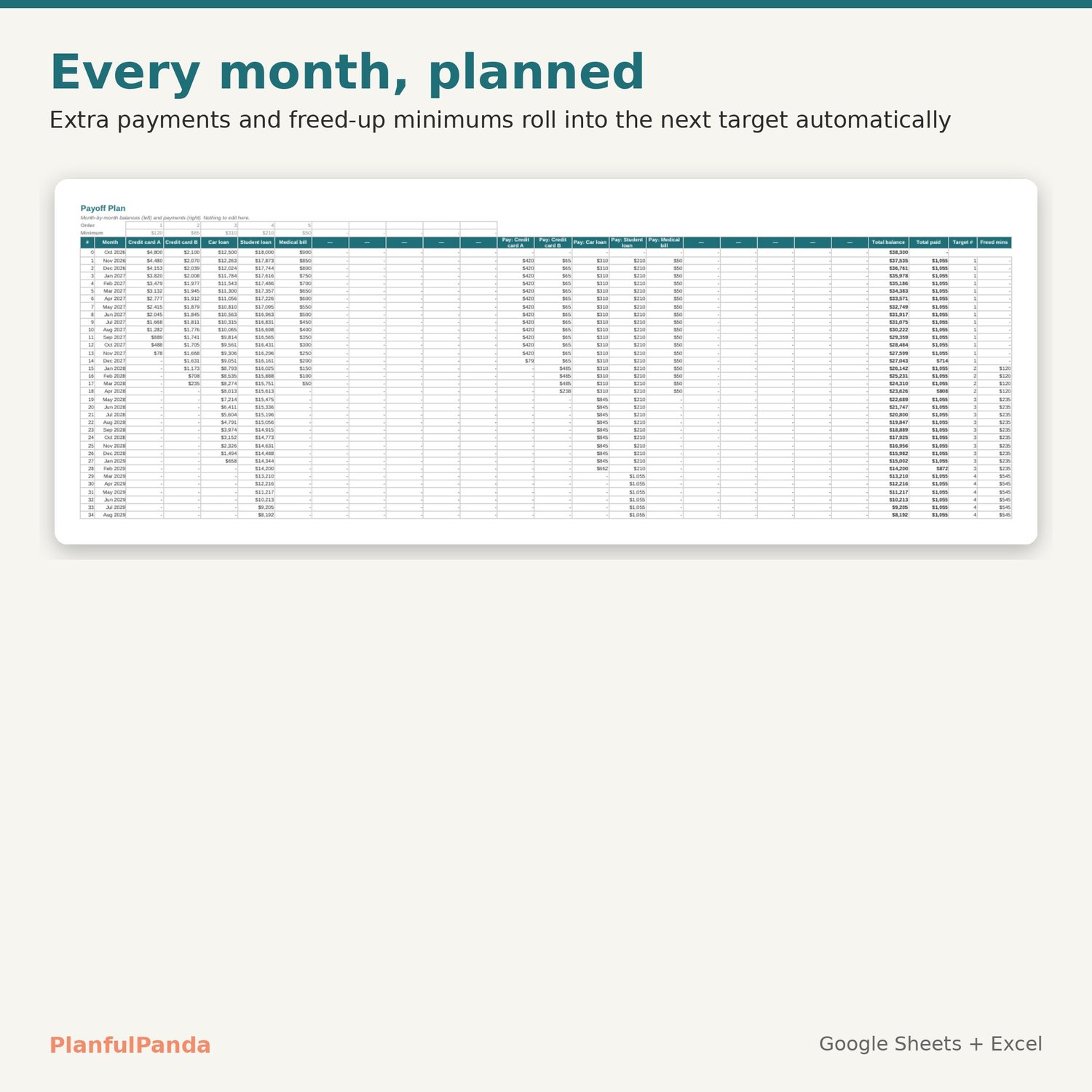
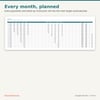
• Plan: a 120-month schedule. Every debt gets its minimum; your extra payment and any freed-up minimums roll into the current target automatically.
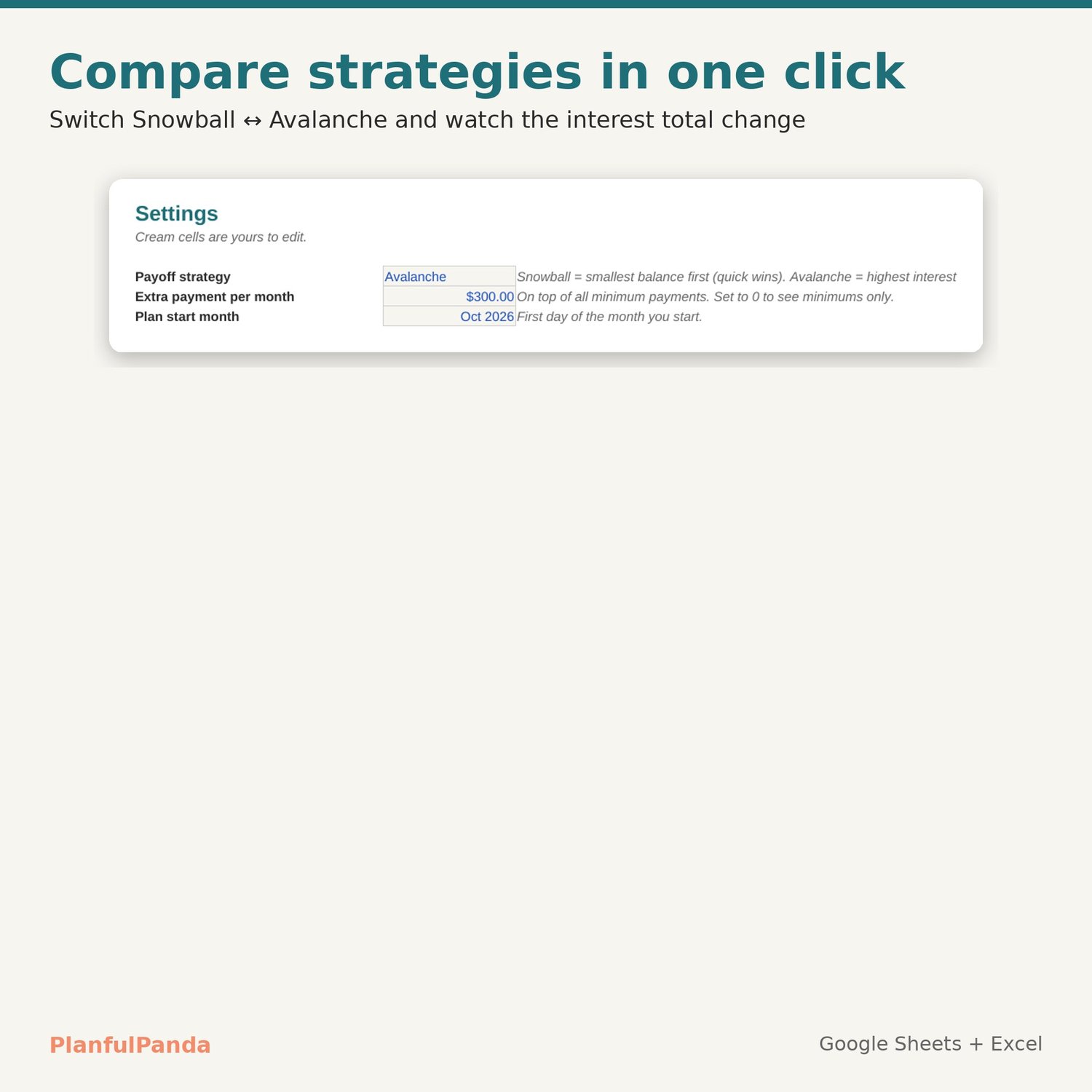
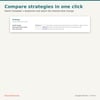
• Settings: switch Snowball ↔ Avalanche, change your extra payment, set your start month. Everything updates instantly.
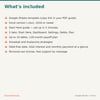
WHAT YOU GET (instant download)
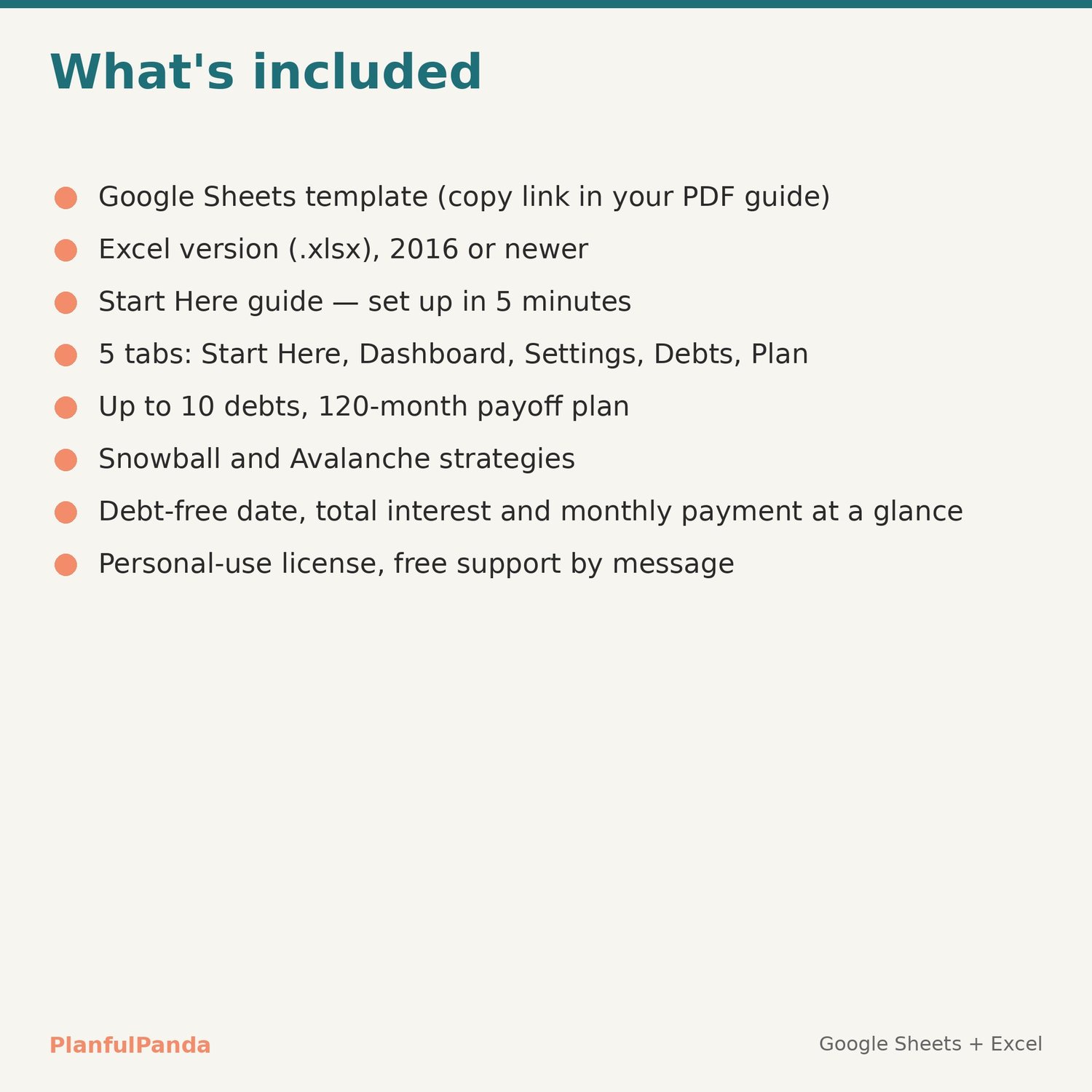
• PDF guide with your Google Sheets copy link
• Excel file (.xlsx) for Excel 2016 or newer, Windows and Mac
• Start Here tab with 5 set-up steps and sample debts you can replace
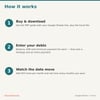
HOW IT WORKS
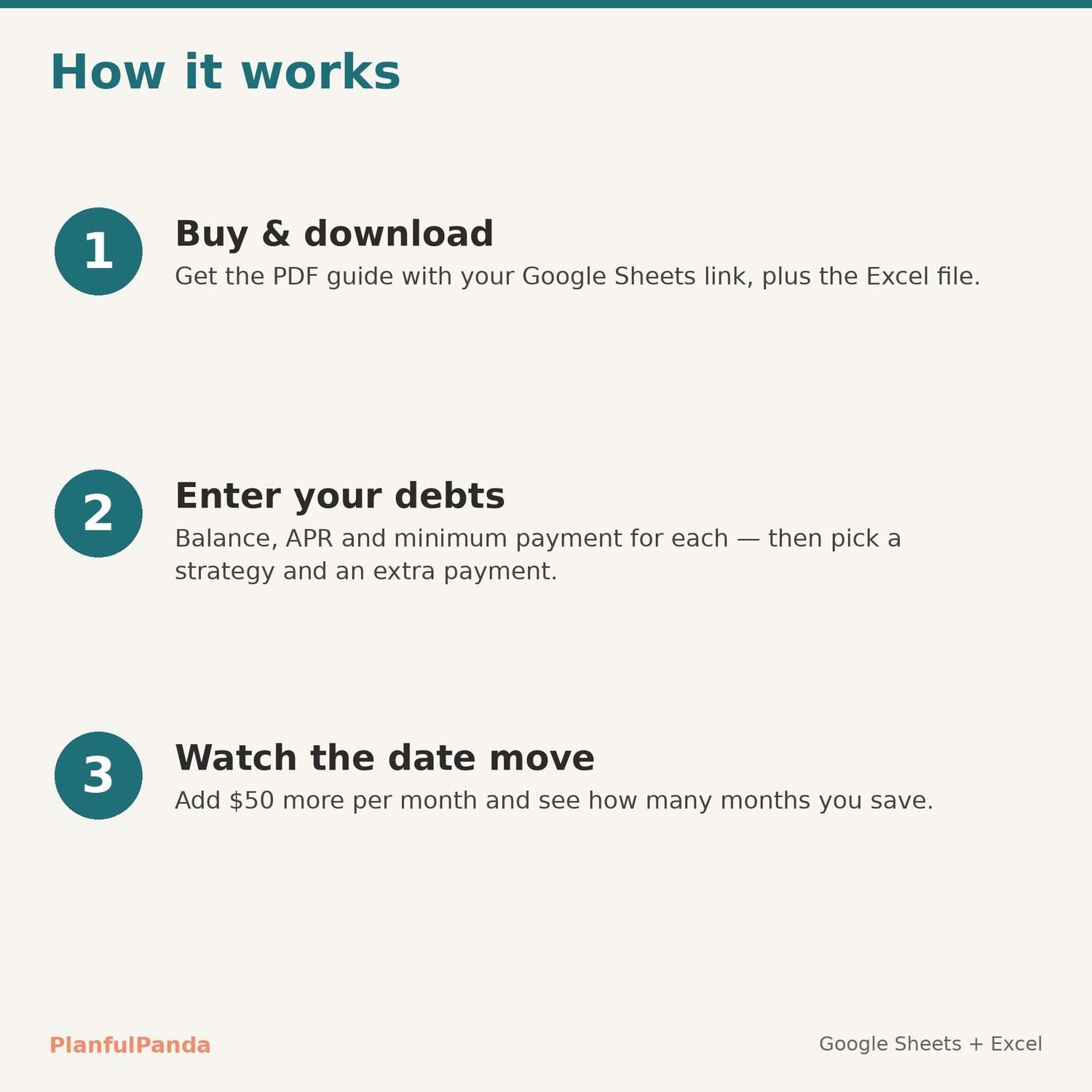
1. Download the PDF, open the link, File → Make a copy (or open the Excel file).
2. Enter your debts and pick a strategy on Settings.
3. Try a bigger extra payment and watch the debt-free date move.
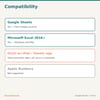
COMPATIBILITY
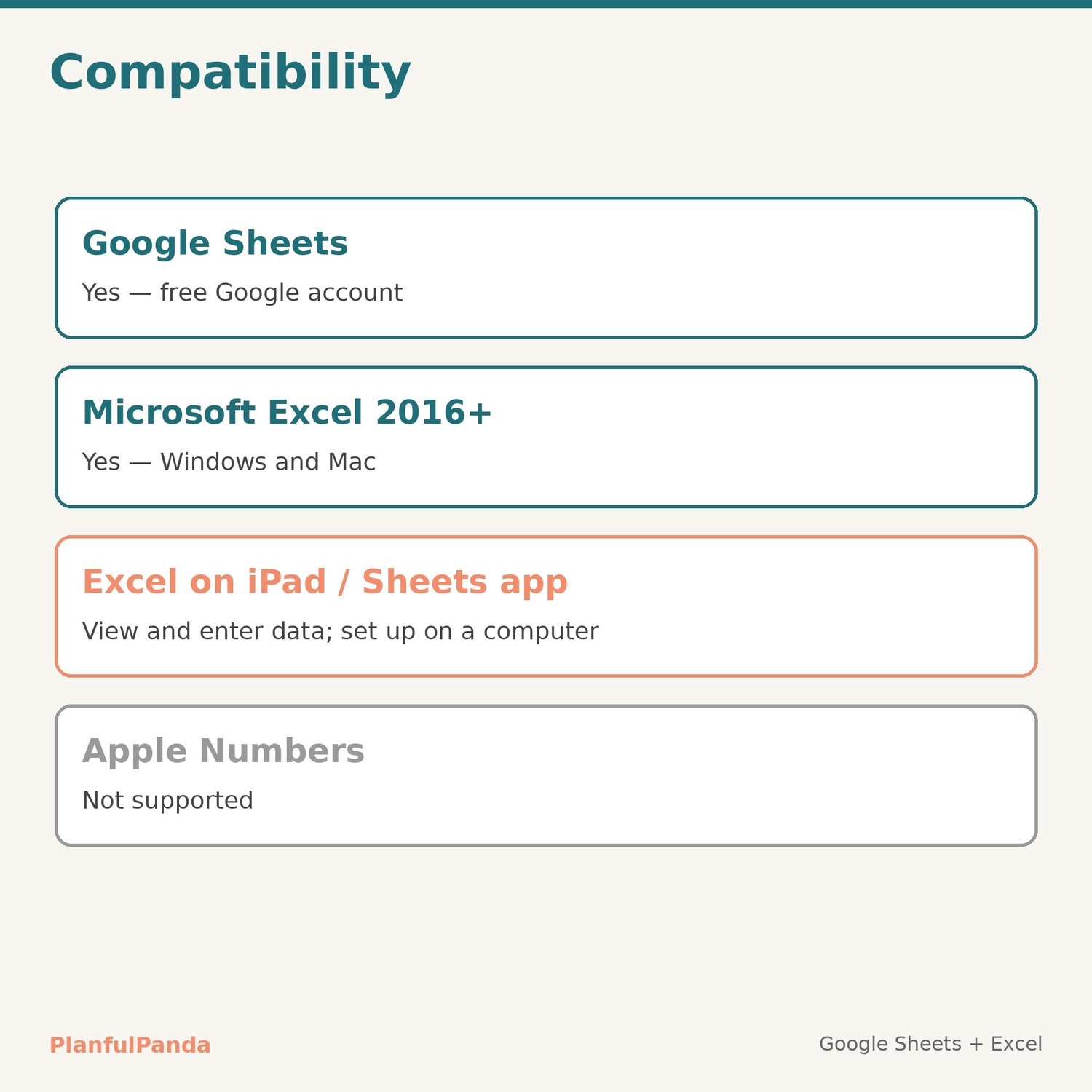
Google Sheets (free Google account) and Microsoft Excel 2016+. Set-up is easiest on a computer. Not designed for Apple Numbers.
LICENSE
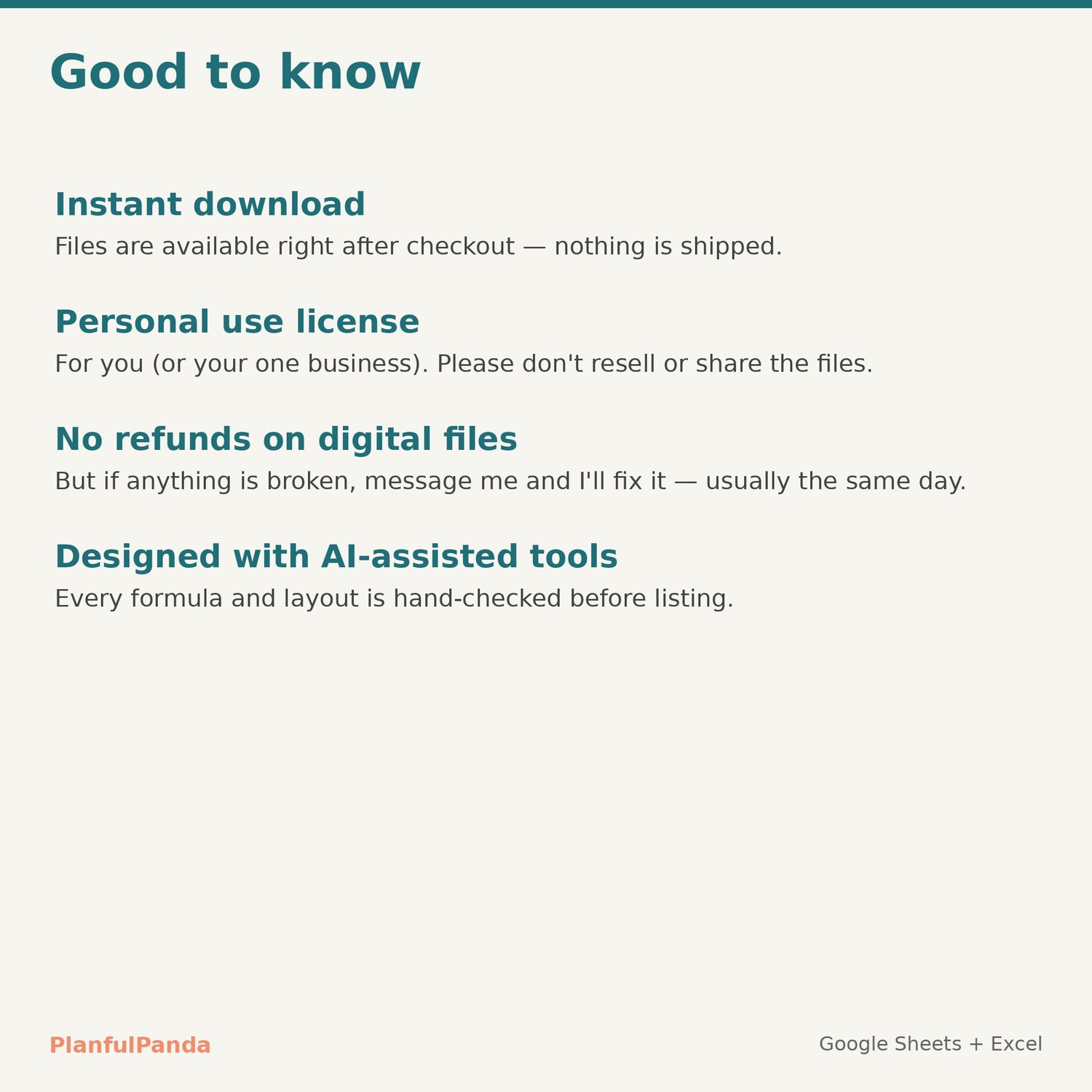
Personal use (or one business of your own). Please don't resell, share or redistribute the files.
FAQ
Refunds: digital files can't be returned once downloaded, but if anything doesn't work as described, contact me and I'll fix it — usually the same day.
Interest: calculated monthly at APR ÷ 12, the same way most cards and loans compound. Your lender's exact figures may differ slightly.
Support: use the Contact link on the PlanfulPanda store. Replies within one business day.
Pair it with the PlanfulPanda Monthly Budget Spreadsheet to plan where the extra payment comes from.
Designed by PlanfulPanda with AI-assisted tools; every formula and layout is hand-checked.