
Therapist Release of Information Tracker | ROI Expiration Log, Coordination of Care, Counterparty Dates | Notion Template + Google Sheets
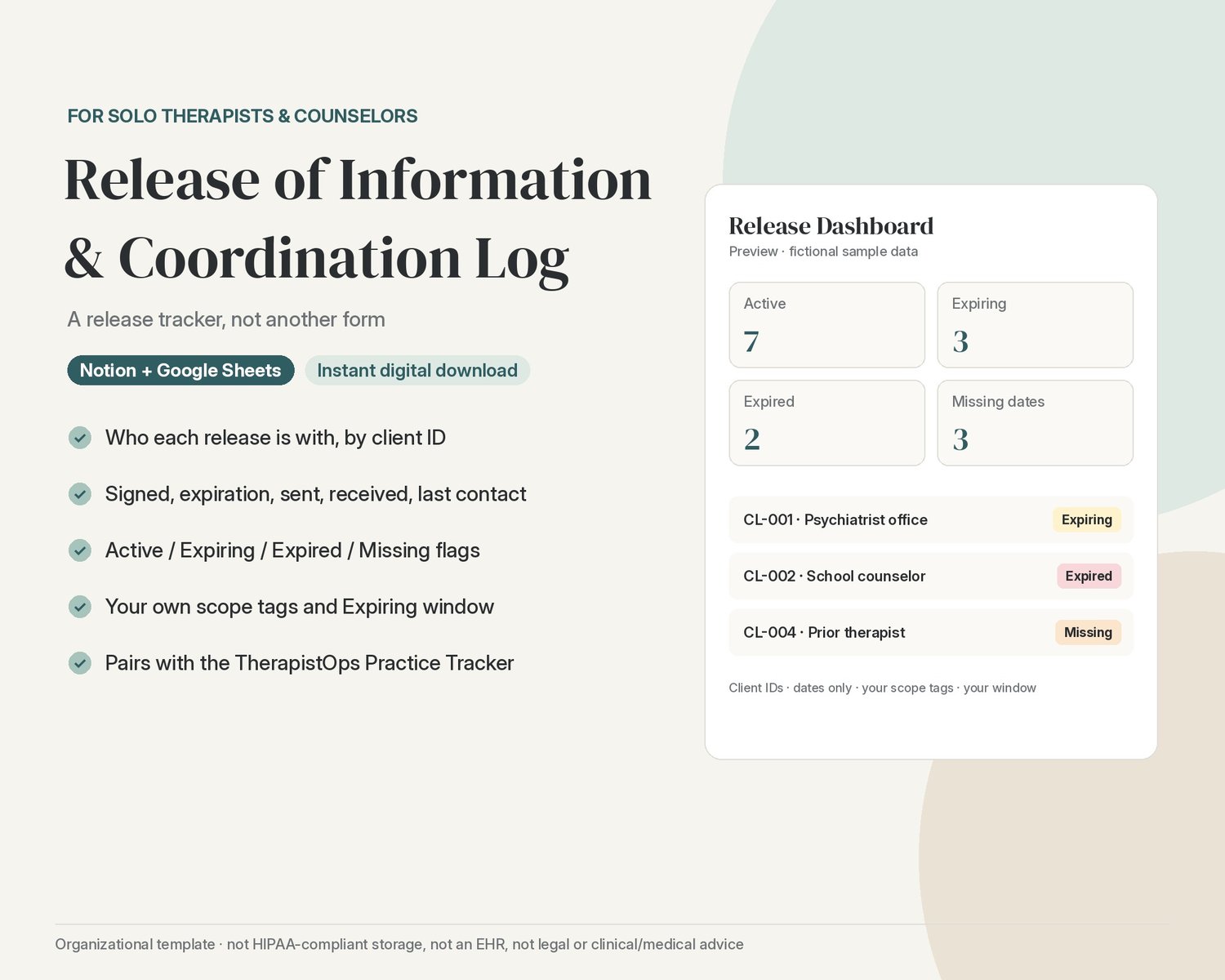
Know which client has a release on file with which counterparty, when it expires, and when you last coordinated, in Notion or Google Sheets. A tracker, not another form.
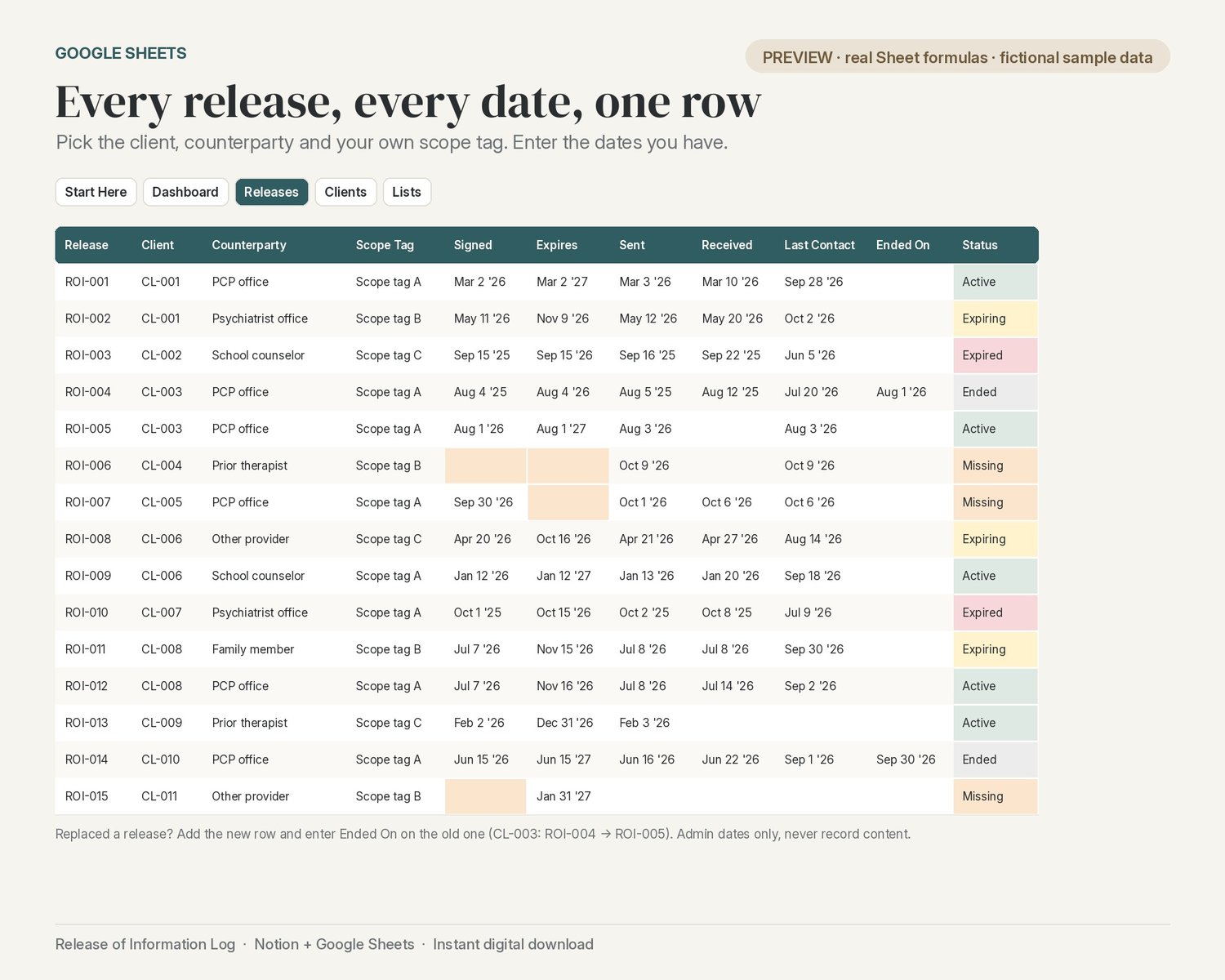
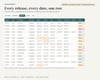
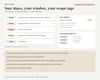
One row per release. Client ID, counterparty (PCP office, psychiatrist office, school counselor, prior therapist, family member, other), your own scope tag, and the dates: signed, expiration, sent, received and last contact.
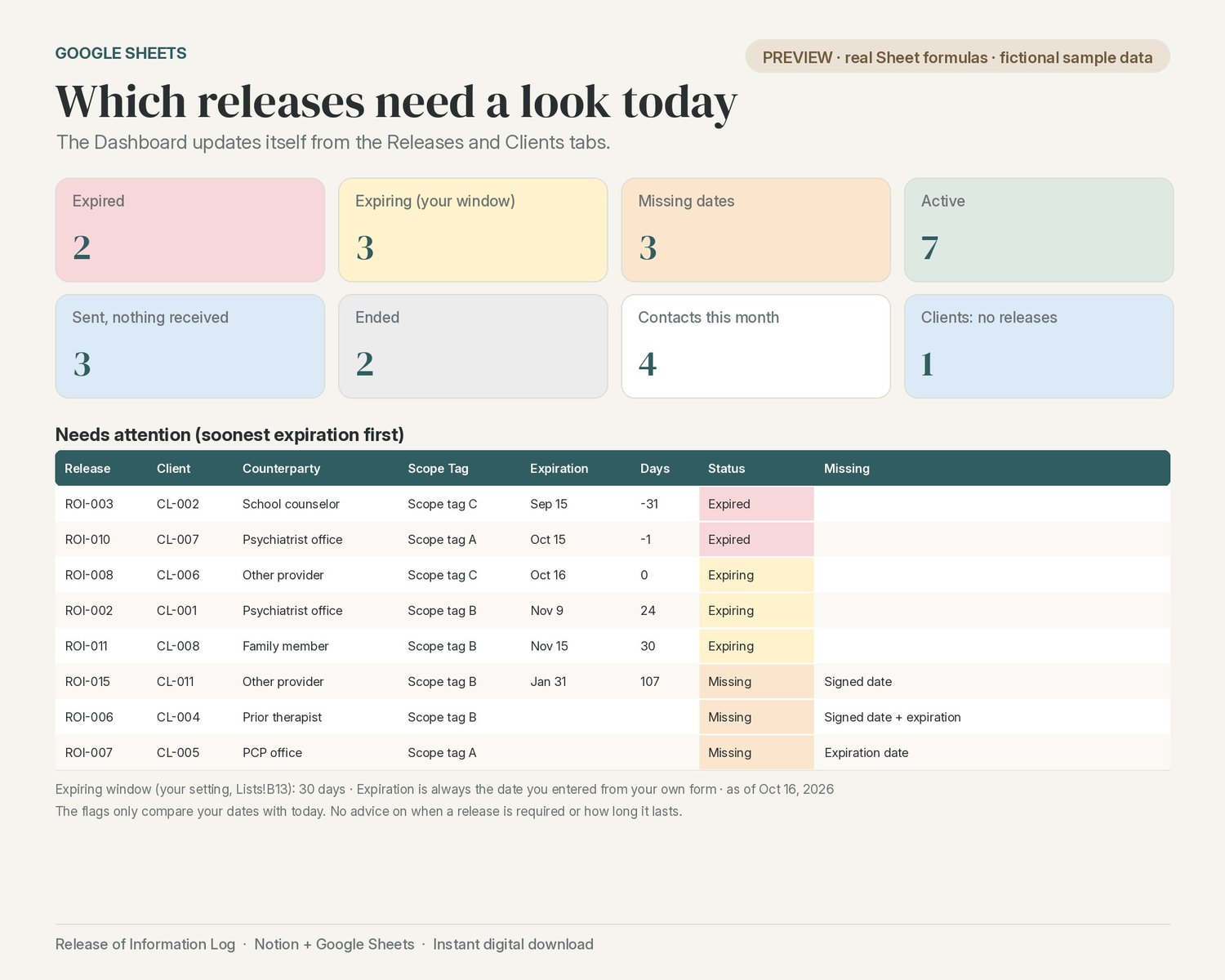
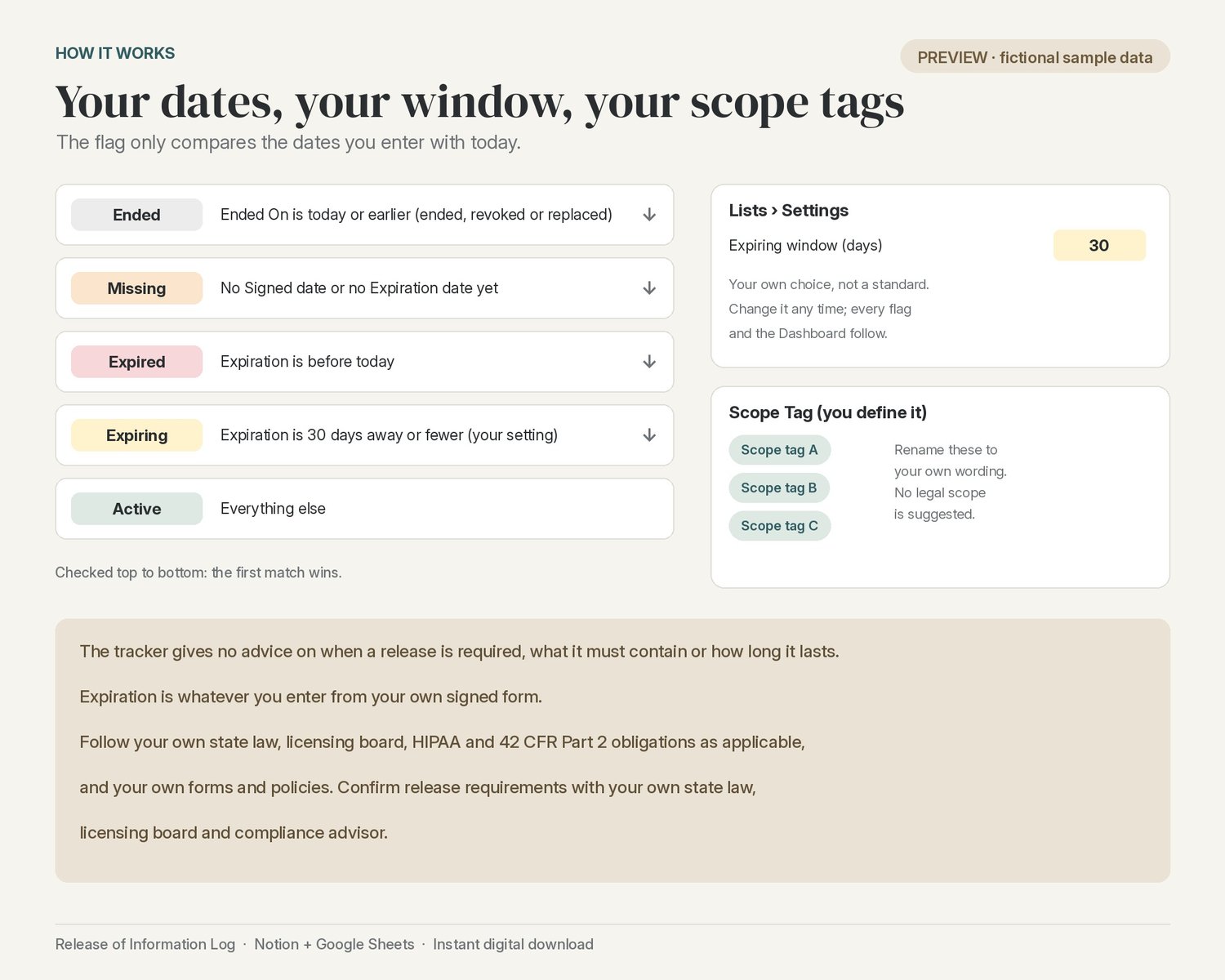
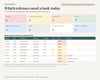
A status flag on every release. Active, Expiring (within your own window, 30 days by default), Expired, or Missing when the signed or expiration date isn't entered yet. Enter an Ended On date when a release ends or is replaced, and it reads Ended instead of Expired.
Your scope tags, your dates. Scope tags are options you define from your own release form; the template suggests no legal scope. The expiration is always the date you enter. Nothing is calculated or recommended for you.
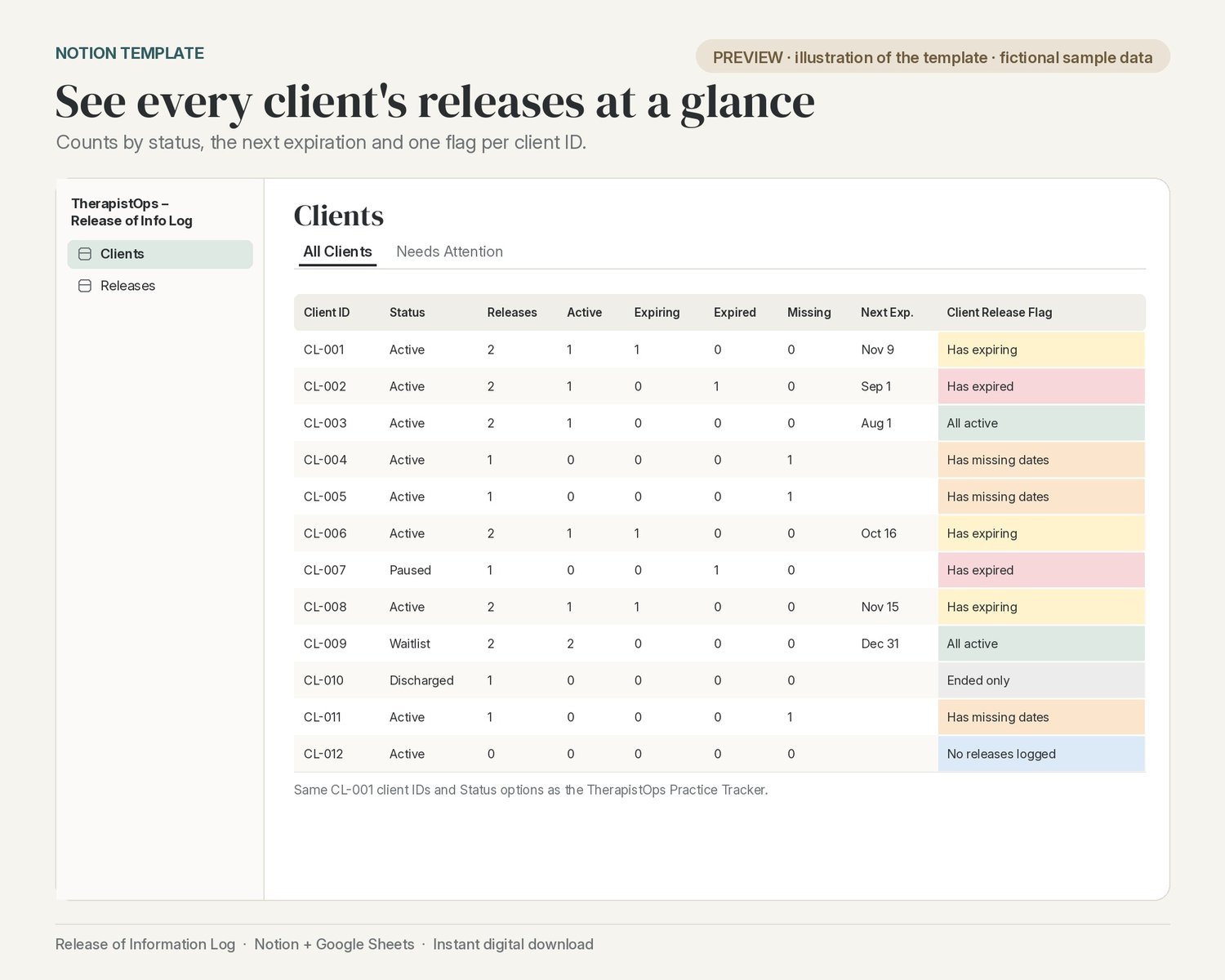
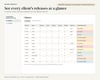
See every client at a glance. Each client ID shows how many releases are active, expiring, expired or missing, the next expiration, and one flag: has expired, has missing dates, has expiring, all active, ended only, or no releases logged.
Pairs with the TherapistOps Practice Tracker. Uses the same CL-001 client IDs and client Status options, so it sits beside the Practice Tracker and the TherapistOps lifecycle templates.
Two ways to use it (both included):
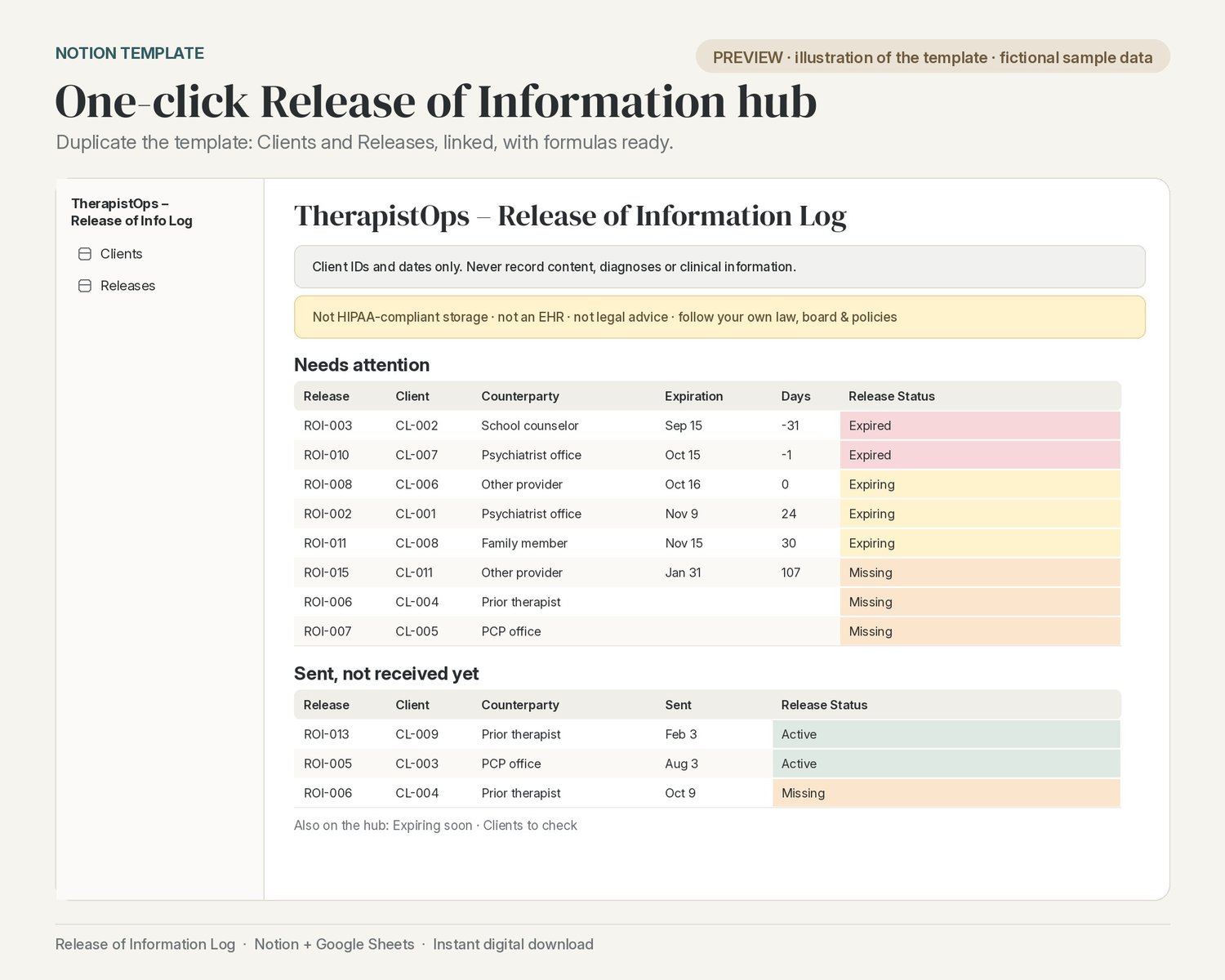
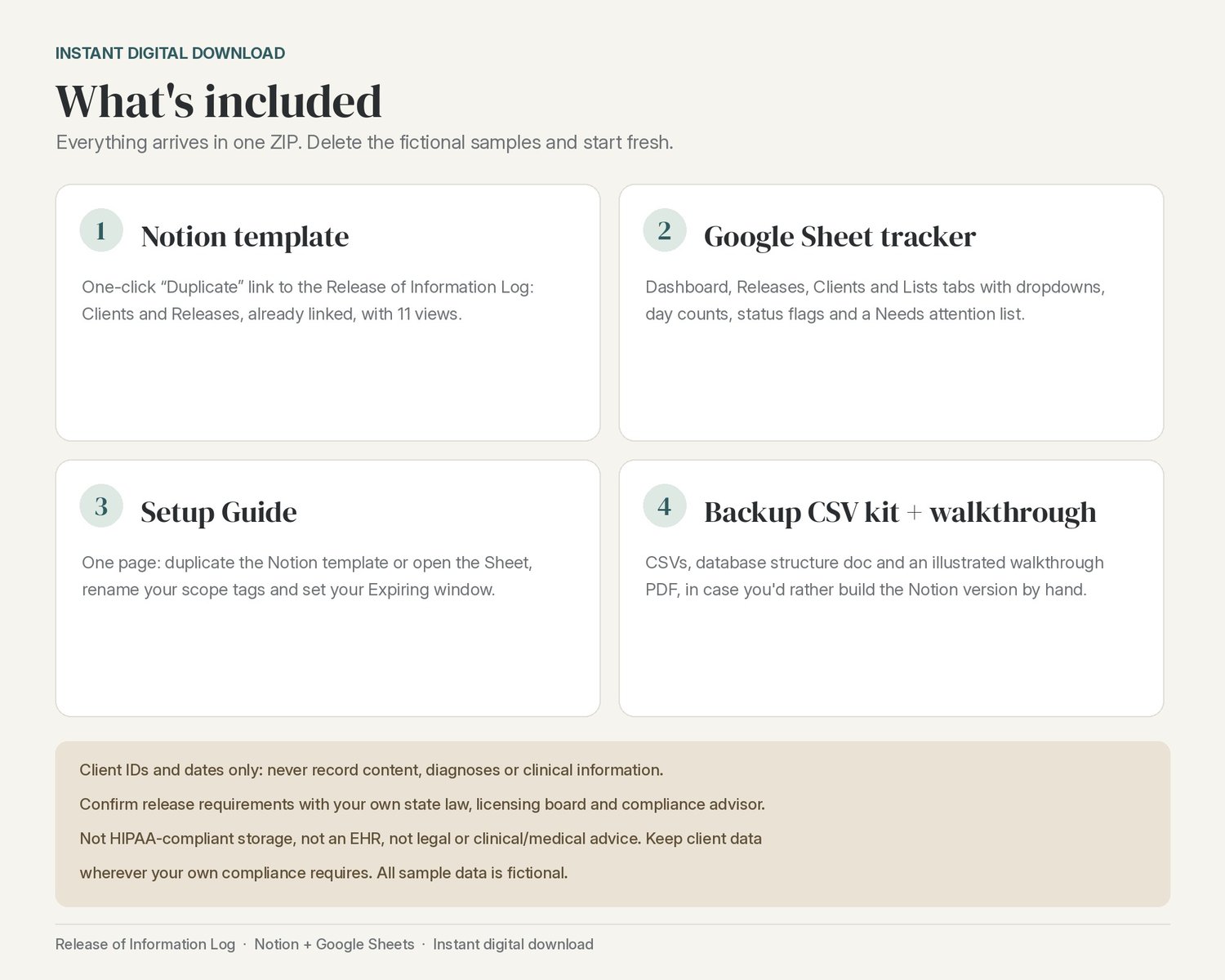
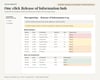
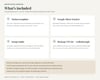
- Notion template: one click to Duplicate into your workspace. The Release of Information Log hub has 2 linked databases (Clients, Releases) with the relation and formulas already set up. Views: All Releases, Needs Attention, Expiring Soon, Expired, Missing Dates, Sent Not Received, Ended, By Counterparty (board), Expiration Calendar, All Clients and Needs Attention, plus four linked views on the hub page.
- Google Sheet: a Start Here tab, a Dashboard with a Needs attention list (soonest expiration first), and Releases, Clients and Lists tabs with dropdowns, day counts and status flags.
What you get (instant digital download, one ZIP):
- Google Sheet tracker (.xlsx; open it in Google Sheets)
- One-page Setup Guide (PDF + DOCX) with the Notion template link
- Notion Setup Walkthrough (illustrated PDF)
- Backup CSV kit for building the Notion version by hand: 2 CSV files and a database structure doc (relations must be linked by hand after import)
Setup time: about 2 minutes for the Notion template and about 5 minutes for Google Sheets. The optional manual Notion build from the CSV kit takes about 20 minutes.
Fictional sample client IDs (12 clients, 17 releases) are included so you can see how everything works; delete them when you're ready.
Please note: this is an admin tracker for client IDs and dates only. It isn't designed to hold PHI: never enter the content of disclosed records, diagnoses or any clinical information. It gives no legal advice on when a release is required, what it must contain or how long it lasts. Follow your own state law, licensing board, HIPAA and 42 CFR Part 2 obligations as applicable, and your own forms and policies. Confirm release requirements with your own state law, licensing board and compliance advisor.