

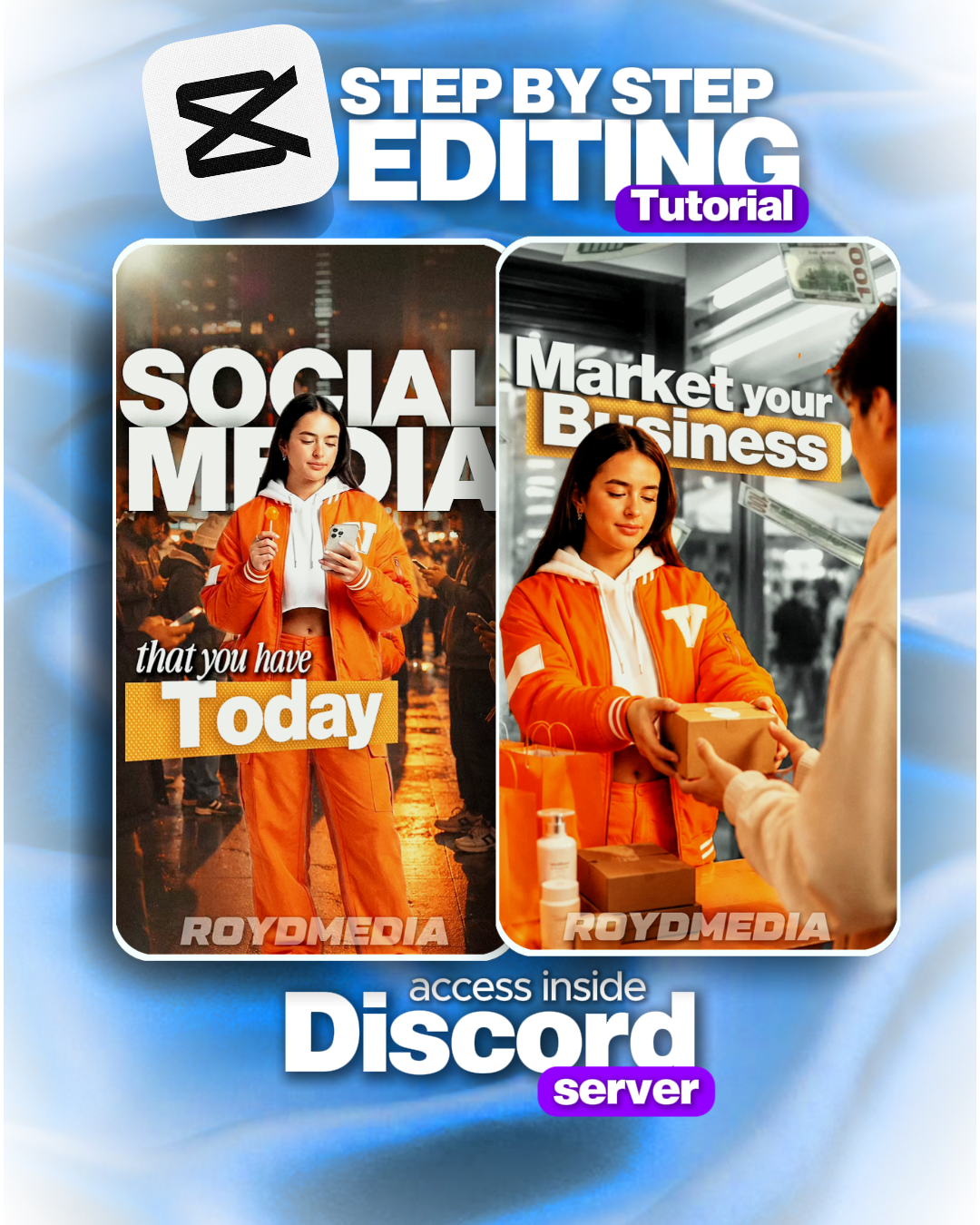
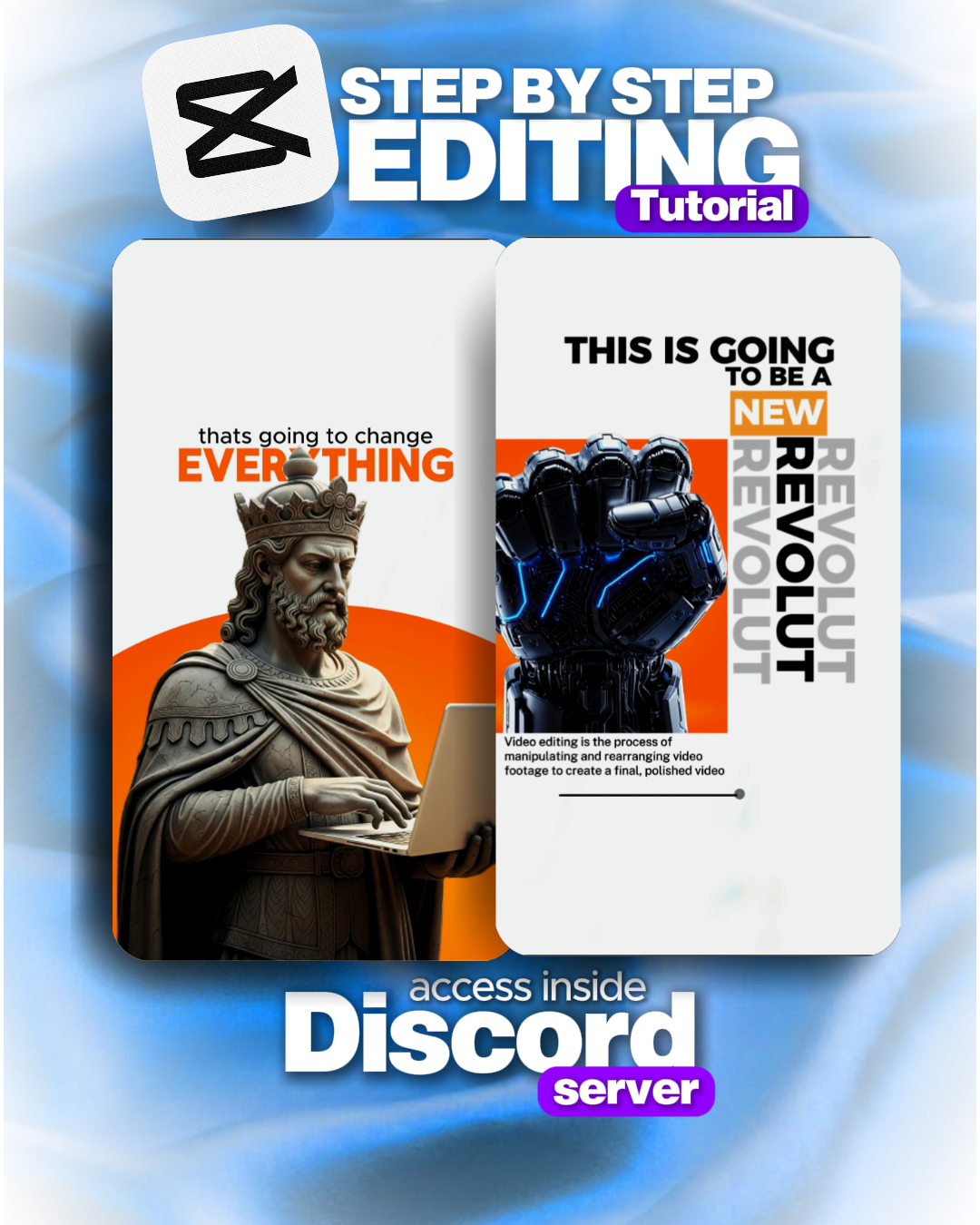
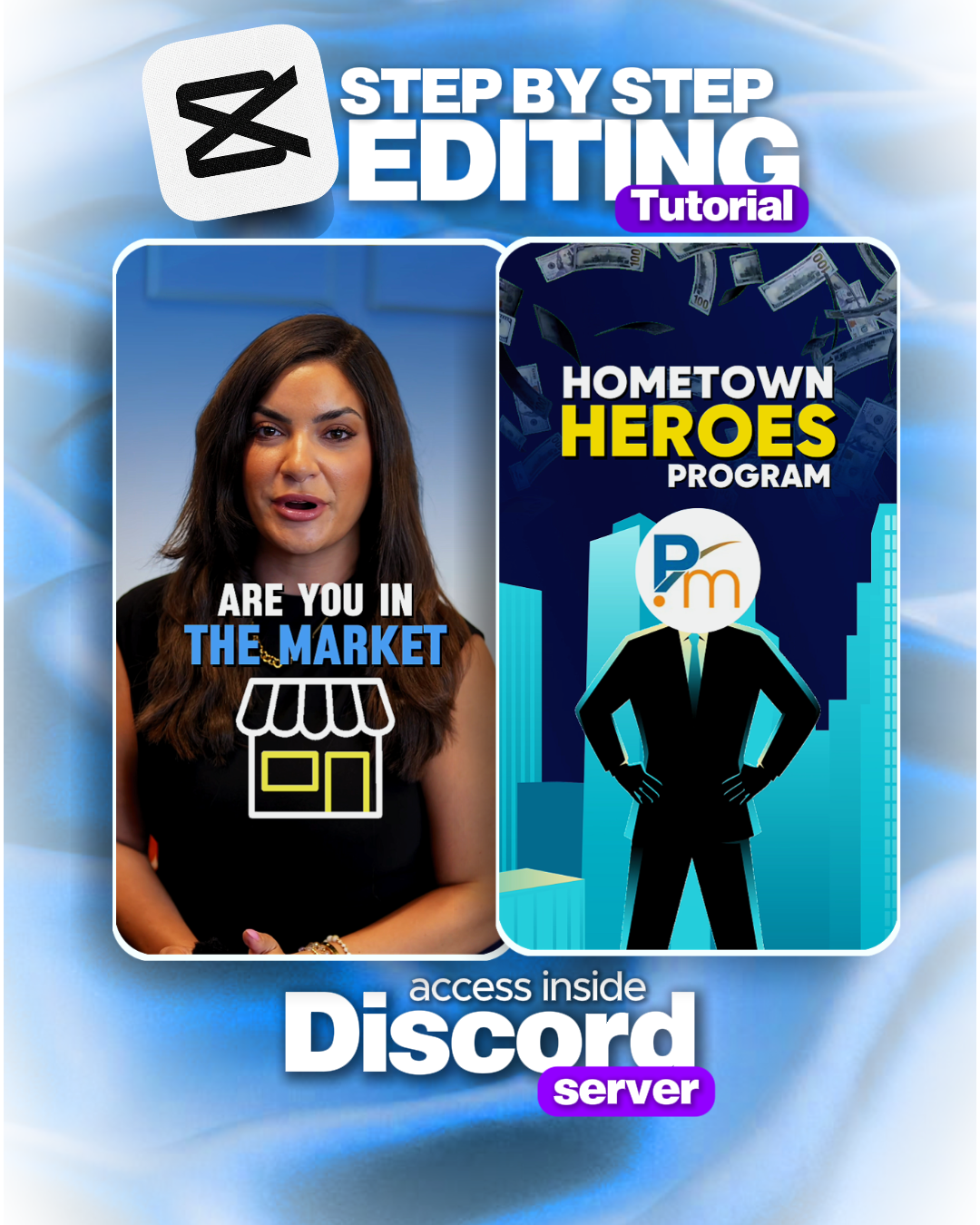
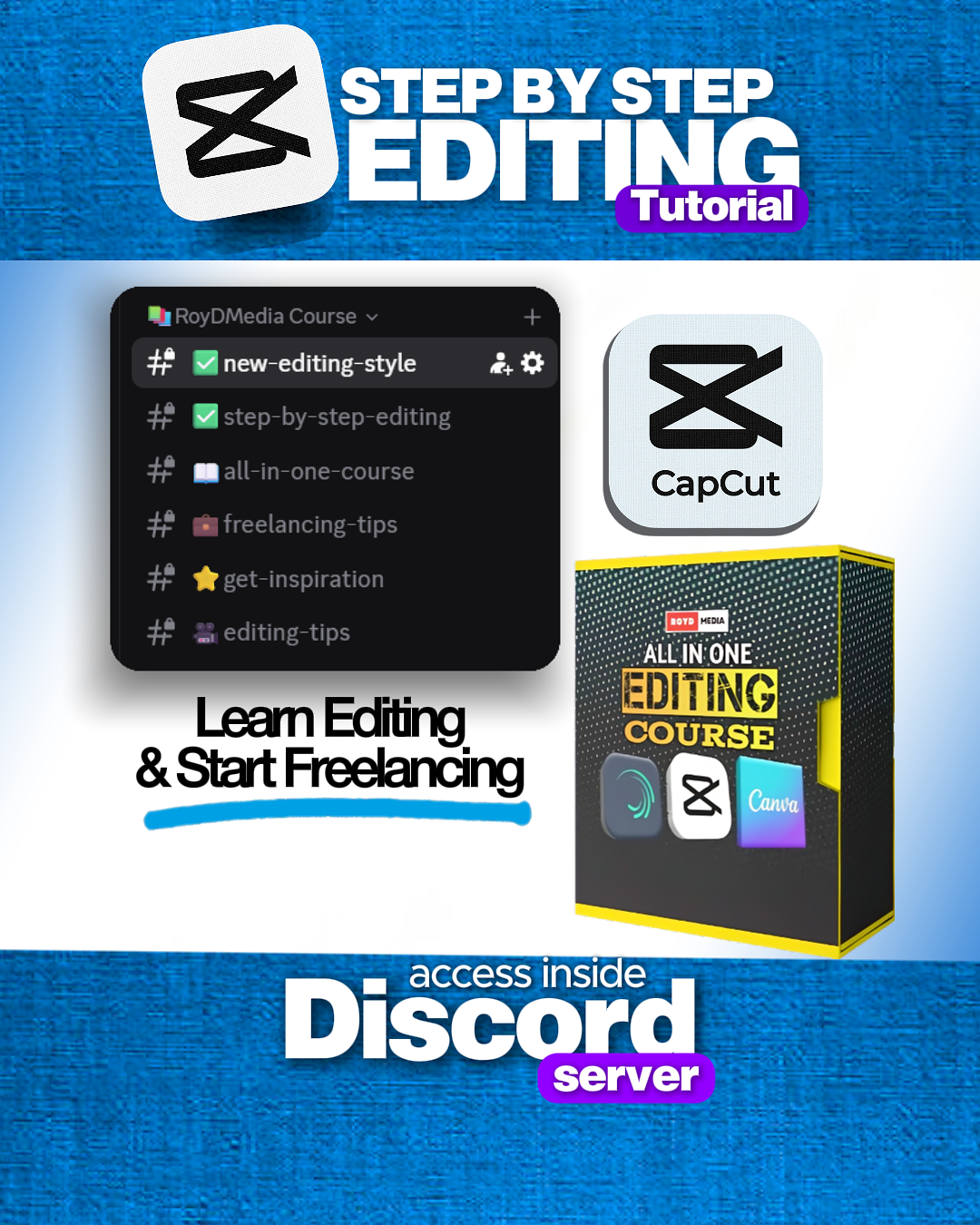

Step by Step In Depth Editing Tutorial + Free E-books
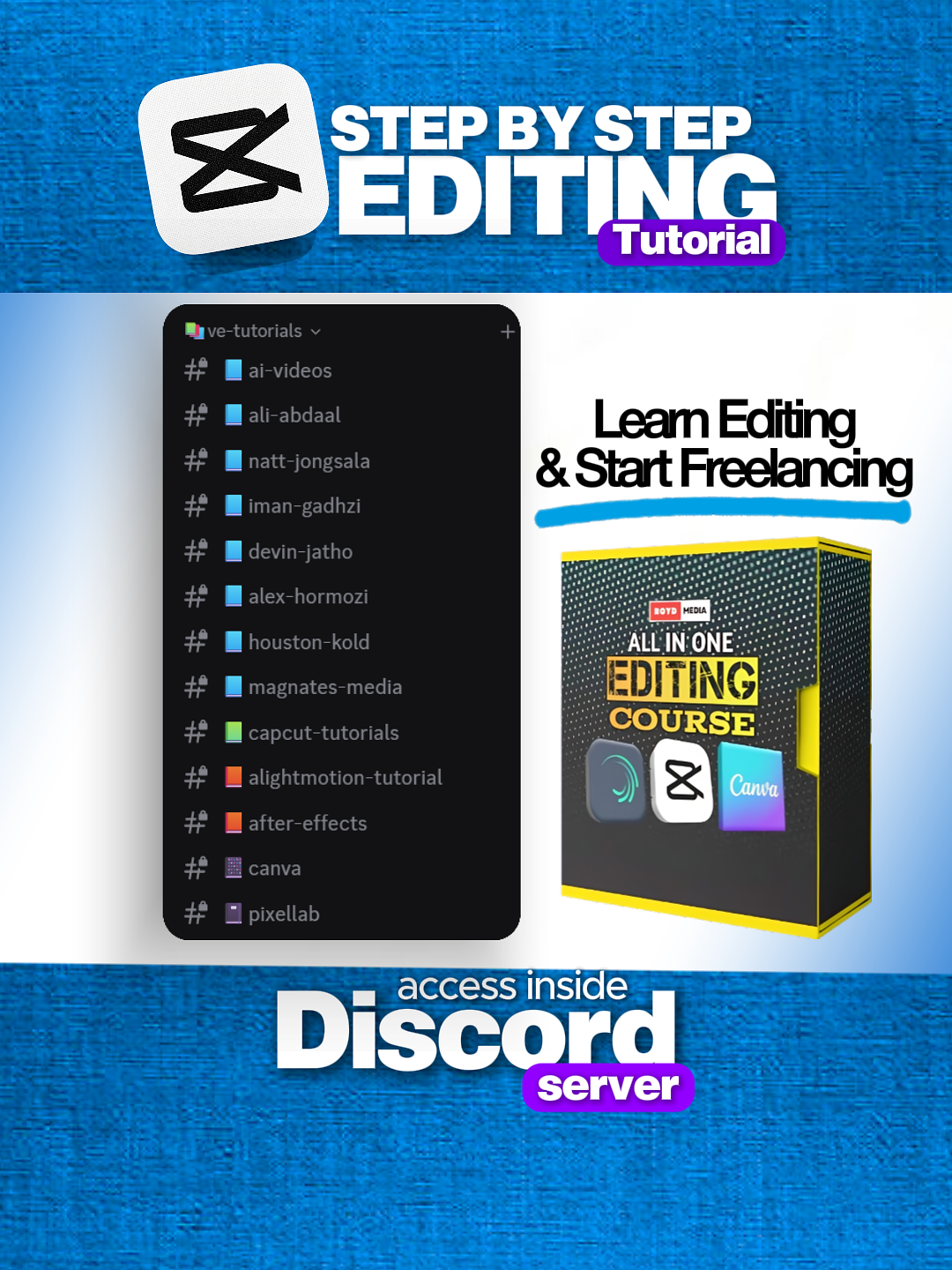
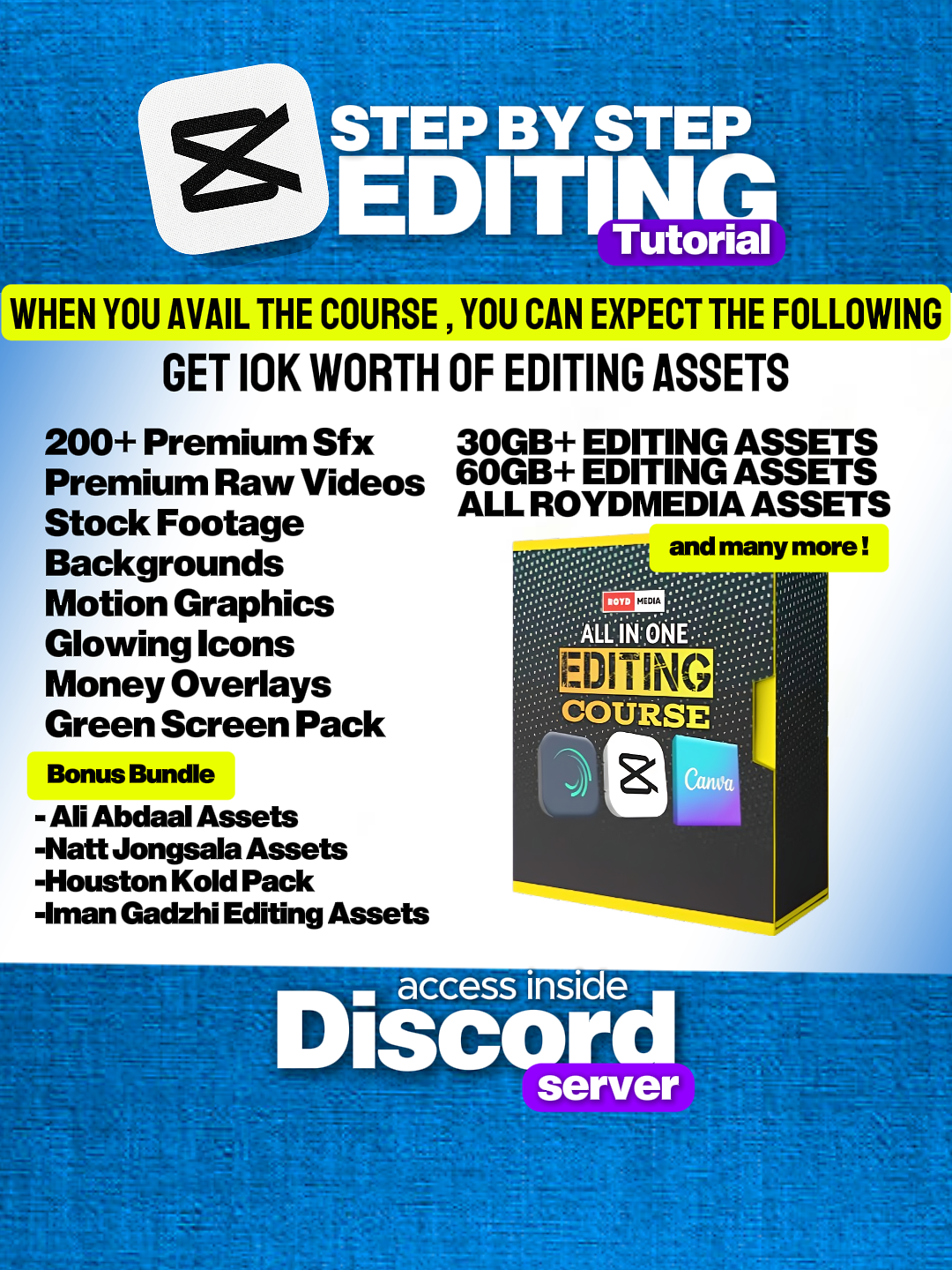
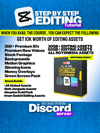
Learn professional video editing with All in One Editing Course . A beginners course to get you started with basic editing techniques, text & graphics , transitions, video effects and so much more!
Learn how to get started with Capcut , Alight Motion and Canva in this interactive and hands-on course. Updated for the 2026, it covers the latest features and tools to help you create great videos
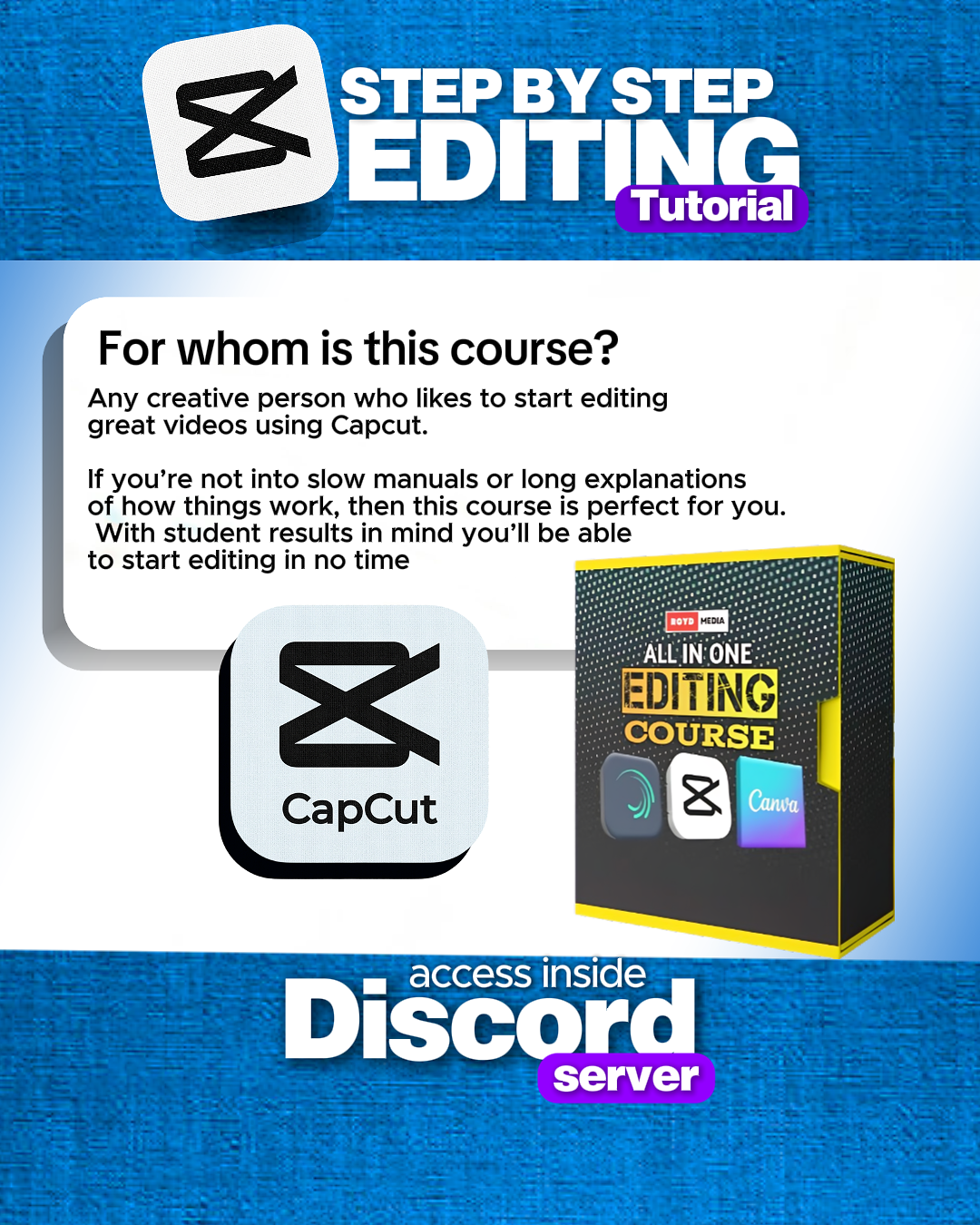
For whom is this course?
Any creative person who likes to start editing great videos using Capcut and Alight Motion. If you’re not into slow manuals or long explanations of how things work, then this course is perfect for you. With student results in mind you’ll be able to start editing in no time.
Course Objectives
You’ll learn a solid basis of Capcut and Alight Motion which allows you to do the following:
- Perform basic edits, arranging clips and working in multiple layers
- Perform advanced edits using Capcut and Alight Motion
- Applying and adjusting video/audio effects
- Create custom Graphics,Text and Video Effects
- Animating Overlays and Objects
- Creating your own Editing Assets
- Exporting Projects with Proper settings
Get Freebies
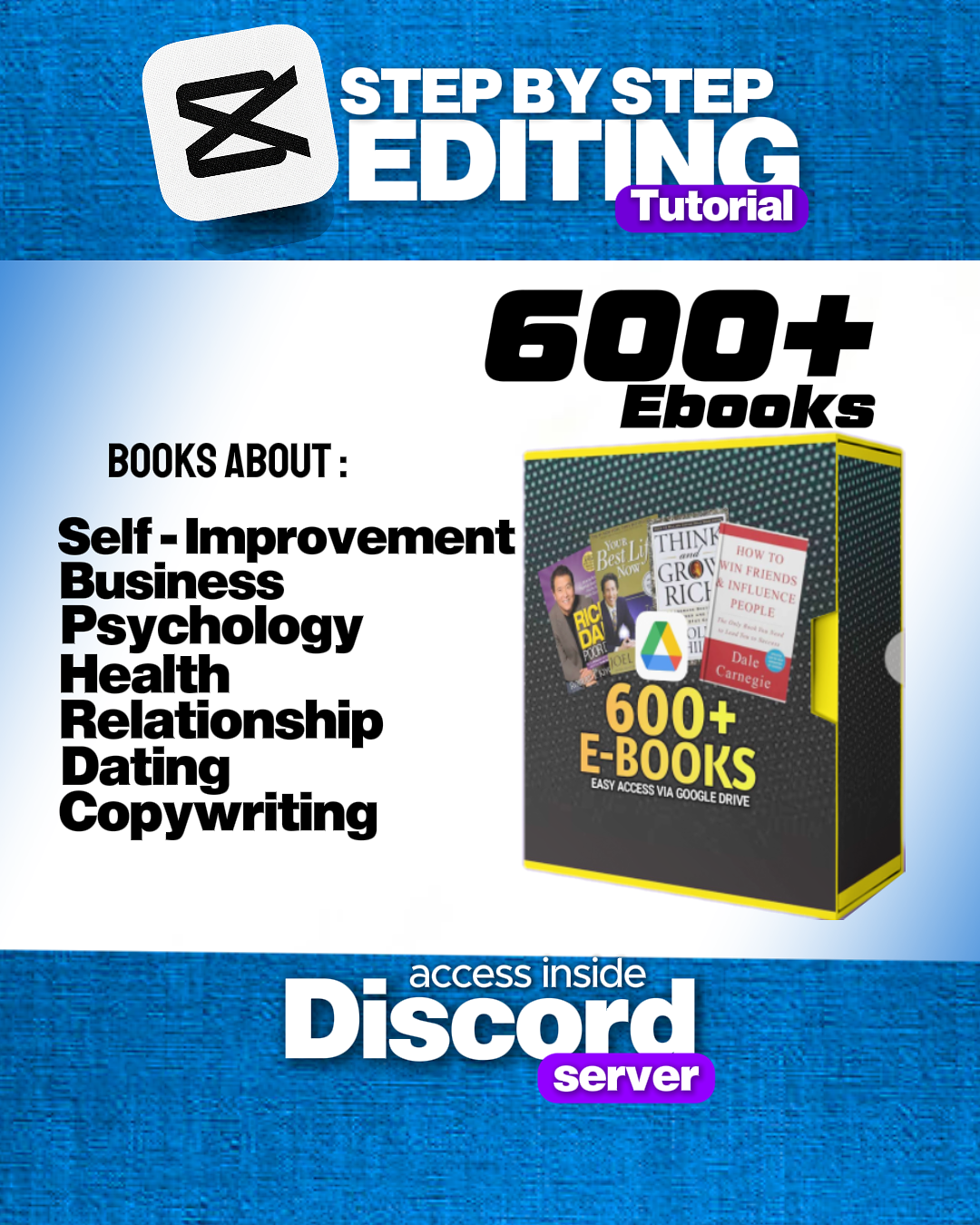
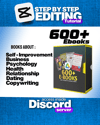
- Access 600 + E-books After Availing this Course
- BONUS Freelancing Tips
- BONUS Editing Tips
- BONUS Script to close clients