
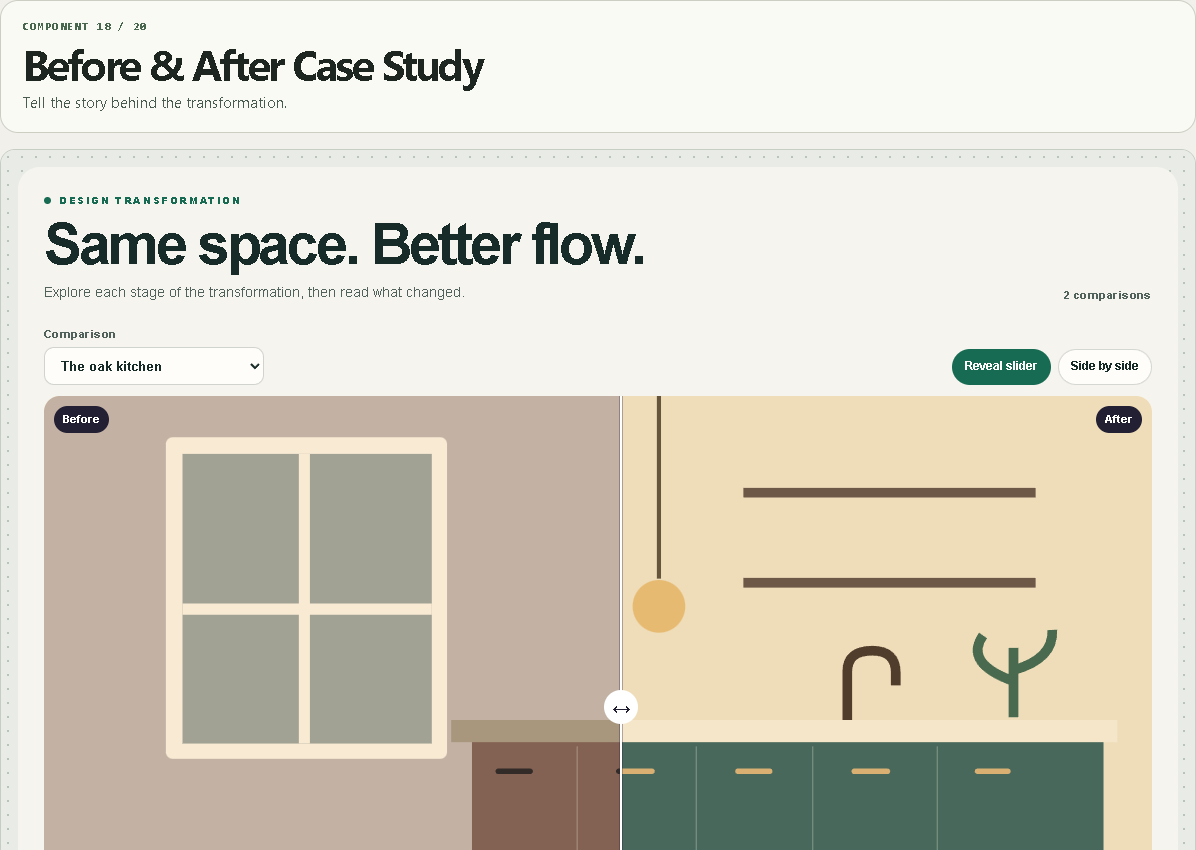
Before & After Case Study
Tell the story behind the transformation.
WHAT IT DOES
- Multiple image pairs with independent crops and annotations.
- Horizontal or vertical reveal with keyboard support.
- Readable side-by-side mode and per-pair outcome links.
WHAT YOU CAN CUSTOMIZE
- Each pair’s images, alt text, crops, captions, annotation, result and link
- Start view, reveal direction, position and fit
- Custom labels, type, palette and spacing
HOW TO SET IT UP
1. Add a titled pair and upload both images.
2. Choose crops that keep the important areas visible.
3. Write each caption, record the result, then add an optional case-study link.
REQUIREMENTS AND LIMITS
- Up to 24 local image pairs. Original illustrations are sample data.
- Video comparison and automatic CMS synchronization are outside this component.
WHAT'S INCLUDED
- Paste-to-install Framer Component URL
- Standalone Framer code component (.tsx)
- Quick-start instructions and the two example preset configurations
Need help? Reply through your order receipt with the product name and describe what happened.