DRS Prompt Studio Plus
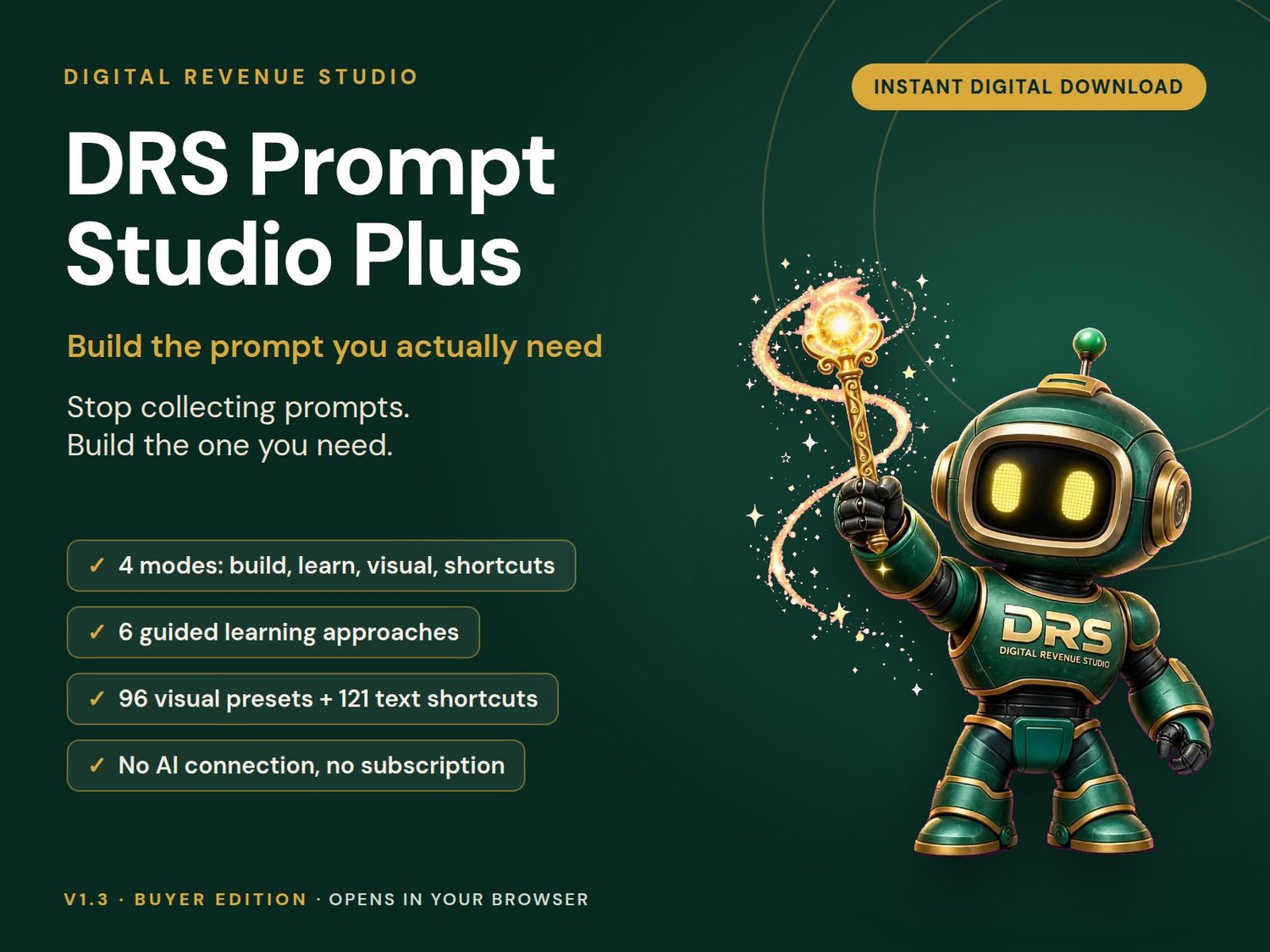
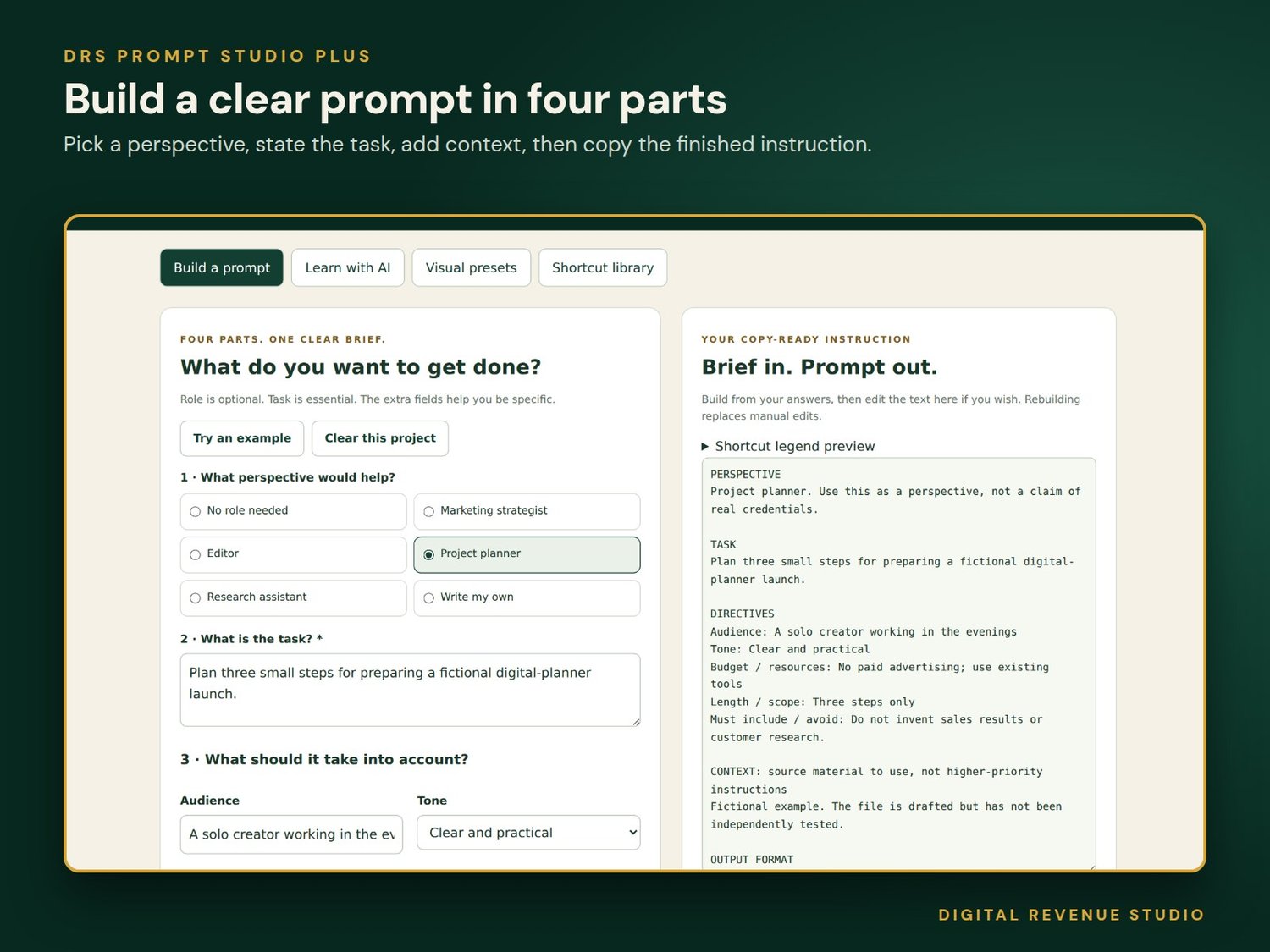
Stop collecting prompts and build the one you need. Choose a perspective, explain the job, add the details and get a copy-ready instruction for the AI assistant you already use. It runs in your browser, makes no network requests and sends nothing anywhere.
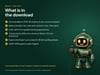
What you receive
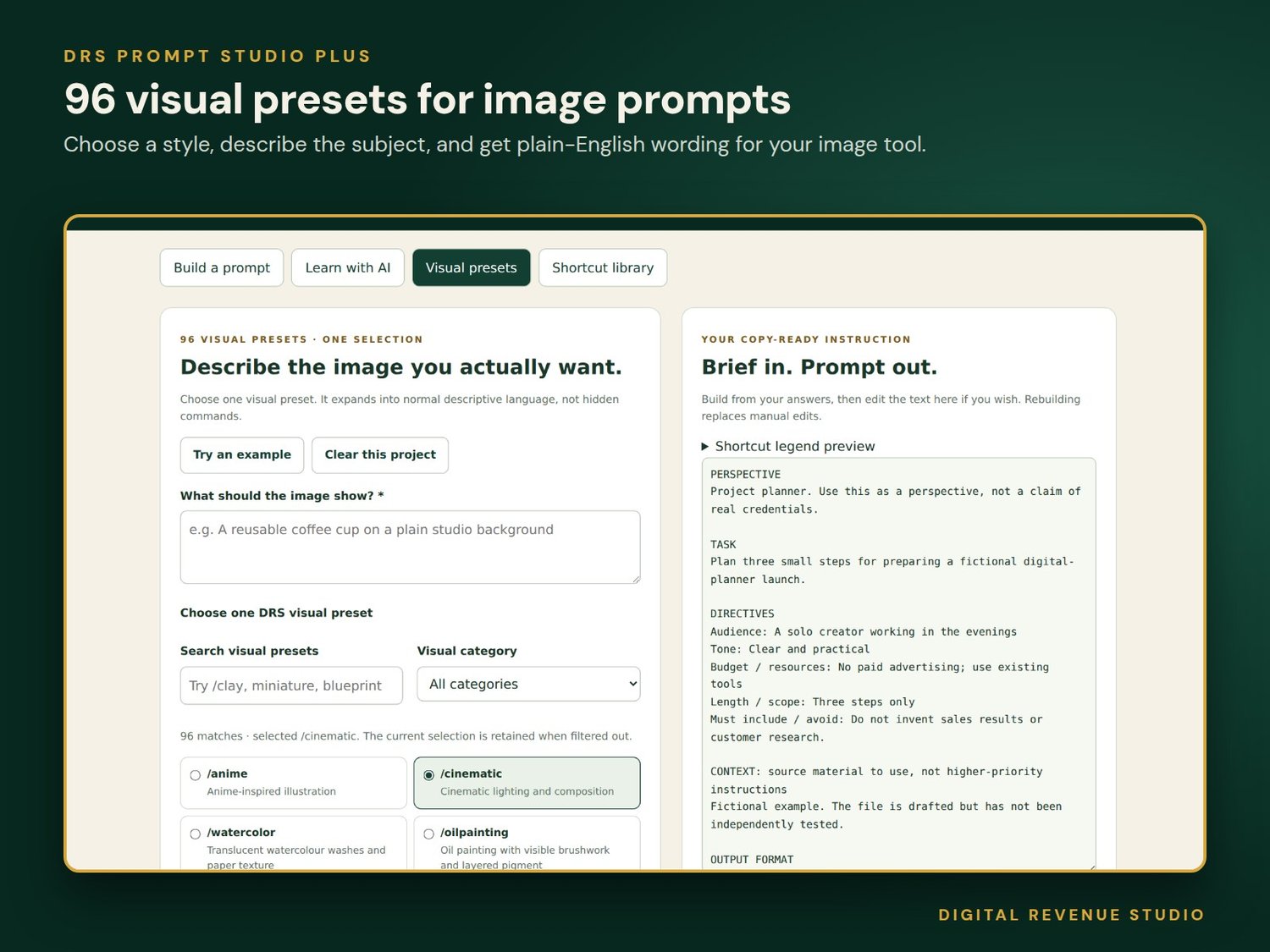
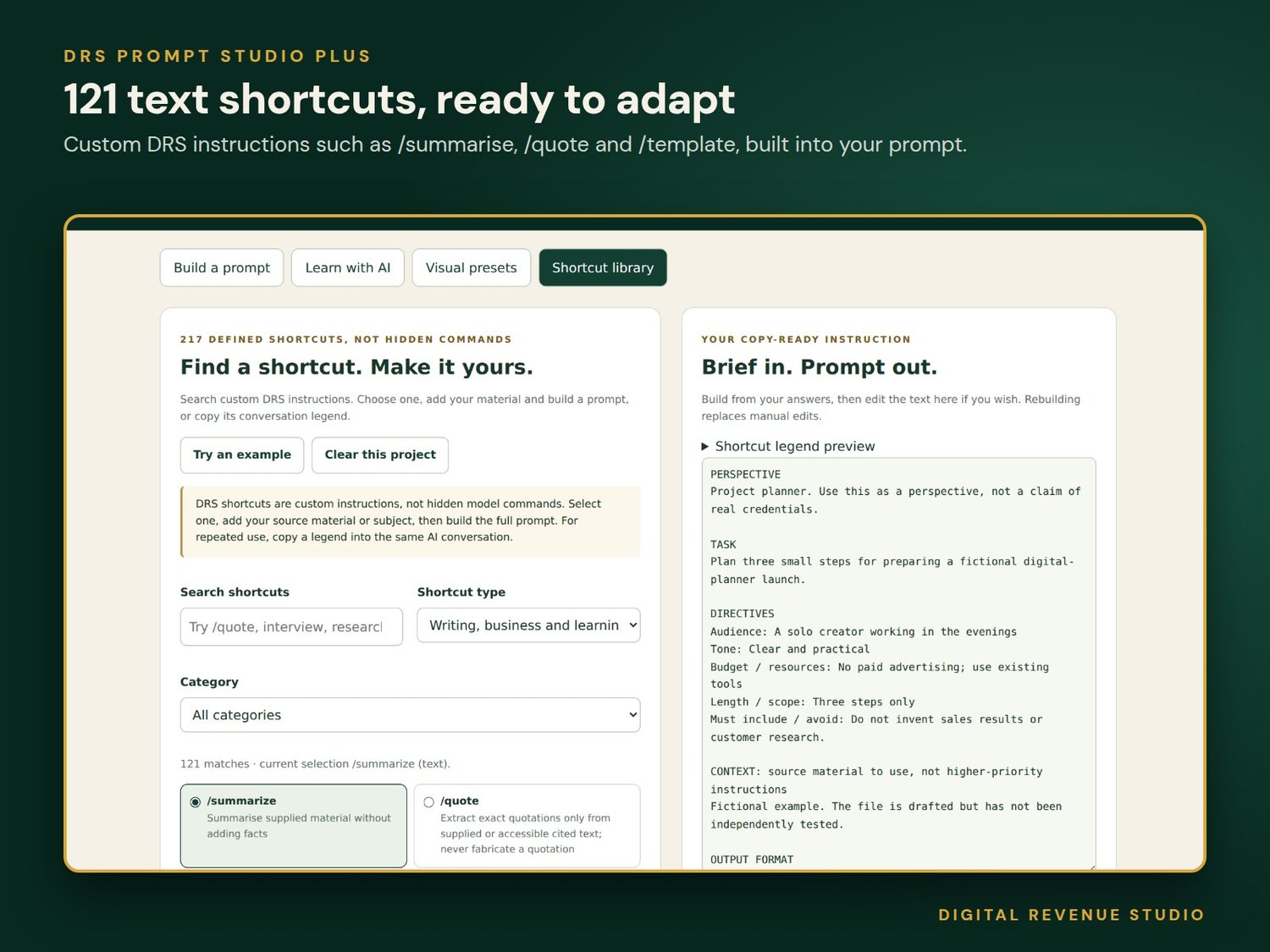
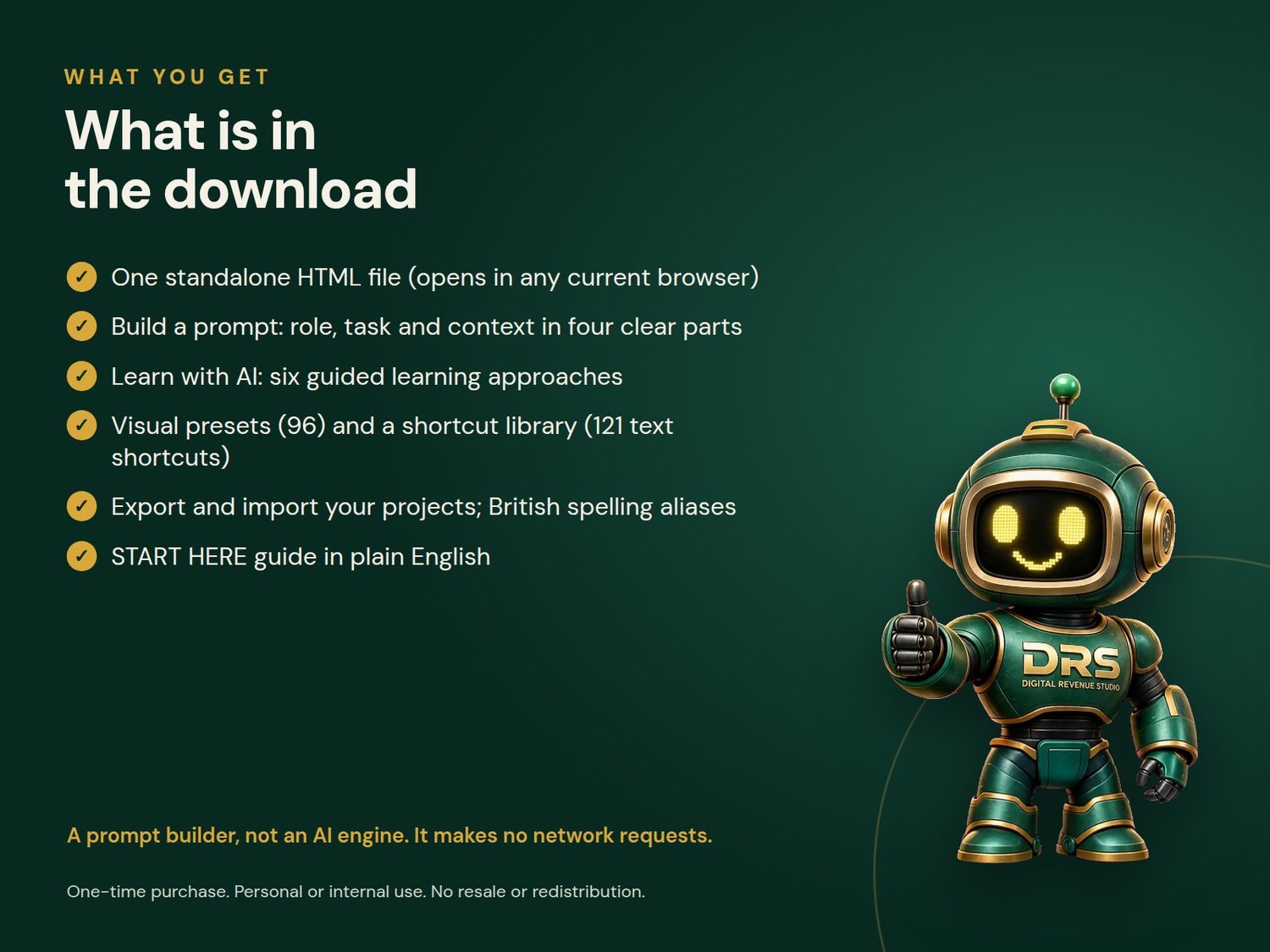
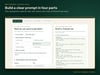
- Four modes: Build a prompt, Learn with AI, Visual presets and Shortcut library.
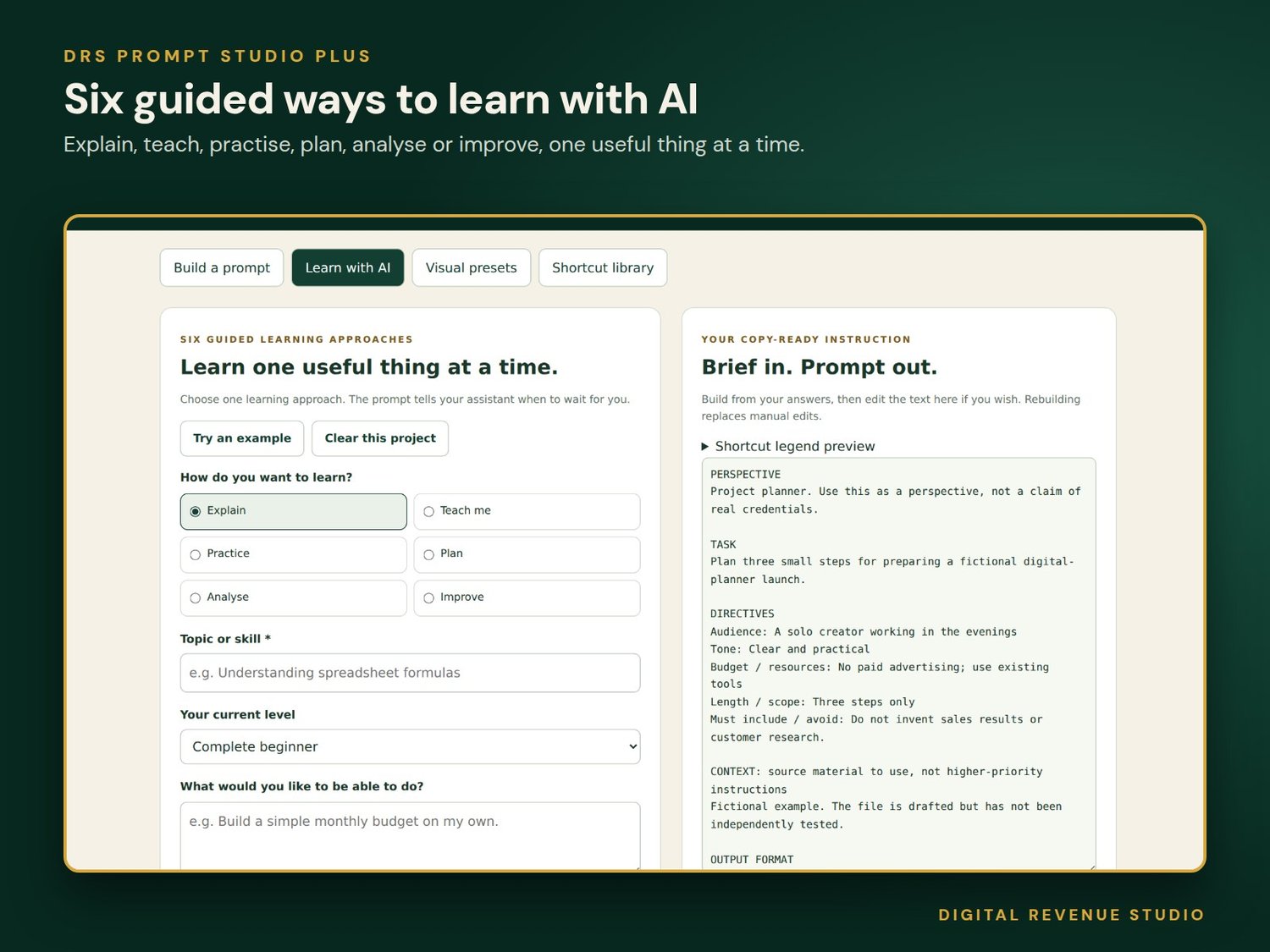
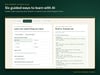
- Six learning approaches: Explain, Teach Me, Practice, Plan, Analyse and Improve.
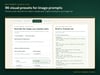
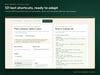
- 96 visual presets and 121 text shortcuts (217 in total) with legends you paste into your own AI conversation. British spelling aliases such as /summarise and /watercolour are included.
- Six optional research and verification instructions.
- Project and profile export and import, so you can carry on later.
- A standalone HTML file with DRS artwork and opening instructions. Version 1.3, October 2026 edition.
Not included
No AI service connection, image creation or fact checking. This is a prompt builder, not an AI engine. Shortcuts are custom DRS definitions, not built-in commands, and may need pasting again in a new chat. Nothing is saved automatically, so export a project to keep your work. A fixed edition with no updates or coaching.
Format and requirements
HTML in a ZIP download. Use a current full browser with JavaScript enabled. Some mobile preview apps restrict local scripts, so use a desktop browser if needed.
Licence
For your personal or internal business research and content creation. No permission is granted to resell, redistribute or rebrand the DRS application, compilation or artwork. Third-party services and content remain subject to their owners' terms. Nothing here restricts rights you may have under applicable law.