
Receiving Desk Kit, Dock Check-In Tracker, Receiving Schedule, Detention Log, Shift Recap, 12 SOP Guides, Excel Google Sheets Template
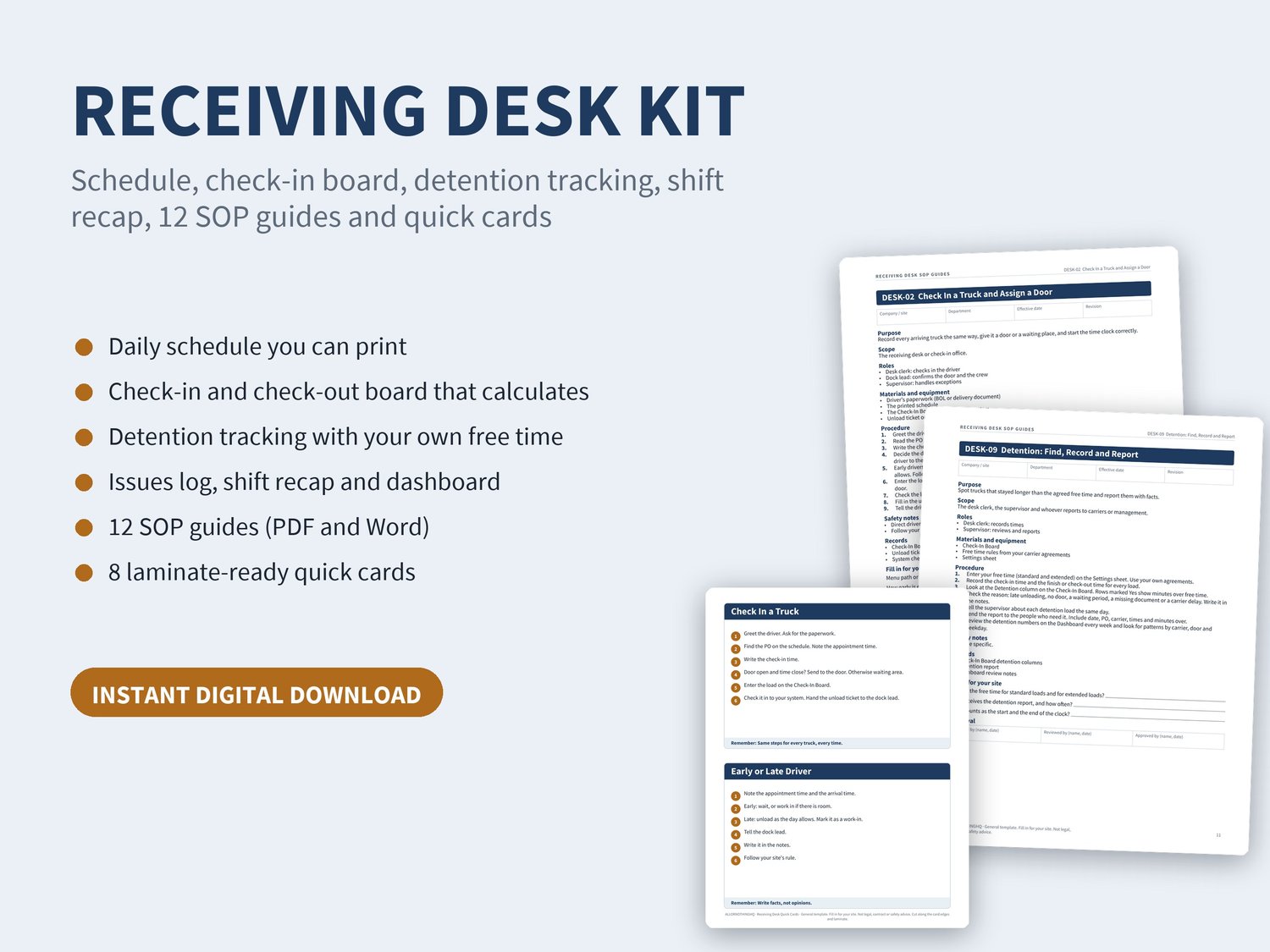
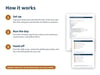
Run a tidy receiving desk with one workbook, twelve step-by-step guides and a set of quick cards. A calculating Excel and Google Sheets tracker, SOP guides in Word and PDF with blanks for your own systems, laminate-ready cards, and a Start Here guide. Instant download.
WHAT YOU GET
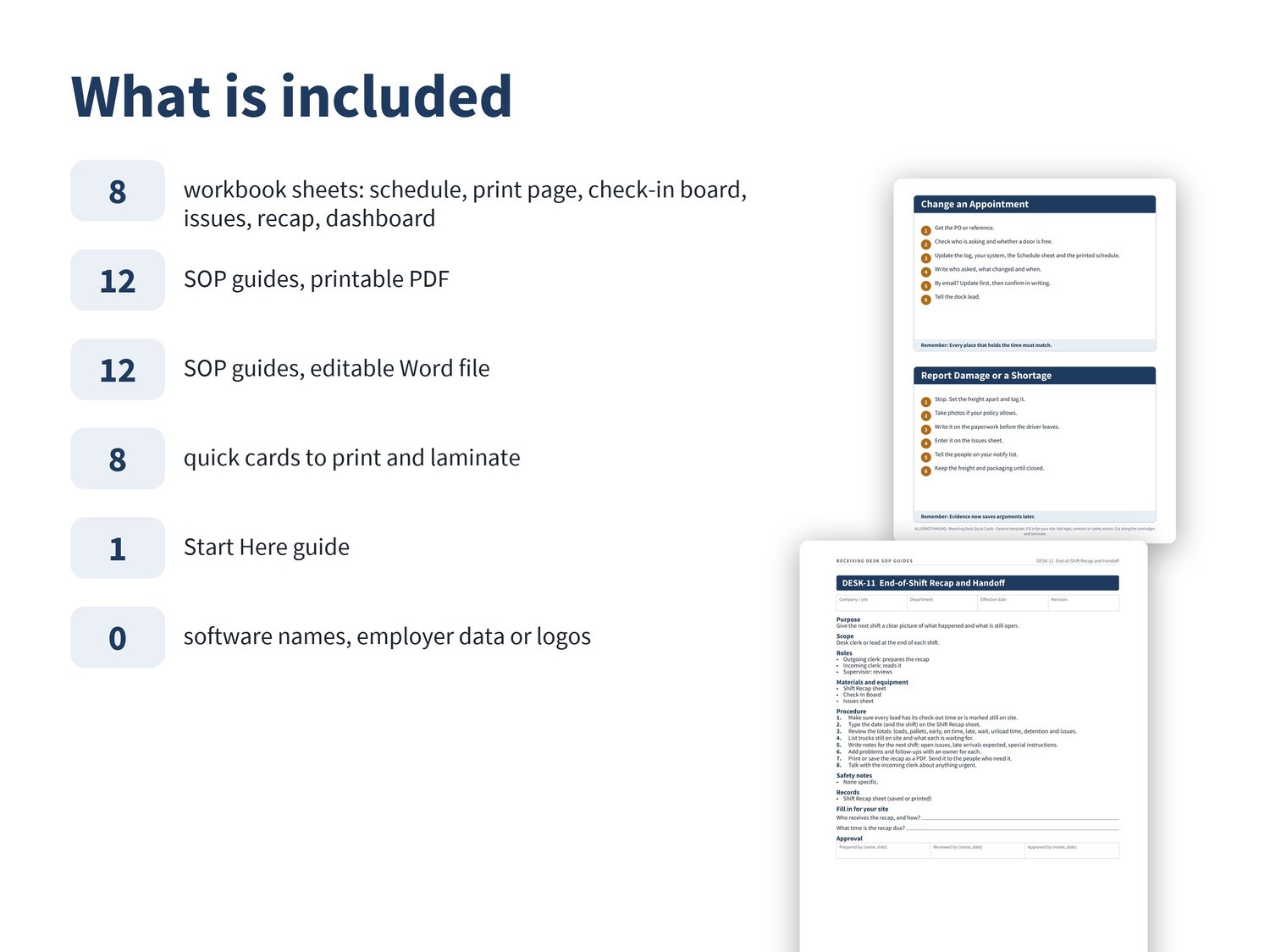
Receiving Desk Tracker (Excel, works in Microsoft Excel and Google Sheets)
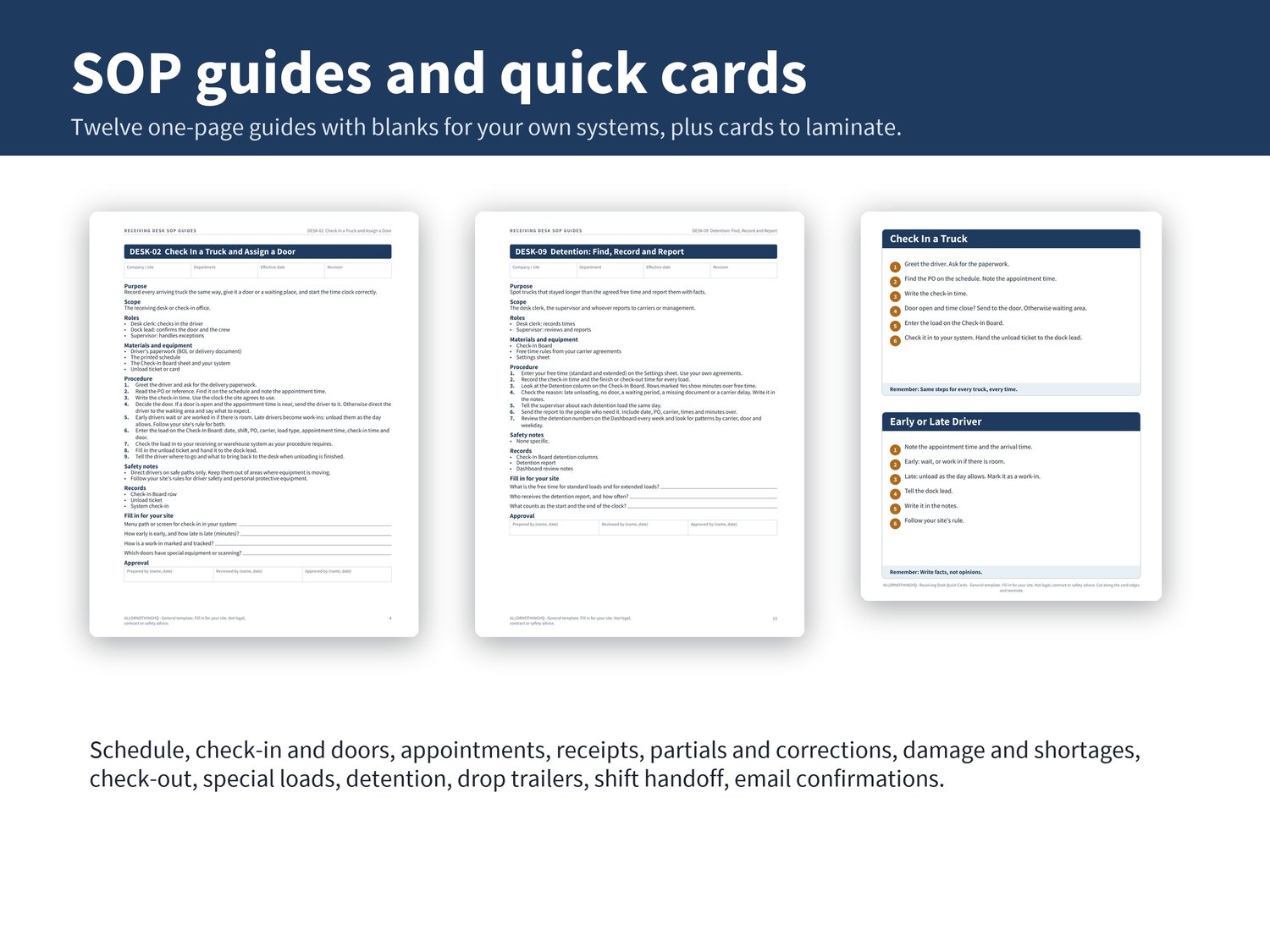
Receiving Desk SOP Guides: 12 guides, printable PDF and editable Word file
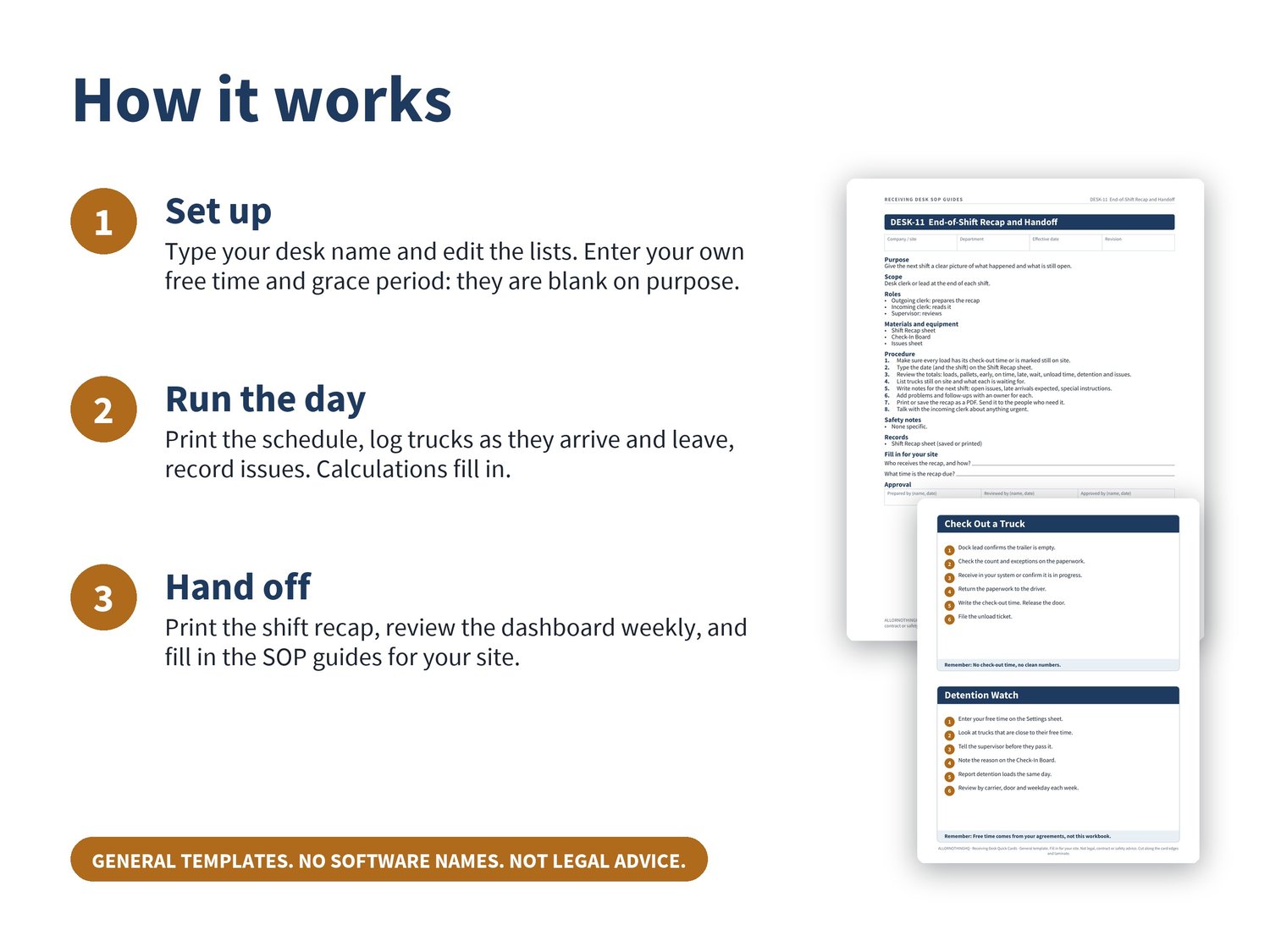
Receiving Desk Quick Cards: 8 cards to print and laminate
Start Here guide
INSIDE THE WORKBOOK
Schedule (500 rows): date, appointment time, PO or reference, carrier, load type, planned door, expected pallets, status, source
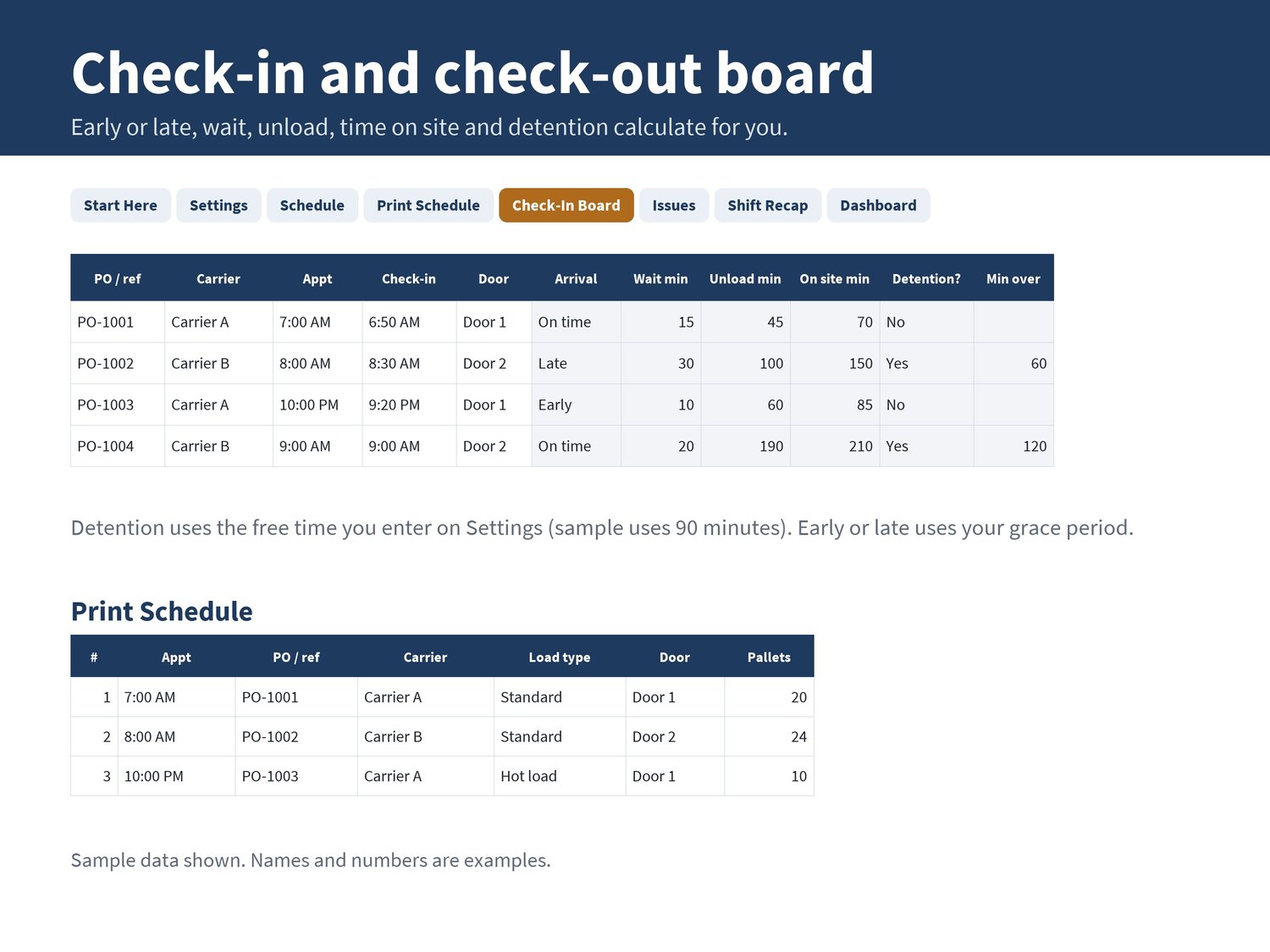
Print Schedule: type a date and print a clean daily schedule with blank boxes for check-in and check-out times
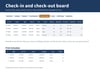
Check-In Board (500 rows): appointment, check-in, door, start and finish unload, check-out, pallets. It calculates early, on time or late, wait for a door, unload minutes, time on site, free time, detention and minutes over
Issues (300 rows): overage, shortage, damage and other problems with PO, quantity, who you told, status and days open
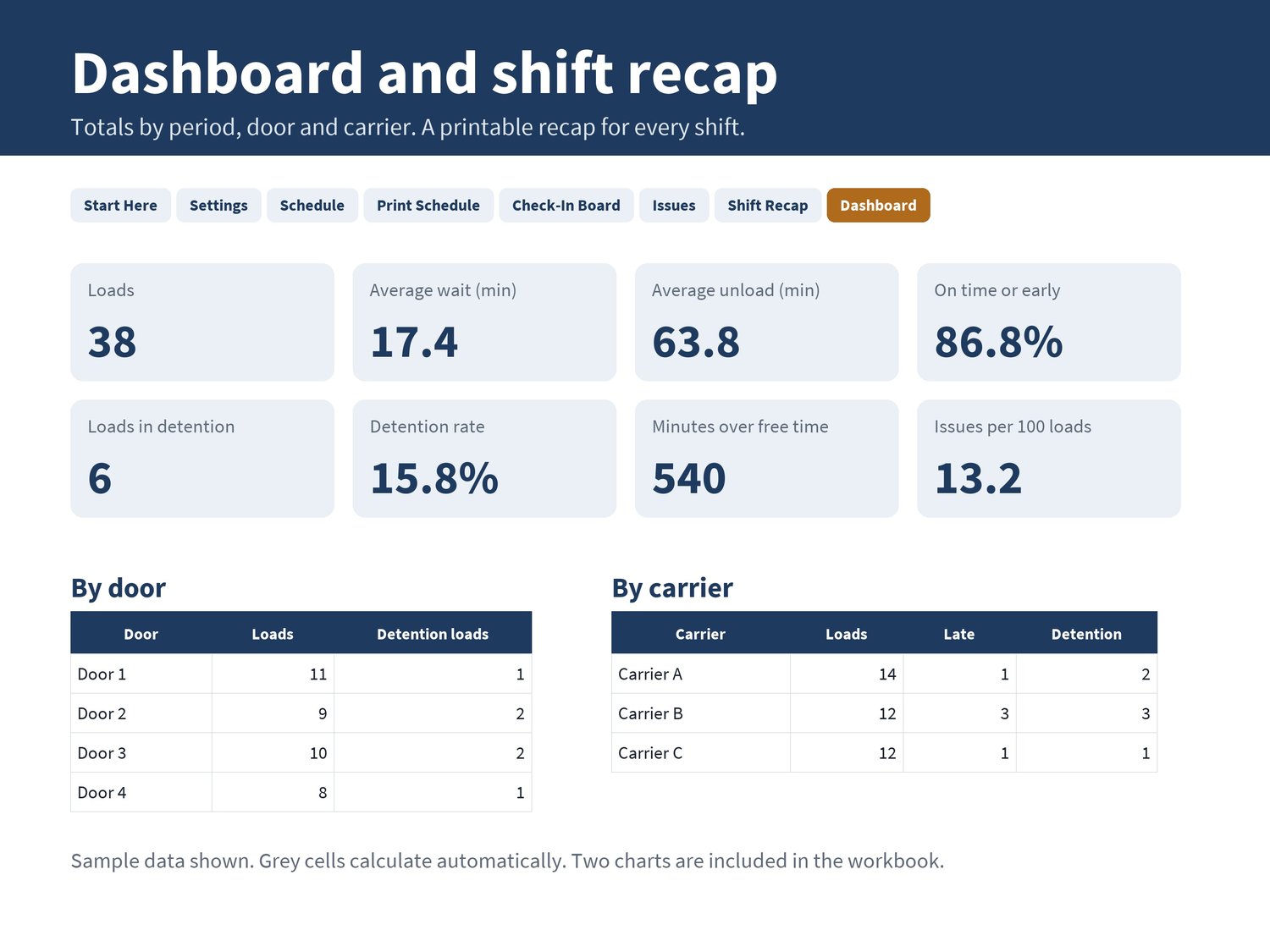
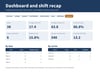
Shift Recap: pick a date and shift and get loads, pallets, early and late arrivals, wait, unload time, detention, issues, no-shows and trucks still on site, with boxes for notes to the next shift
Dashboard: any period by door, by carrier and by weekday, with two charts
Settings: editable lists (doors, carriers, load types, statuses, shifts, staff, issue types)
YOU SET THE RULES
Free time before detention (standard and extended) and the early or late grace period are blank on purpose. Enter your own carrier agreements and site rules. Until you do, detention is not flagged.
INSIDE THE SOP GUIDES
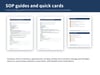
Build tomorrow's schedule, check in a truck and assign a door, look up or change an appointment, receive a purchase order, partial and over or short receipts, report damage and shortages, check out a truck, special loads, detention, drop trailers, end-of-shift recap, confirm appointments by email. Each guide is one page with purpose, scope, roles, materials, numbered steps, safety notes, records, a "fill in for your site" box and an approval block.
GOOD TO KNOW
General templates written from scratch. They name no software product and do not connect to any warehouse, transportation or appointment system.
Not tied to any employer, company system or customer data.
Digital download. No physical item is shipped.
IMPORTANT
Record-keeping and planning tools. Not legal, contract or safety advice. Free time, detention and appointment rules come from your own agreements and site rules. Not affiliated with any software company or carrier.
LICENSE
One buyer, for use at one business or site. You may edit the files for your own operation. Do not share, resell or redistribute the files or edited copies.
HOW IT WAS MADE (AI DISCLOSURE)
Designed by ALLORNOTHINGHQ. The layout, workbook and guides were generated with AI assistance (code and layout) and reviewed by the shop owner. All text and design are original; fonts are open-source (SIL Open Font License).
Questions? Email contact@allornothinghq.com.