
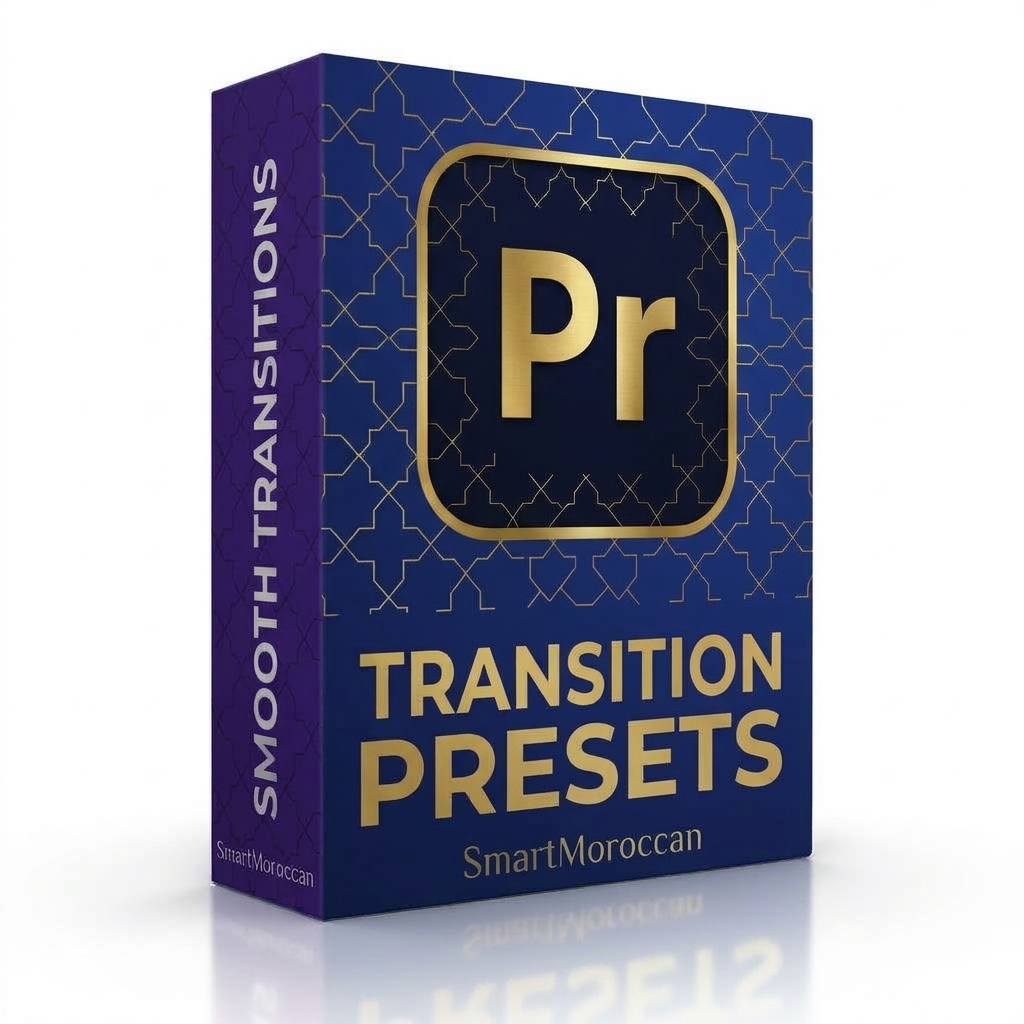
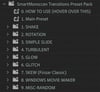
Transition Preset Pack
On Sale
$20.99
(10% off)
$18.89
Smooth, stylish transitions for your edits in one click. Ready-made presets for Premiere Pro, sorted into clear categories.
WHAT'S INSIDE
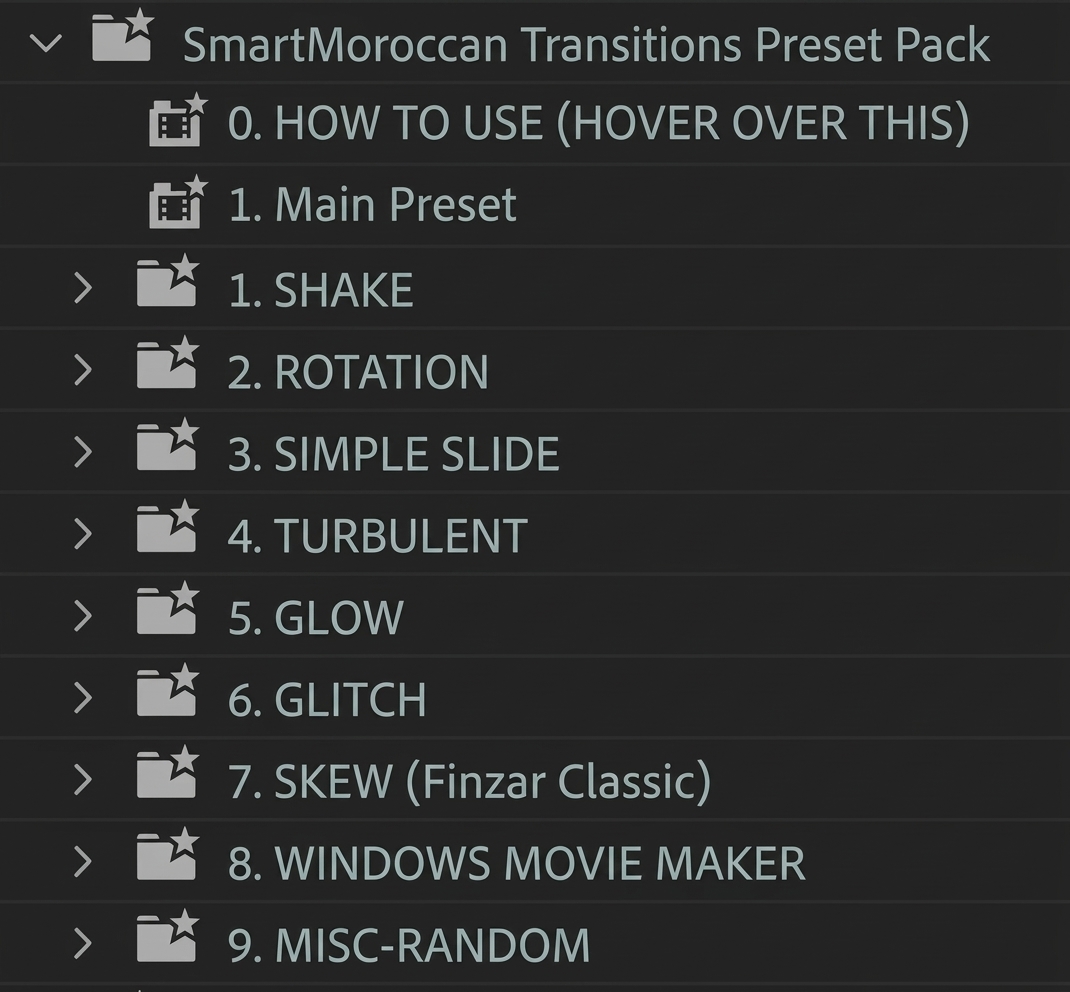
Main Preset, plus categories for Shake, Rotation, Simple Slide, Turbulent, Glow, Glitch, Skew, Windows Movie Maker style, and Misc.
[X] presets (.prfpset).
A "How To Use" guide included in the pack.
HOW TO INSTALL
1. Open Premiere Pro and go to the Effects panel.
2. Right-click Presets and choose Import Presets.
3. Select the .prfpset file.
4. Drag a transition between two clips.
COMPATIBILITY
Adobe Premiere Pro. Digital product, instant download.
LICENSE
Personal and commercial use in your own projects. No resale or redistribution.
SUPPORT
atomicdefusion@gmail.com