

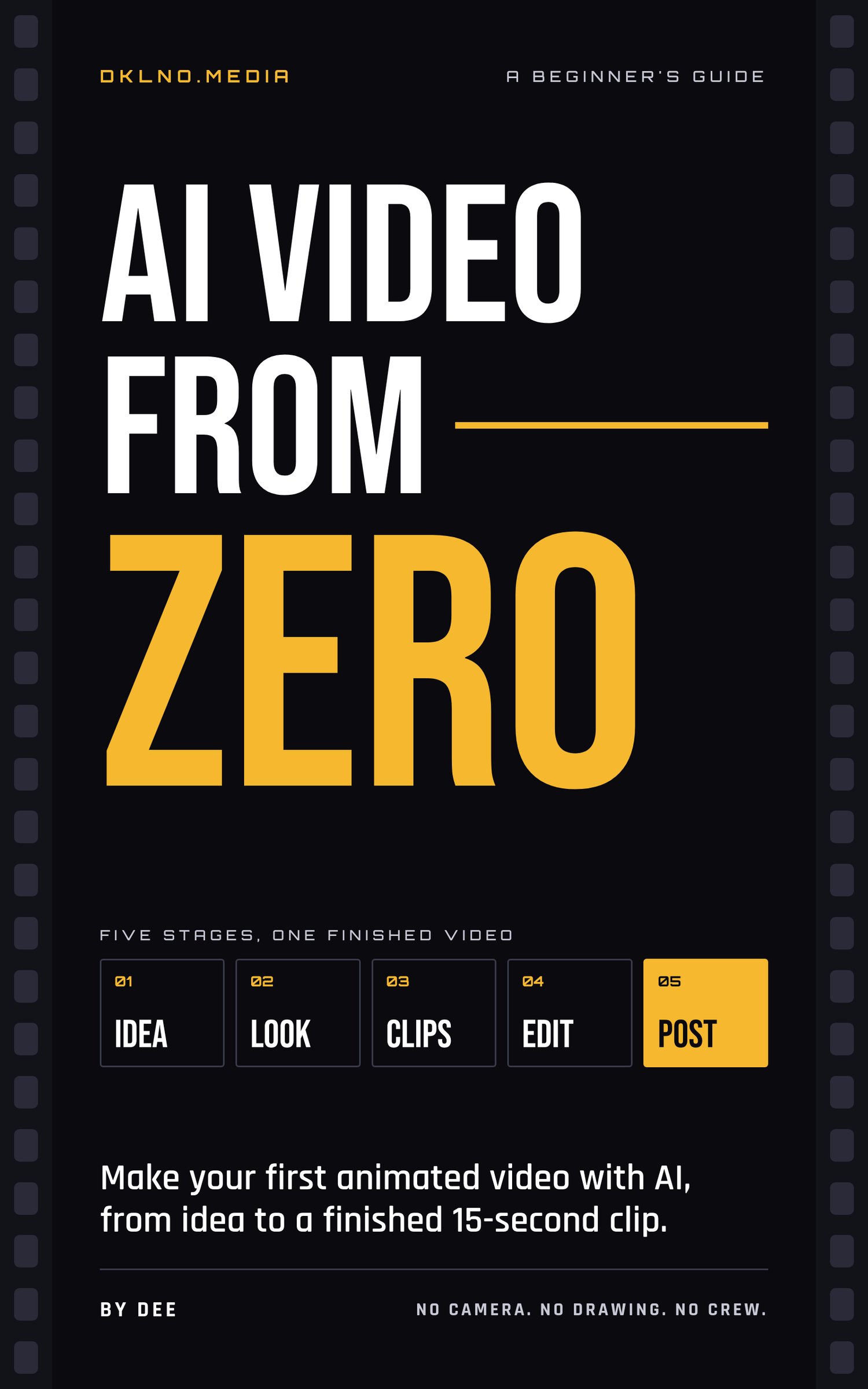
AI Video From Zero: A Beginner's Guide
Make your first AI-animated video this week. No camera, no drawing, no crew.
You've seen AI-animated music videos and skits all over your feed. This guide shows you how they get made, from a blank page to a finished 15-second video you can post.
I'm Dee, owner and creative director of DKLNO.Media, an AI-powered creative studio in Huntsville, Alabama. We make AI-animated music videos, skits, and promos for artists and brands. This is the foundation I'd want every beginner to have before spending a dollar on tools.
WHAT'S INSIDE
- How AI video actually works, in plain language
- The four kinds of tools you need and how to pick them without overspending
- How to plan a video with a one-sentence concept and a simple shot list
- How to keep your character looking the same from shot to shot
- A five-part prompt formula with examples you can copy
- Camera basics: shot sizes, angles, and moves
- A routine for generating clips, plus fixes for the most common problems
- How to edit to the beat and export for TikTok, Reels, and YouTube
- A step-by-step checklist for your first 15-second video
- The nine beginner mistakes and how to avoid them
- What to know about music rights, real people, and AI labels before you post
- A glossary of every term
WHO IT'S FOR
Artists who want visuals for their music, creators who want to tell stories without a film crew, and small business owners who need short promos.
WHAT YOU NEED
A phone or computer, an account on an image tool, a video tool, and an editing app, and a free afternoon.
PLEASE NOTE
This is a beginner's guide. It covers the fundamentals, not advanced studio techniques. If you've never made an AI video, start here.
Format: PDF, instant download.