
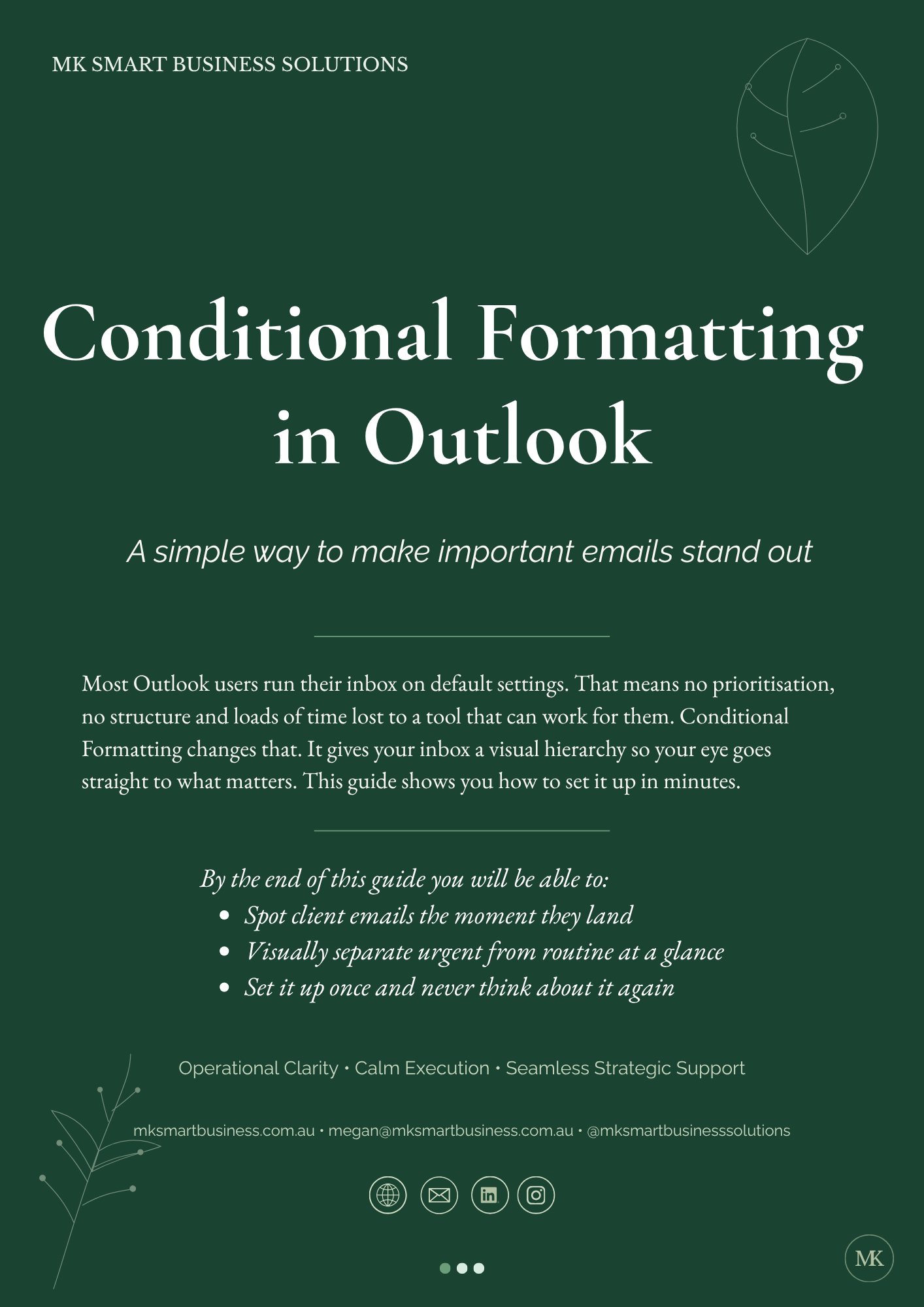
MK Outlook Guide 01 – Conditional Formatting
On Sale
A$0.00
A simple, step by step guide to help you make important emails stand out in Outlook.
Most inboxes run on default settings which means no prioritisation, no structure and a lot of time lost. Conditional Formatting changes that. It gives your inbox a visual hierarchy so your eye goes straight to what matters.
This guide shows you how to set it up in minutes.
Inside you’ll learn how to:
- Open and access Conditional Formatting
- Create a new rule
- Name your rule clearly
- Set the right conditions
- Choose formatting that makes key emails stand out
Perfect for:
- Small business owners
- Admin and operational support
- Anyone wanting a calmer, more structured inbox
Format:
3 page PDF
Instant download
More Outlook productivity guides are coming soon.
If you prefer someone to set these rules up for you, I can take care of it. Practical fixes that save you time.