


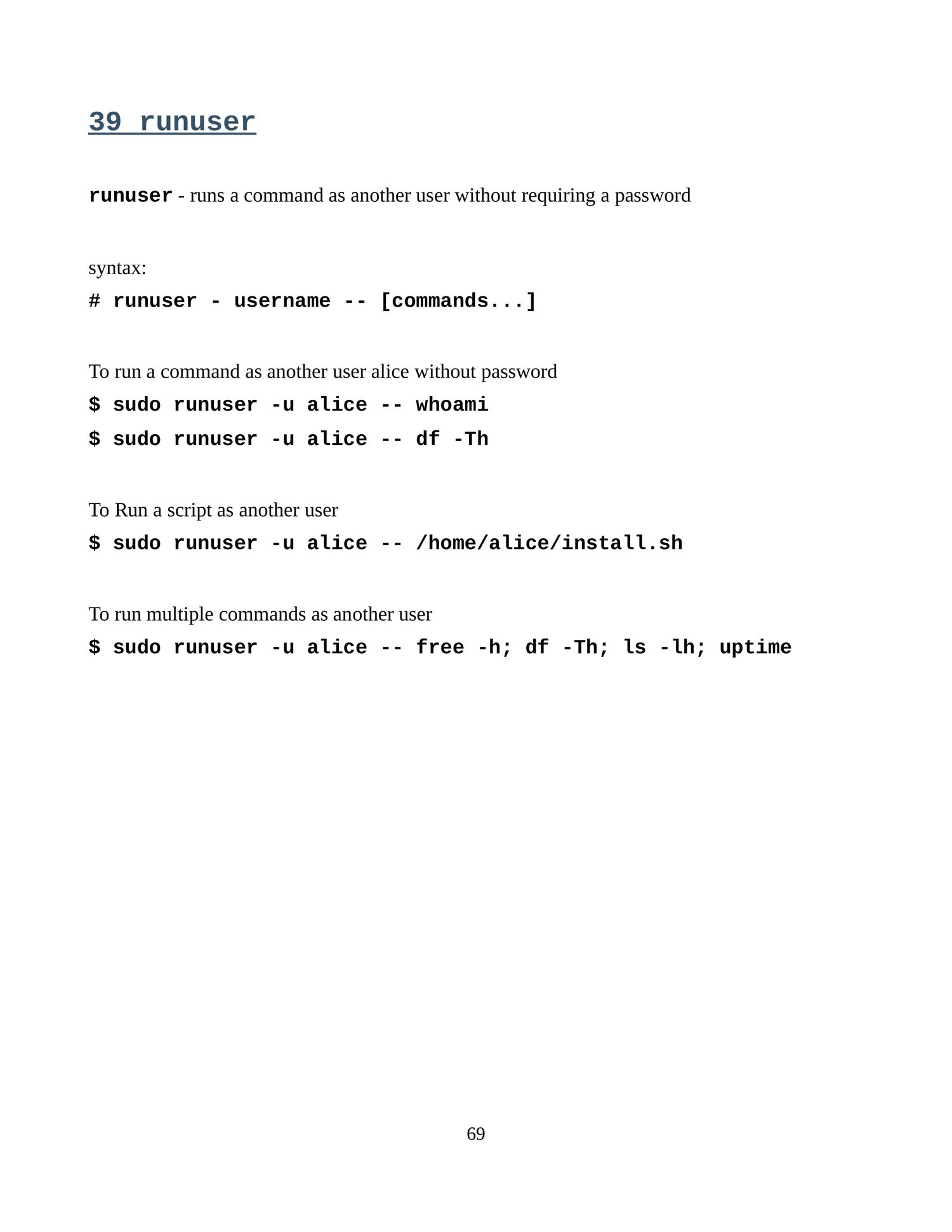

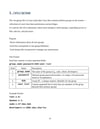
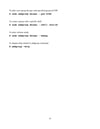
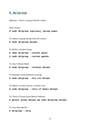
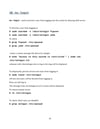
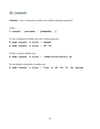
Linux user or group
Files owned by the wrong user or group
When a user creates files, they’re usually owned by that user and their primary group.
Problems arise if scripts or services run under a different user but need access to those files.
Example: A web server running as www-data can’t write to a folder owned by root.
 Insufficient permissions (too restrictive)
Users get “Permission denied” errors when trying to read, write, or execute files.
This often happens when people copy files without preserving permissions, or set restrictive chmod values like 600 instead of 644 for files that need to be world-readable.
 Overly permissive permissions (too open)
Files with 777 permissions are readable, writable, and executable by everyone.
This is risky because it allows anyone on the system (or through misconfigured services) to modify critical files.
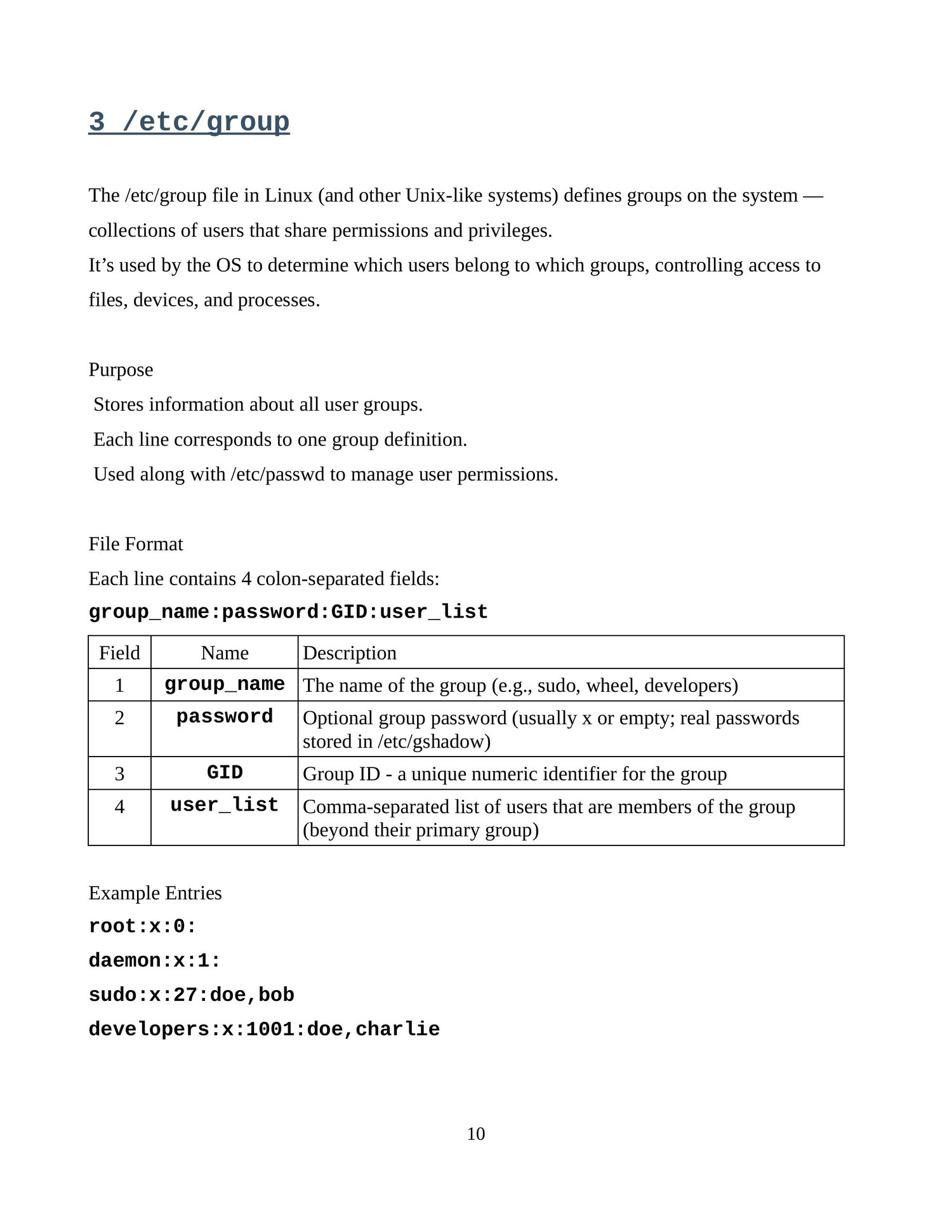
 Group membership issues
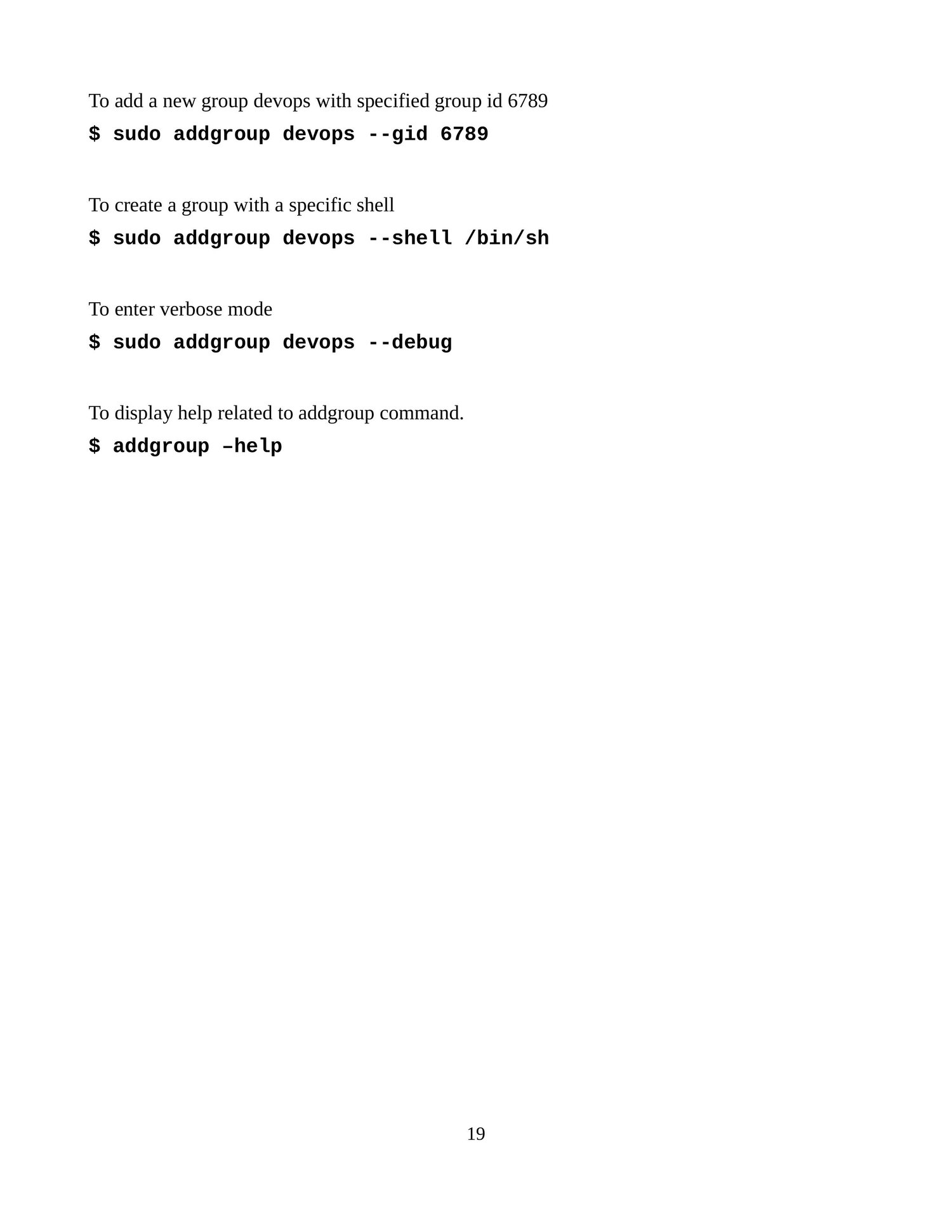
Sometimes users aren’t added to the correct group, so they can’t access shared resources.
Example: Developers not in the docker group can’t run Docker commands without sudo.
 Service account misconfigurations
Services often run as dedicated users (e.g., nginx, mysql).
If files or folders the service needs aren’t accessible to its user/group, services fail.
#Linux #LinuxAdmin #SysAdmin #UserManagement #GroupManagement #Permissions #FileOwnership #ServerSecurity #LinuxBasics #LinuxTips #LinuxCommands #SysAdminTips #AccessControl #LeastPrivilege #LinuxFundamentals