

Computer Viruses For Dummies
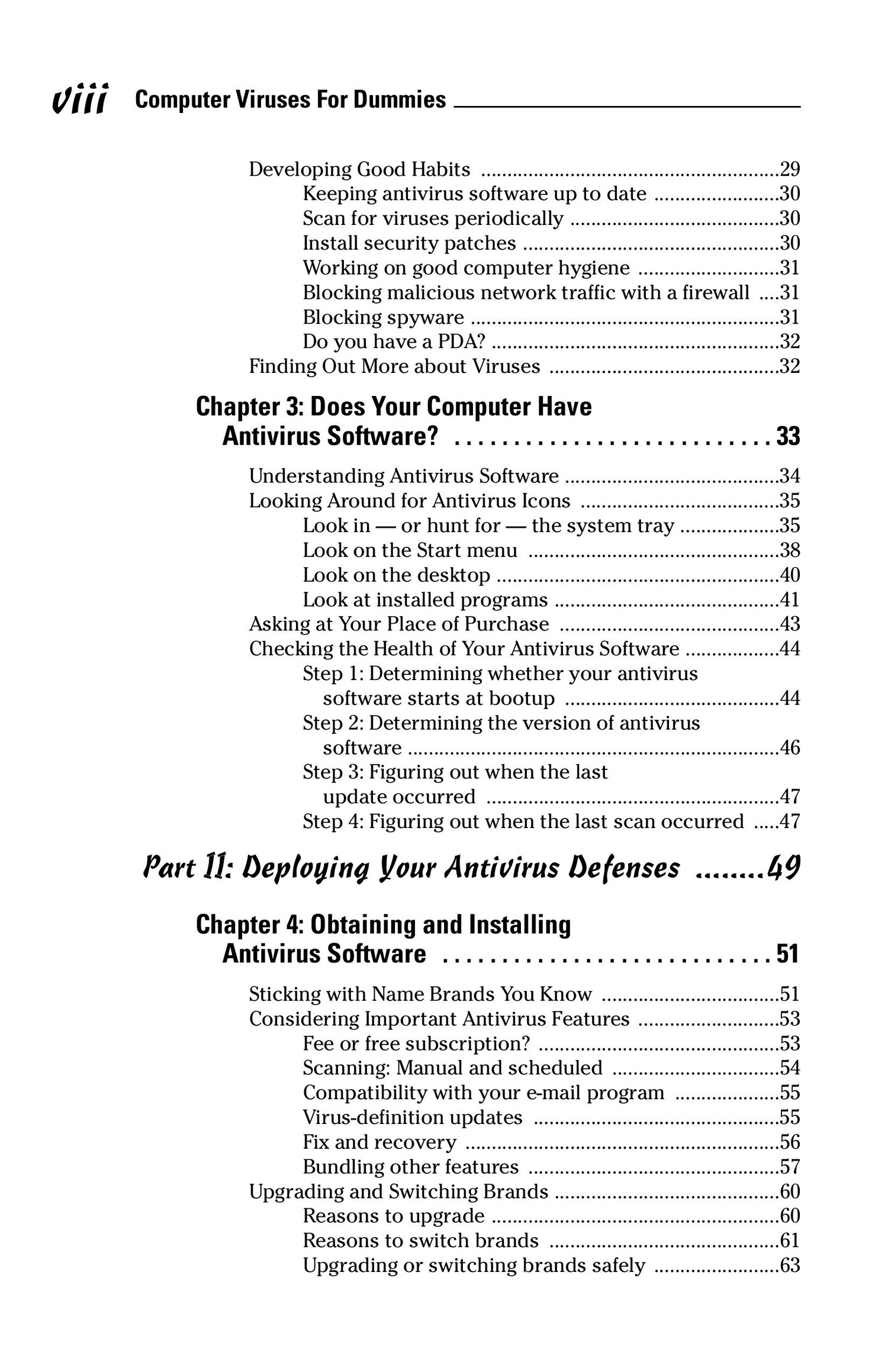
Computer Viruses For Dummies – Professional Description
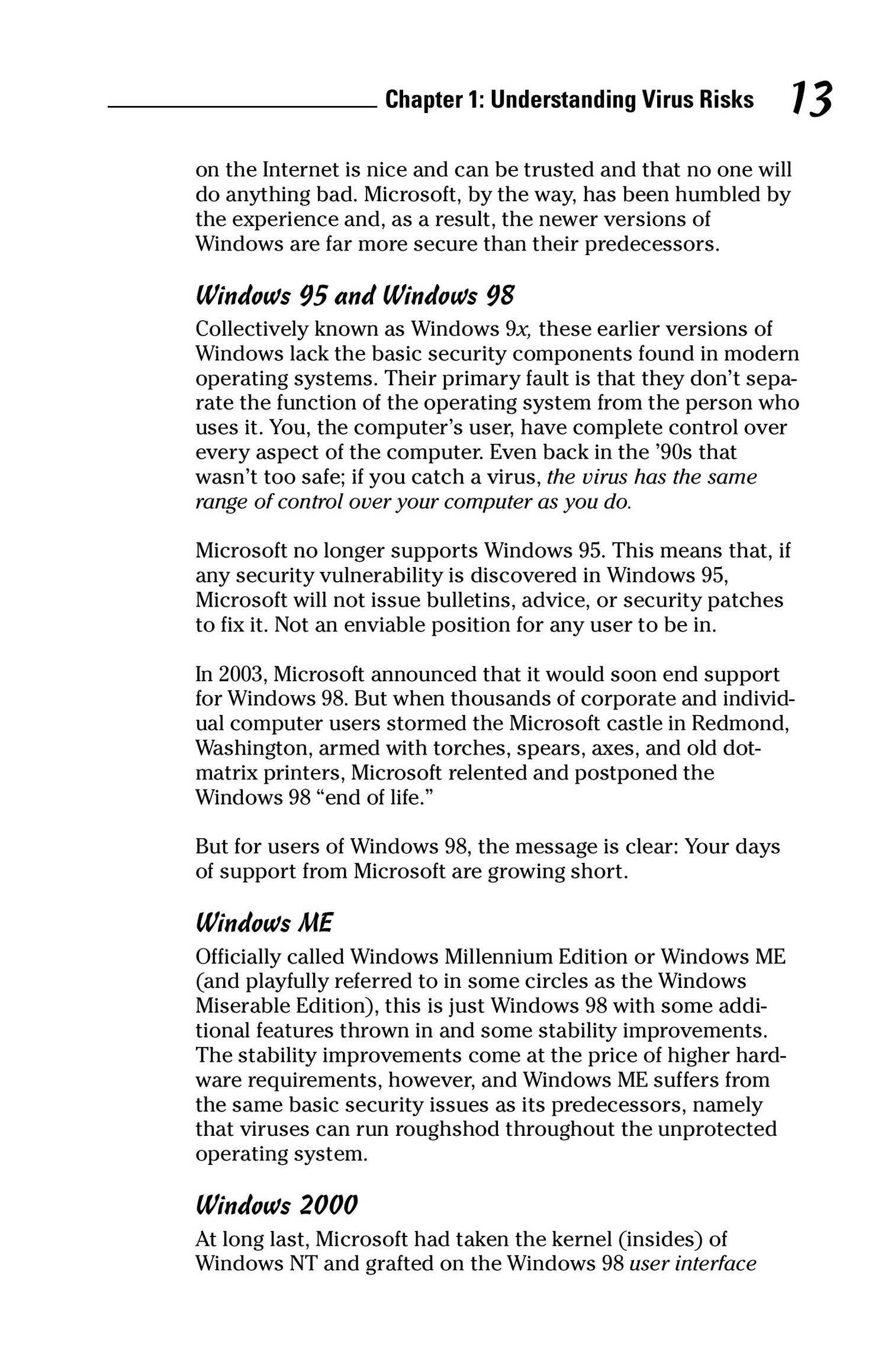
“Computer Viruses For Dummies” is an easy-to-understand, beginner-friendly guide that explains what computer viruses are, how they spread, and how you can protect yourself from them. Written in simple language with practical examples, this book is perfect for anyone who wants to understand digital threats without needing advanced technical knowledge.
This guide helps students, home users, and new IT learners build a strong foundation in cybersecurity while staying safe, informed, and confident in the digital world.
 What This Book Covers (Beginner-Friendly + Professional)
 What Are Computer Viruses?
Learn the basics of malware:
What a virus is and how it differs from worms, trojans, ransomware, and spyware
How malware is created and why
How bad programs spread from one device to another
This helps readers understand the “big picture” of digital threats.
 How Viruses Spread
Explains common infection methods in a safe and educational way:
Dangerous email attachments
Fake downloads
Infected USB drives
Malicious websites
Social engineering tricks
Readers learn how to avoid common risks.
 Types of Computer Viruses (Simple Explanations)
File-infecting viruses
Boot sector viruses
Macro viruses
Script-based threats
Mobile malware
Each type is explained with real-world examples and easy-to-follow descriptions.
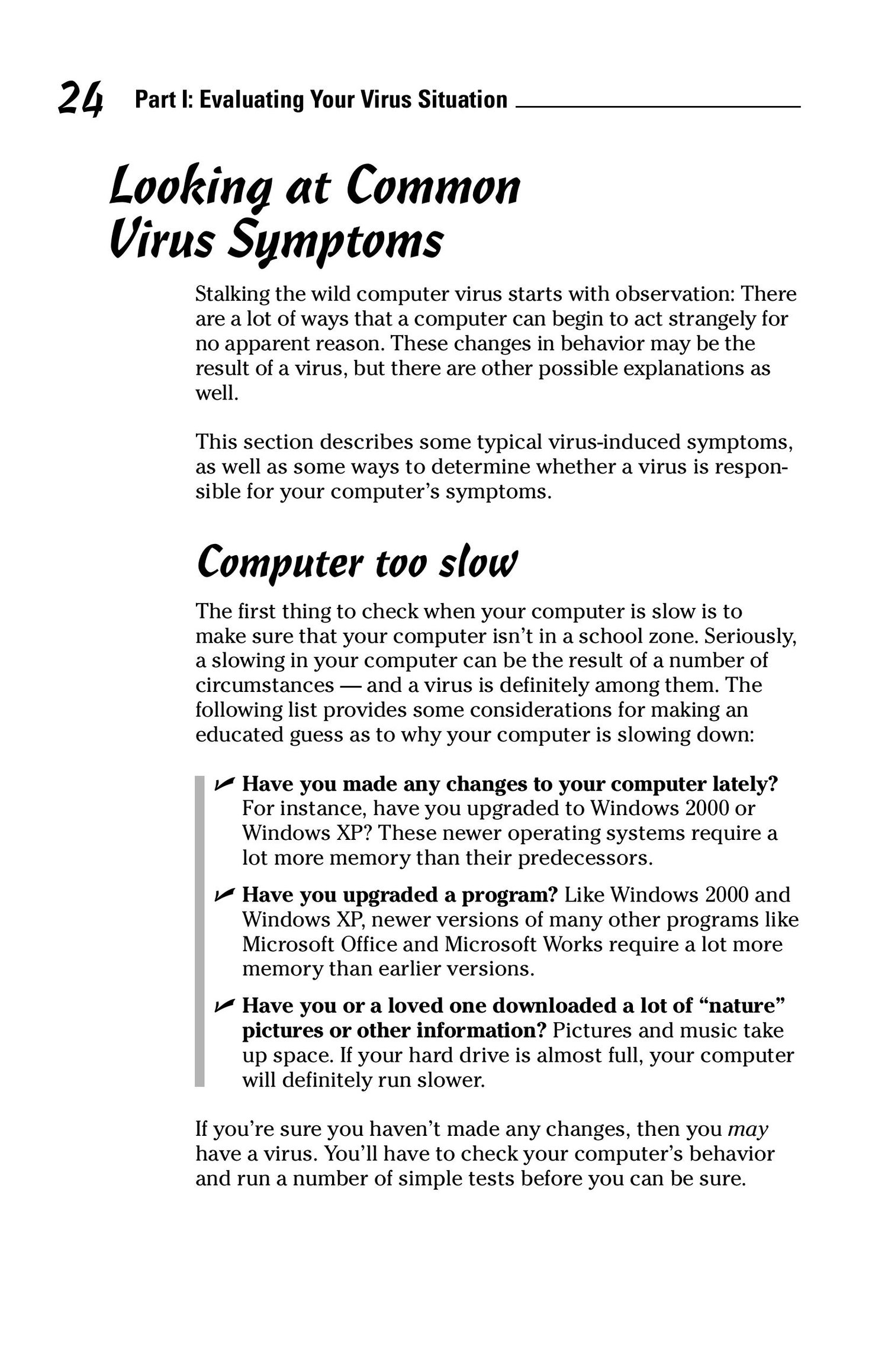
 Signs Your Computer Might Have a Virus
Slow performance
Unwanted pop-ups
Strange programs running in the background
Browser redirects
Missing files or settings changes
This section helps readers recognize problems early.
 Protecting Yourself from Viruses
Purely safe, practical cybersecurity advice:
Using antivirus software
Updating your OS and apps
Avoiding suspicious links
Safe internet habits
Strong passwords and multi-factor authentication
Backup strategies
The focus is on prevention and digital hygiene.
 What to Do If You Get Infected
A simple, non-technical action plan:
Disconnect from the internet
Run antivirus/antimalware scans
Remove suspicious programs
Restore from backups
Seek professional help if needed
No harmful actions, no malware usage — only safe recovery guidance.
 Understanding Cybersecurity Basics
Helps readers build long-term digital safety:
What is a firewall?
What is encryption?
Why software updates matter
Safe browsing & responsible downloading
This section introduces the core concepts of staying secure online.
#ComputerViruses #CyberSecurityBasics #DigitalSafety #MalwareProtection #InfoSec #ForBeginners #CyberAwareness #SafeComputing