
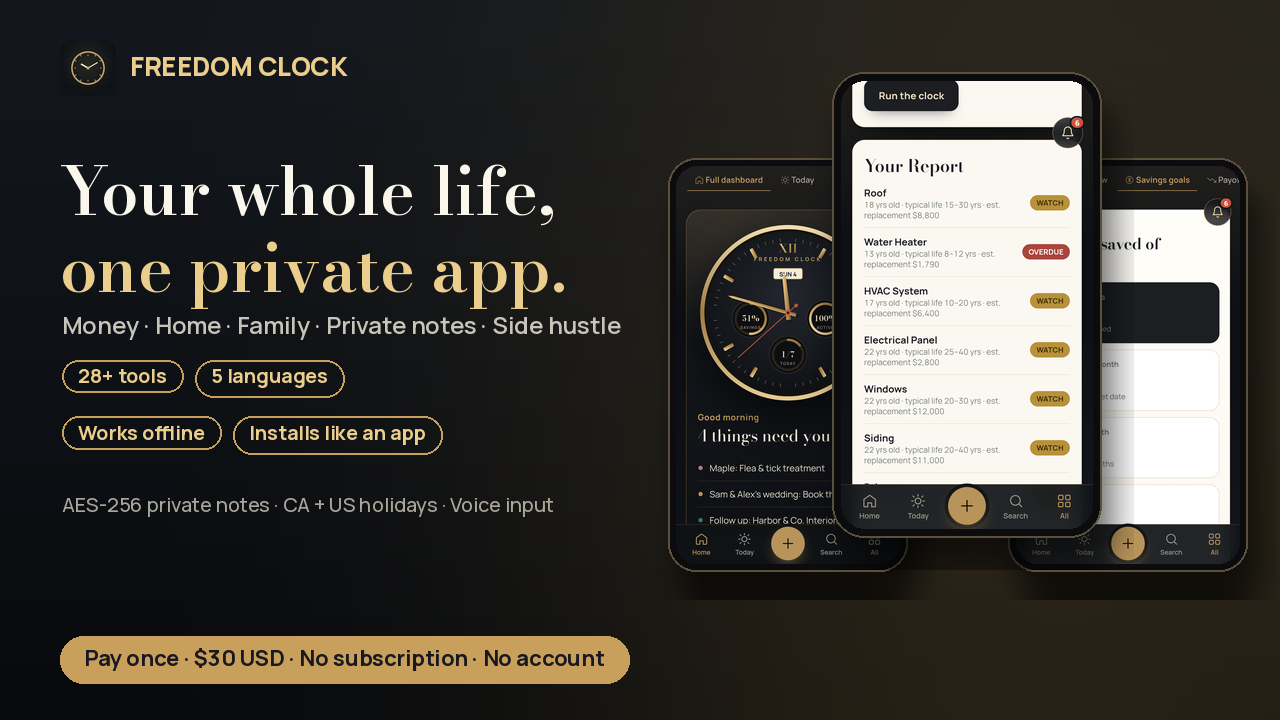
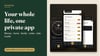

Freedom Clock — Your Whole Life, One Private App
**Stop paying monthly for your own life.**
Your budget lives in one app, your calendar in another, your notes in a third, and your side-hustle clients in a spreadsheet. Most of them want a monthly fee, an account, and your data.
**Freedom Clock puts it all in one private app.** You pay once and it's yours. **No account. No server. Nothing is ever uploaded.** Everything stays on the device you use it on.
**Money**
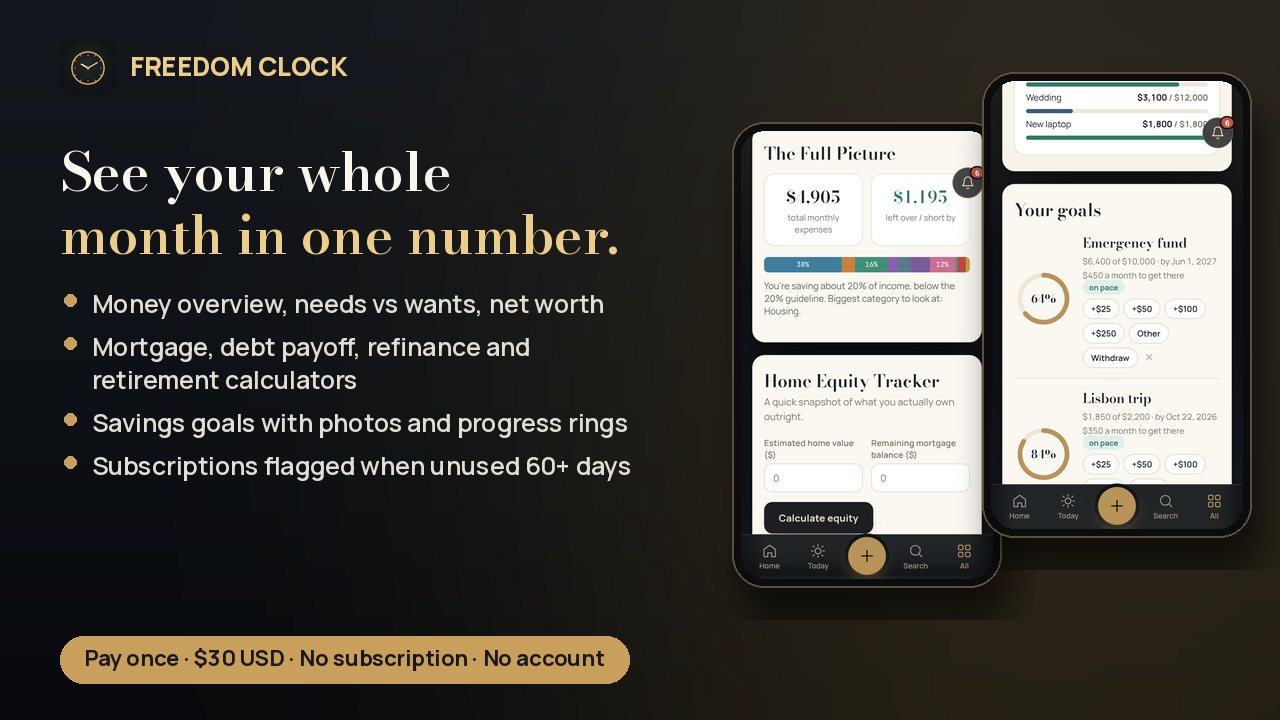
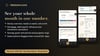
- Money overview: income, expenses, and what's left each month
- Needs vs wants (50/30/20 check)
- Savings goals with progress rings and a photo of what you're saving for
- Net worth tracker with monthly snapshots
- Payoff calculators: mortgage, debt payoff (avalanche/snowball), refinance break-even, retirement
- Insurance tracker with renewal reminders, plus subscriptions & bills (flags ones you haven't used in 60+ days)
**Home & family**
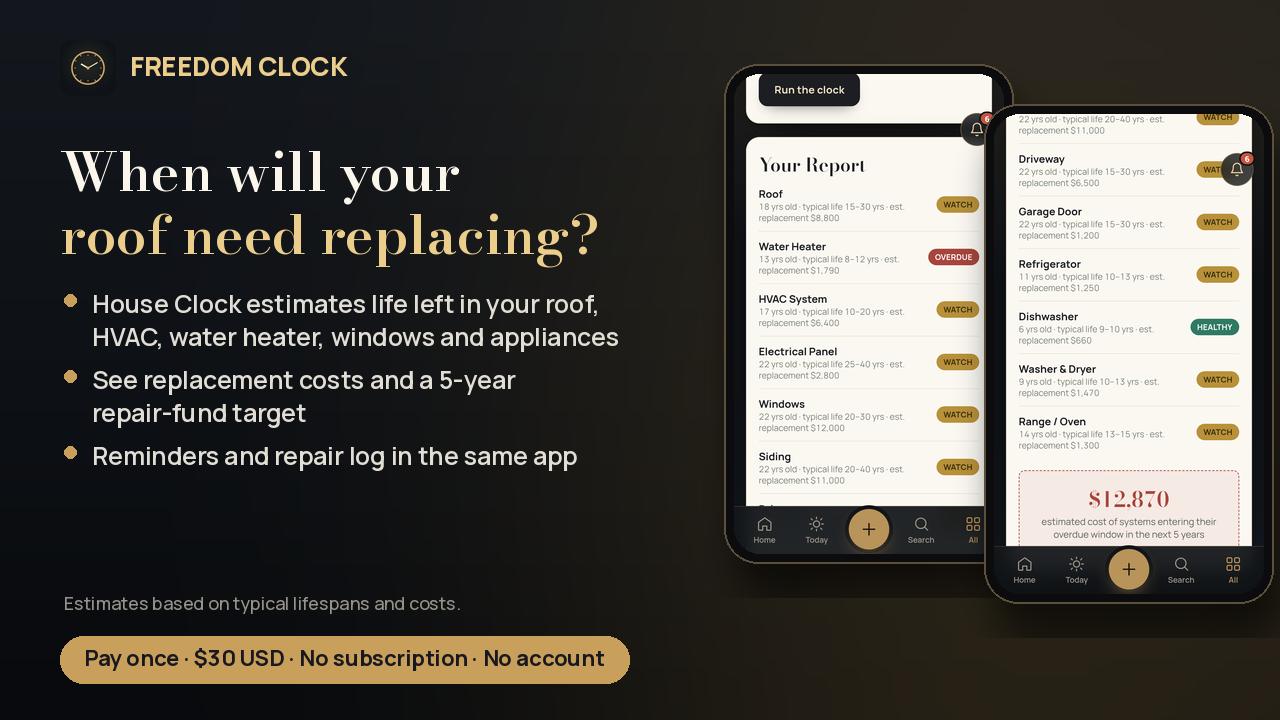
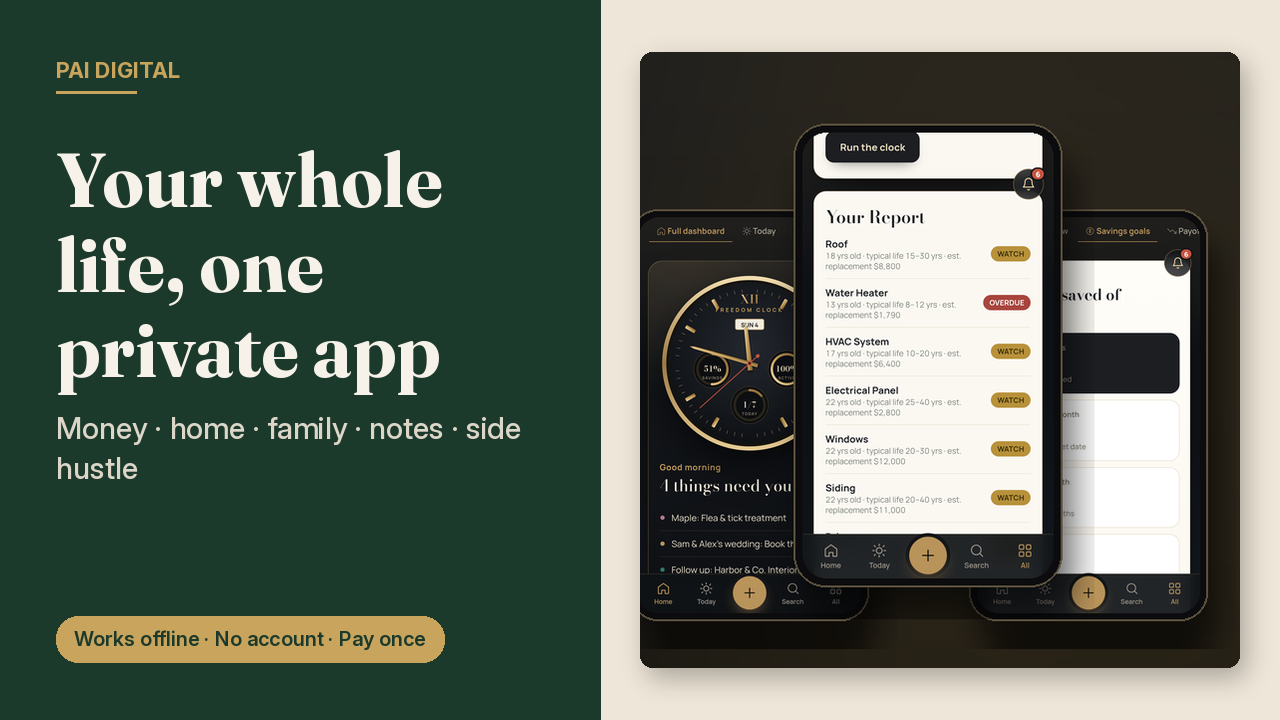
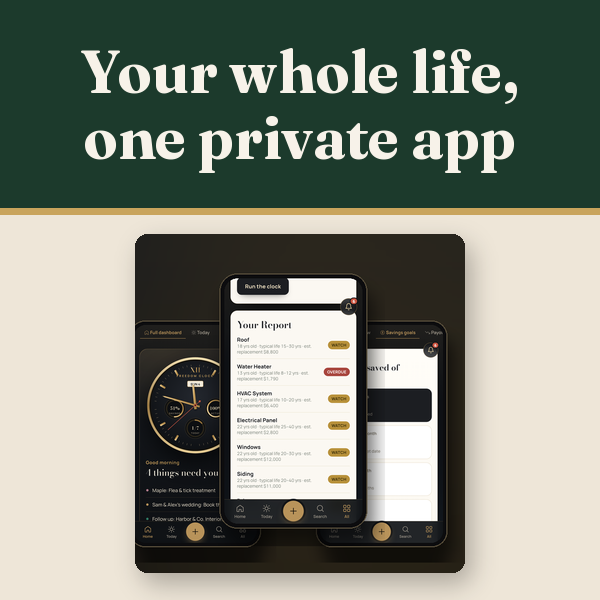
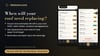
- **House Clock:** enter your home's build year and it estimates how much life is left in your roof, heating/HVAC, water heater, windows and appliances, and what replacing them could cost
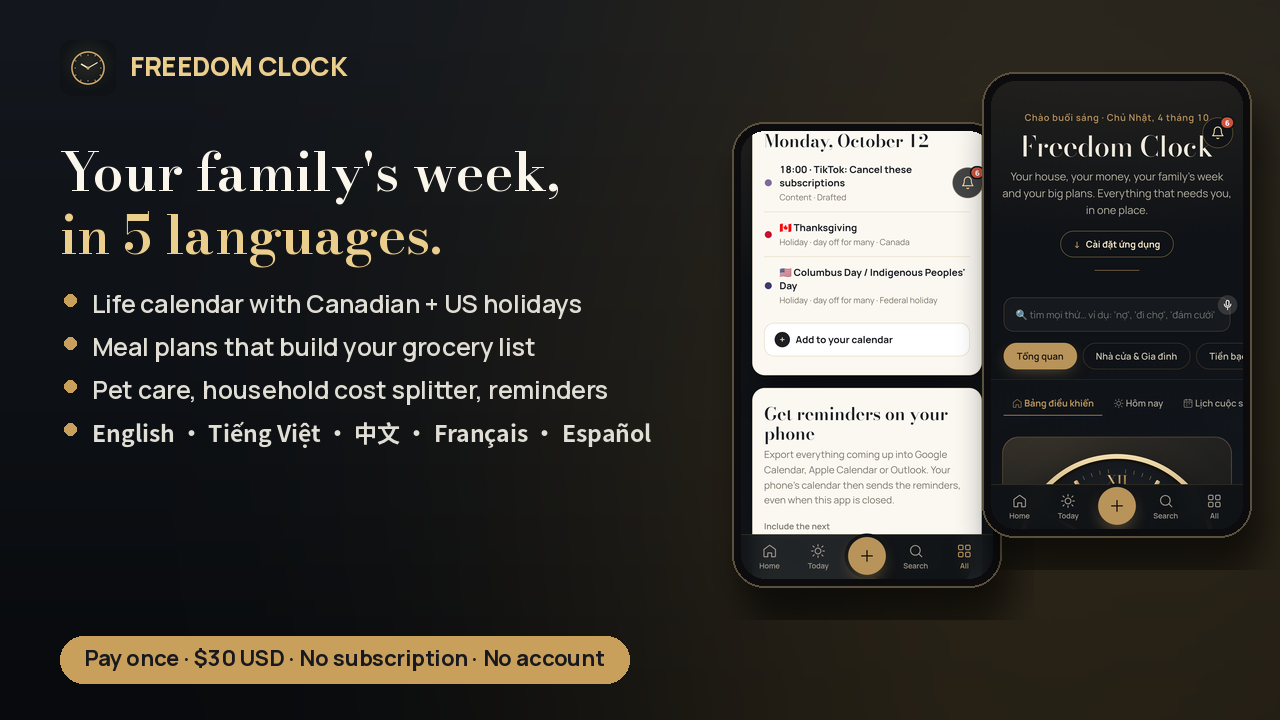
- Meal planning with auto-built grocery lists sorted by aisle (it skips what's already in your pantry)
- Pet care schedules, vet visits and costs
- Household shared-cost tracker: who paid what
- Life calendar with **Canadian and US holidays** built in, plus birthdays, bills, trips and follow-ups
**Private notes**
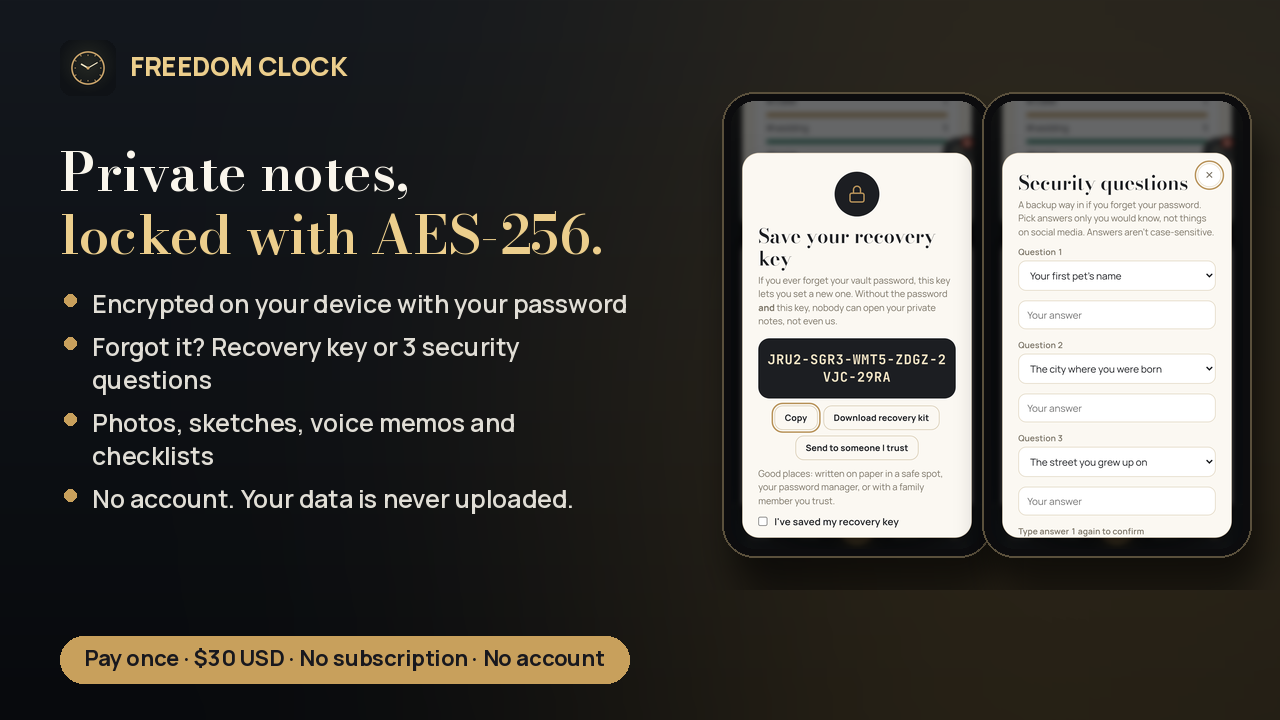
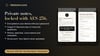
- Private notes are locked with **AES-256 encryption** on your device
- Forget your password? Get back in with your **recovery key** or **3 security questions**
- Photos, sketches, voice memos and checklists
**Side hustle**
- Client CRM with pipeline and follow-ups
- Quoting tool with a price book
- Content planner
**And more:** habit tracker, fitness & wellness, study & exams, travel planner, wedding & events planner, quick tools (tip calculator, timer and more).
**Built to be easy**
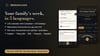
- Works in **5 languages:** English, Tiếng Việt, 中文, Français, Español
- **Voice input:** say "add phone bill to 80" and it updates your bill (in browsers with voice typing: Chrome, Edge, Safari)
- "Explore with sample data" to look around before entering your own
One price. Pay once. Yours to keep.
WHAT YOU GET: Lifetime access online. Sign in from any device with your email and password (or an email code); reset anytime. Nothing to download.
- In the app: a 1-minute tour, a Guide tab, first-time tips in each section, and sample data
- **28+ tools**: 27 sections, including 4 payoff calculators and 8 quick tools
## FAQ
**Is this a subscription?**
No. It's a one-time purchase of $30 USD. No subscription, no ads, no upsells.
**Do I need an account?**
No. There's nothing to sign up for.
**Where is my data stored?**
Only in the browser on your device. It's never uploaded to us or anyone else.
**Does it sync between my phone and computer?**
Not live, and that's by design: there's no server holding your data. To move to a new device, use Settings → Backup to export a file and import it on the other device. Back up now and then.
**How secure are private notes?**
Private notes are encrypted on your device with AES-256-GCM, with the key derived from your password (PBKDF2-SHA256, 600,000 rounds). Everyday notes and other sections are stored on your device but aren't password-locked, so use a phone passcode as usual.
**What if I forget my private-notes password?**
Use your recovery key or your 3 security questions to set a new password. If you set up neither, private notes can't be opened. There's deliberately no back door.
**Do voice commands work everywhere?**
Voice input works in browsers that support voice typing: Chrome, Edge, Android and Safari. Not Firefox. Voice is handled by your browser's own speech service. You can always type the same command.
**Which languages?**
English, Vietnamese, Chinese, French and Spanish. Switch anytime in Settings.
**Will it work on iPhone?**
Yes. Open it in Safari and tap Share → Add to Home Screen.
**Is the House Clock exact?**
No. It gives estimates based on typical lifespans and costs. Use it to plan a repair fund, not as an inspection.
**Can I get a refund?**
7-day refund if the file is unused, corrupt, or materially misrepresented. Contact paidigitalstore@gmail.com. This doesn't limit your rights under applicable consumer law.
**First 5 minutes**
1. Money overview: add income and monthly expenses.
2. Life calendar: add birthdays and key dates.
3. Settings: turn on reminders and pick your language. In Backup & branding, save a backup file (do this regularly).
4. Try the gold **+** button: type or say "milk, eggs" or "dentist Tue 3pm".