

Invoice & Outstanding Payments Pack — Non-VAT Excel Templates
QUICK DEMONSTRATION — FICTIONAL EXAMPLE
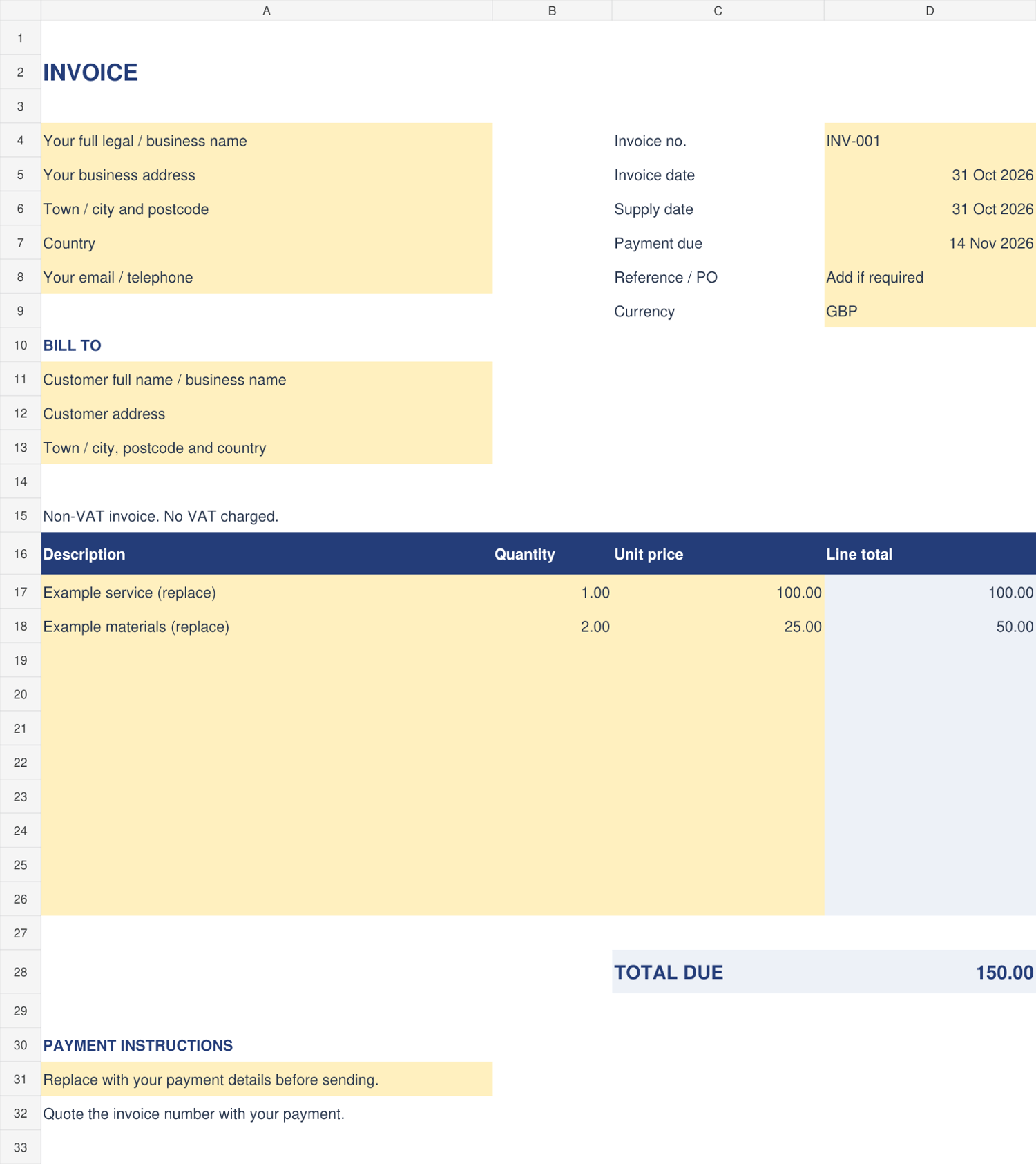
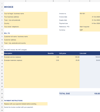
1. On Invoice, enter one service at 100 and two items at 25 each. The invoice totals 150 with no VAT charged.
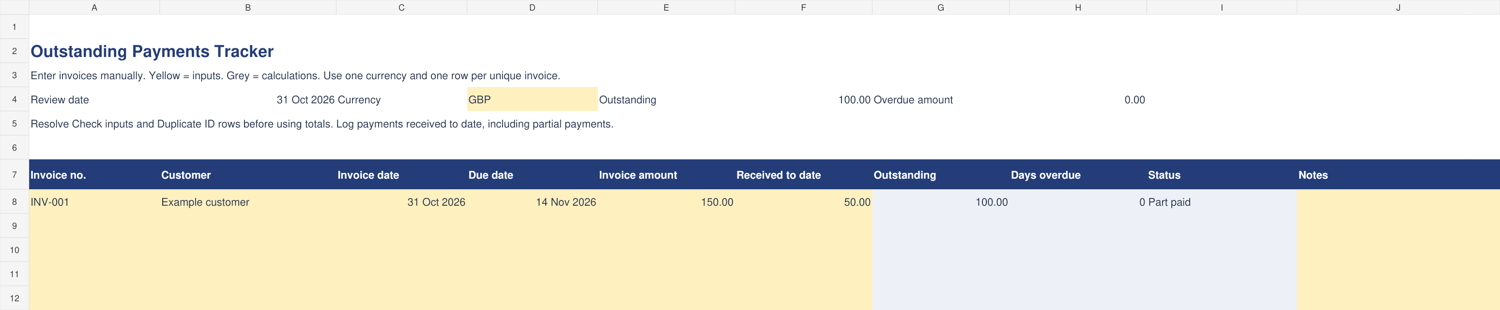
2. Manually record the invoice in Payment Tracker and enter 50 as received to date.
3. The tracker calculates 100 outstanding and shows Part paid while the due date is still ahead of the review date.
The invoice and tracker are separate manual records. Browse the gallery to see both sheets.
Prepare a simple non-VAT invoice and keep track of outstanding payments.
YOUR DOWNLOAD INCLUDES
• An editable Excel invoice with automatic line totals, 10 item rows and a total due.
• A separate payment tracker for up to 500 invoices.
• Outstanding balances, days overdue, and paid, unpaid, part-paid, overdue or overpaid statuses.
• Fictional example entries and clear setup instructions.
£5 once. No product subscription or macros. Microsoft Excel is required separately.
Designed for businesses that do not charge VAT. This is not a VAT invoice and does not calculate VAT or other taxes. Check the requirements for your business and location before issuing invoices.
Invoice details and payments are entered manually. The invoice sheet is not automatically linked to the payment tracker. No automatic reminders, payment collection, bank connection or currency conversion. Use one currency per tracker.
Save a separate invoice copy and export only the invoice sheet for your customer. Keep your payment tracker private. Clear the examples before entering your own records.
Digital download only. No physical item. One purchaser may use the pack within their own business and send completed invoices to customers. No resale or template redistribution.