
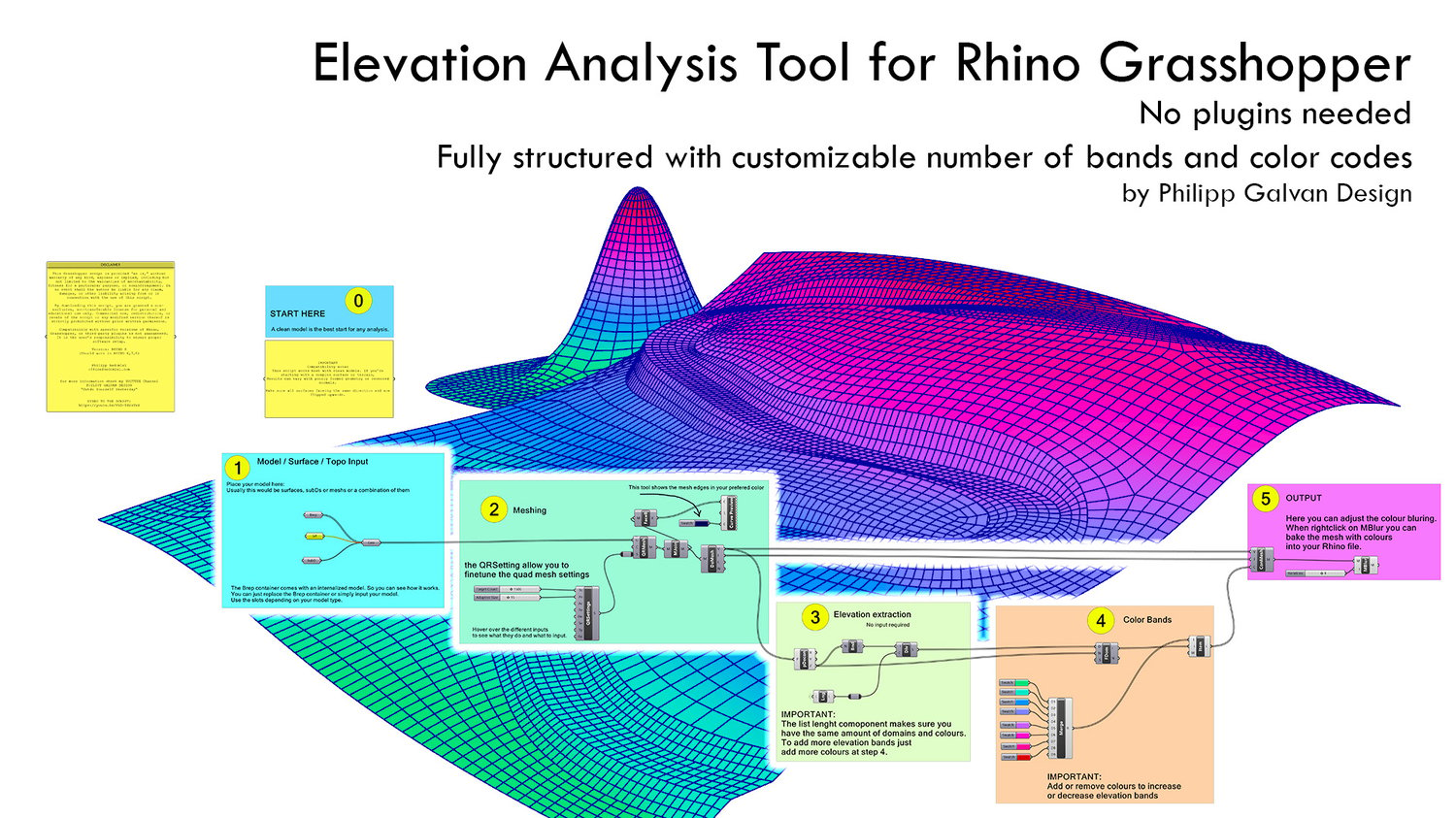
Elevation analysis tool for Architects and Landscape Architects
Elevation Analysis — Grasshopper Script for Fast, Readable Height Maps in Rhino
Turn any Rhino model into a clean, colour-banded elevation diagram in minutes.
This Grasshopper definition takes your surfaces / Breps / SubD / meshes, converts them into a controllable quad mesh, extracts Z-elevation, and assigns discrete colour bands so you can actually read height differences at a glance (not just stare at a muddy gradient). When you’re happy, you can bake the colored mesh straight into Rhino for drawings, diagrams, screenshots, or presentations.
What it does
- Model input: plug in your geometry (includes an internal demo model so you can see it working instantly).
- Meshing control: exposed quad remesh settings so you can balance speed vs. detail.
- Elevation extraction: generates elevation domains automatically (no extra inputs needed).
- Color bands: fully editable band colors; add/remove colors to change the number of elevation steps.
- Safe mapping: a list-length check keeps domains + colours in sync (no silent mismatches).
- Output options: adjust color blurring and bake the colored mesh into your Rhino file.
Best for
- Quick topography/elevation diagrams
- Roof/podium/facade height zoning visuals
- Early-stage design checks (“Is this stepping doing what we think?”)
- Clean presentation graphics without overcomplicating your workflow
Requirements
- Rhino + Grasshopper (Rhino 7+ recommended)
- No plugins required
Quick workflow
- Drop in your model → 2) Tune meshing → 3) Let it extract elevation → 4) Edit color bands → 5) Blur (optional) + bake
Note (the honest bit): output accuracy depends on your model cleanliness and mesh resolution—this is a design/communication tool, not a survey certificate.
If you want, paste your Payhip product title + price point, and I’ll tighten this into a more “sales page” style with a punchier hook and a shorter above-the-fold version.