
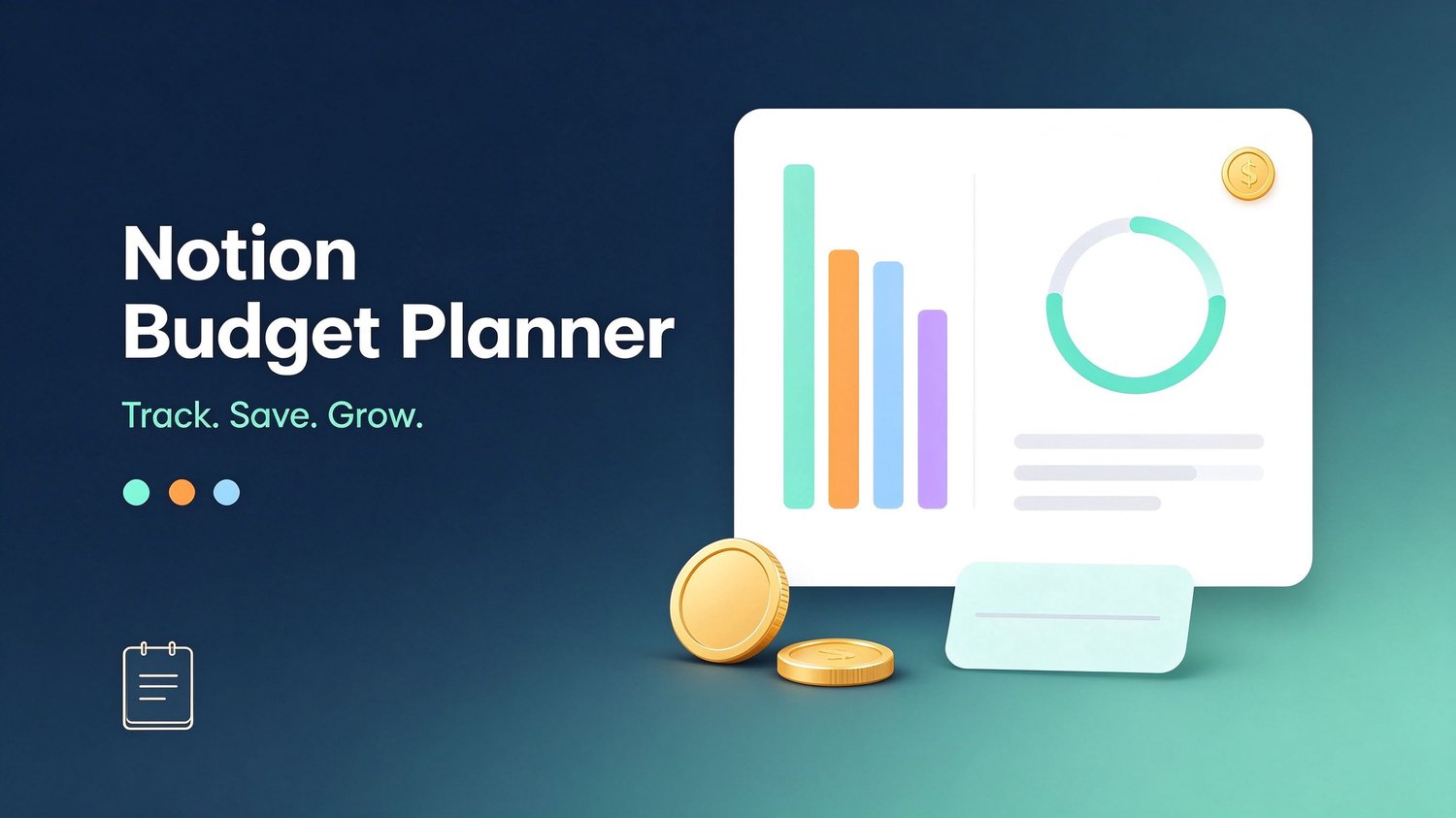
Notion Budget Planner — All-in-One Personal Finance Template
Plan. Track. Save. Actually enjoy it.
Most budgets fail because they are too complicated to keep up. The Notion Budget Planner is built around one simple rule: track in 2 minutes, review once a week. Everything you need lives in five clean databases and one dashboard — no apps to sync, no formulas to maintain, no spreadsheets to fight.
What's inside
- Transactions database — log every income and expense in seconds, filter by category, account or month.
- Monthly Budget database — set your income, spending cap and savings target for each month, then see how reality compares.
- Savings Goals database — track emergency funds, trips and big purchases with visible progress bars.
- Accounts database — all your bank accounts, cards and cash in one place.
- Bills & Subscriptions database — every recurring payment with due dates, frequency and auto-pay flags, so nothing slips.
- 5 ready-to-import CSV files — the databases build themselves.
- 40+ page setup guide (PDF) — step-by-step instructions, property types, recommended views, dashboard layout and formulas.
- Dashboard layout plan — a home page that sums up your money at a glance.
Who it's for
- Anyone who wants to know where their money goes without spending hours on it
- Couples who want one shared money system
- Freelancers and side-hustlers tracking irregular income
- Notion lovers who want a personal finance hub that lives inside their workspace
Why this template
- Fast to set up — import the CSVs, adjust a few property types, done.
- Zero maintenance — plain Notion databases you fully own and can edit.
- Works on free Notion — no paid plan required.
- Currency-agnostic — use dollars, euros, pounds or nothing at all.
- Simple habits, not willpower — a 10-minute weekly review is all it takes.
What you get after purchase
- 01_Transactions.csv – daily money log
- 02_Monthly_Budget.csv – monthly planning
- 03_Savings_Goals.csv – goal tracking
- 04_Accounts.csv – accounts overview
- 05_Bills_Subscriptions.csv – recurring payments
- Notion-Budget-Planner-Guide.pdf – complete setup & user guide
- Cover-Notion-Budget-Planner.png – use as your Notion page cover
Important note
This is a digital template for Notion (the Notion app is free at notion.so). You will build the databases from the included CSV files following the step-by-step guide — no coding, no plugins, about 20 minutes to finish.
License
One purchase = one personal use license. Please do not resell, redistribute or share the files. If you love it, send a friend to the product page.
FAQ
Do I need a paid Notion plan? No. The free Notion plan is enough, including on mobile.
Is this an instant download? Yes. Files are delivered automatically right after checkout.
I'm not technical — can I set this up? Absolutely. The guide walks you through every step with screenshots-level detail: import the CSV, adjust a few property types, add views, build the dashboard. ~20 minutes.
Can I change the currency? Yes. Open any number property and change the format. The template works with any currency.
Can I share it with my partner? Yes. Share the dashboard page with your partner and enable "Can edit" — one shared money system.