


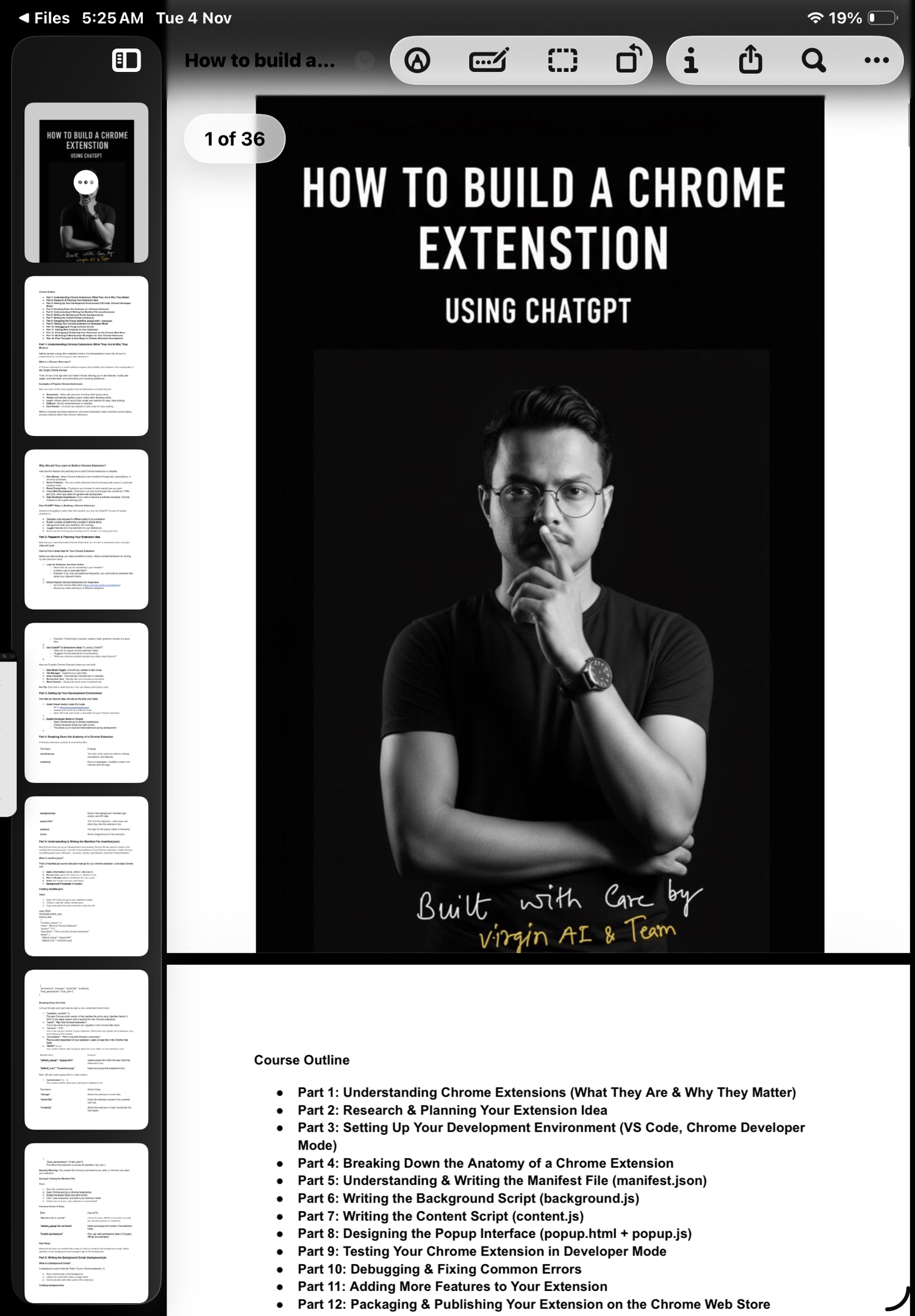

Build and Monetize Chrome Extensions — The Complete Step-by-Step Guide
Transform your ideas into real browser tools that people use every day.
This comprehensive, beginner-friendly PDF guide walks you through the entire process of creating, publishing, and monetizing your own Chrome extension — no prior coding experience required.
You’ll learn exactly how to build an extension from scratch using HTML, CSS, and JavaScript, automate tasks with Chrome APIs, and even turn your finished product into a source of recurring income.
What’s Inside the Guide:
1. Understanding Chrome Extensions
- What they are, how they work, and why they’re powerful tools for productivity and automation.
2. Research & Planning Your Idea
- Find profitable ideas that solve real problems.
- Use ChatGPT to brainstorm and validate concepts instantly.
3. Setting Up Your Development Environment
- Install and configure VS Code and Chrome Developer Mode like a pro.
4. Build Your First Extension (Step-by-Step)
- Write your manifest.json, background, and content scripts.
- Design your popup interface and options page.
- Test and debug your extension in real-time.
5. Advanced Features & Permissions
- Add right-click menus, keyboard shortcuts, and Chrome Storage to personalize user experiences.
6. Publish on the Chrome Web Store
- Learn how to package, upload, and submit your extension for approval.
7. Monetization Strategies That Work
- Create freemium, paid, or subscription-based models.
- Add ads, affiliate links, or in-app purchases to generate passive income.
8. Marketing & Scaling
- Tips for promoting your extension and building an audience.
- Learn how successful developers earn full-time income from extensions.
What You’ll Get:
✅ Full 14-Part PDF Course
✅ Code examples (manifest.json, popup.js, content.js, etc.)
✅ Monetization blueprints (freemium, subscription, ads)
✅ Chrome Store publishing checklist
✅ Developer shortcuts, best practices, and troubleshooting tips
✅ A direct path from idea → launch → income
Why This Guide is Different:
Unlike tutorials that leave you stuck midway, this course covers the entire journey — from idea to monetization.
It’s practical, written in simple language, and includes real working examples you can copy, test, and modify instantly.
Whether you’re a beginner looking to break into web development, or an entrepreneur wanting to create software products with zero coding background — this guide gives you everything you need.
Key Benefits:
- Learn to build real software without years of coding study.
- Turn your ideas into profitable browser tools.
- Add a high-value project to your developer portfolio.
- Create recurring income streams online.
- Join the AI-powered no-code movement with practical skills.
Perfect For:
- Entrepreneurs, freelancers, and digital creators
- No-code & low-code enthusiasts
- Developers wanting to expand into browser automation
- Students seeking practical, monetizable coding projects
Start building your own Chrome extension today.
Download “How to Build a Chrome Extension – The No-Code