

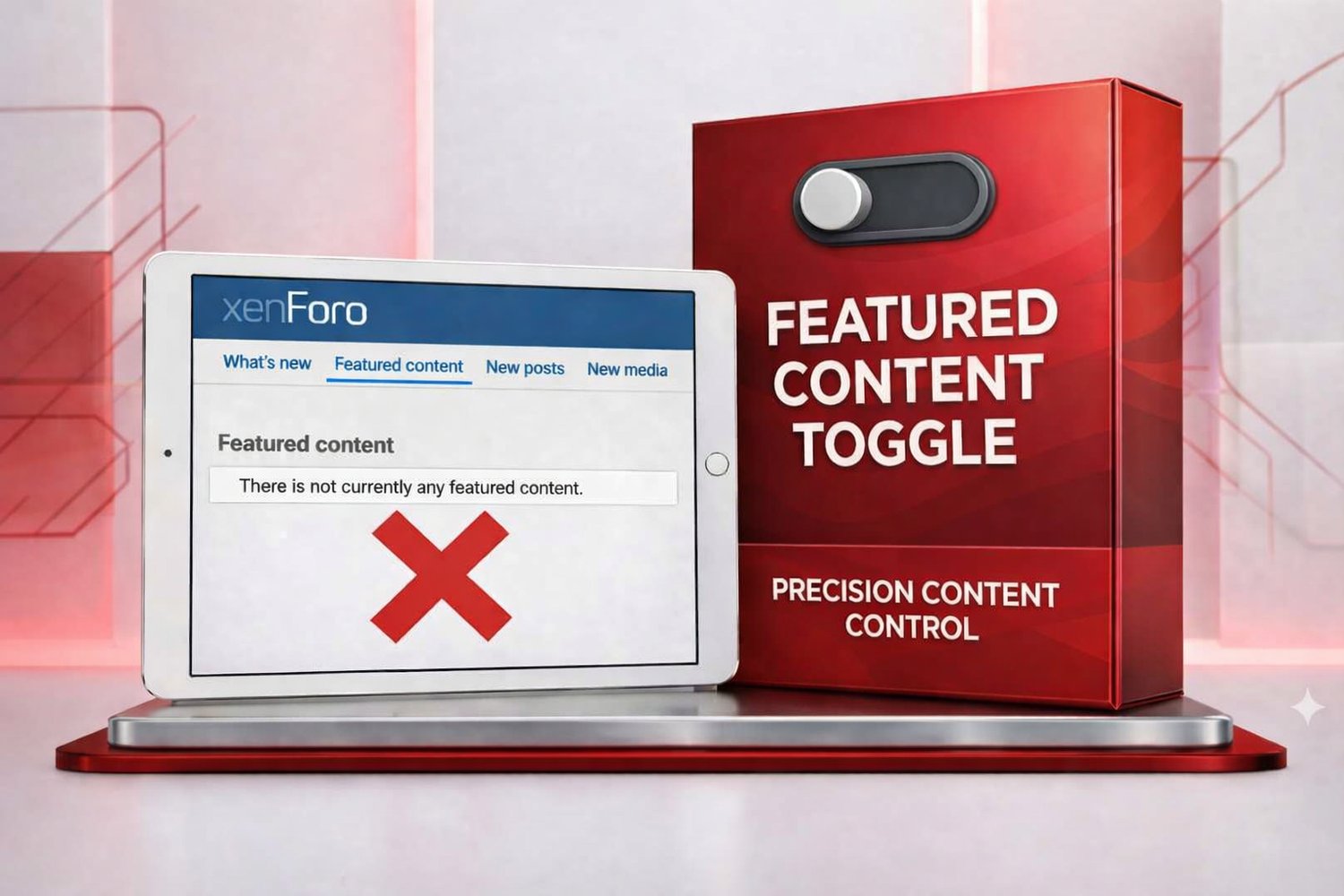
Featured Content Toggle
Featured Content, without the awkward silence.
XenForo's Featured Content is a great way to spotlight your best threads, resources, and media — but if you're not actively using it yet, it leaves visible traces: a Featured Content tab in What's New that leads to a page with nothing on it and filter options for content that doesn't exist. New members land on these dead ends and wonder if something's broken.
Featured Content Toggle gives you a single Admin CP switch to hide public-facing traces of the feature — without disabling it.
What gets hidden from regular visitors when it's off:
- The Featured Content tab in What's New
- The Featured filter checkbox on forums, Resource Manager, and Media Gallery
- The "Featured" status badge shown on threads, resources, and media items
What keeps working, always:
- Every moderator "Feature this thread/resource/media" action — staff can keep curating a backlog quietly, so you're ready to switch it on the moment you have enough featured content to show off
- Staff and admins still see every filter and badge above, even with the toggle off — so building that backlog never means flying blind
- The dedicated Featured Content page itself, and the widget — both stay fully functional if you choose to use them directly
One toggle, reversible any time — turn it off while you build up featured content behind the scenes; flip it back on the moment you're ready to show it to the world — nothing else changes.
Compatible with: Core Featured Content, XenForo Media Gallery, and XenForo Resource Manager, if installed. Safe to install even without either — it simply has nothing to do until they're present.
Requirements: XenForo 2.3 or later.