


Microsoft Intune – Introduction
On Sale
$3.00
$3.00
🔐 Microsoft Intune – Introduction
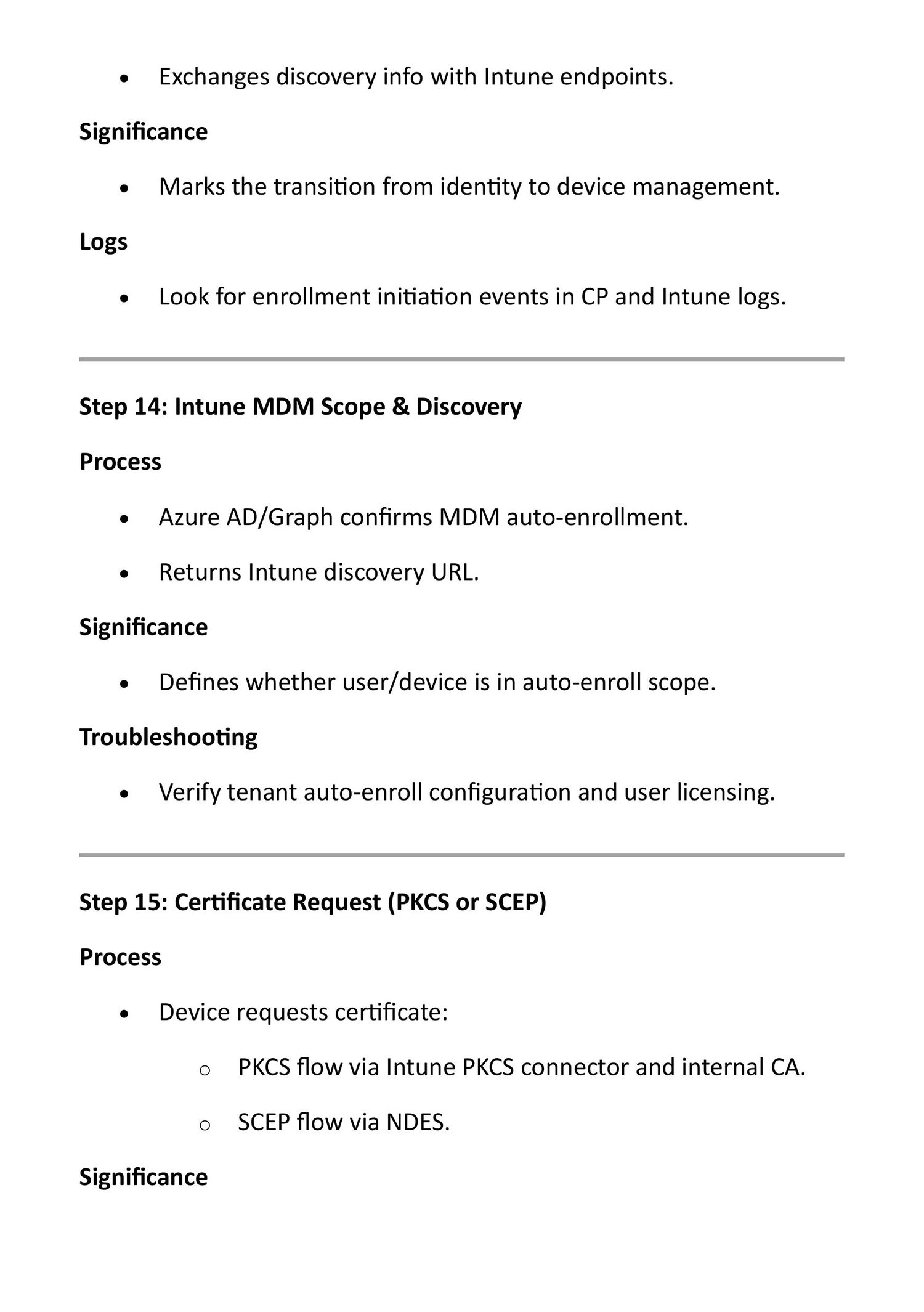
Microsoft Intune is a cloud-based device and application management (MDM/MAM) service from Microsoft.
It helps organizations secure, manage, and control devices like:
- Laptops (Windows, macOS)
- Mobile phones (Android, iOS)
- Tablets
🔹 Why Intune is used
- Manage employee devices remotely
- Enforce security policies
- Protect company data
- Support Bring Your Own Device (BYOD)
🔹 Key Features of Intune
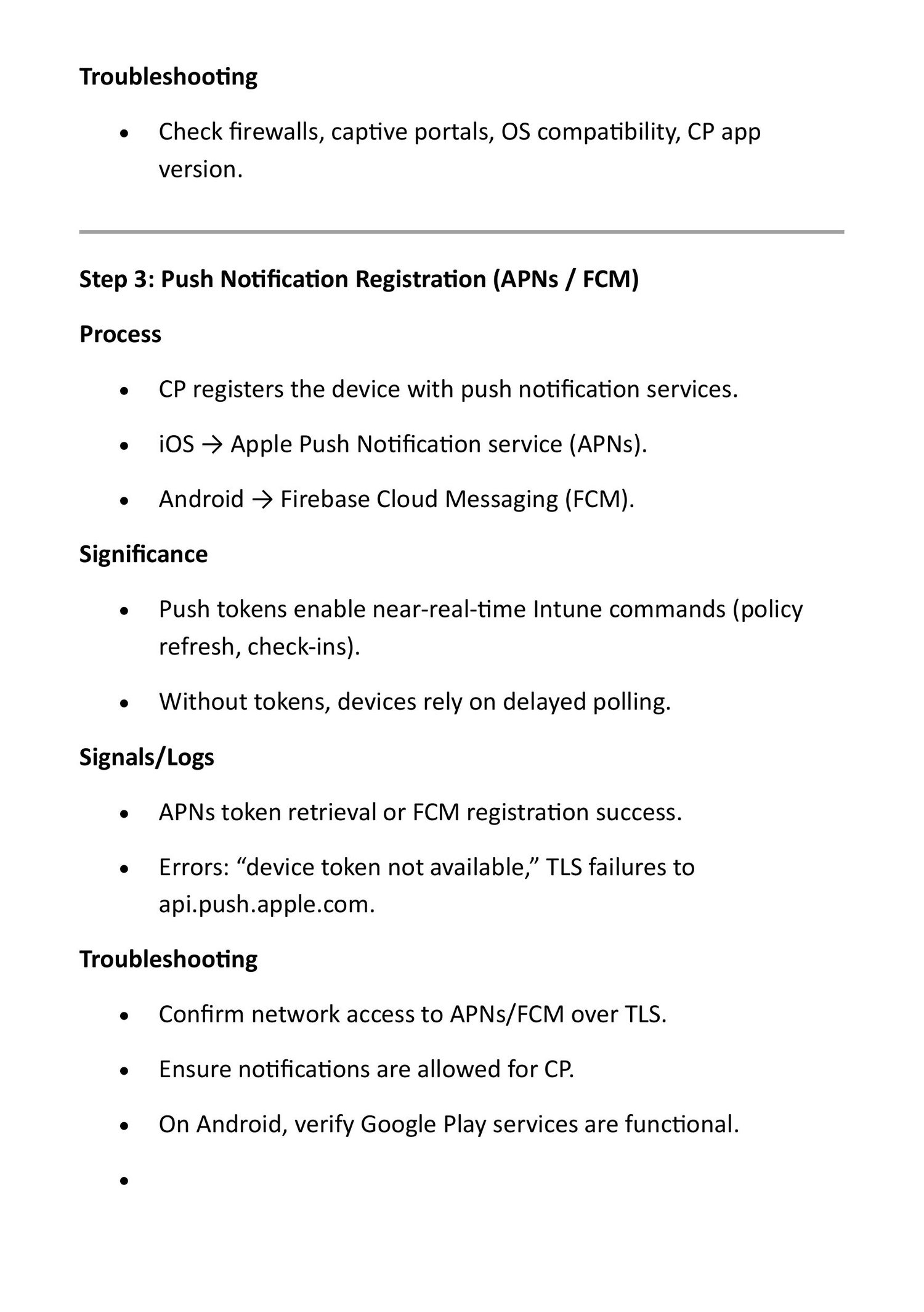
- 📱 Device Management (MDM)
- Control settings, updates, passwords, encryption
- 🧩 Application Management (MAM)
- Control apps without controlling the whole device
- 🔐 Security Policies
- Require PINs, encryption, antivirus, firewall
- 🚫 Conditional Access
- Allow access only if the device is compliant
- ☁️ Cloud-based
- No on-premise servers required
🔹 Example
If a company laptop is lost, Intune can remotely lock or wipe the device to protect data.
🌐 Computer Networking – Introduction
Computer Networking is the practice of connecting computers and devices so they can communicate and share resources.
🔹 What networking allows
- Share files and printers
- Access the internet
- Send emails and messages
- Use cloud services
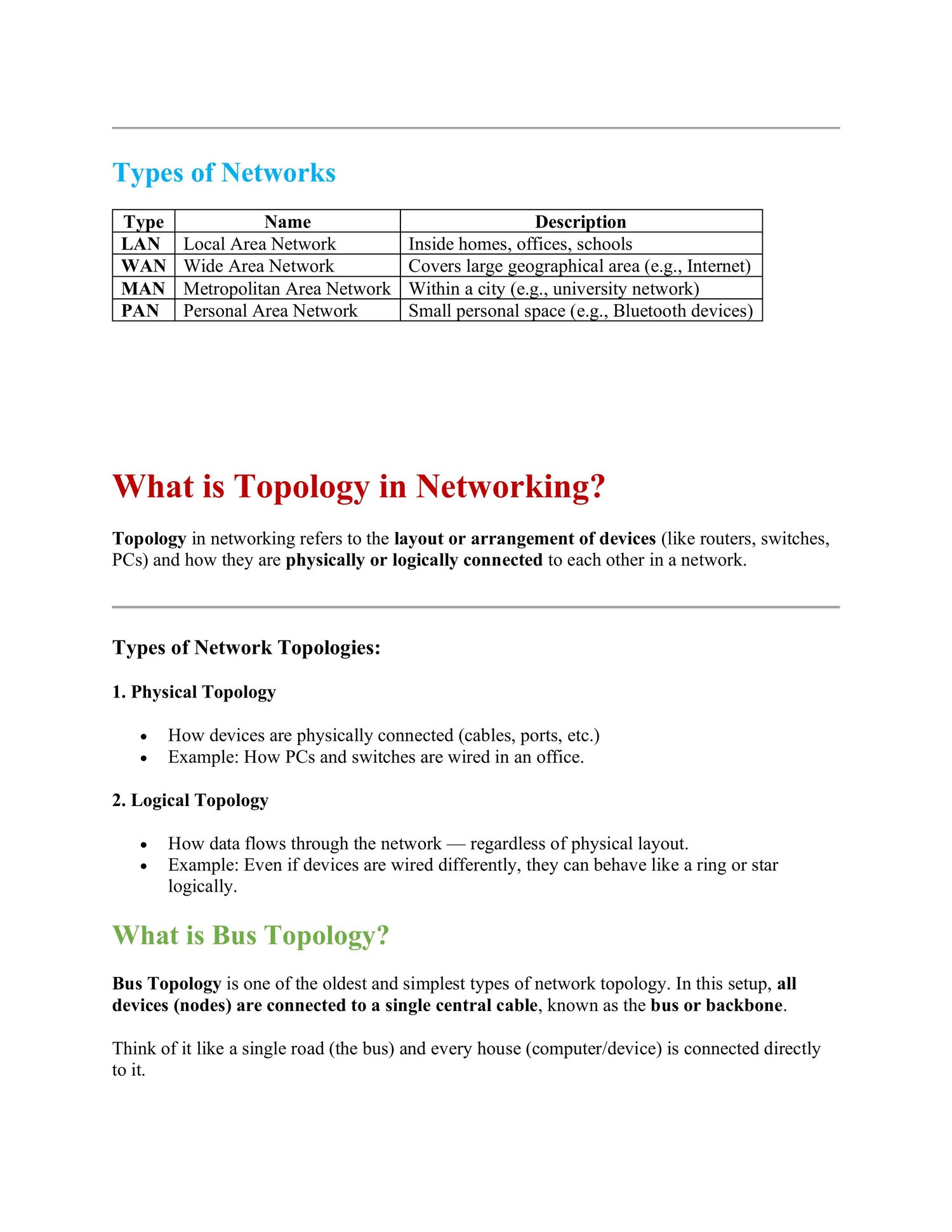
🔹 Types of Networks
- LAN (Local Area Network) – Home, school, office
- WAN (Wide Area Network) – Internet
- MAN (Metropolitan Area Network) – City-wide networks
- PAN (Personal Area Network) – Bluetooth, mobile hotspot
🔹 Basic Networking Devices
- 🖧 Router – Connects networks to the internet
- 🔀 Switch – Connects devices inside a network
- 📡 Access Point – Provides Wi-Fi
- 🛡️ Firewall – Protects the network from threats
🔹 Key Networking Concepts
- IP Address – Unique address of a device
- MAC Address – Hardware identity
- Protocols – Rules for communication (TCP/IP, HTTP, HTTPS)
- Bandwidth – Speed of data transfer
- Latency – Delay in communication