

Basic Palo Alto Setup
1️⃣ Basic Palo Alto Setup
Access Firewall
- Default IP: 192.168.1.1
- Username/Password: admin/admin
- Access via:
- Web GUI
- CLI (SSH / Console)
Change Management Password
configure
set mgt-config users admin password <new_password>
commit
2️⃣ Interface Configuration
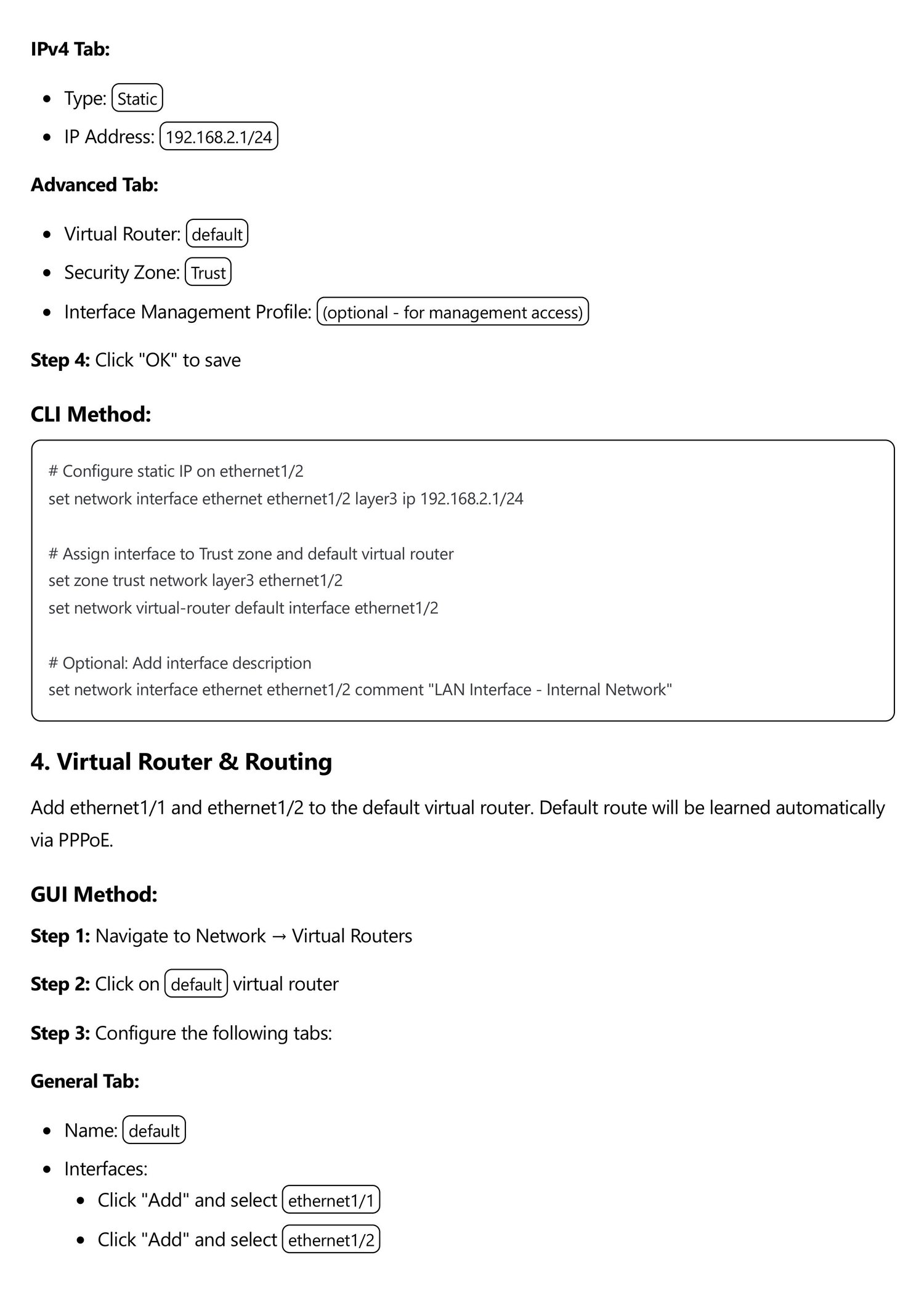
Assign IP to Interface
configure
set network interface ethernet1/1 layer3 ip 192.168.10.1/24
set network interface ethernet1/1 layer3 interface-management-profile allow-ping
commit
Assign Zone
Zones help segregate traffic:
set network interface ethernet1/1 layer3 zone LAN
commit
3️⃣ Routing Configuration
Default Route
set network virtual-router default routing-table ip static-route default-route destination 0.0.0.0/0 nexthop ip-address 192.168.10.254
commit
Check Routing Table
show routing route
4️⃣ Security Policies (Firewall Rules)
Create Rule
- Source Zone: LAN
- Destination Zone: WAN
- Source IP: 192.168.10.0/24
- Destination IP: any
- Application: any
- Action: allow
CLI Example:
set rulebase security rules allow-internet from LAN to WAN source 192.168.10.0/24 destination any application any action allow
commit
5️⃣ NAT Configuration
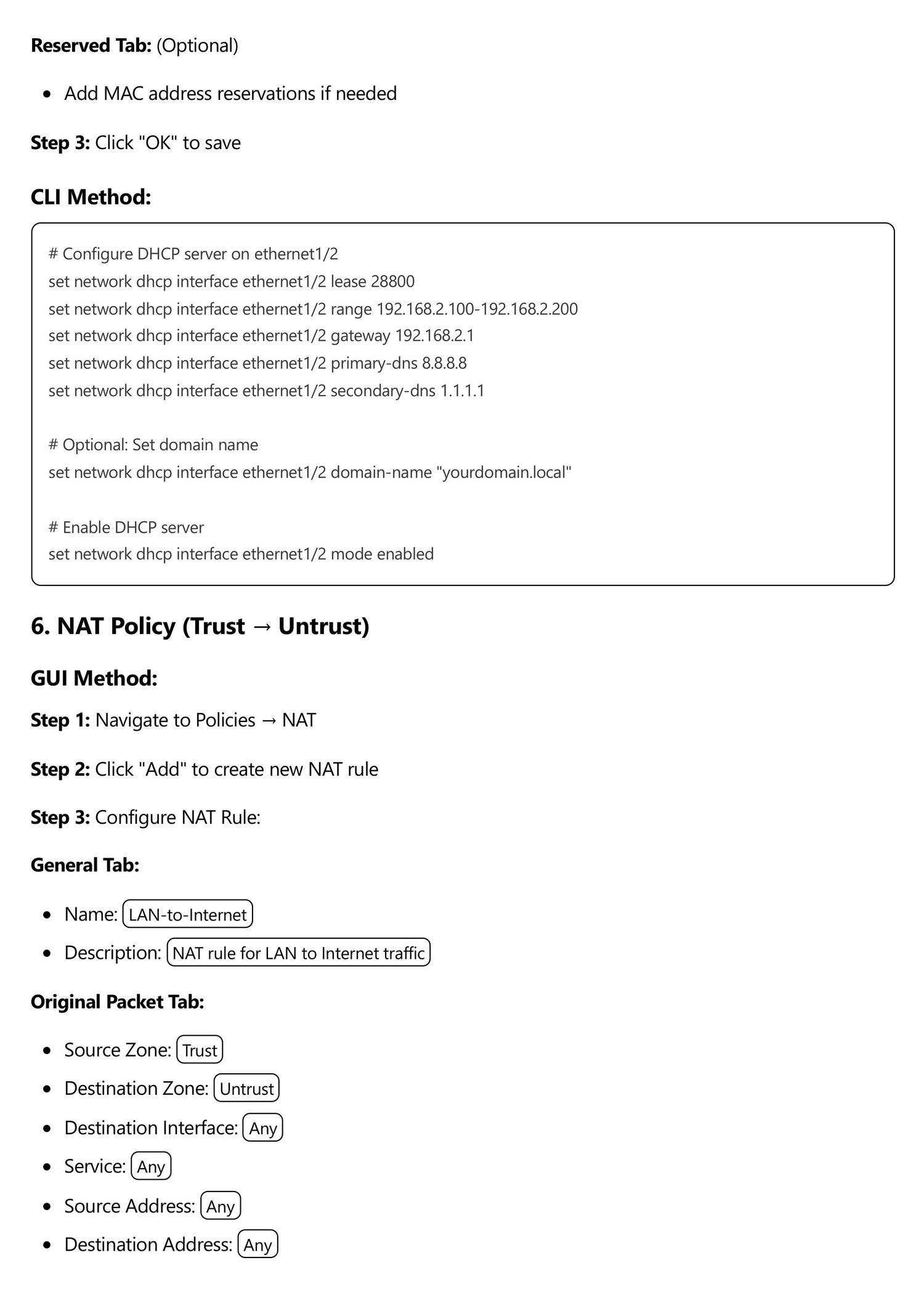
Source NAT (For Internet Access)
set rulebase nat rules NAT-OUT source-translation dynamic-ip-and-port interface-address ethernet1/1
commit
6️⃣ Management & Logging
View Logs
show log traffic
show log system
Ping from Firewall
ping host 8.8.8.8
7️⃣ High Availability (Optional)
- Active/Passive setup
- Heartbeat links
- Configuration sync
8️⃣ Backup & Restore Configuration
scp export configuration from running-config.xml to user@server:/path/
scp import configuration from user@server:/path/running-config.xml to running-config.xml
commit
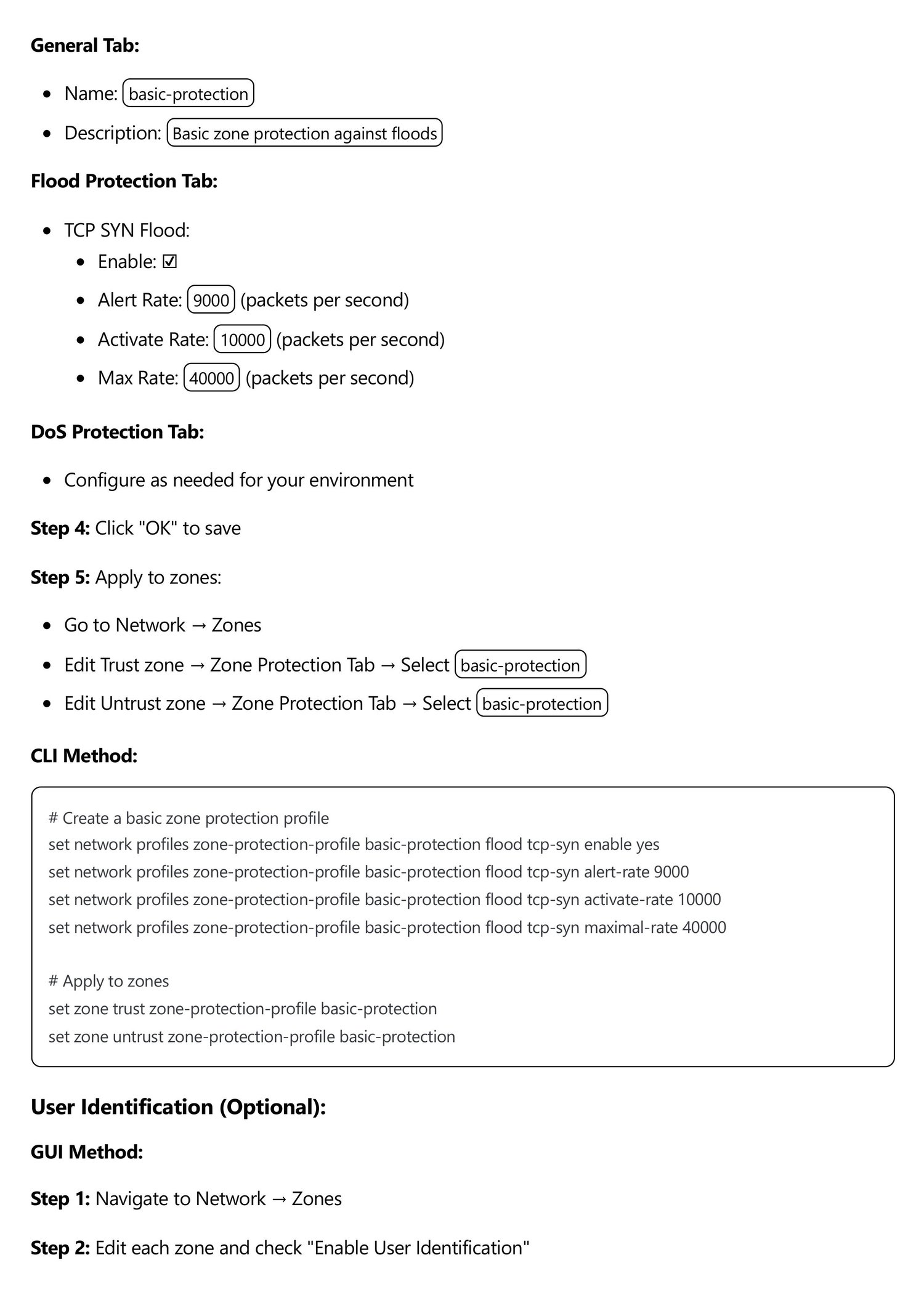
🔐 Best Practices
- Change default passwords
- Use zones to segment network
- Enable logging and monitoring
- Apply least privilege in security rules
- Test NAT and routing after config