
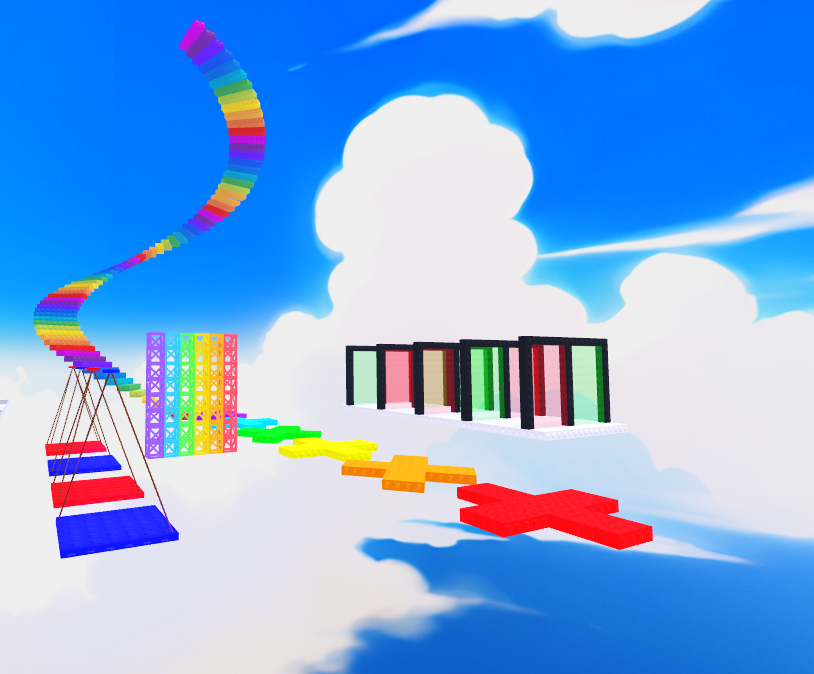



Color Switch Obby Game Kit Plug-&-Play
On Sale
€14.99
€14.99
 What’s inside
- Ready-to-use Obstacles (Workspace › Game Kit › Obstacles)
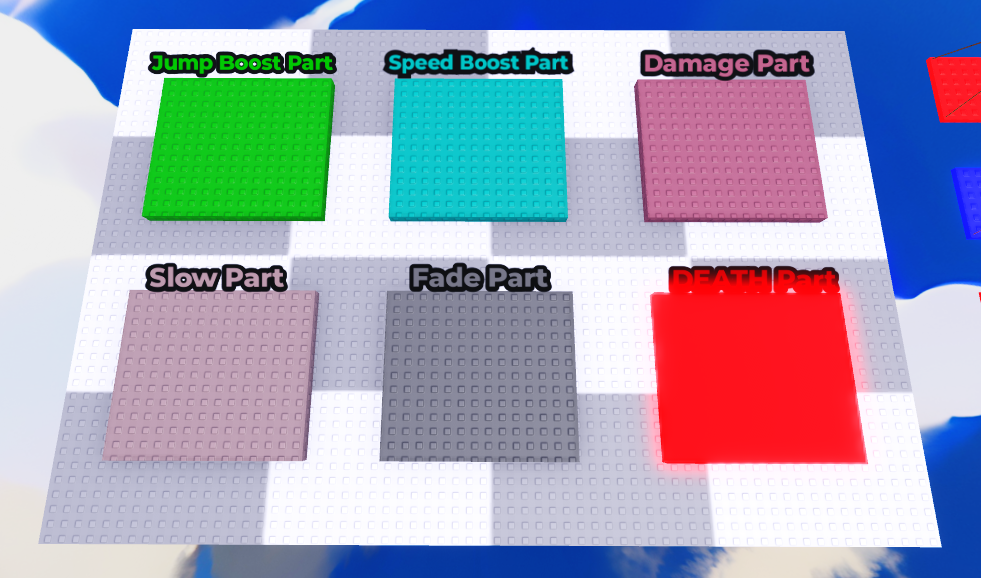
 Damage (periodic damage with cooldown)
 Death (instant kill, even if the part is non-collidable)
 SpeedBoost /
  Slow
Slow JumpBoost
- 🫥 Fade (fade out/in + no-collide window)
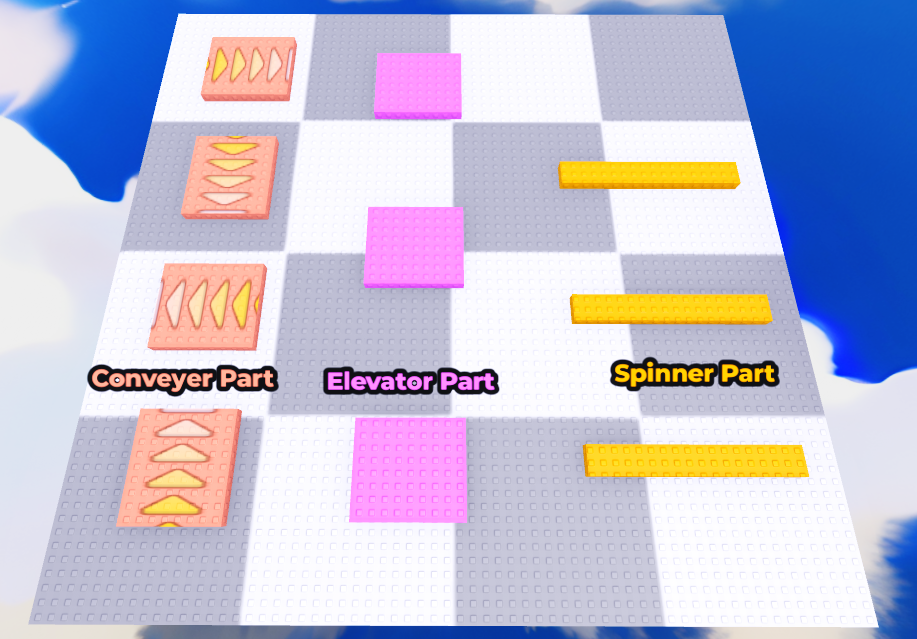
 Spinner (axis + speed)
 Elevator (moves on X/Y/Z with distance, pause, time)
 Conveyer (pushes along the part’s LookVector)
- Built Models (Workspace › Game Kit › Models)
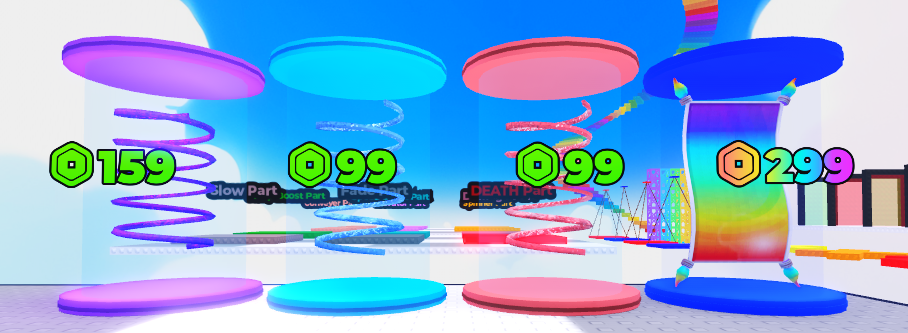
- Drop-in spinner/elevator setups and Gamepass givers (Carpet, SpeedCoil, JumpCoil, FusionCoil)
- Complete UI
 Shop,
Shop,  Trails,
  Settings
- Smooth open/close animations, blur effect, top bar with Exit
 Color Switch (buttons → color via Settings)
 Notifications (clean toast popups with tweens)
- Progression & Economy
 Checkpoint / Stage system (Workspace › Stages › Stage1, Stage2, …)
 Particles on checkpoint
 Cash & Wins with DataStore (safe load/save)
 Finish pad: confetti, Wins (supports Double Wins), teleport back to Stage 1
- Monetization
 GamePass givers: Carpet / Speed / Jump / Fusion coils
 Auto price display on SurfaceGui (shows Robux price)
 Multipliers: DoubleCash / DoubleWins
 Developer Products: Skip Stage / Finish
Zero-friction configuration
Set behavior per part/model with Value objects or Attributes (Attributes override Values).
Place them directly on the instance or inside a child Config folder.
Common values:
- NumberValue: Damage, Cooldown, SpinSpeed, High, ElevatorTime, ElevatorPause, ConveyorSpeed
- BoolValue: PromptOnTouch (for givers)
- StringValue: Axis = "X" | "Y" | "Z"
Settings module + TUTORIAL (ReplicatedStorage › Settings):
- Config.PromptOnTouch (global toggle)
- ColorSwitch (buttonName → Color3)
- Trails (price + color/gradient, server-readable)
- GamePasses & Products (IDs & tools in one place)
 Performance & stability
- Physics-based Spinners/Elevators using Align/Velocity constraints
- → No jittery CFrame spam, network-friendly, stable movement
- Safe loops, debounces, touched cooldowns
- Clear server/client split with robust error handling
 Quick examples
- Damage block: Damage=10, Cooldown=2
- Elevator: Axis="Y", High=20, ElevatorTime=2, ElevatorPause=0.5
- Spinner (part or model with “Middle”): Axis="Z", SpinSpeed=90
- Conveyer: ConveyorSpeed=20
 3-step setup
- Drop the “Game Kit” folder into Workspace (Obstacles + Models are ready).
- Edit Settings in ReplicatedStorage (IDs, Trails, ColorSwitch).
- Tag parts via CollectionService (e.g., Damage, Elevator, Spinner …) and add Values. Done!
 You get
- Server scripts: obstacles, givers, stages, economy, monetization
- Client scripts: UI, Color Switch, notifications
- A documented Settings module with examples
- A library of Obstacles/Models ready to place
 Perfect for
Creators who want a scalable, polished obby with built-in monetization and high-quality effects—without rebuilding the basics from scratch.
 Purchase Options
 Direct purchase (lifetime updates included)

