

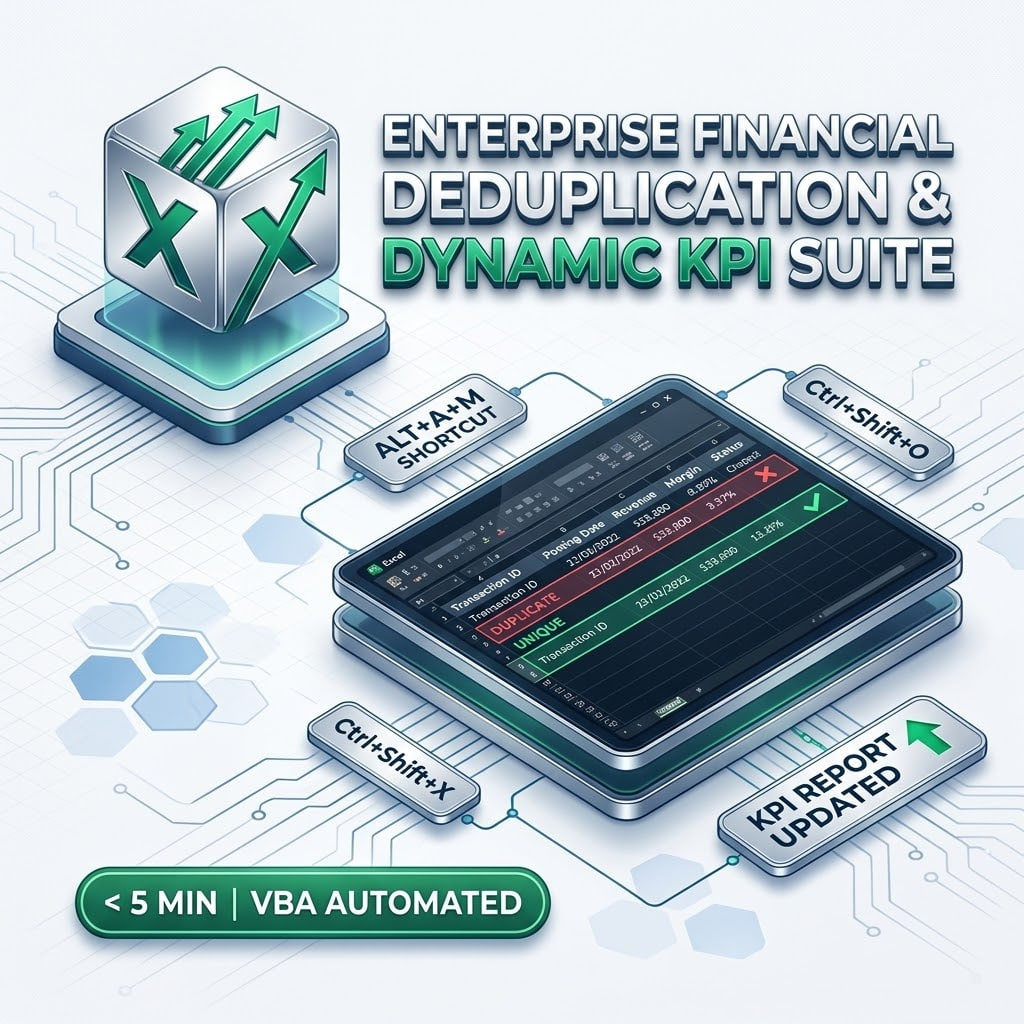
Enterprise Financial Deduplication & Dynamic KPI Suite (.xlsm)
Enterprise Financial Deduplication & Dynamic KPI Suite (.xlsm)
Overview
Stop wasting hours manually sifting through raw ERP, CRM, and accounting transaction dumps. The Enterprise Financial Deduplication Suite is a production-ready Microsoft Excel engine built to automate data cleansing, preserve multi-column transaction integrity, extract normalized dimension lookup tables, and compute real-time margin and executive KPI rollups with zero manual clicks.
What Is Included
- Production Core Engine (REmDUpEngine.xlsm): Fully configured automated workbook with background VBA data pipelines.
- 5 Interactive Training Labs (RemDuplicates_Tutor.xlsx): Step-by-step masterclass labs covering single primary keys, composite keys, dimension table extraction, lookup integrity, and whitespace sanitation.
Key Automation Features & Shortcuts
- Composite-Key Deduplication: Eliminates duplicate system entries using Voucher ID plus Posting Date while safely preserving valid multi-item transactions.
- Auto-Dimension Extraction: Automatically extracts unique Cost Centers and master entities into isolated lookup tables.
- Instant KPI Aggregations: Computes Net Profit, Margin %, and executive department performance in real time.
- Dedicated Enterprise Shortcuts:
- Ctrl + Shift + O (Run Engine): Cleanses raw transactions, updates lookups, and generates full executive reports in milliseconds.
- Ctrl + Shift + X (Reset Engine): Instantly resets all calculated output sheets while keeping raw data ready for the next import.
How to Unblock Macros in Windows
Because this file contains automated VBA code, Windows Mark of the Web may display a security notification on first download. To activate the macro engine:
- Close Microsoft Excel completely.
- Right-click the downloaded REmDUpEngine.xlsm file and select Properties.
- On the General tab, locate the Security section at the bottom.
- Check the Unblock box, click Apply, and then click OK.
- Re-open the file and use Ctrl + Shift + O to run the pipeline.
Compatibility
Microsoft Excel 2016, 2019, 2021, and Microsoft 365 on Windows. Macro-enabled workbook format (.xlsm).