
Write on Any PDF - Fill in Guided Notes - Take Notes - Save for Absent Students
PDF Annotator | Mark Up PDFs | Digital Worksheets | Smartboard Tool | Teacher Tool
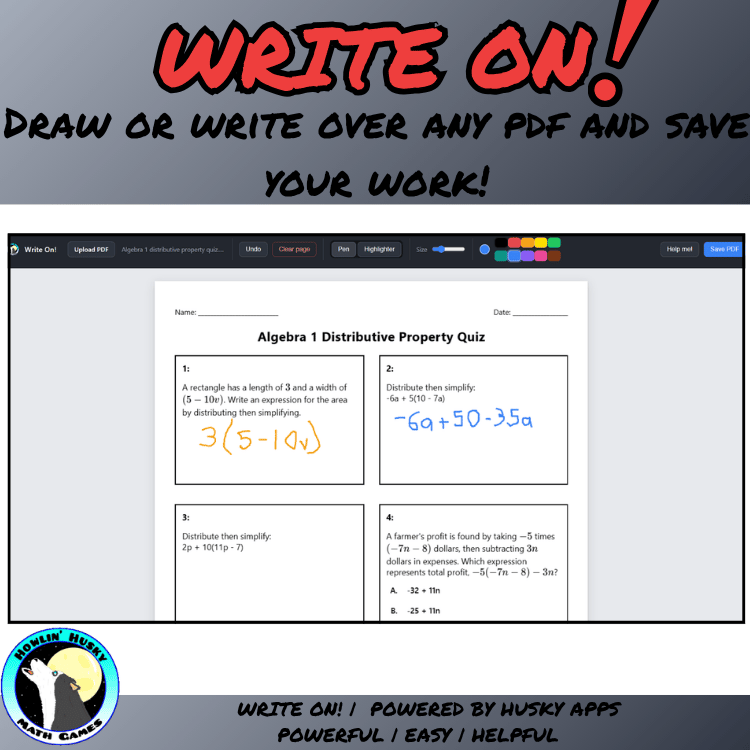
An online digital resource that lets teachers draw right on top of PDFs in real time. Perfect for marking up worksheets, annotating slides, highlighting key passages, working through problems live, and giving feedback on handouts. Great for classroom instruction, whole-group lessons, homeschool learning, and interactive teaching on a projector or smartboard.
What the Write On! App Does:
- Upload any PDF from your device and draw directly on the page
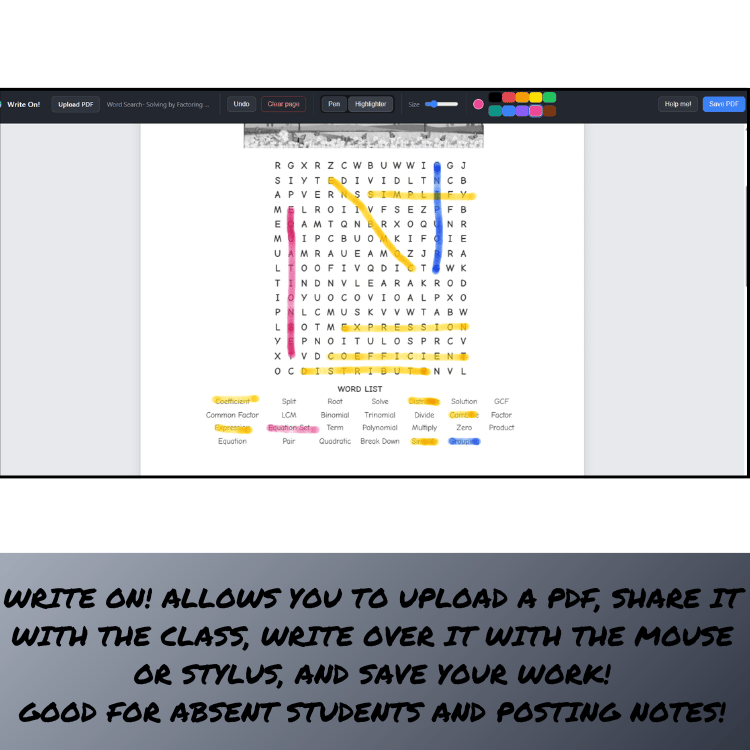
- Choose a pen or a see-through highlighter, with 10 colors and an adjustable size
- Works with a mouse, finger, or stylus, and two-finger scrolling on touchscreens lets you move through the document without leaving stray marks
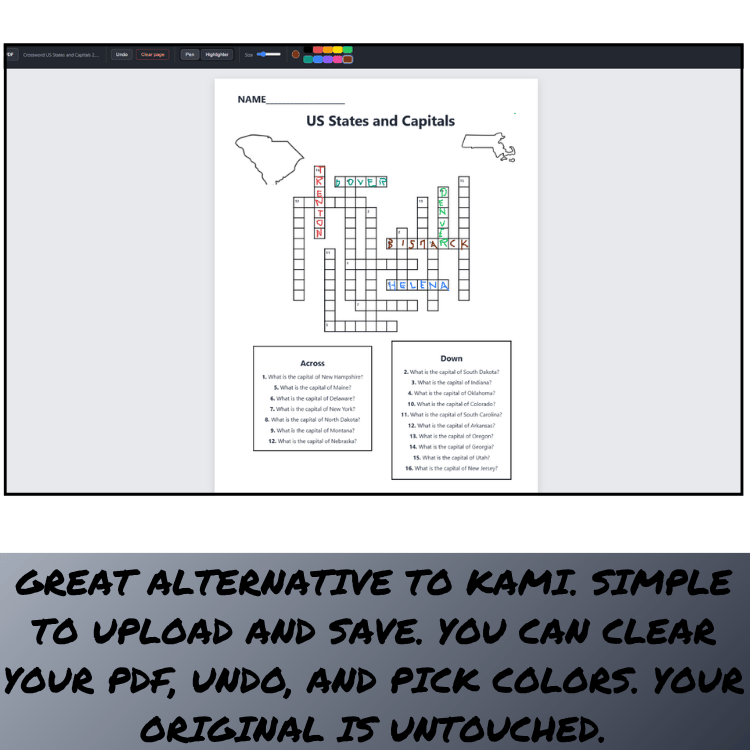
- Undo your last stroke or clear a page in one click
- Save a marked-up copy as a new PDF (your original file is never changed)
- Works entirely online in your browser—no installation, logins, or ads
- Clean, easy-to-read interface designed for live classroom use
IMPORTANT: What You're Buying
When you purchase this item, you receive a PDF containing:
A password unlock code to access the full App at
https://howlinhuskyapps.netlify.app/ or https://huskyapps.com (They are both the same)
TRY THIS APP FREE: https://huskyapps.com/write-on/write-on.html
Ideal For:
- Whole-group instruction on a projector or smartboard
- Marking up worksheets, handouts, and reading passages
- Highlighting key details, directions, and vocabulary on slides
- Homeschool lessons and one-on-one tutoring
- Teachers who want a simple, effective digital resource
How It Works:
- Go to https://howlinhuskyapps.netlify.app/ or https://huskyapps.com and click dashboard. You can try all Husky Apps free at this site!
- Upload your PDF (worksheet, slide, or handout)
- Draw, highlight, and mark up the page in any color
- Save your marked-up copy as a new PDF to share or keep
Why Teachers Love It:
- Works with the materials you already have—no need to recreate worksheets
- Pick a pen or highlighter and start marking up right away
- Your original file is never changed
- Designed by a teacher, for teachers—no fuss, no clutter
What You Get:
- PDF guide with unlock code and usage instructions
- Works in any browser (Chrome, Edge, Safari) — no ads, no signups
Part of the Husky Tools Suite:
Check out the other Husky Apps, including:
- Star Tracker
- Universal Group Maker
- Classroom Tiered Group Maker
- Spinner App & more!
Give your lessons a hands-on feel with a tool built for simplicity and classroom success — Write On! makes marking up PDFs effortless and fun.
Husky Apps are made by a teacher, for teachers!
You Might Also Like...
Math Packs
Computer Science Packs
- APCSA Course Coverage Multiple Choice Test Questions
- APCSP Course Coverage Multiple Choice Test Questions
- Programming in Java Hello World to Looping
Science Packs
- 7th Grade Science: Life Science Bundle
- Space Content Pack Digital Games Multiple Choice Discussions Quiz Gr 4 5
History Packs
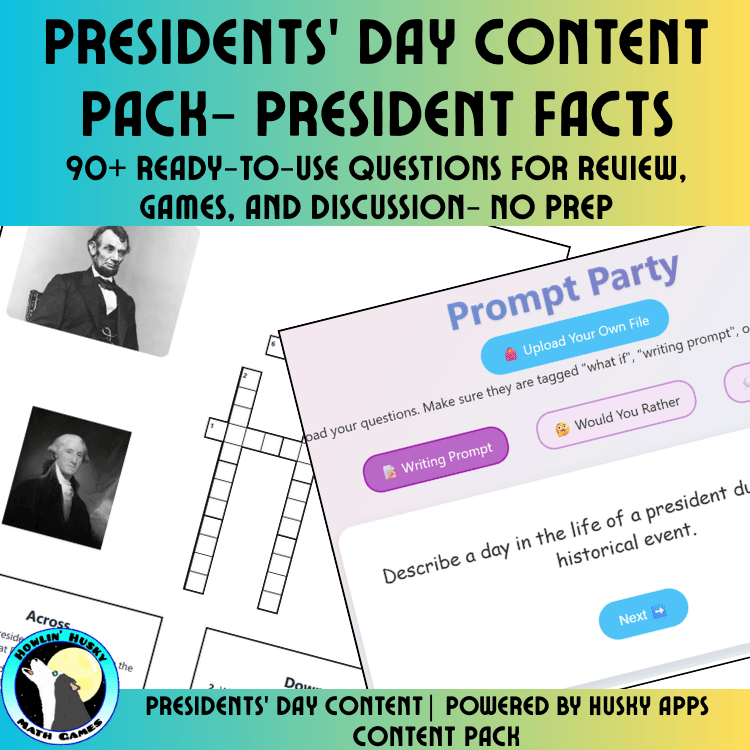
- US President Facts Activity Pack Digital Games Multiple Choice Discussions
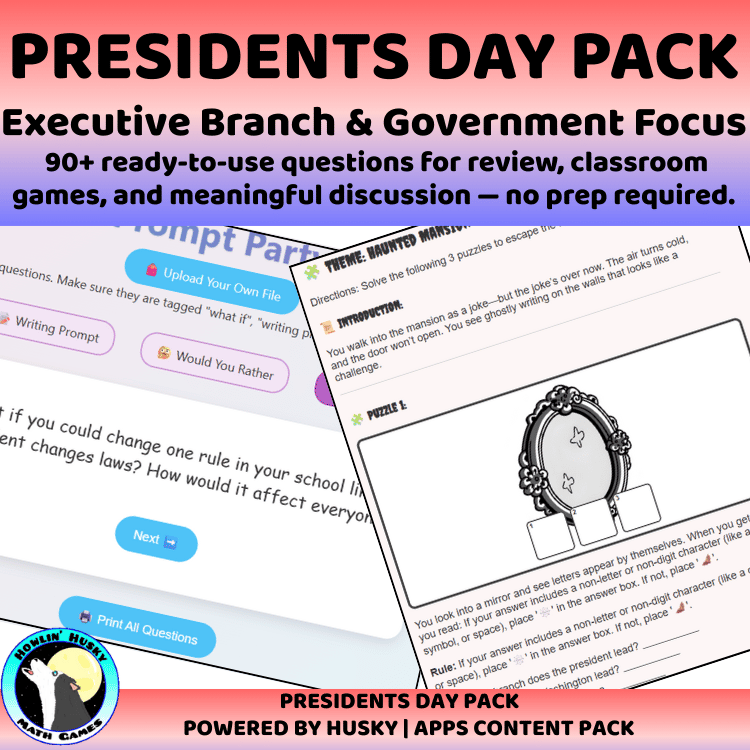
- Presidents Day Government Focus Activity Pack Digital Games Multiple Choice
Holiday Packs
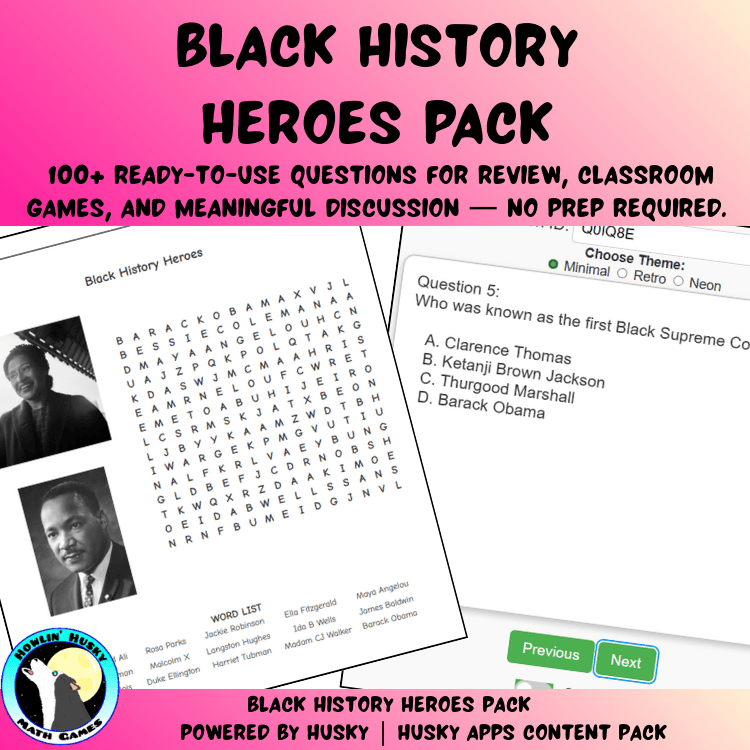
- Martin Luther King Jr Pack Digital Games Multiple Choice Discussion Gr 4 6
- Earth Day Pack
- Irish Culture Geography and Mythology Pack
- St Patrick's Day Pack
Just For Fun Packs