
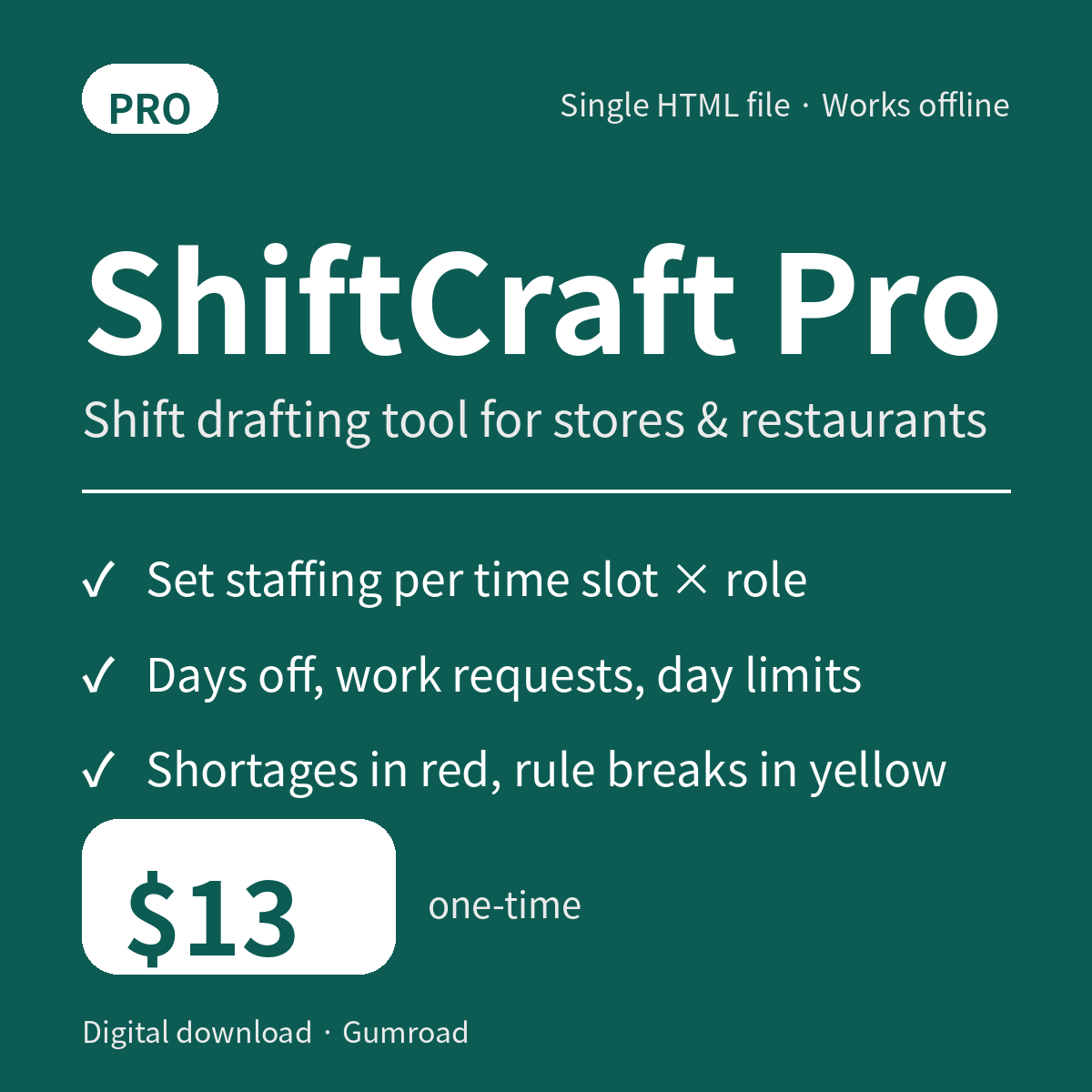
ShiftCraft Pro — Shift Drafting Tool for Stores & Restaurants (Single HTML File, Works Offline)
ShiftCraft is a browser-based shift drafting tool for people who make staff schedules at restaurants and retail stores. Register each employee's name, the roles they can work, their requested days off, and their work requests; set how many people you need, and the tool drafts slot-by-slot assignments. Instead of filling in every week's table from a blank page, you start from entering conditions and reviewing the result.
Just open the downloaded HTML file — no account registration and no server setup. It does not depend on external CDNs or libraries, processes everything in your browser's memory, and never sends employee data anywhere. It also works offline.
There are four slots (09–13, 13–17, 17–22, 22–24) and four roles (Register, Kitchen, Floor, Closing). Choose a 7-, 14-, or 28-day period. Requested days off are always excluded from assignment; work requests can name preferred slots; and you can regenerate while excluding someone who called in absent that day.
The Pro edition lets you set required staffing per slot and role, weekly hour caps, and a consecutive-day limit. Generation never stops when staffing is short — the shortfall is highlighted in red. If a manual edit breaks a rule, the cell turns yellow and the reasons are listed. After generating, click a cell to swap employees and the fill rate and violation counts are recalculated. Results print in A4 landscape, and Pro can also export CSV.
A sample of the fictional "Sunny Side Diner" (12 employees) is included, with three scenarios to try: a normal week, an everyone-off week, and a same-day absence. Employees can also be imported by pasting a headered CSV.
What's included
- shiftcraft-en.html (Pro edition, single HTML file)
- sample-data.csv (sample of 12 fictional employees)
- README.md (how to use, Lite/Pro comparison, notes)
Lite vs Pro
- Employees: Lite up to 8 / Pro no hard limit (about 30 as a guide)
- Staff needed: Lite total per slot / Pro per slot × role
- Weekly cap and consecutive-day limit: Lite not applied / Pro set and checked
- Day-off and work requests: both editions
- Max hours per day and absence exclusion: both editions
- CSV export: Lite disabled (shows a Pro notice) / Pro supported
- Printing (A4 landscape): both editions
- Business templates: Lite 1 basic type / Pro Restaurant and Retail
Requirements
Current desktop Chrome / Edge / Firefox / Safari (JavaScript, dialog, Blob, and CSS print support required). On smartphones the table can be viewed with horizontal scrolling. You need an environment that can open a local HTML file. No installation, server, or account registration is required.
Please note
- Auto-generation is a draft. It does not guarantee an optimal assignment or full staffing under every condition.
- This tool does not check legal compliance. Final review — including breaks, late-night work, alignment with work outside the selected period, and each person's actual abilities — is up to you.
- There is no auto-save. Reloading or closing the page erases everything you entered, so keep the results you need as a printout or CSV. The CSV export is the resulting schedule table only; it is not a backup of your employees or their requests.
- Work history outside the selected period is not entered or tallied, so check weekly caps and consecutive days around period boundaries yourself.