

Biweekly Paycheck Budget Template - Google Sheets & Excel
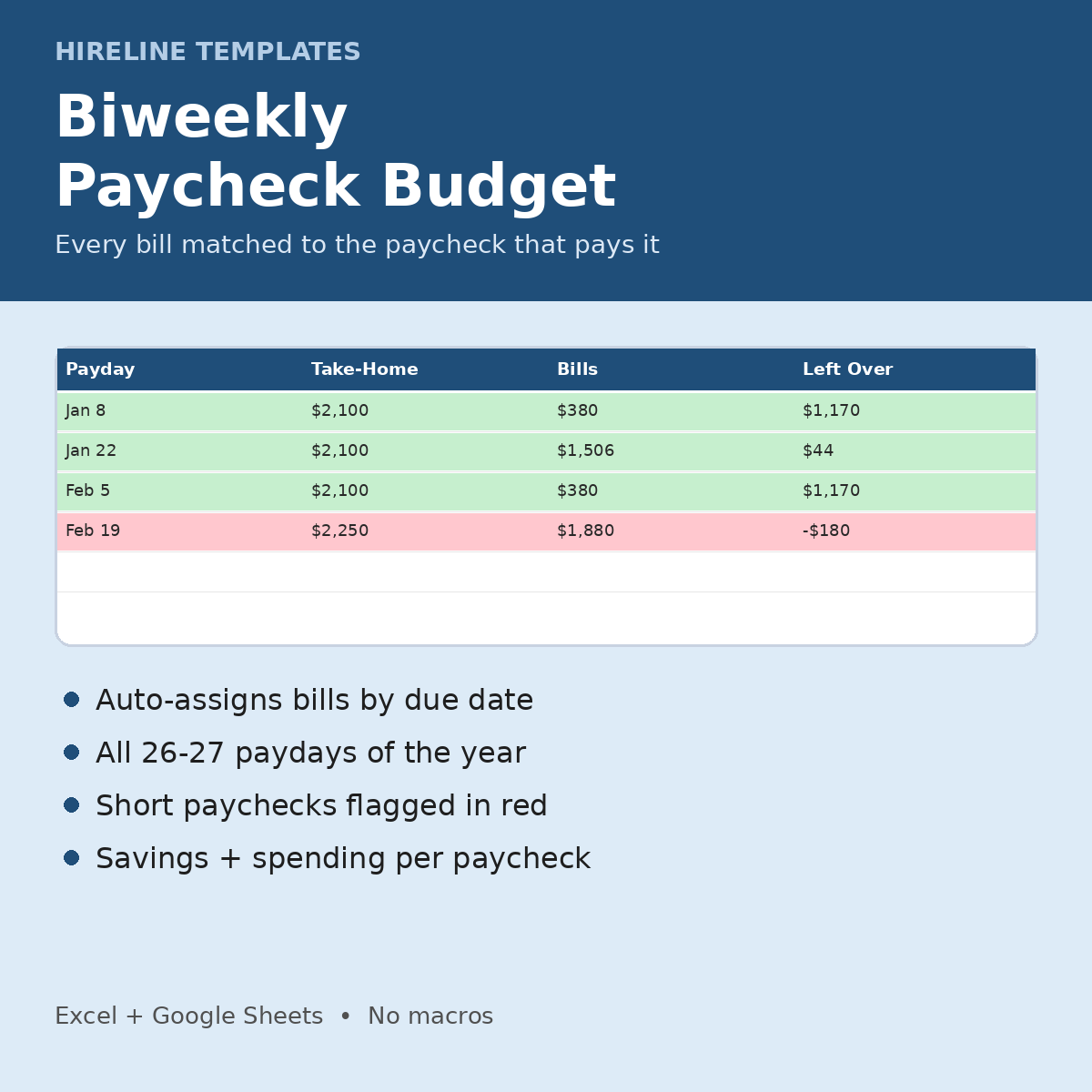
For anyone paid every two weeks: match every bill to the paycheck that pays it and spot a short paycheck before it happens.
What you get
- Bills (up to 40): Bill/Expense, Amount, Due Day (1-31), Category dropdown, Autopay? dropdown
- Paycheck Plan: first payday, usual take-home, save per paycheck and spending money per paycheck. 27 payday rows with Bills Due Before Next Pay, Savings, Spending, Left Over and Bills Count. Left Over is green or red, and the current pay period is highlighted.
- Dashboard: current paycheck #, bills due and money left this pay period, monthly bills total, short paychecks, planned savings this year, paydays on the 29th-31st, and a chart
- Instructions tab + 1-page Start Here PDF. Fictional DEMO rows (highlighted yellow) show how it works. Delete them to start.
How it works
1. Open the .xlsx in Excel or save it as a Google Sheet.
2. List your bills and due days.
3. Enter your first payday, take-home pay, savings and spending amounts.
4. Check the Paycheck Plan for any paycheck that comes up short.
Works in Excel and Google Sheets (upload the .xlsx to Google Drive, then File > Save as Google Sheets). No macros, scripts or add-ons. A file you keep: no subscription or app account.
Who it's for: anyone paid every two weeks, especially if they live paycheck to paycheck or have a big bill landing in one pay period.
FAQ
- What about a due day of 31 in a 30-day month? It rolls to the 1st of the next month (see the Instructions tab).
- Is it set for 2027? The DEMO first payday is in 2027. Change it to your own date.
- Is it a subscription? No. You pay once.
- Questions? hirelinetemplates@mail.grokbot.com
Job hunting too? Track every application free with the Job Application Tracker Lite: https://payhip.com/b/2HqLW