
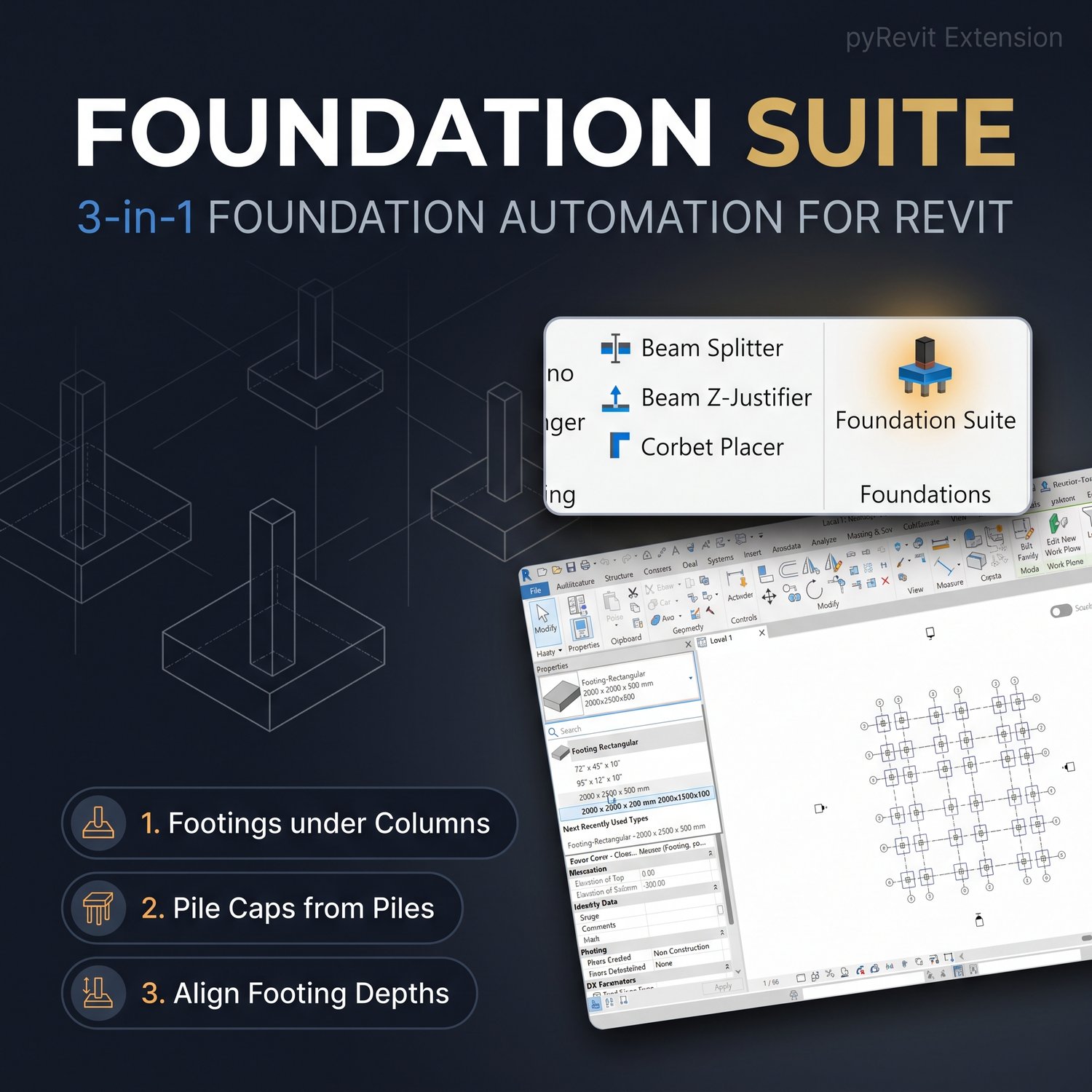
Revit Foundation Suite Extension | Automated Structural Footing pyRevit Tool
The Problem:
In Revit, assigning identical footing sizes across an entire structural model is a standard but structurally flawed approach. Based on tributary area principles, edge and corner columns require significantly different foundation dimensions compared to interior columns. Manually resolving this involves a tedious, repetitive workflow: calculating surface areas, duplicating Revit types, manually typing in dimensions, and selecting individual columns across the grid to assign custom footing types.
The Solution:
The Foundation Suite Extension is a powerful pyRevit automation tool designed to bypass this modeling bottleneck. By inputting key structural parameters—such as default axial load, allowable soil bearing capacity, safety factor, and footing thickness—the tool automatically calculates the required tributary loads, dynamically generates accurately proportioned footing types, and instantly places them at the correct column intersections.
Key Features:
- Automated Tributary Calculations: Instantly sizes footings based on column position (corner, edge, or interior) and defined structural parameters.
- Dynamic Type Generation: Automatically creates and names the required Revit isolated foundation types without manual duplication.
- Batch Placement: Replaces uniform footings with dimensionally accurate variations across the entire structural grid in seconds.
- Execution Reporting: Generates an immediate pyRevit UI report detailing the target parameters, calculated dimensions, and applied footprint for quality assurance.
Compatibility:
- Compatible with Autodesk Revit.
- Requires the pyRevit add-in to be installed prior to use.
How to Install & Use:
- Download and extract the Foundation-Suite.extension zip file to a permanent local directory.
- Open Revit, navigate to the pyRevit tab, and open Settings.
- Scroll to Custom Extension Directories and click "Add Folder."
- Select the parent folder containing the extracted .extension directory.
- Save the settings and let pyRevit reload. The Foundation Suite tool will now be permanently accessible in a dedicated "Modeling" tab on your Revit ribbon.