


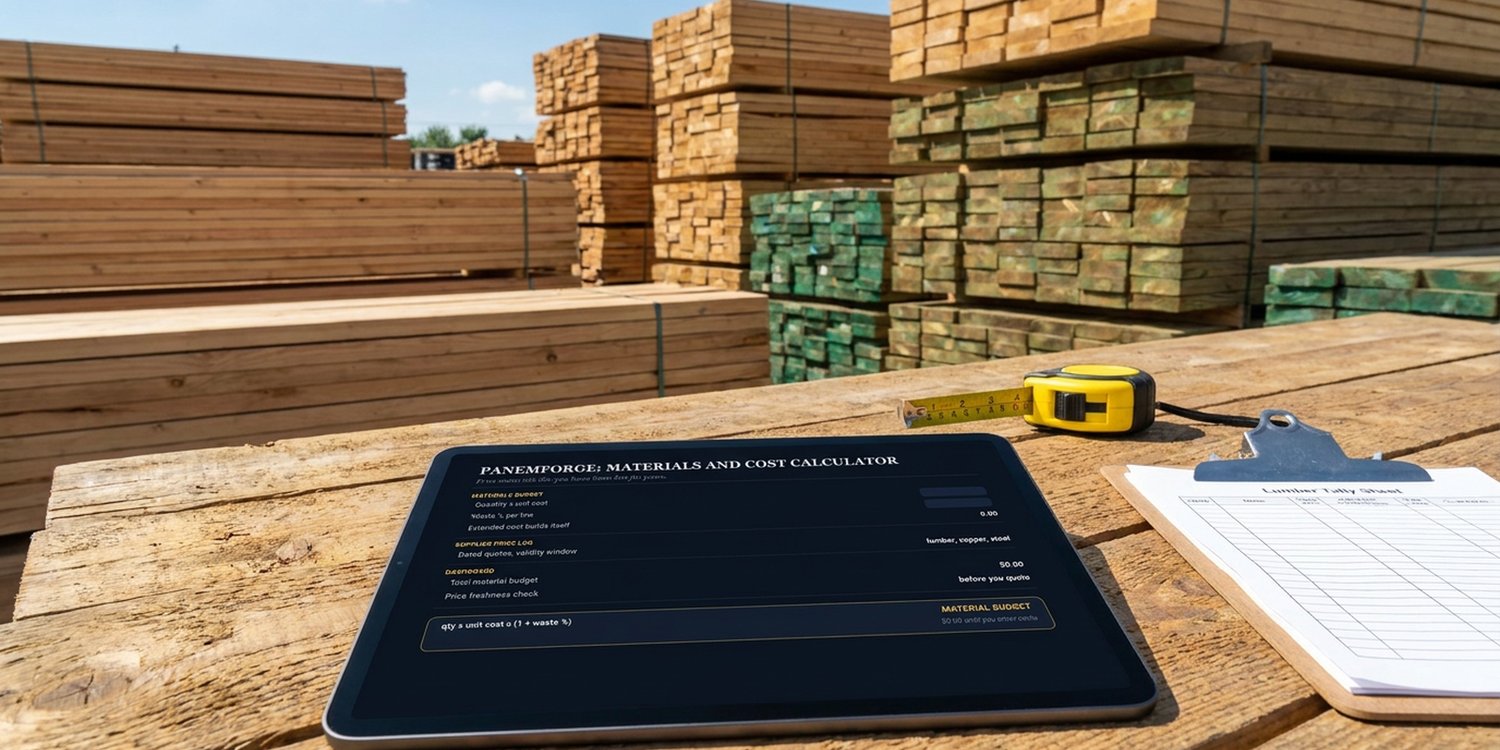
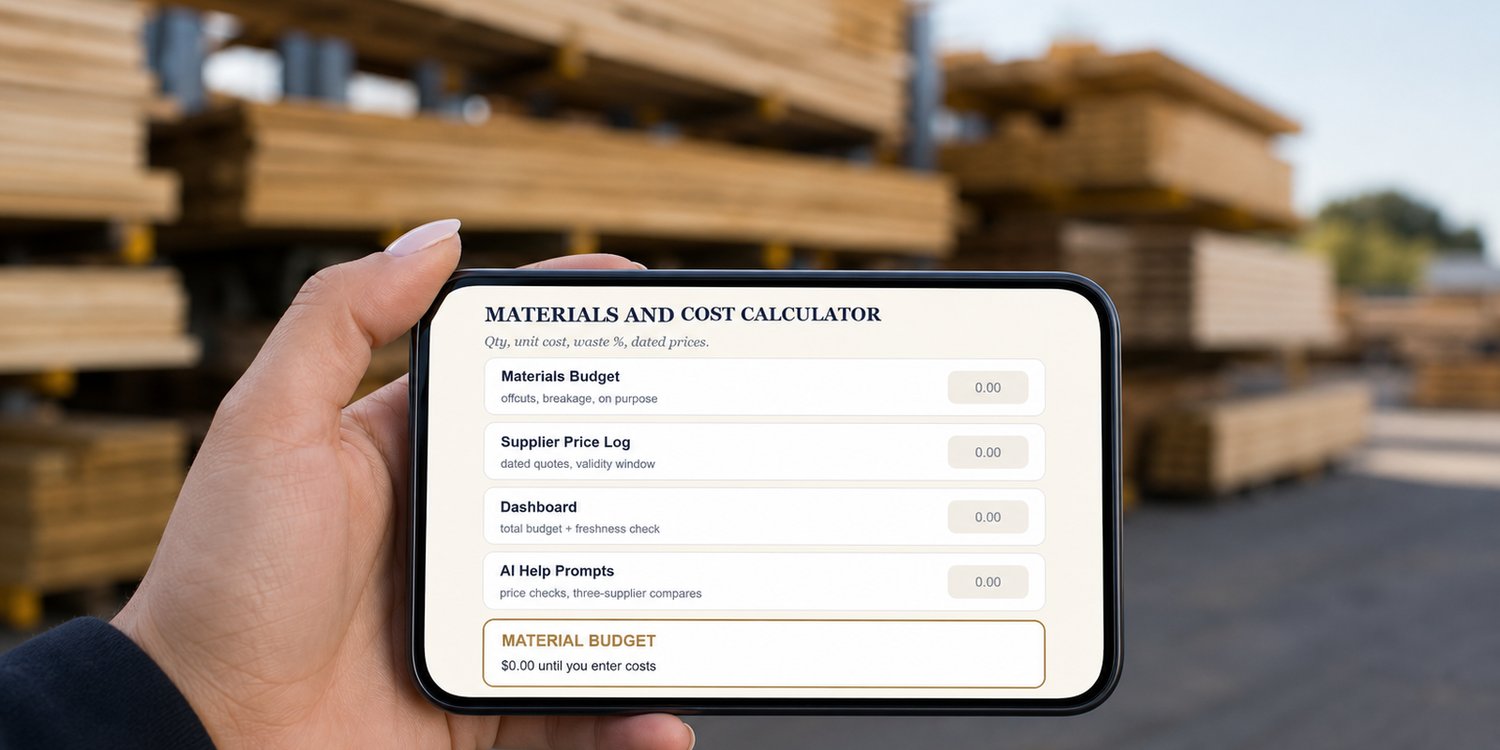



Materials and Cost Calculator: Job Budgets, Waste %, Dated Supplier Prices (Excel, LibreOffice, Google Sheets) - $29
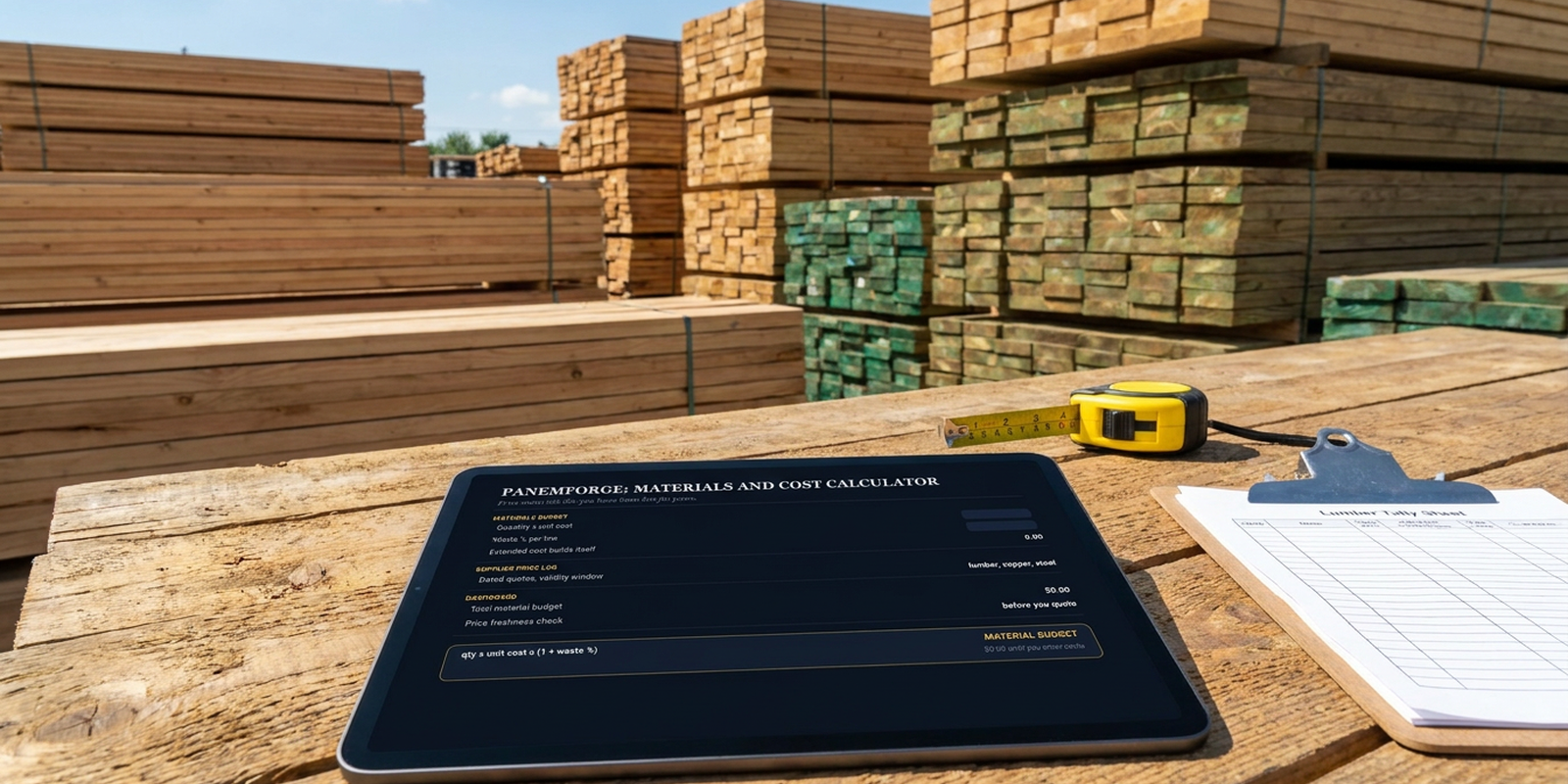 Price your materials with a clear record of what each job needs.
Enter the quantity, unit, unit cost, and the extra material you plan to buy for offcuts, breakage, and mistakes. The file calculates the extended cost for you. Record each supplier quote, along with its date and how long the price is valid. Lumber, copper, and steel can swing twenty percent in a quarter, so a quote from last month may already be out of date.
The dashboard shows your total material budget and how recent your prices are. Check it before you send a quote, not after the invoices arrive.
The AI Help Prompts sheet includes copy-and-paste prompts for tasks related to your numbers, such as supplier price checks, three-supplier comparisons, material lists from project details, checks for old quotes, and client notes when prices change. The AI drafts the text. You decide what to use.
No macros. No bank connections. No subscriptions, accounts, or logins. Works in Excel, LibreOffice Calc, and Google Sheets. One file, one price, yours forever.
SALES POLICY: All sales are final. Digital files can't be returned. If a file won't open, or is damaged, reply to your purchase email and we'll send a fixed or replacement file, free.
 Q: What does this file do?
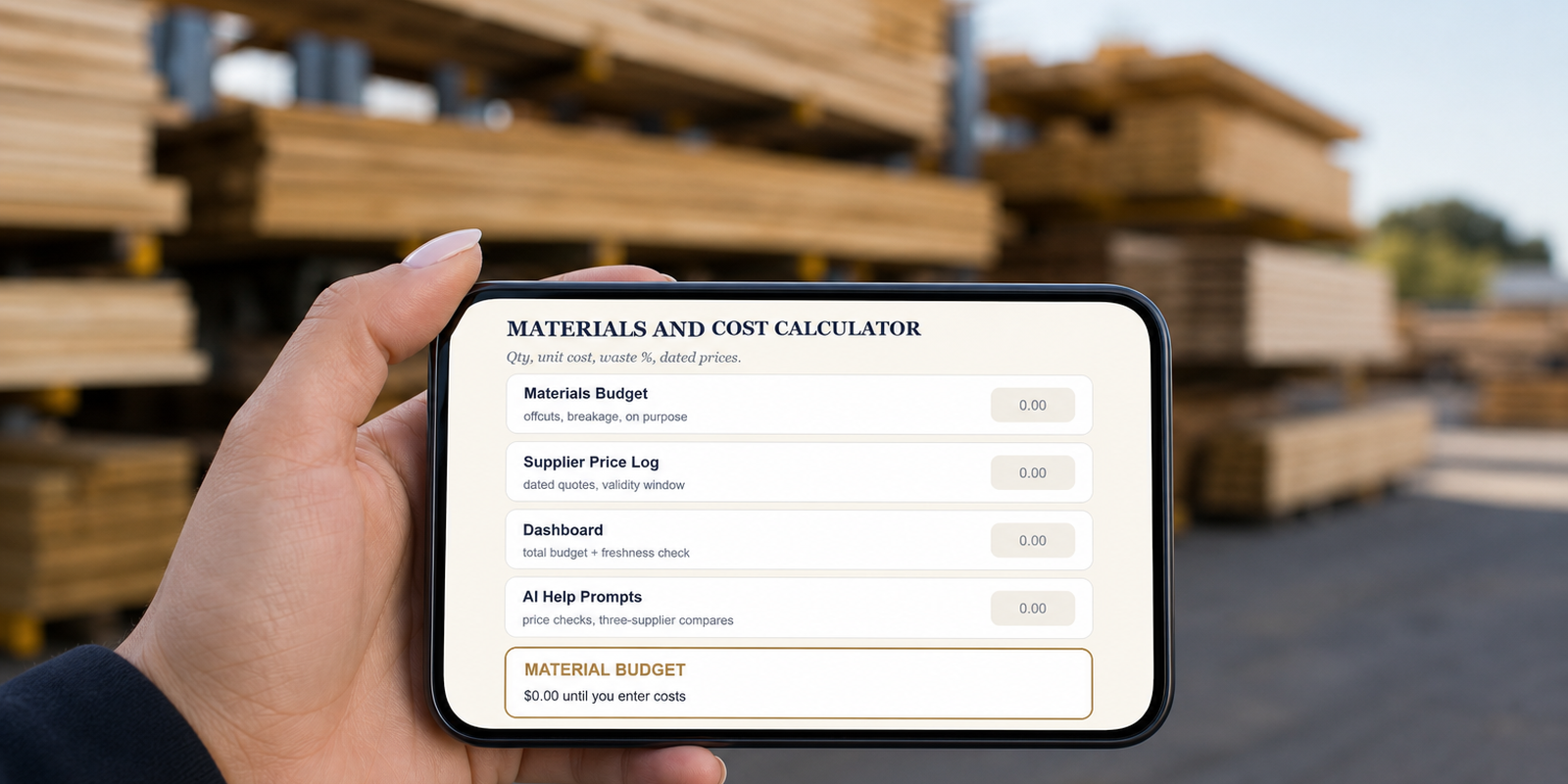
A: It helps you price your materials. Enter the quantity, unit, unit cost, and waste percentage for each line. It also includes a dated supplier price log and a dashboard showing your total material budget and how recent your prices are.
Q: Why does the date on a supplier quote matter?
A: Lumber, copper, and steel can swing twenty percent in a quarter. The file keeps your quotes dated, so you can see when a price may be out of date before you use it in a bid.
Q: Does it come with prices?
A: No. Every cost cell comes blank. You enter your supplier prices, quantities, and waste percentage. The file does the math and never invents a price.
Q: Will it work in Google Sheets?
A: Yes. It is a plain workbook with no macros, so it opens in Excel, LibreOffice, and Google Sheets. No accounts, no logins, and nothing to enable.
Q: What if a file does not open?
A: Digital files cannot be returned, so all sales are final. If a file will not open, is damaged, or is not what this page promised, reply to your purchase email. We will send a fixed or replacement file for free.
Watch the walkthrough on YouTube at youtube.com/@PanemForge.
Find more ideas and free guides on Pinterest at pinterest.com/panemforge.